
Alfheim
Alfheim is a lighting engine replacement for Minecraft, optimized for performance and fixing many bugs
Screenshots
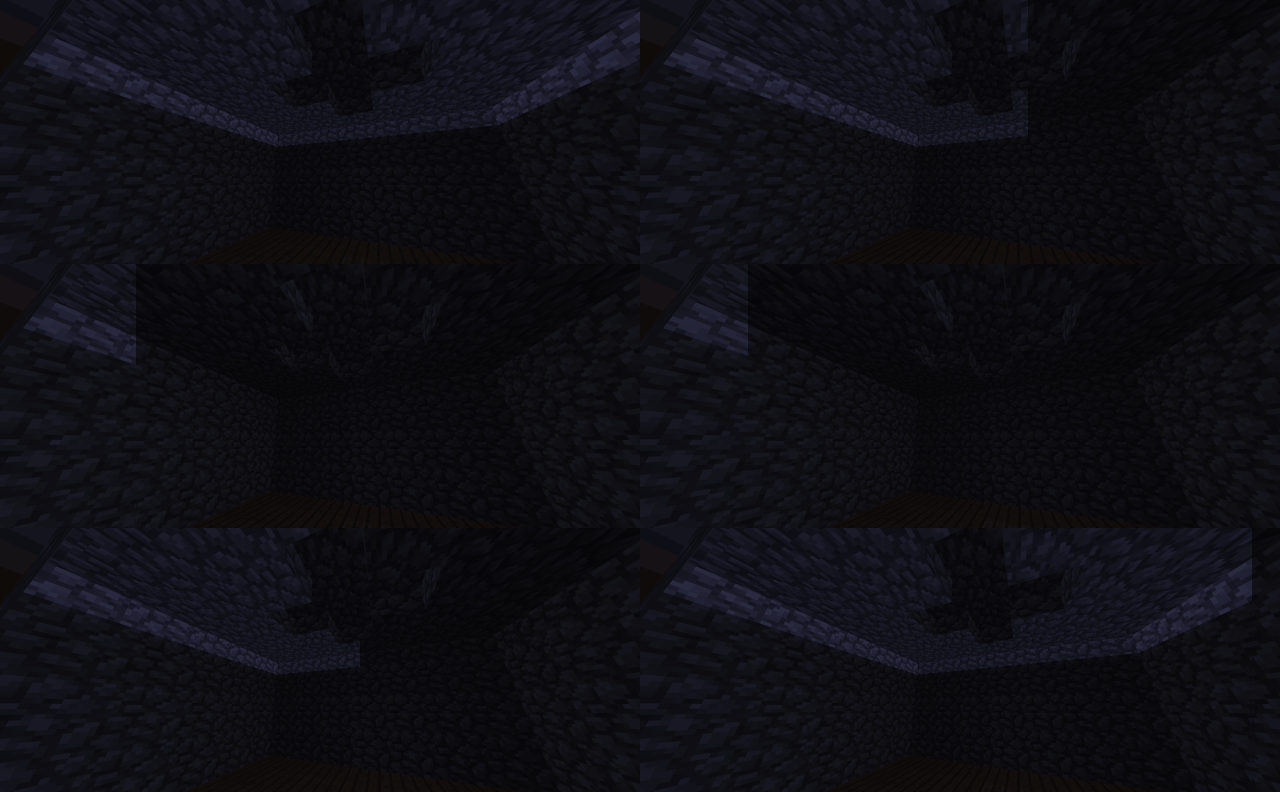
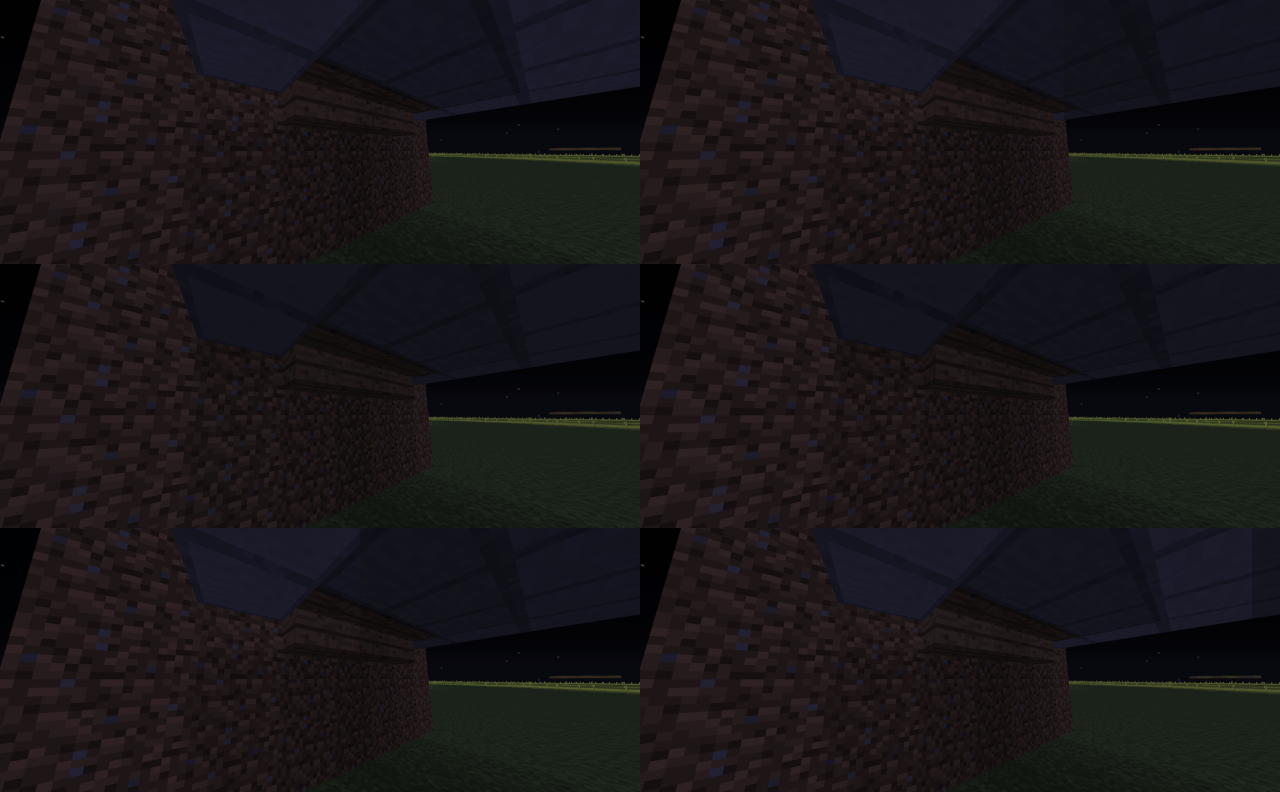
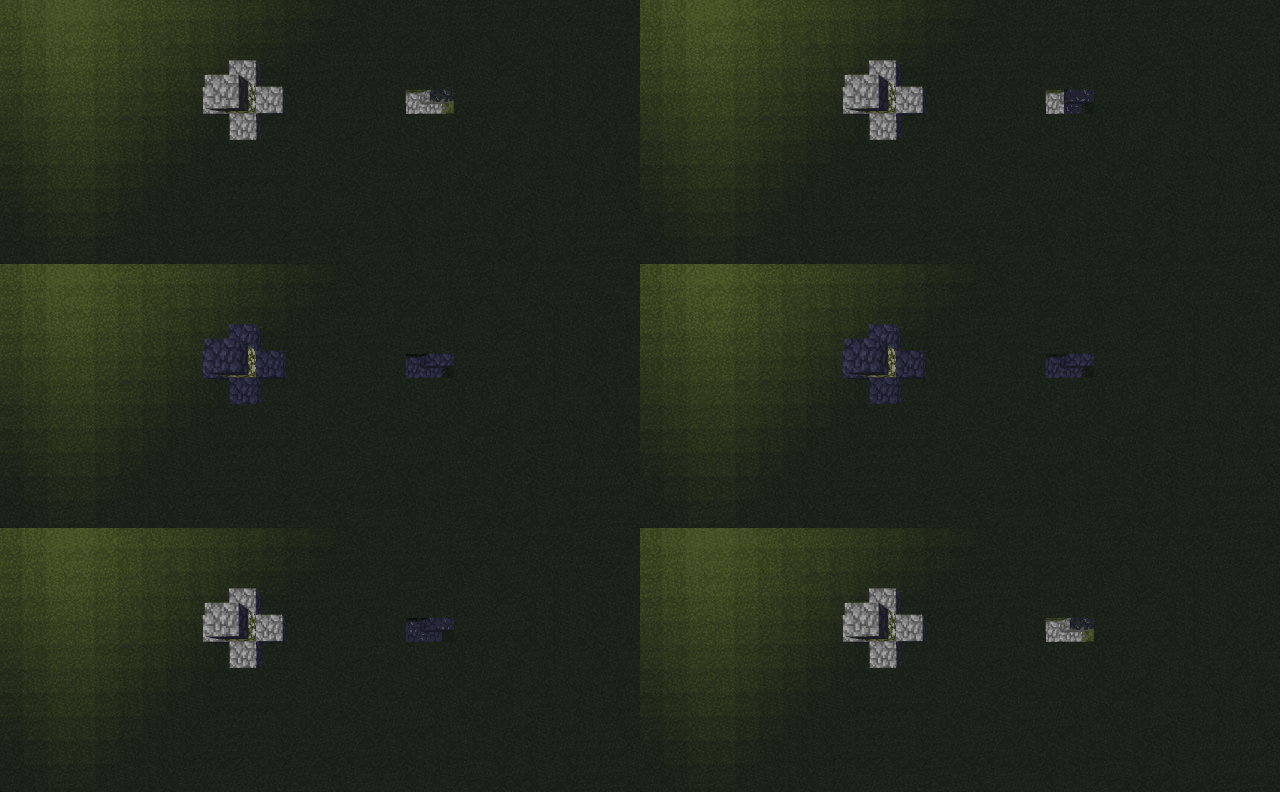
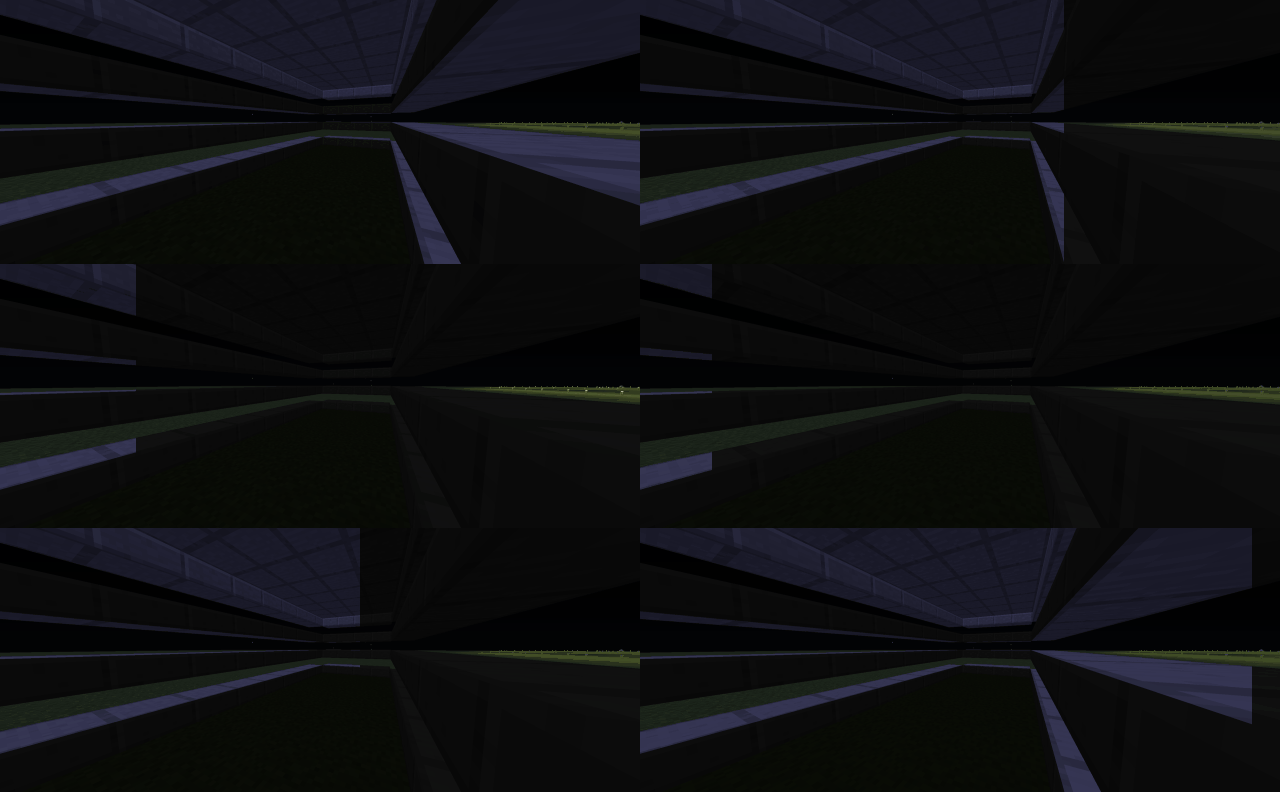

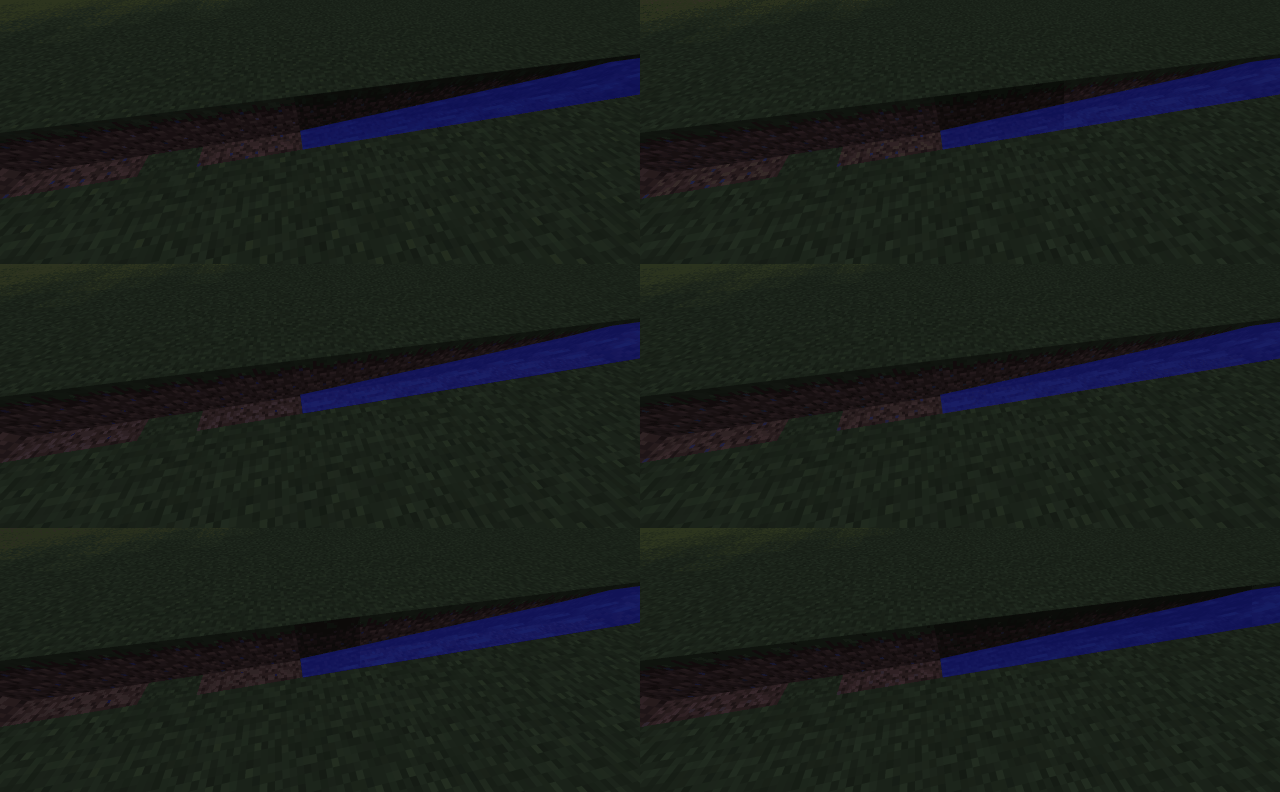
Über diese Mod


Alfheim
Alfheim is a fork (or a rewrite depending on your views on the ship of theseus) of Hesperus which is a fork of Phosphor
What benefit does this have over Phosphor/Hesperus?
Alfheim aims to be compatible in all scenarios, and if for any reasons a something is fundamentally incompatible, a warning will tell you what is happening instead of crashing with hardly any information.
Alfheim also has a lot of optimizations of all sizes over Phosphor/Hesperus it uses slightly less memory overall.
Alfheim also improves client side performance unlike Phosphor/Hesperus, by reducing by lighting related block updates by a factor of 27.
To improve client side performance, Alfheim also limits how much lighting updates are performed each frame.
In addition, Phosphor/Hesperus unnecessarily forces lights to be updates before each frame which Alfheim doesn't.
Alfheim also fixes more vanilla lighting issues than Phosphor/Hesperus, here is a list of all fixes and where they come from:
Fixed in Alfheim:
Why not just PR to Hesperus?
Fair question, the reason is simple, Alfheim compared to Hesperus isn't just a fork to fix bugs, it is my continuation of it.
And as seen in the past, my continuations of mods aren't just modifying some things, they are pretty invasive and basically change everything internally.
It wasn't this way at first, I wanted to PR some stuff to Hesperus but after doing parts of it, it became clear that it had grown bigger than a PR.
So then I decided to do Alfheim, for now it includes optimizations, bug fixes and compatibility fixes, but later down the line I have more plans.
Want to have your own mod or support me?
If you're looking for a mod but don't have the development skills or time, consider commissioning me!
My commissions are currently open and I would be happy to create a custom mod to fit your needs as long as you provide assets.
You can also support me on a monthly basis by becoming a member.
To thank you will have the possibility to access exclusive post and messages, Discord channel for WIP content, and even access to unreleased Prototypes or WIP Projects.
You can also buy me a hot chocolate.
Verfügbare Versionen
Alfheim auf dem Server installieren
Server bestellen
Bestelle einen Minecraft Java Server mit mindestens 3 GB RAM (4 GB empfohlen).
forge Loader setzen
Wähle im Panel unter "Egg" den forge-Loader und die passende Minecraft-Version (1.12.2).
Mod installieren
Öffne den Mod-Browser im Dashboard und suche nach "Alfheim". Klicke "Installieren" – fertig! Alternativ: Lade die .jar via SFTP in den /mods Ordner.
Kompatibilität
Mod-Loader
Minecraft-Versionen
1.12.2
Server-seitig
~ OptionalEmpfohlener RAM
4 GB(min. 3 GB)Häufige Fragen
Alfheim Server crasht beim Start – was tun?
Häufigste Ursache: falsche forge-Version oder zu wenig RAM. Prüfe im Server-Log (latest.log), ob ein "OutOfMemoryError" oder "Mixin"-Fehler auftritt. Bei Mado Hosting: Stelle sicher, dass mindestens 3 GB RAM zugewiesen sind und der Loader zur Mod-Version passt (1.12.2). Über das Panel kannst du den Loader mit einem Klick wechseln.
Ist Alfheim mit forge kompatibel?
Alfheim unterstützt offiziell forge für Minecraft 1.12.2. Im Mado Dashboard werden inkompatible Loader-Kombinationen automatisch erkannt.
Server laggt mit Alfheim – wie optimiere ich die Performance?
Empfohlener RAM: 4 GB (+1 GB pro 8 Spieler). Prüfe mit /spark profiler, ob Alfheim den meisten Tick-Time verbraucht. Häufige Fixes: Server-View-Distance auf 8-10 reduzieren, bei Forge "performant" oder "starlight" als Zusatz-Mod installieren. Bei Mado Hosting läuft dein Server auf NVMe-SSDs mit dedizierten CPU-Kernen für minimale Latenz.
Ähnliche Mods


Modded Server mieten
Installiere Alfheim mit nur einem Klick auf deinem Server.