
Alfheim
Alfheim is a lighting engine replacement for Minecraft, optimized for performance and fixing many bugs
Screenshots
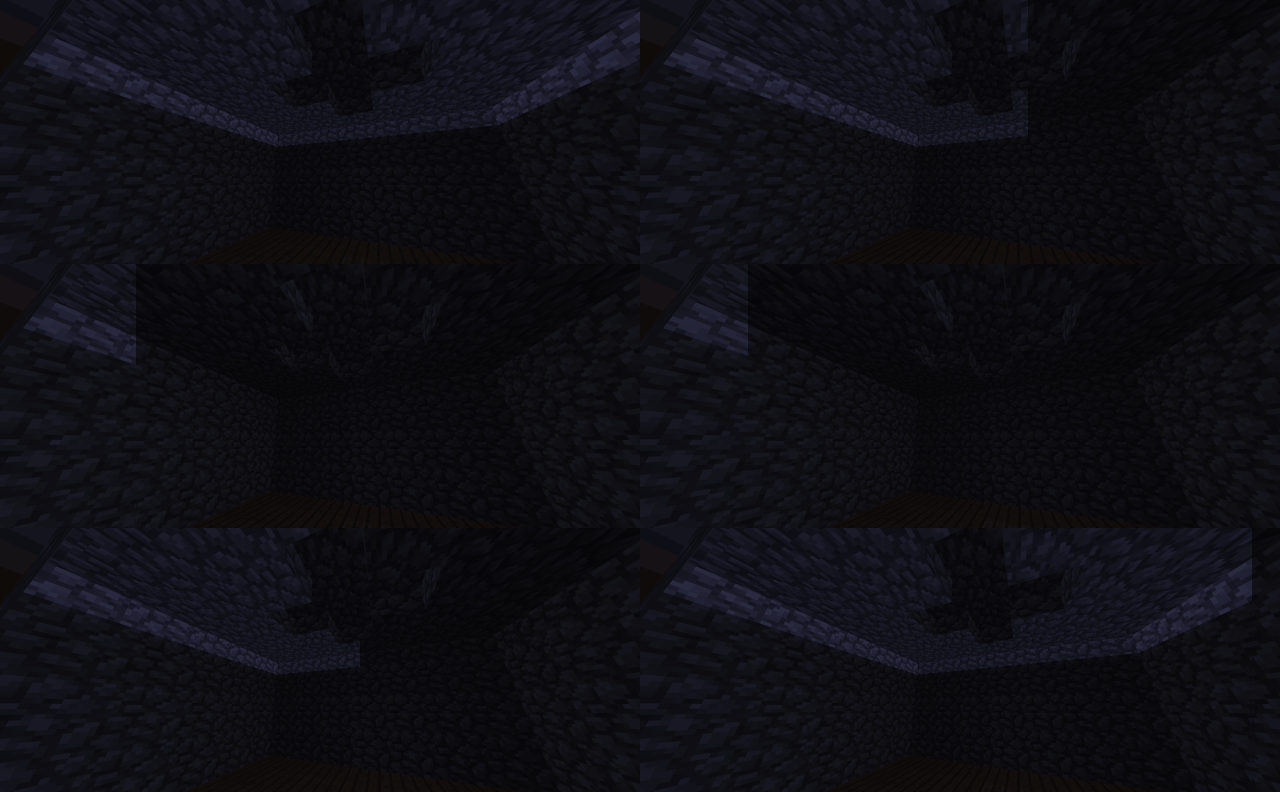
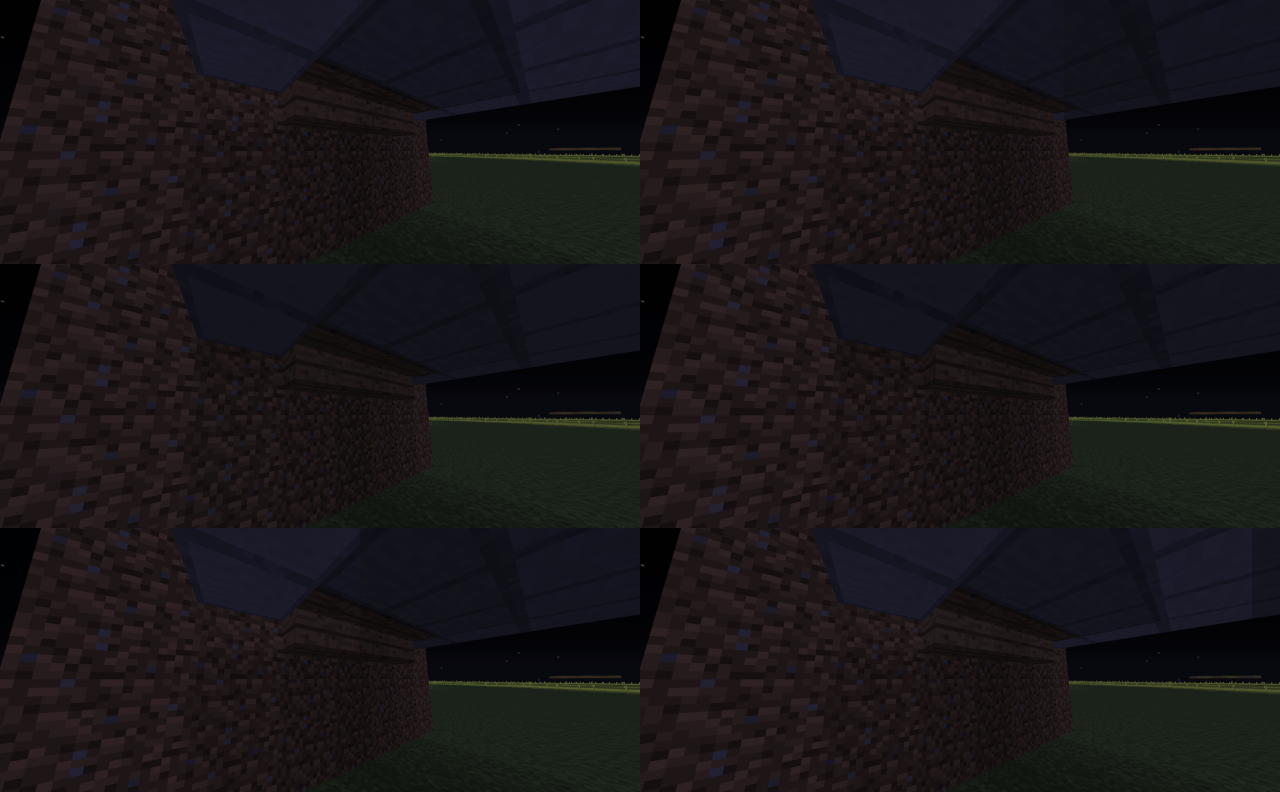
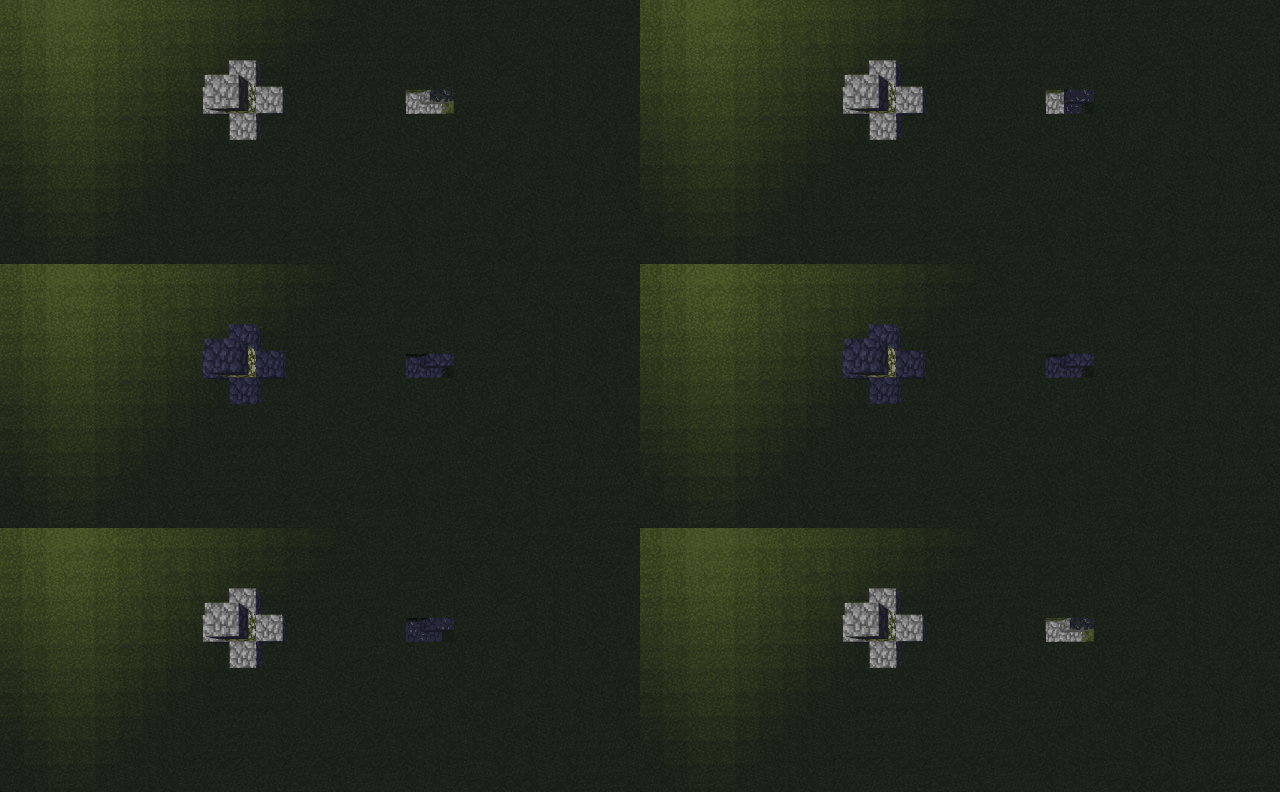
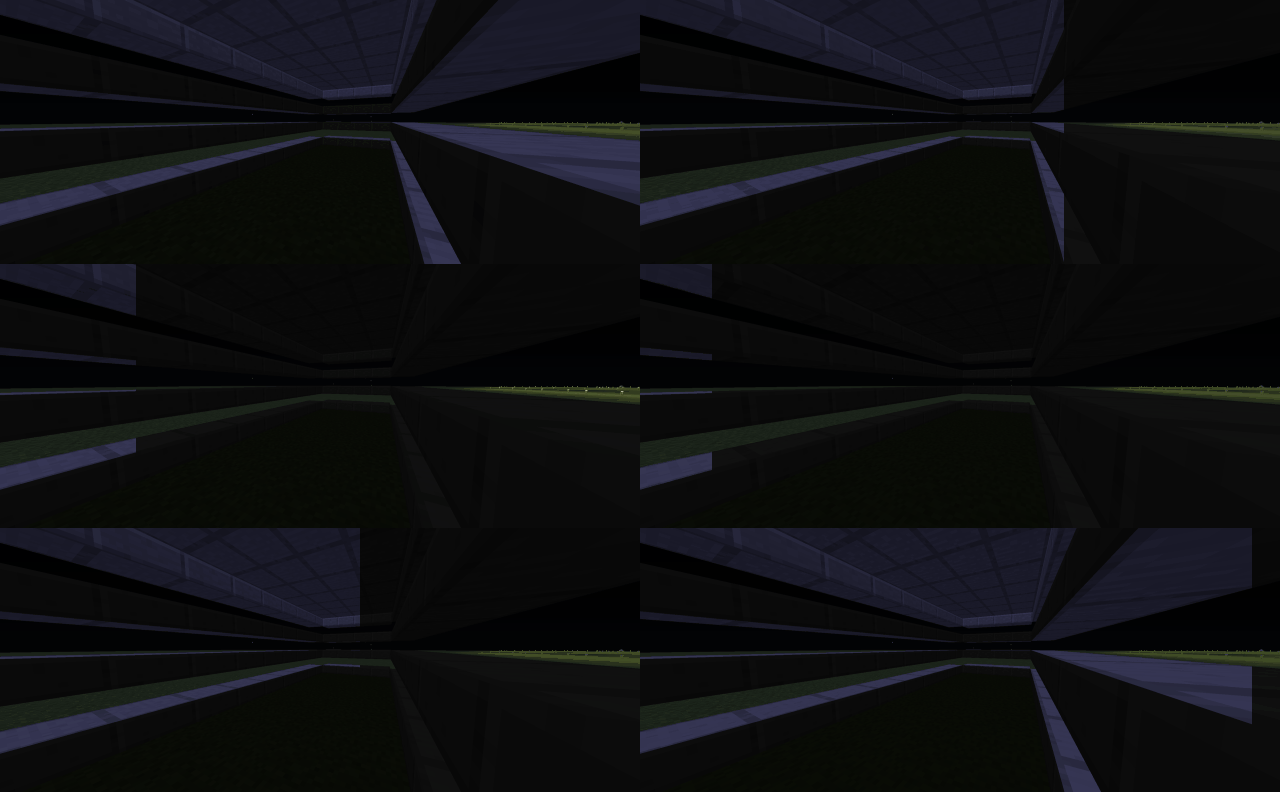

About this Mod


Alfheim
Alfheim is a fork (or a rewrite depending on your views on the ship of theseus) of Hesperus which is a fork of Phosphor
What benefit does this have over Phosphor/Hesperus?
Alfheim aims to be compatible in all scenarios, and if for any reasons a something is fundamentally incompatible, a warning will tell you what is happening instead of crashing with hardly any information.
Alfheim also has a lot of optimizations of all sizes over Phosphor/Hesperus it uses slightly less memory overall.
Alfheim also improves client side performance unlike Phosphor/Hesperus, by reducing by lighting related block updates by a factor of 27.
To improve client side performance, Alfheim also limits how much lighting updates are performed each frame.
In addition, Phosphor/Hesperus unnecessarily forces lights to be updates before each frame which Alfheim doesn't.
Alfheim also fixes more vanilla lighting issues than Phosphor/Hesperus, here is a list of all fixes and where they come from:
Fixed in Alfheim:
Why not just PR to Hesperus?
Fair question, the reason is simple, Alfheim compared to Hesperus isn't just a fork to fix bugs, it is my continuation of it.
And as seen in the past, my continuations of mods aren't just modifying some things, they are pretty invasive and basically change everything internally.
It wasn't this way at first, I wanted to PR some stuff to Hesperus but after doing parts of it, it became clear that it had grown bigger than a PR.
So then I decided to do Alfheim, for now it includes optimizations, bug fixes and compatibility fixes, but later down the line I have more plans.
Want to have your own mod or support me?
If you're looking for a mod but don't have the development skills or time, consider commissioning me!
My commissions are currently open and I would be happy to create a custom mod to fit your needs as long as you provide assets.
You can also support me on a monthly basis by becoming a member.
To thank you will have the possibility to access exclusive post and messages, Discord channel for WIP content, and even access to unreleased Prototypes or WIP Projects.
You can also buy me a hot chocolate.
Available Versions
How to Install Alfheim on Your Server
Order Server
Order a Minecraft Java server with at least 3 GB RAM (4 GB recommended).
Set forge Loader
In the panel under "Egg", select the forge loader and matching Minecraft version (1.12.2).
Install Mod
Open the mod browser in the dashboard and search for "Alfheim". Click "Install" – done! Alternatively, upload the .jar via SFTP to the /mods folder.
Compatibility
Mod Loaders
Minecraft Versions
1.12.2
Server-side
~ OptionalRecommended RAM
4 GB(min. 3 GB)Frequently Asked Questions
Alfheim server crashes on startup – what to do?
Most common cause: wrong forge version or insufficient RAM. Check the server log (latest.log) for "OutOfMemoryError" or "Mixin" errors. With Mado Hosting: ensure at least 3 GB RAM is allocated and the loader matches the mod version (1.12.2). You can switch loaders with one click in the panel.
Is Alfheim compatible with forge?
Alfheim officially supports forge for Minecraft 1.12.2. The Mado dashboard automatically detects incompatible loader combinations.
Server lagging with Alfheim – how to optimize performance?
Recommended RAM: 4 GB (per 8 players). Use /spark profiler to check if Alfheim consumes the most tick time. Common fixes: reduce server view-distance to 8-10, install "performant" or "starlight" as supplementary mods on Forge. With Mado Hosting, your server runs on NVMe SSDs with dedicated CPU cores for minimal latency.
Similar Mods


Rent Modded Server
Install Alfheim with just one click on your server.