AntiXray
A lightweight mod that allows server owners to combat xrayers.
Screenshots
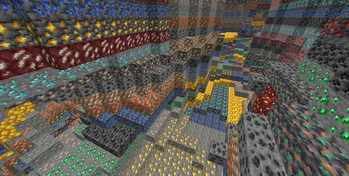
Über diese Mod
Anti Xray
Anti Xray is a lightweight fabric mod that allows server owners to combat xrayers.
Config
# Default values
enabled = false

# World specific values
[overworld]
enabled = true
engineMode = 3
maxBlockHeight = 256
updateRadius = 2
lavaObscures = false
hiddenBlocks = ["#c:ores", "raw_copper_block", "raw_iron_block", "raw_gold_block", "!#antixray:hidden_only_ores"]
replacementBlocks = ["#antixray:hidden_only_ores", "stone", "deepslate", "andesite", "calcite", "diorite", "dirt", "granite", "gravel", "sand", "tuff", "mossy_cobblestone", "obsidian", "clay", "infested_stone", "amethyst_block", "budding_amethyst", "chest"]

[the_nether]
enabled = true
engineMode = 1
maxBlockHeight = 128
updateRadius = 2
lavaObscures = true
hiddenBlocks = ["ancient_debris", "nether_quartz_ore", "nether_gold_ore", "gold_block", "gilded_blackstone"]
Config option overview
enabled if set to true anti xray will be active in the specified world
engineMode can either be 1, 2 or 3 see [Engine Modes](#Engine Modes)
maxBlockHeight controls the max height at which blocks should get obfuscated
updateRadius controls how many blocks away from shown blocks obfuscation should start (if your players see fake ores
it is recommended to increase this value)
lavaObscures if set to true blocks next to lava will get obscured
hiddenBlocks a list of blocks to hide (Engine mode 1) or a list of blocks to use for obfuscation (Engine mode 2/3)
replacementBlocks is a list of blocks that will be obfuscated, but not used as fake blocks (Engine mode 2/3 only)
Blocks / block tags can be prefixed ! to remove them from the block list.
The rules are applied from left to right, removals should be specified after additions. (since 1.4.10)
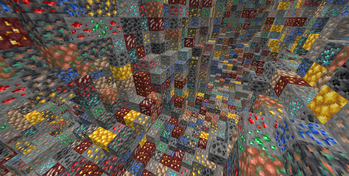
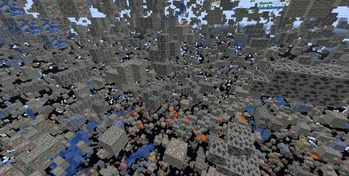
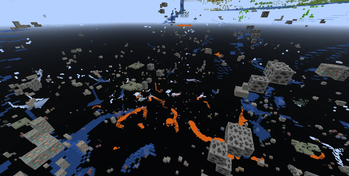
Engine Modes
| Info | Image |
|---|---|
| Anti xray disabled: This is just for reference |  |
EngineMode 1: This mode will replace all fully obscured (no air around) blocks from hiddenBlocks with other fake blocks, stone (deepslate at y < 0), netherrack, or end_stone based on the dimension. |
 |
EngineMode 2: This mode will replace all blocks from hiddenBlocks and replacementBlocks with random blocks from hiddenBlocks |
 |
| EngineMode 3 (recommended): Works very similar to engine mode 2, but works better with slow connections | 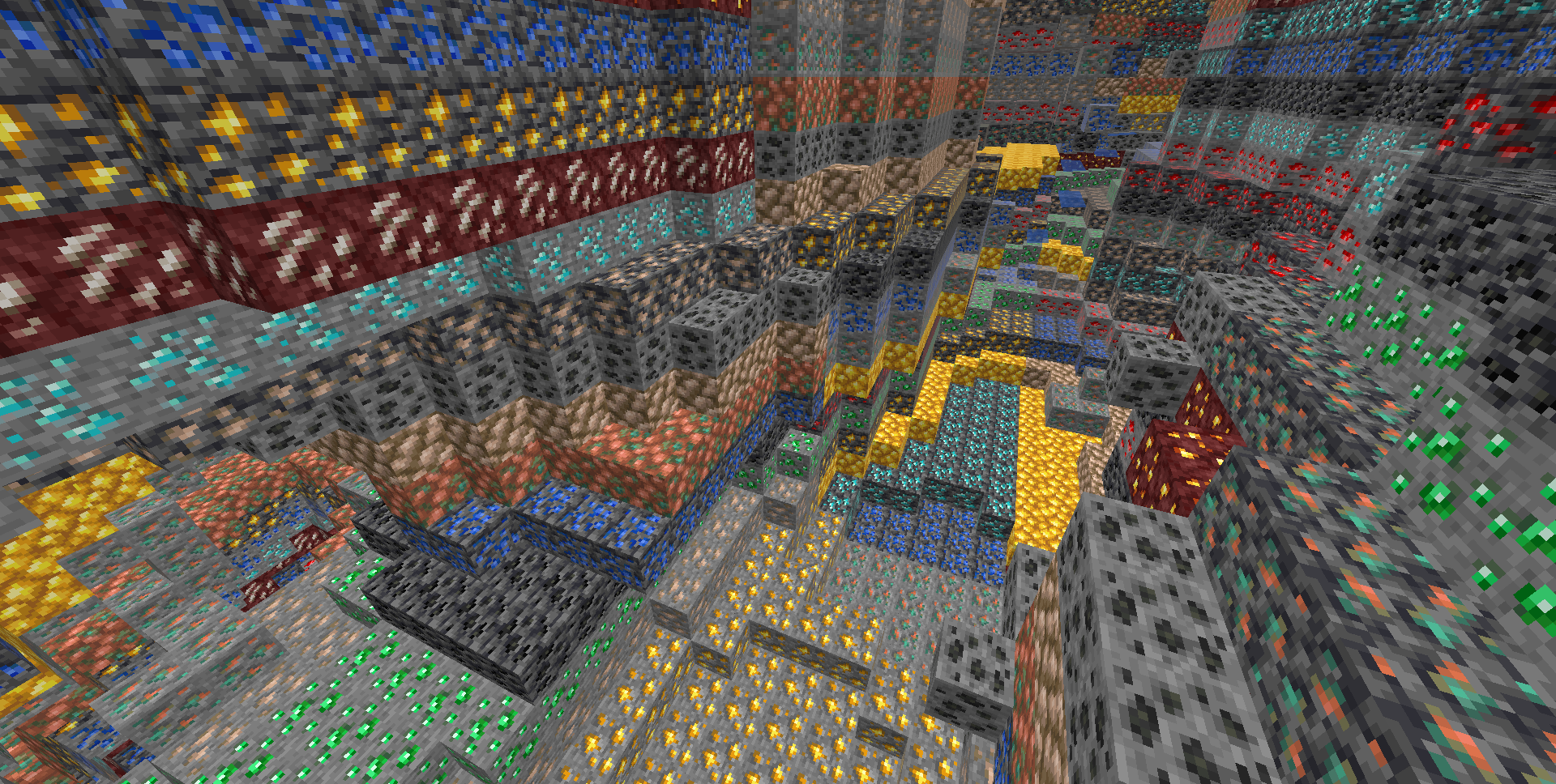 |
Legit player view: Legit players wont notice any changes when this mod is installed (unless they have high ping or modify a lot of blocks at once, eg: explosions)
Custom Dimensions
To configure antixray in custom dimensions, specify the dimension id like this: ["custom:cool_world"]
Mod Developers
Ore blocks added to the #antixray:hidden_only_ores block tag will be hidden from the world, but not used as fake ore.
This can be useful if your ore has effects, such as particles or sounds, that could cause problems. (since 1.4.10)
About
This mod is a port of Papers Async Anti Xray Patch from 1.17 and it's 1.14 patch for networking code, to fabric and forge
Verfügbare Versionen
AntiXray auf dem Server installieren
Server bestellen
Bestelle einen Minecraft Java Server mit mindestens 3 GB RAM (4 GB empfohlen).
fabric Loader setzen
Wähle im Panel unter "Egg" den fabric-Loader und die passende Minecraft-Version (26.3).
Mod installieren
Öffne den Mod-Browser im Dashboard und suche nach "AntiXray". Klicke "Installieren" – fertig! Alternativ: Lade die .jar via SFTP in den /mods Ordner.
Kompatibilität
Mod-Loader
Minecraft-Versionen
26.3, 26.2, 26.2-rc-2 (+54 weitere)
Server-seitig
✓ ErforderlichEmpfohlener RAM
4 GB(min. 3 GB)Häufige Fragen
AntiXray Server crasht beim Start – was tun?
Häufigste Ursache: falsche fabric-Version oder zu wenig RAM. Prüfe im Server-Log (latest.log), ob ein "OutOfMemoryError" oder "Mixin"-Fehler auftritt. Bei Mado Hosting: Stelle sicher, dass mindestens 3 GB RAM zugewiesen sind und der Loader zur Mod-Version passt (26.3). Über das Panel kannst du den Loader mit einem Klick wechseln.
Ist AntiXray mit fabric und forge und neoforge und quilt kompatibel?
AntiXray unterstützt offiziell fabric, forge, neoforge, quilt für Minecraft 26.3, 26.2, 26.2-rc-2. Achtung: Forge- und Fabric-Mods sind NICHT untereinander kompatibel – wähle einen Loader und bleibe dabei. Im Mado Dashboard werden inkompatible Loader-Kombinationen automatisch erkannt.
Server laggt mit AntiXray – wie optimiere ich die Performance?
Empfohlener RAM: 4 GB (+1 GB pro 8 Spieler). Prüfe mit /spark profiler, ob AntiXray den meisten Tick-Time verbraucht. Häufige Fixes: Server-View-Distance auf 8-10 reduzieren, bei Forge "performant" oder "starlight" als Zusatz-Mod installieren. Bei Mado Hosting läuft dein Server auf NVMe-SSDs mit dedizierten CPU-Kernen für minimale Latenz.
Ähnliche Mods






Modded Server mieten
Installiere AntiXray mit nur einem Klick auf deinem Server.