
Block Pack
📦 Add 1200+ decorative furniture blocks & functional furniture vanilla style blocks in Minecraft
Screenshots
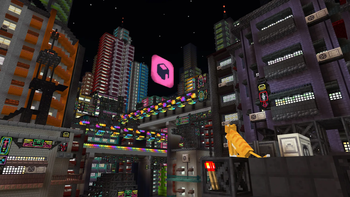
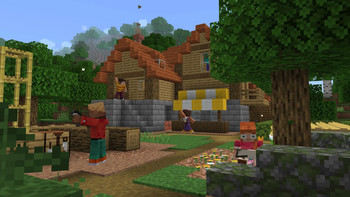
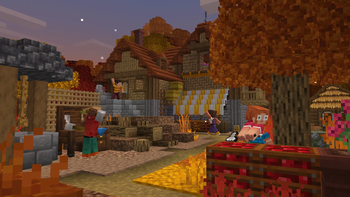
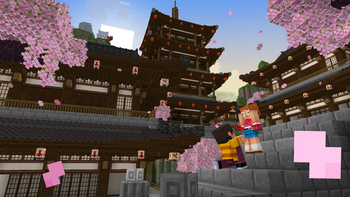
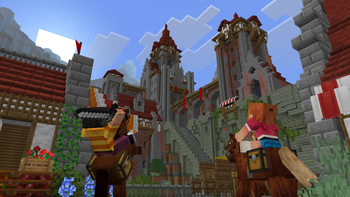
Über diese Mod







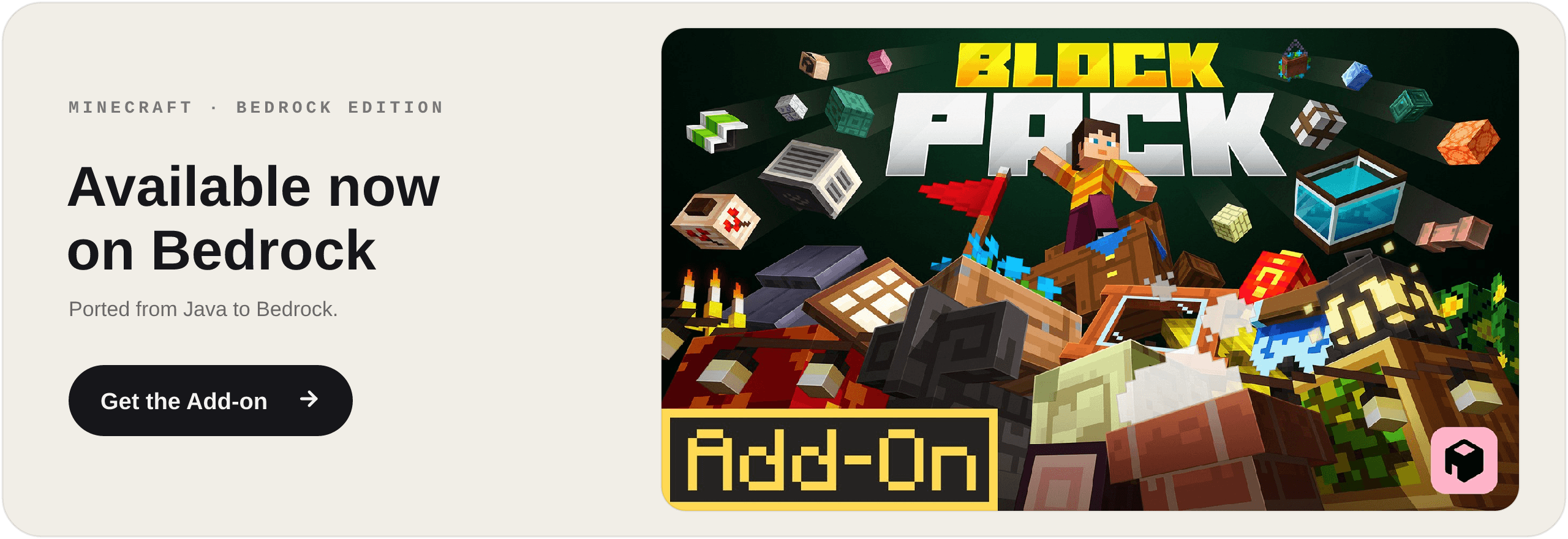

Block Pack adds 1200+ building blocks. Build literally anything.
📋 About
Block Pack adds over 1200 building and decoration blocks to Minecraft - one mod, every style. Build in medieval, Japanese, Greek, cyberpunk, modern, or underwater themes from a single pack. Made for vanilla builders who want more shapes, more detail, and full customization without losing the base-game feel.
🧱 More Than Decoration
Block Pack blocks actually do things:
Fillable storage - crates, fish barrels, baskets and sacks: right-click to stash items and pull them back out.
Lights everywhere - paper lanterns and hanging lamps that sway on their chains, neon signs, string lights, candlesticks in every color, and glowing hologram blocks.
Living streets - air conditioners, smoking chimneys, weather vanes, vents and gutters that bring a town to life.
The Wrench - change block states and swap variants right in the world, no menus.
A custom Wandering Trader - roaming your world with exclusive Block Pack goods.
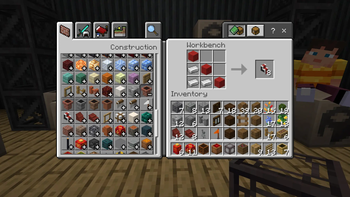
🔨 The Workbench
Every block is crafted at the Workbench, a dedicated station with its own recipe book - so 1200 fresh recipes never clutter your vanilla crafting table.
🔧 Compatibility
Full support for JEI, EMI, Jade, and Chipped.
🚀 Supported Versions
1.21.1 - NeoForge · Fabric
1.20.1 - Forge · Fabric
Fabric requires the Fabric API.
Verfügbare Versionen
Block Pack auf dem Server installieren
Server bestellen
Bestelle einen Minecraft Java Server mit mindestens 3 GB RAM (4 GB empfohlen).
fabric Loader setzen
Wähle im Panel unter "Egg" den fabric-Loader und die passende Minecraft-Version (1.21.1).
Mod installieren
Öffne den Mod-Browser im Dashboard und suche nach "Block Pack". Klicke "Installieren" – fertig! Alternativ: Lade die .jar via SFTP in den /mods Ordner.
Kompatibilität
Mod-Loader
Minecraft-Versionen
1.21.1, 1.20.1
Server-seitig
✓ ErforderlichEmpfohlener RAM
4 GB(min. 3 GB)Häufige Fragen
Block Pack Server crasht beim Start – was tun?
Häufigste Ursache: falsche fabric-Version oder zu wenig RAM. Prüfe im Server-Log (latest.log), ob ein "OutOfMemoryError" oder "Mixin"-Fehler auftritt. Bei Mado Hosting: Stelle sicher, dass mindestens 3 GB RAM zugewiesen sind und der Loader zur Mod-Version passt (1.21.1). Über das Panel kannst du den Loader mit einem Klick wechseln.
Ist Block Pack mit fabric und forge und neoforge kompatibel?
Block Pack unterstützt offiziell fabric, forge, neoforge für Minecraft 1.21.1, 1.20.1. Achtung: Forge- und Fabric-Mods sind NICHT untereinander kompatibel – wähle einen Loader und bleibe dabei. Im Mado Dashboard werden inkompatible Loader-Kombinationen automatisch erkannt.
Server laggt mit Block Pack – wie optimiere ich die Performance?
Empfohlener RAM: 4 GB (+1 GB pro 8 Spieler). Prüfe mit /spark profiler, ob Block Pack den meisten Tick-Time verbraucht. Häufige Fixes: Server-View-Distance auf 8-10 reduzieren, bei Forge "performant" oder "starlight" als Zusatz-Mod installieren. Bei Mado Hosting läuft dein Server auf NVMe-SSDs mit dedizierten CPU-Kernen für minimale Latenz.
Ähnliche Mods

![[ETF] Entity Texture Features](https://cdn.modrinth.com/data/BVzZfTc1/af683d206d50b05258d865b0d6e4aa2f2cee12f2_96.webp)
![[EMF] Entity Model Features](https://cdn.modrinth.com/data/4I1XuqiY/6e5bbd0d06b1741bfdab6c0cfab6de8fdaf0064c_96.webp)



Modded Server mieten
Installiere Block Pack mit nur einem Klick auf deinem Server.