
Modrinth · Forge, NeoForge
Brazil Legends auf deinem Minecraft Server
Brazil Legends läuft auf Minecraft Servern mit Forge oder NeoForge. Bestell deinen Server, stell den Loader im Panel ein und installiere die Mod mit einem Klick im Mod-Browser.
Explore the rich folklore and culture of Brazil
- Downloads
- 364.8K
- Autor
- IDRAWTHINGS
- Loader
- Forge, NeoForge
- Minecraft
- 1.20.1 – 1.21.1
- Aktualisiert
- –
Screenshots
So sieht Brazil Legends aus


Bilder: Brazil Legends auf Modrinth, vom Projektteam veröffentlicht.
Einrichtung
Brazil Legends auf dem Server installieren
Server und Spieler brauchen denselben Loader und dieselbe Minecraft-Version. Sichere die Welt, bevor du Mods hinzufügst oder aktualisierst.
- 01
Konfigurieren
4 GB RAM sind vorausgewählt. Laufzeit und Add-ons wählst du selbst, bezahlt wird per Kreditkarte oder PayPal.
- 02
Loader einstellen
Stell im Panel die Serversoftware auf Forge oder NeoForge und wähl die passende Minecraft-Version, zum Beispiel 1.21.1.
- 03
Mod installieren
Such im Mod-Browser nach „Brazil Legends“ und installiere die Version für deinen Loader. Alternativ lädst du die .jar per SFTP in den Ordner mods. Erforderliche Abhängigkeiten stehen auf der Projektseite.
- 04
Verbinden
Alle Spieler installieren Brazil Legends in derselben Version lokal und verbinden sich über die Serveradresse aus dem Panel.
- Auf dem Server
- Erforderlich
- Auf dem Client
- Erforderlich
- Loader
- Forge, NeoForge
- Minecraft
- 1.21.1, 1.20.1
- Lizenz
- LicenseRef-All-Rights-Reserved
Das Panel
Mods installieren, Fehler finden.
Echte Screenshots aus dem Mado Panel. Beides ist bei jedem Minecraft Server enthalten.
Mod-Browser
Modrinth und CurseForge direkt im Panel.
Der Browser filtert nach deiner Minecraft-Version. Mods installierst du mit einem Klick, ohne .jar-Dateien hochzuladen.

KI-Crash-Analyse
Wenn ein Mod crasht, liest die Analyse das Log.
Mods scheitern oft an einer falschen Loader-Version, Java-Version oder fehlenden Abhängigkeit. Die Analyse nennt eine wahrscheinliche Ursache und einen Lösungsvorschlag.

Versionen
Veröffentlichte Versionen
Nimm die Datei, die zu Loader und Minecraft-Version deines Servers passt. Server und Spieler brauchen dieselbe Version.
Brazil Legends · Modrinth- Brazil Legends 1.7.09. Juli 2025Minecraft 1.21.1 · NeoForge
- Brazil Legends 1.7.09. Juli 2025Minecraft 1.20.1 · Forge
Originalbeschreibung des Projektautors

About:
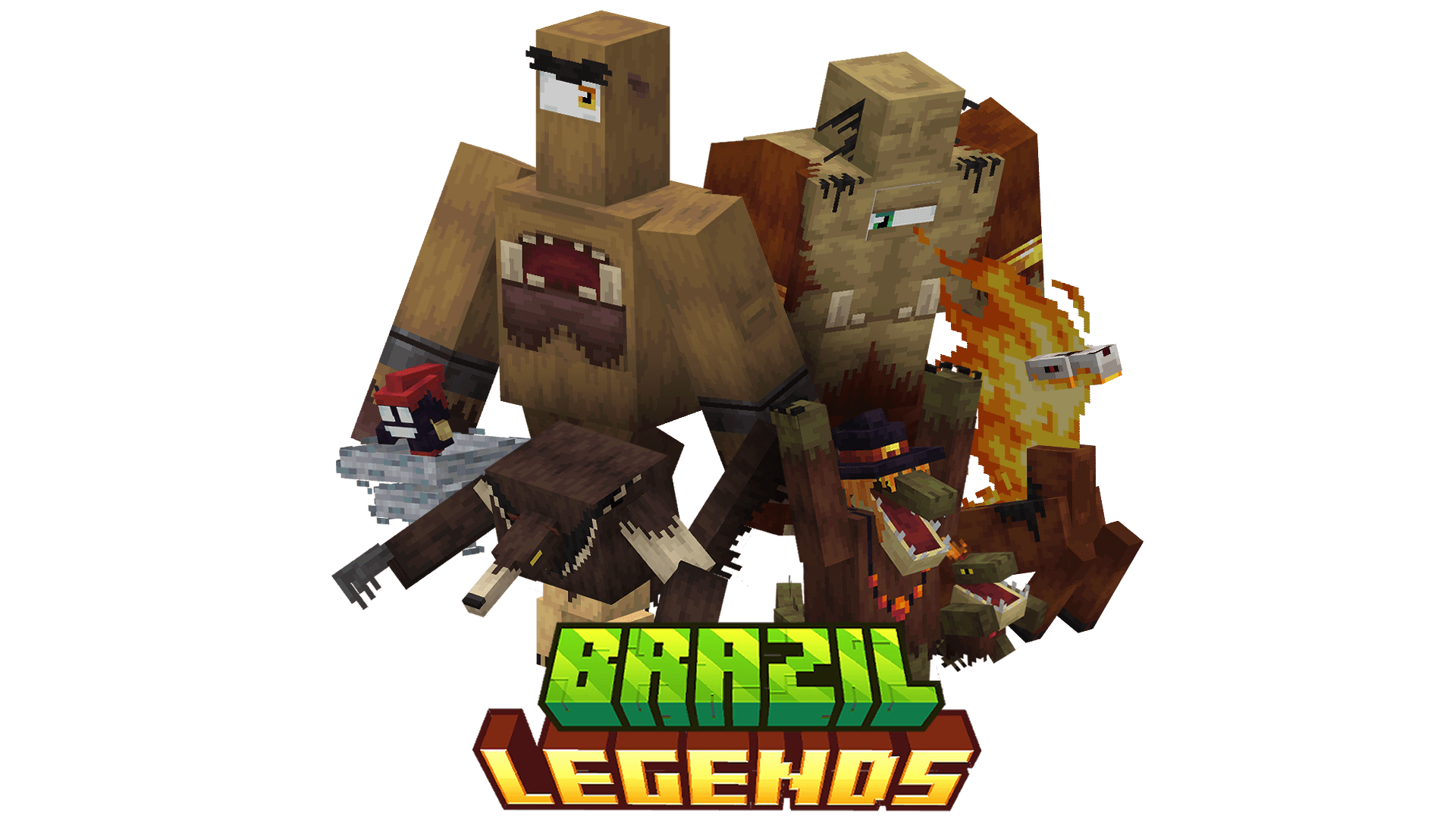
Brazil Legend is a content-rich mod that introduces the diverse and captivating folklore of Brazil into Minecraft, expanding the game with new entities, weapons, and gameplay systems all designed to integrate seamlessly with the game’s aesthetics and mechanics.
This mod adds a variety of legendary creatures, including Saci, Cuca, Mapinguari, Headless Mule, and Capelobo. Each entity features unique AI behaviors, biome-specific spawning conditions, and distinct combat or interaction mechanics.
Brazil Legend delivers a distinctive exploration and progression experience, offering players a unique adventure deeply rooted in Brazilian folklore.
The 'Allow distribution to 3rd party' option is enabled solely for use with Aternos. I strongly oppose the redistribution of this mod on other websites. Any distribution outside the official sources is strictly prohibited unless I have given explicit permission.
For detailed information about creatures, mechanics, item recipes, and progression systems, please refer to the Brazil Legend Wiki. The Wiki provides in-depth guides and technical details to help you get the most out of the mod.
Spoiler
Q. Which Minecraft versions are supported by Brazil Legend?
A. Currently, Brazil Legend is supported on Minecraft 1.20.1. Updates for additional versions will be released in the future.
Q. Will there be updates with new creatures or features?
A. Yes! Brazil Legend is an ongoing project, and updates will bring new creatures, items, and mechanics. Keep an eye on the changelogs and announcements for details on upcoming features.
Q. Can I include Brazil Legend in my modpack?
A. Absolutely! Feel free to add Brazil Legend to your modpack and customize it as needed. Just remember to:
Give proper credit to the mod and don’t claim it as your own creation.
Q. Will you backport Brazil Legend to older Minecraft versions?
A. No, backporting to older versions is not planned. Older Minecraft versions lack essential features for the mod, and making it compatible would be too complex.
Please refrain from requesting backports!
Q. Why create a mod about folklore when there are others with similar ideas?
A. Folklore is a vast and diverse theme, and every culture has unique stories to tell. Brazil Legend aims to highlight Brazil's distinctive mythology and creatures, offering something different from mods inspired by other traditions.
Additionally, I wanted to create a mod that reflects my own style and vision, designing the creatures and their mechanics in a way that I personally would love to see them integrated into Minecraft. This mod is not just about bringing folklore to life, but doing so in a way that feels fresh, exciting, and true to my creative ideas.
That said, if you're curious about other folklore-themed mods, you’re welcome to explore and install them too! Combining different mods can enhance your experience by blending various mythologies and creatures into your Minecraft world. Just ensure that your mods are compatible and use tools like Modpack launchers to manage them efficiently.
Q. Will you add creatures from other cultures or mythologies?
A. No, Brazil Legend focuses exclusively on Brazilian folklore. The goal is to showcase Brazil’s unique myths and legends in Minecraft, rather than blending elements from other cultures.
Brazil Legends Server crasht beim Start – was tun?
Häufige Ursachen: Loader- oder Minecraft-Version passen nicht zur Mod-Datei, eine Abhängigkeit fehlt oder der RAM reicht nicht. Such im Log (latest.log) nach „OutOfMemoryError“, „Mixin“ oder fehlenden Mods. Bei Mado wertet die KI-Crash-Analyse das Log aus und schlägt eine Ursache vor. Loader und Version änderst du im Panel.
Mit welchem Loader läuft Brazil Legends?
Laut Modrinth unterstützt Brazil Legends Forge, NeoForge für Minecraft 1.21.1, 1.20.1.
Wie viel RAM braucht ein Server mit Brazil Legends?
Als Orientierung 3–4 GB für einen Server mit dieser Mod. Das ist eine Schätzung, keine gemessene Mindestanforderung. Weitere Mods, viele Spieler und große Sichtweiten brauchen mehr. Ob eine Mod die Tick-Zeit belastet, siehst du mit dem spark-Profiler.
Ähnliche Mods
Beliebte Mods aus derselben Kategorie
 Nur Client

[EMF] Entity Model Features
von Traben
EMF is an, OptiFine format, Custom Entity Model replacement mod available for Fabric and Forge.
 Server-fähig

Cobblemon
von CobbledStudios
A Pokémon mod for Fabric and NeoForge
 Server-fähig

Dungeons and Taverns
von NovaWostra
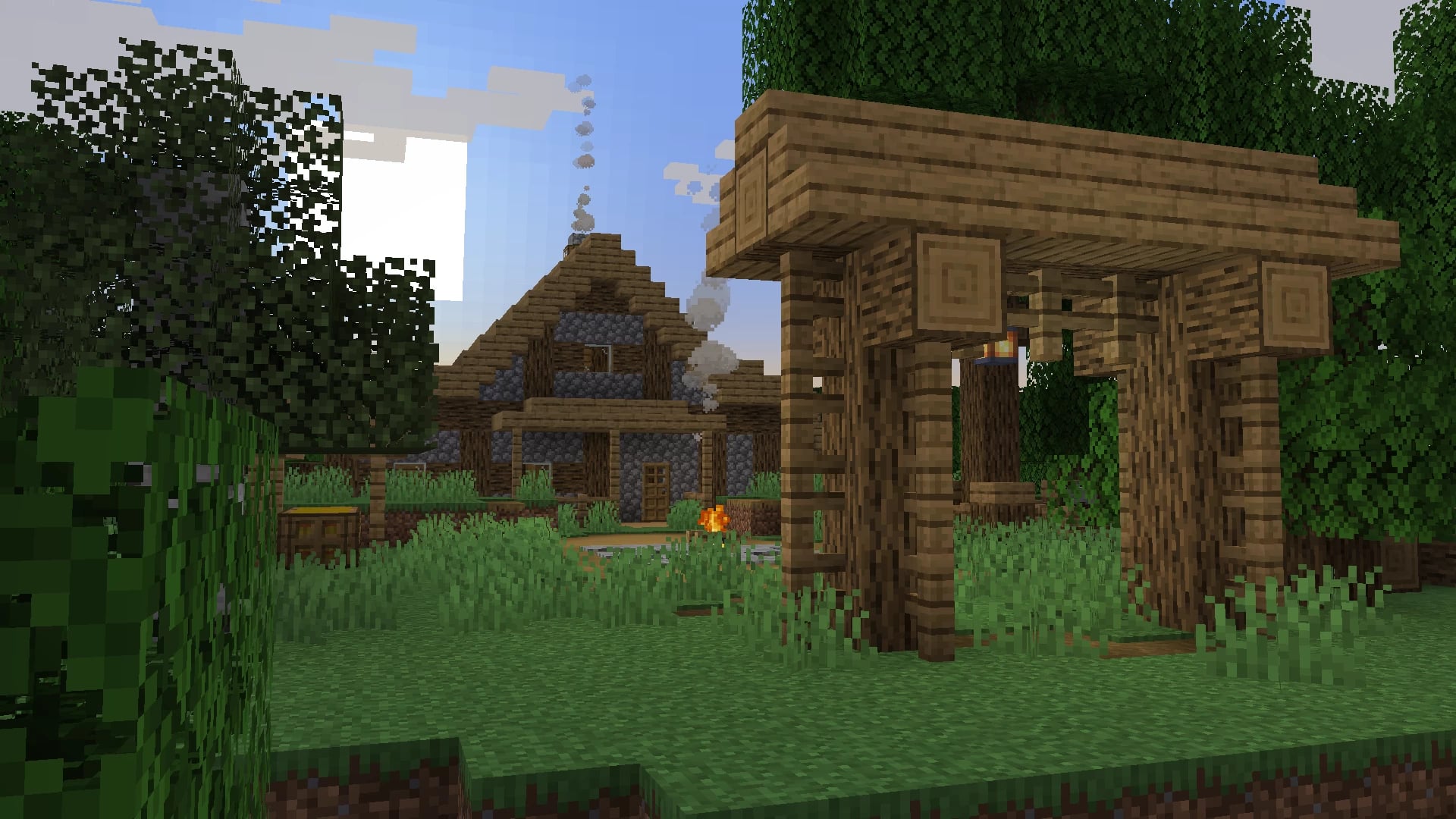
A Structure Datapack adding dungeons, taverns and other structures to find while you explore the world.
 Server-fähig

L_Ender's Cataclysm
von mcl_ender
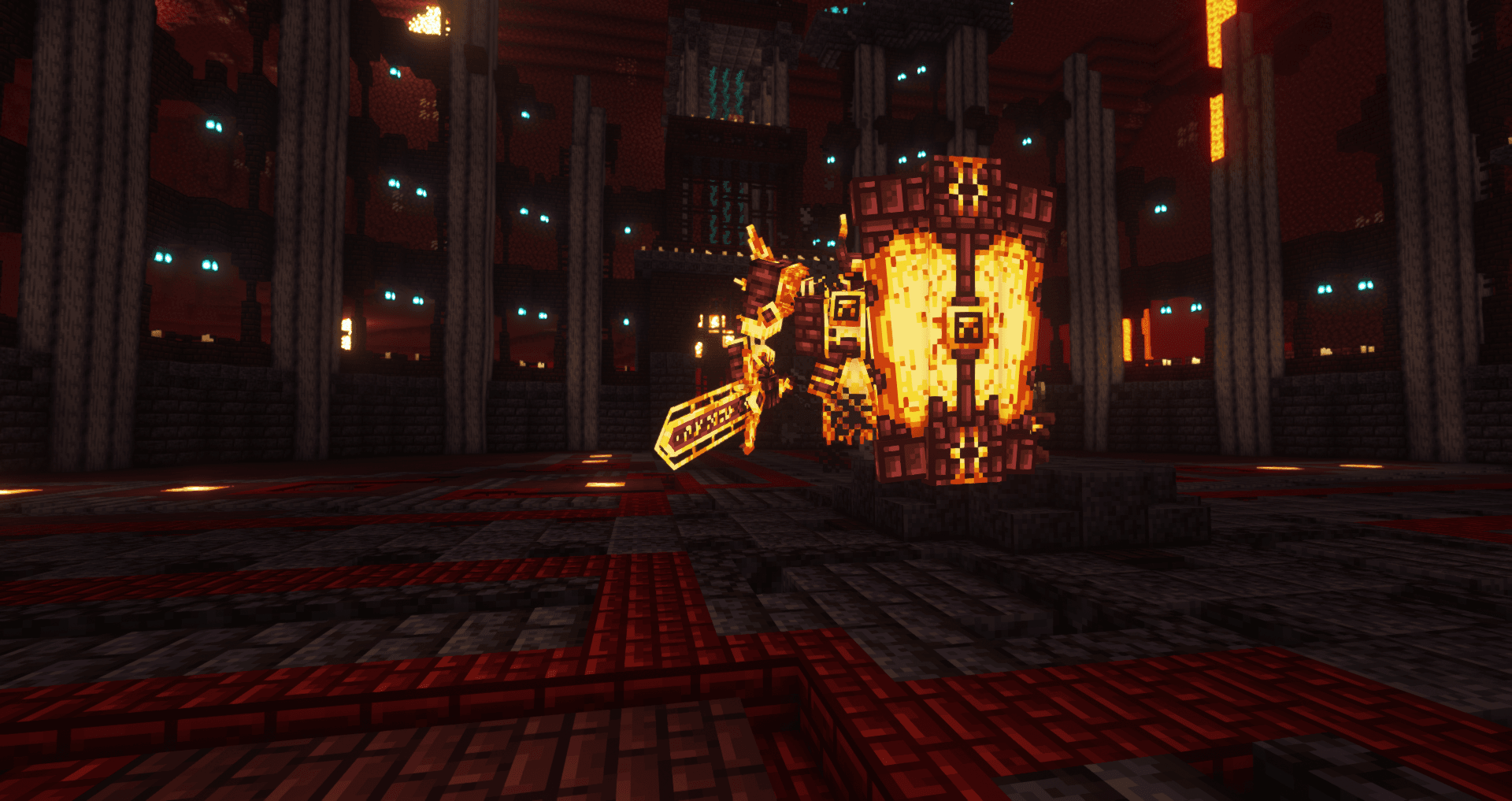
Cataclysm is a mod that adds difficult dungeons, challenging boss-fights and powerful items.
Bereit für deinen Server mit Brazil Legends?
4 GB RAM ab 8,00 € im Monat. 35 % auf den 1. Monat mit MADO35.