
Modrinth · Forge, NeoForge
Brazil Legends on your Minecraft server
Brazil Legends runs on Minecraft servers with Forge or NeoForge. Order your server, set the loader in the panel and install the mod with one click in the mod browser.
Explore the rich folklore and culture of Brazil
- Downloads
- 364.7K
- Author
- IDRAWTHINGS
- Loader
- Forge, NeoForge
- Minecraft
- 1.20.1 – 1.21.1
- Updated
- –
Screenshots
What Brazil Legends looks like


Images: Brazil Legends on Modrinth, published by the project team.
Setup
Install Brazil Legends on your server
The server and players need the same loader and Minecraft version. Back up the world before adding or updating mods.
- 01
Configure
4 GB of RAM is preselected. You choose the term and add-ons and pay by credit card or PayPal.
- 02
Set the loader
In the panel, set the server software to Forge or NeoForge and choose the matching Minecraft version, for example 1.21.1.
- 03
Install the mod
Search the mod browser for “Brazil Legends” and install the release for your loader. Alternatively, upload the .jar to the mods folder via SFTP. Required dependencies are listed on the project page.
- 04
Connect
Every player installs the same Brazil Legends release locally and connects using the server address from the panel.
- On the server
- Required
- On the client
- Required
- Loader
- Forge, NeoForge
- Minecraft
- 1.21.1, 1.20.1
- License
- LicenseRef-All-Rights-Reserved
The panel
Install mods, find errors.
Real screenshots from the Mado panel. Both come with every Minecraft server.
Mod browser
Modrinth and CurseForge, right in the panel.
The browser filters by your Minecraft version. Install mods with one click, without uploading .jar files.

AI crash analysis
When a mod crashes, the analyzer reads the log.
Mods often fail on a wrong loader version, Java version or missing dependency. The analyzer names a likely cause and suggests a fix.

Releases
Published releases
Pick the file that matches your server’s loader and Minecraft version. The server and players need the same release.
Brazil Legends · Modrinth- Brazil Legends 1.7.0July 9, 2025Minecraft 1.21.1 · NeoForge
- Brazil Legends 1.7.0July 9, 2025Minecraft 1.20.1 · Forge
Original description by the project author

About:
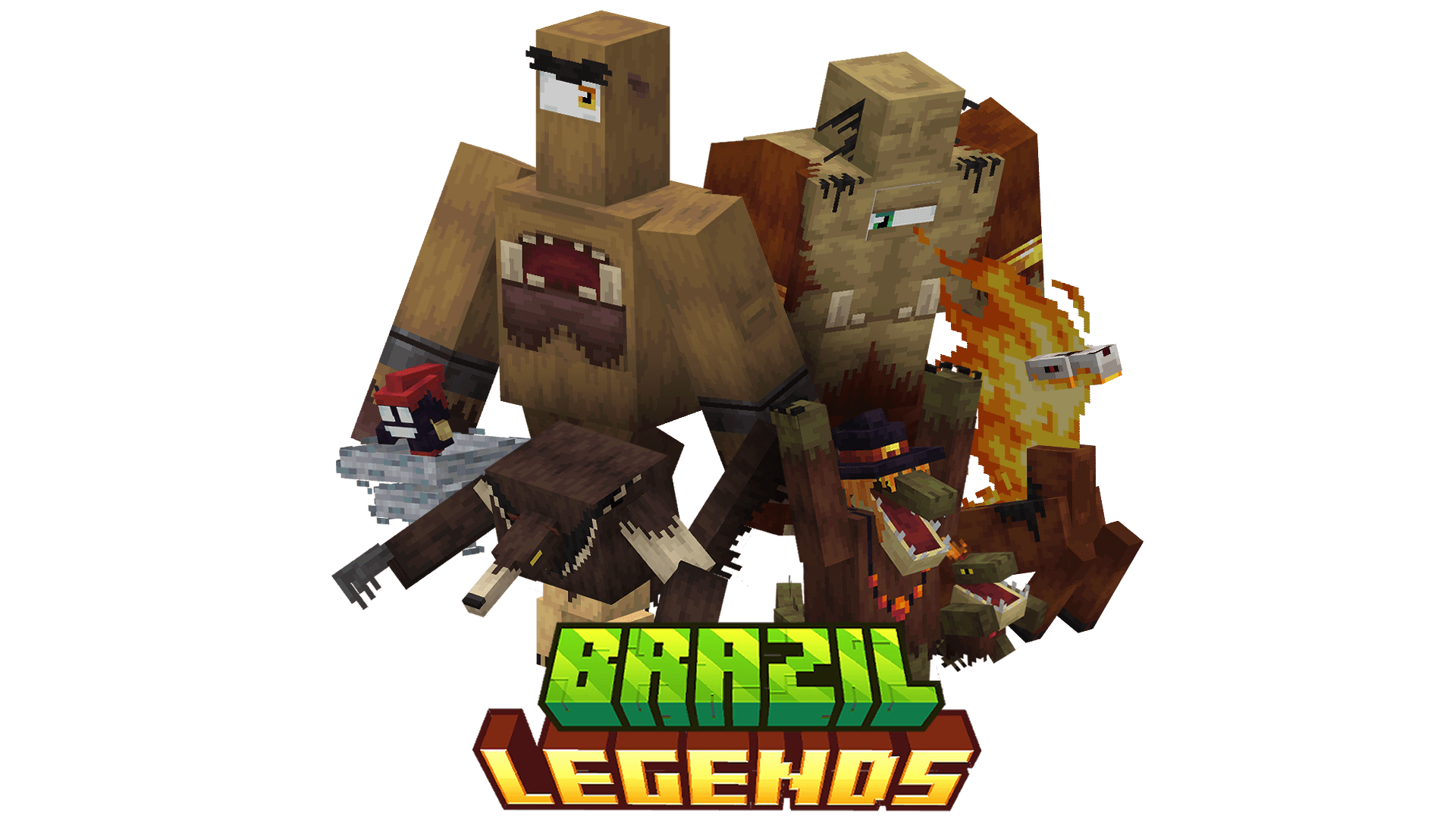
Brazil Legend is a content-rich mod that introduces the diverse and captivating folklore of Brazil into Minecraft, expanding the game with new entities, weapons, and gameplay systems all designed to integrate seamlessly with the game’s aesthetics and mechanics.
This mod adds a variety of legendary creatures, including Saci, Cuca, Mapinguari, Headless Mule, and Capelobo. Each entity features unique AI behaviors, biome-specific spawning conditions, and distinct combat or interaction mechanics.
Brazil Legend delivers a distinctive exploration and progression experience, offering players a unique adventure deeply rooted in Brazilian folklore.
The 'Allow distribution to 3rd party' option is enabled solely for use with Aternos. I strongly oppose the redistribution of this mod on other websites. Any distribution outside the official sources is strictly prohibited unless I have given explicit permission.
For detailed information about creatures, mechanics, item recipes, and progression systems, please refer to the Brazil Legend Wiki. The Wiki provides in-depth guides and technical details to help you get the most out of the mod.
Spoiler
Q. Which Minecraft versions are supported by Brazil Legend?
A. Currently, Brazil Legend is supported on Minecraft 1.20.1. Updates for additional versions will be released in the future.
Q. Will there be updates with new creatures or features?
A. Yes! Brazil Legend is an ongoing project, and updates will bring new creatures, items, and mechanics. Keep an eye on the changelogs and announcements for details on upcoming features.
Q. Can I include Brazil Legend in my modpack?
A. Absolutely! Feel free to add Brazil Legend to your modpack and customize it as needed. Just remember to:
Give proper credit to the mod and don’t claim it as your own creation.
Q. Will you backport Brazil Legend to older Minecraft versions?
A. No, backporting to older versions is not planned. Older Minecraft versions lack essential features for the mod, and making it compatible would be too complex.
Please refrain from requesting backports!
Q. Why create a mod about folklore when there are others with similar ideas?
A. Folklore is a vast and diverse theme, and every culture has unique stories to tell. Brazil Legend aims to highlight Brazil's distinctive mythology and creatures, offering something different from mods inspired by other traditions.
Additionally, I wanted to create a mod that reflects my own style and vision, designing the creatures and their mechanics in a way that I personally would love to see them integrated into Minecraft. This mod is not just about bringing folklore to life, but doing so in a way that feels fresh, exciting, and true to my creative ideas.
That said, if you're curious about other folklore-themed mods, you’re welcome to explore and install them too! Combining different mods can enhance your experience by blending various mythologies and creatures into your Minecraft world. Just ensure that your mods are compatible and use tools like Modpack launchers to manage them efficiently.
Q. Will you add creatures from other cultures or mythologies?
A. No, Brazil Legend focuses exclusively on Brazilian folklore. The goal is to showcase Brazil’s unique myths and legends in Minecraft, rather than blending elements from other cultures.
Brazil Legends server crashes on startup – what to do?
Common causes: the loader or Minecraft version does not match the mod file, a dependency is missing, or RAM is too low. Check the log (latest.log) for “OutOfMemoryError”, “Mixin” or missing mods. At Mado, the AI crash analysis reads the log and suggests a cause. You can change the loader and version in the panel.
Which loader does Brazil Legends run on?
According to Modrinth, Brazil Legends supports Forge, NeoForge for Minecraft 1.21.1, 1.20.1.
How much RAM does a server with Brazil Legends need?
As guidance, 3–4 GB for a server with this mod. This is an estimate, not a measured minimum. More mods, many players and long view distances need more. The spark profiler shows whether a mod is costing tick time.
Similar mods
Popular mods in the same category
 Client only

[EMF] Entity Model Features
by Traben
EMF is an, OptiFine format, Custom Entity Model replacement mod available for Fabric and Forge.
 Server-ready

Cobblemon
by CobbledStudios
A Pokémon mod for Fabric and NeoForge
 Server-ready

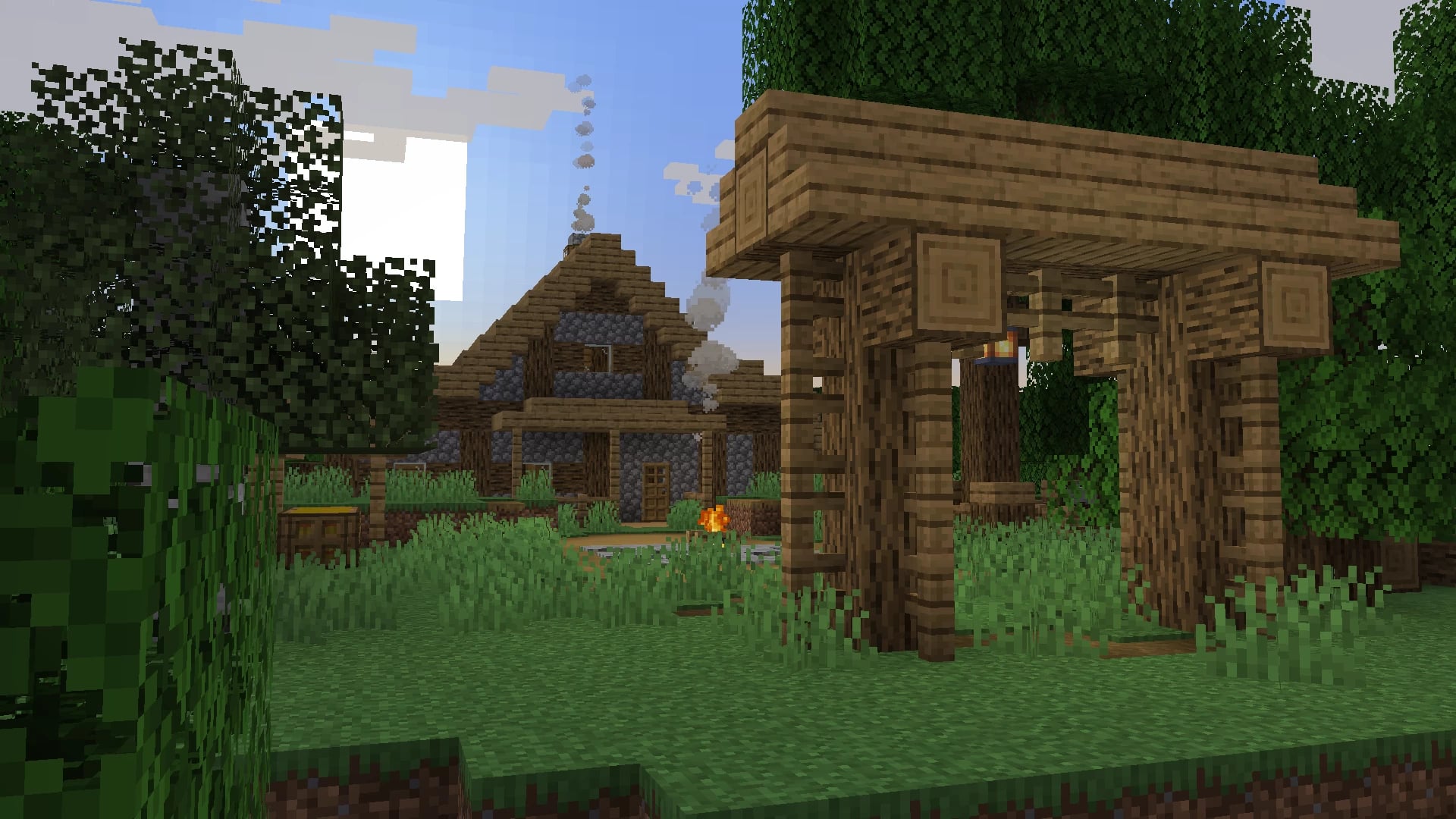
Dungeons and Taverns
by NovaWostra
A Structure Datapack adding dungeons, taverns and other structures to find while you explore the world.
 Server-ready

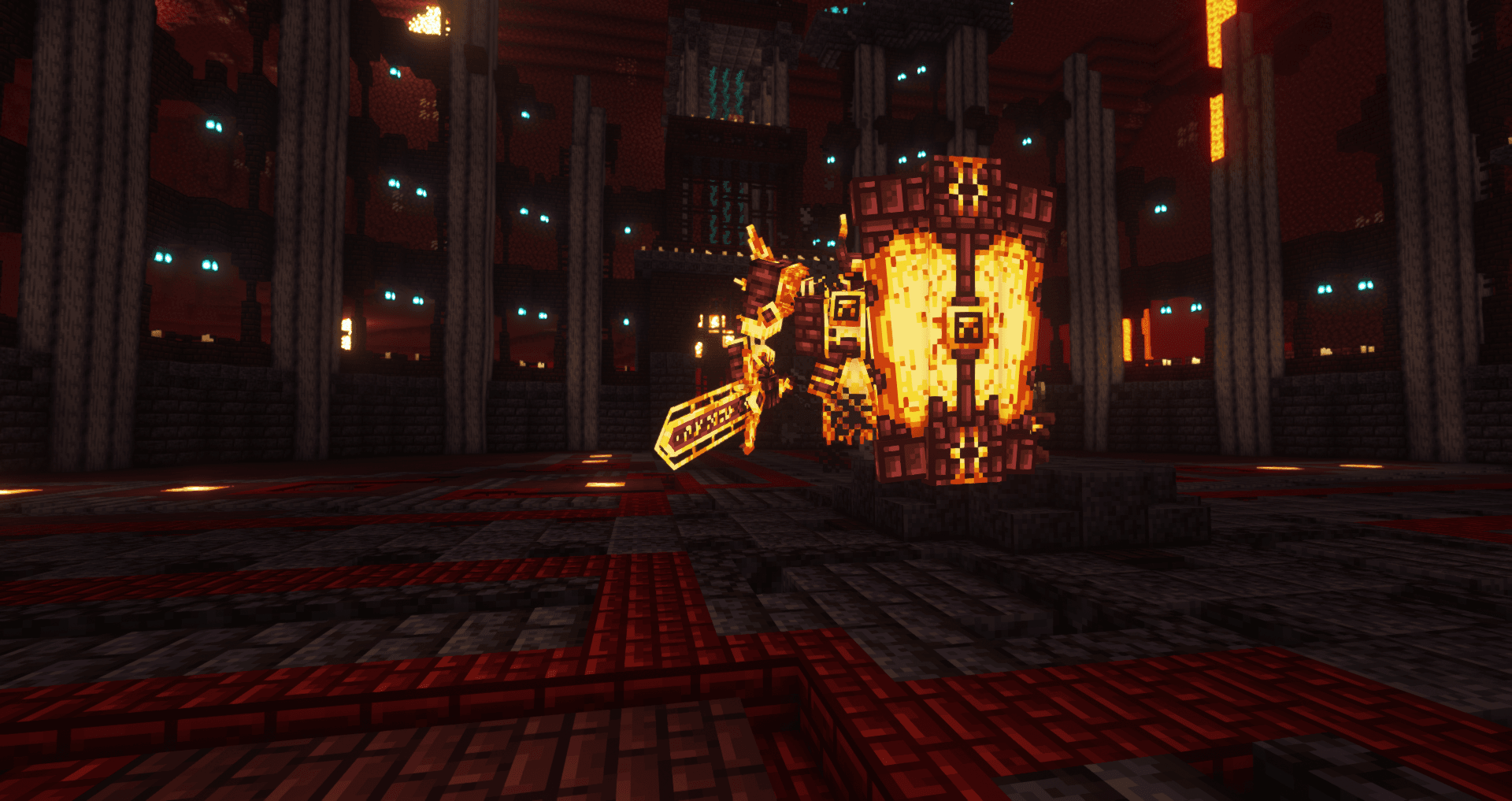
L_Ender's Cataclysm
by mcl_ender
Cataclysm is a mod that adds difficult dungeons, challenging boss-fights and powerful items.
Ready for your server with Brazil Legends?
4 GB of RAM from €8.00 per month. 35% off your first month with MADO35.