
Camerapture
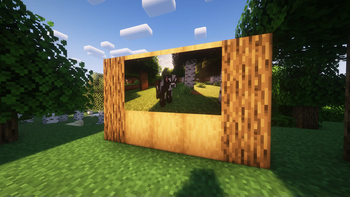
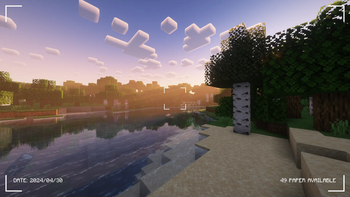
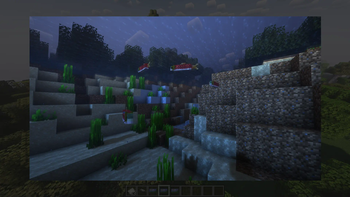
Take pictures using a working camera, show them to other players and hang them on your wall in picture frames!
Screenshots
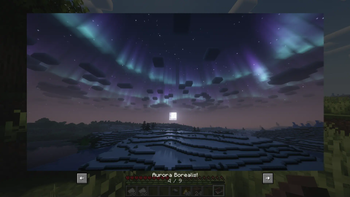
Über diese Mod
Camerapture
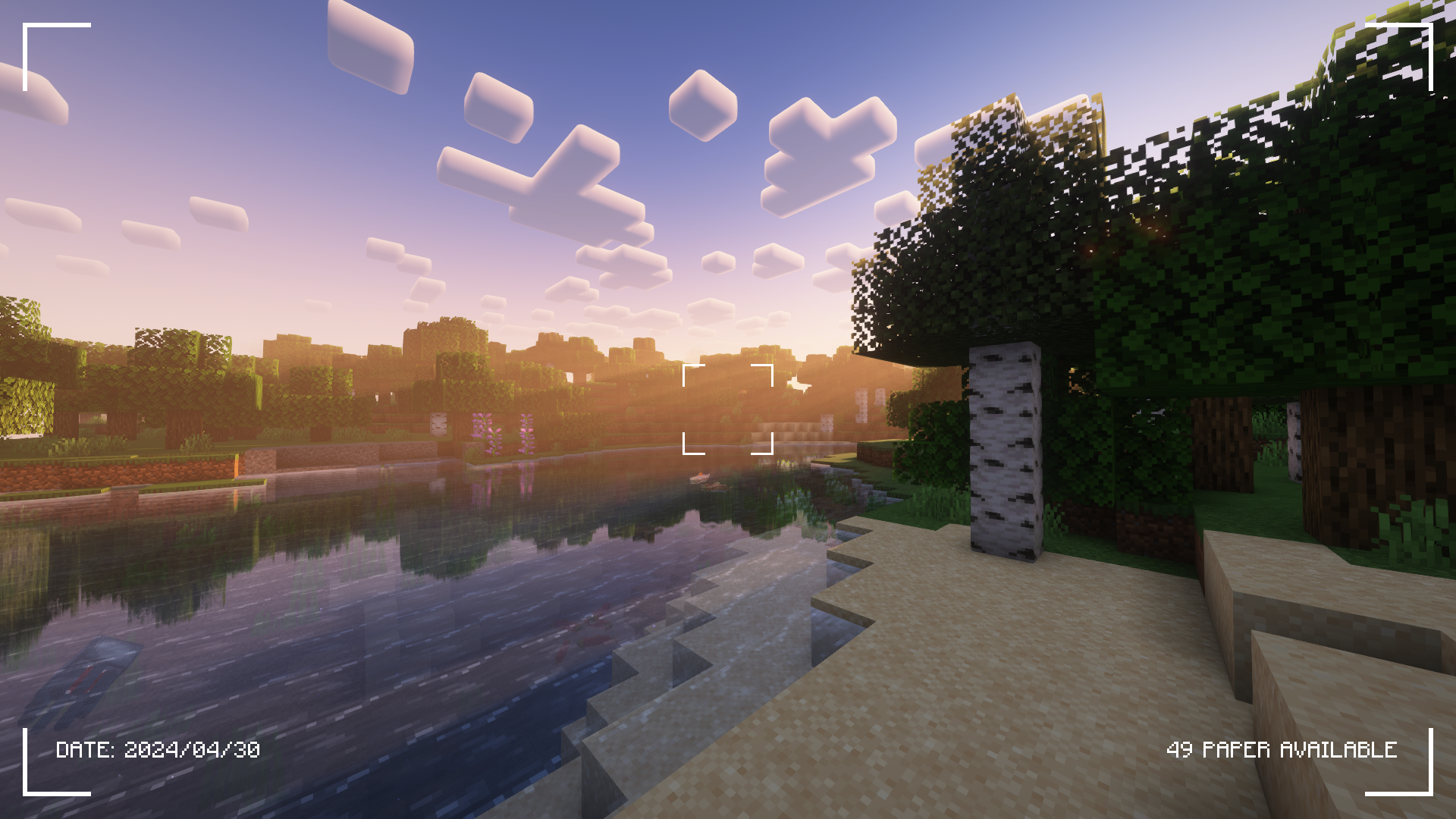
Check the Gallery tab for more screenshots!
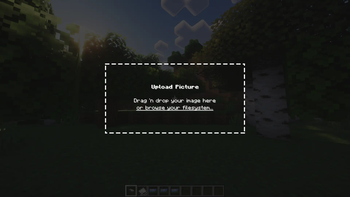
Camerapture is a camera / picture mod for Fabric! It adds working cameras that can take actual pictures of what you see in-game. You can also upload custom pictures using the camera! These pictures can be shared with other players and hung up on the wall to be viewed by everyone.
How does it work?
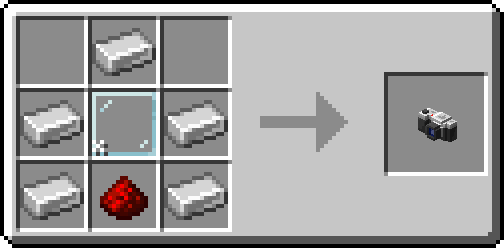
After crafting your camera, put some paper in your inventory and get to photographing!
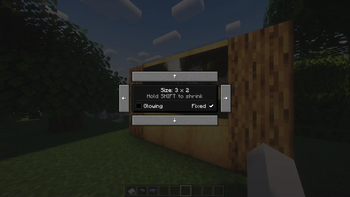
You can hang a picture on the wall by sneak + right-clicking. To resize the picture frame, just sneak + right-click again on the picture!
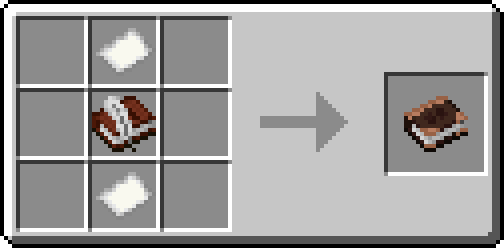
Alternatively, craft an album and collect your pictures into a single book!
Credits
- henkelmax for making the Camera Mod for Forge that's used on the QSMP, for being the main inspiration of this mod.
- All the great people on our origins server for being amazing and patient with me <3
Verfügbare Versionen
Camerapture auf dem Server installieren
Server bestellen
Bestelle einen Minecraft Java Server mit mindestens 3 GB RAM (4 GB empfohlen).
fabric Loader setzen
Wähle im Panel unter "Egg" den fabric-Loader und die passende Minecraft-Version (26.3).
Mod installieren
Öffne den Mod-Browser im Dashboard und suche nach "Camerapture". Klicke "Installieren" – fertig! Alternativ: Lade die .jar via SFTP in den /mods Ordner.
Kompatibilität
Mod-Loader
Minecraft-Versionen
26.3, 26.2, 26.1.2 (+16 weitere)
Server-seitig
✓ ErforderlichEmpfohlener RAM
4 GB(min. 3 GB)Häufige Fragen
Camerapture Server crasht beim Start – was tun?
Häufigste Ursache: falsche fabric-Version oder zu wenig RAM. Prüfe im Server-Log (latest.log), ob ein "OutOfMemoryError" oder "Mixin"-Fehler auftritt. Bei Mado Hosting: Stelle sicher, dass mindestens 3 GB RAM zugewiesen sind und der Loader zur Mod-Version passt (26.3). Über das Panel kannst du den Loader mit einem Klick wechseln.
Ist Camerapture mit fabric und forge und neoforge und quilt kompatibel?
Camerapture unterstützt offiziell fabric, forge, neoforge, quilt für Minecraft 26.3, 26.2, 26.1.2. Achtung: Forge- und Fabric-Mods sind NICHT untereinander kompatibel – wähle einen Loader und bleibe dabei. Im Mado Dashboard werden inkompatible Loader-Kombinationen automatisch erkannt.
Server laggt mit Camerapture – wie optimiere ich die Performance?
Empfohlener RAM: 4 GB (+1 GB pro 8 Spieler). Prüfe mit /spark profiler, ob Camerapture den meisten Tick-Time verbraucht. Häufige Fixes: Server-View-Distance auf 8-10 reduzieren, bei Forge "performant" oder "starlight" als Zusatz-Mod installieren. Bei Mado Hosting läuft dein Server auf NVMe-SSDs mit dedizierten CPU-Kernen für minimale Latenz.
Ähnliche Mods

![[ETF] Entity Texture Features](https://cdn.modrinth.com/data/BVzZfTc1/af683d206d50b05258d865b0d6e4aa2f2cee12f2_96.webp)
![[EMF] Entity Model Features](https://cdn.modrinth.com/data/4I1XuqiY/6e5bbd0d06b1741bfdab6c0cfab6de8fdaf0064c_96.webp)



Modded Server mieten
Installiere Camerapture mit nur einem Klick auf deinem Server.