
Cobblemon Auto Tidy Up PC
An add-on for the Cobblemon mod that automates storage on your PC. This is a client display only.
Screenshots
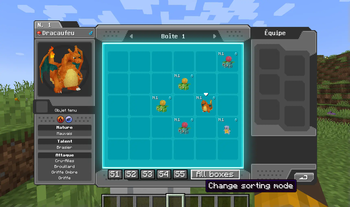
Über diese Mod
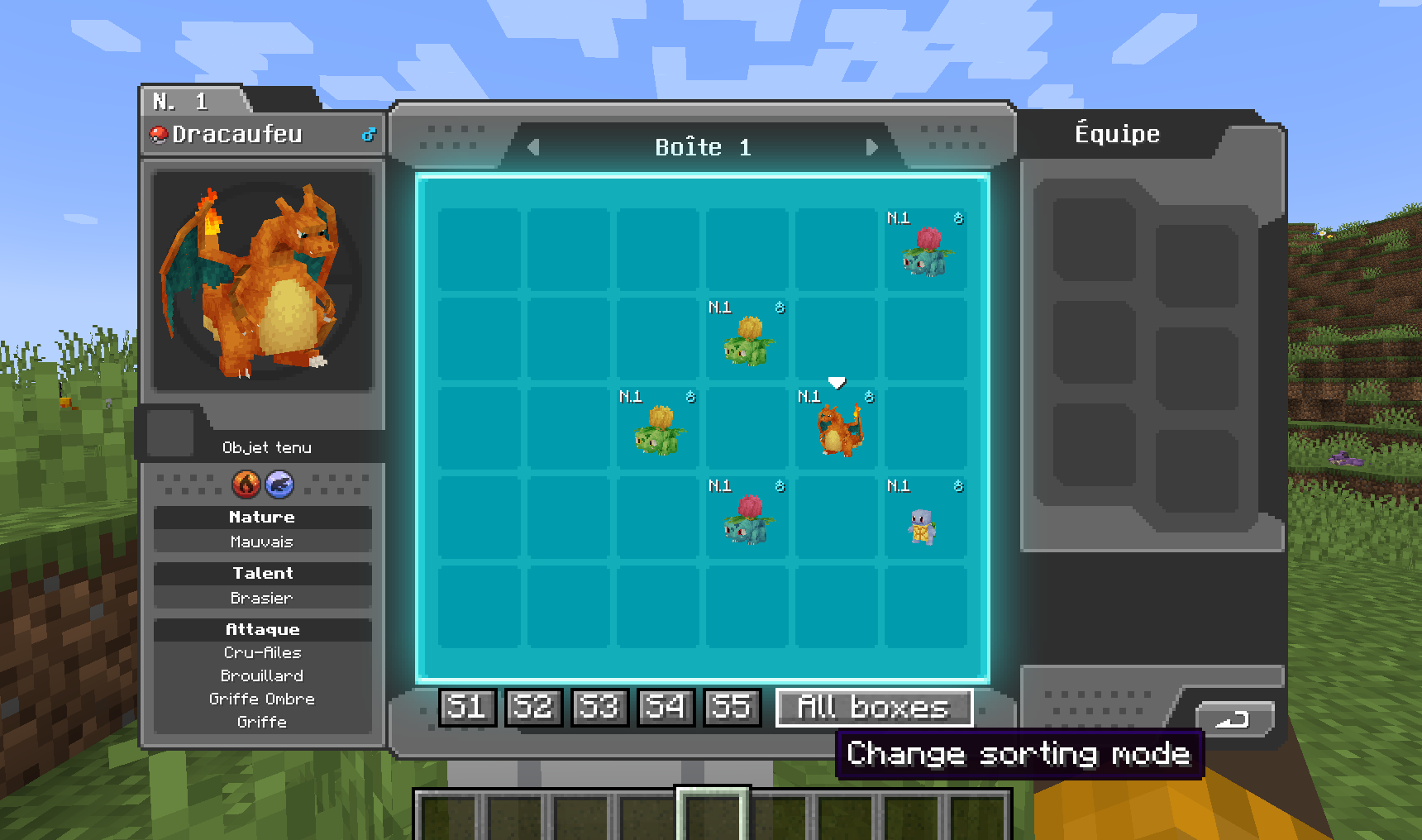
Tidy Up PC is a simple, client‑side Cobblemon addon that makes managing your Pokémon storage effortless. With just a few clicks, you can temporarily reorganize your PC boxes according to:
- Pokédex Order
- Level
- IVs
- Gender
- Shiny Status
- Alphabetical (A–Z)
You can apply the sort to all boxes at once or limit it to the currently open box—perfect for quick tidying between catches and trades.
The Pokémon's original position in the PC is indicated when it is hovered, making it easy to find when you disable sorting!
To exit sorted mode, simply reclick on the active sorting mode button.
Important: Because this is a purely client‑side mod, your sorting changes are not applied on the server and will reset when you reconnect. It’s a convenient way to keep your own view organized, without affecting anyone else’s game world.
Verfügbare Versionen
Cobblemon Auto Tidy Up PC auf deinem Client installieren
Mod-Loader lokal installieren
Installiere fabric für deine lokale Minecraft-Version.
Passende Datei herunterladen
Wähle die Cobblemon Auto Tidy Up PC-Datei für fabric und Minecraft 1.21.1.
Mod installieren
Lege die .jar-Datei in deinem lokalen .minecraft/mods-Ordner ab und starte Minecraft neu. Eine Installation auf dem Server ist nicht nötig.
Kompatibilität
Mod-Loader
Minecraft-Versionen
1.21.1
Server-seitig
✗ Nicht unterstütztEmpfohlener RAM
4 GB(min. 3 GB)Häufige Fragen
Muss Cobblemon Auto Tidy Up PC auf dem Minecraft Server installiert werden?
Nein. Modrinth kennzeichnet Cobblemon Auto Tidy Up PC serverseitig als nicht unterstützt. Installiere die Mod nur im lokalen Minecraft-Mods-Ordner. Dein Server kann unverändert bleiben, sofern die Mod-Seite keine zusätzliche Abhängigkeit nennt.
Welche Version und welchen Loader braucht Cobblemon Auto Tidy Up PC?
Nutze eine Datei für fabric und exakt deine Minecraft-Version. Unterstützte Versionen sind unter anderem 1.21.1. Loader-Dateien sind nicht untereinander austauschbar.
Cobblemon Auto Tidy Up PC funktioniert nicht – was kann ich prüfen?
Prüfe zuerst Minecraft-Version, Loader-Version und erforderliche Abhängigkeiten. Lege die .jar-Datei im lokalen .minecraft/mods-Ordner ab und entferne ältere Duplikate. Da die Mod clientseitig ist, löst mehr Server-RAM dieses Problem nicht.
Ähnliche Mods


Minecraft Server für deine Gruppe
Cobblemon Auto Tidy Up PC bleibt auf deinem Client. Hoste dazu eine kompatible Welt für deine Mitspieler.