
Cosmetica
Free custom capes and cosmetics for Minecraft
Screenshots


Über diese Mod
Cosmetica
Cosmetica lets you customize your player on a whole new level with cosmetics that rival those of popular PvP clients
Features
- Custom legal capes and elytras up to 2048x1024 resolution.
- Custom animated capes
- Custom accessories for any part of the character: hats, shoulder buddies, back blings, shoes, you name it!
- Custom lore (a second nametag above your head) to show your Discord tag, Twitch URL, GitHub, pronouns, or title.
- Interactive online catalogue of all our cosmetics to easily browse and preview cosmetics on your skin before equipping.
- Interactive in-game catalogue of all our cosmetics to easily browse and preview cosmetics on your skin before equipping.
- Support for third party capes from Cloaks+, OptiFine, LabyMod, Mantle, MinecraftCapes.net, SkinMC, and Vanilla, (individually configurable and priority list can be modified).
- Advanced, secure and easy to use login system that doesn't even require you to enter a password.
- Region specific effects (optional) that apply cosmetic effects to players based on their country of origin.
- Nearly all features are disableable.
All cosmetics are free.
Users can design and upload their own cosmetics.
Screenshots
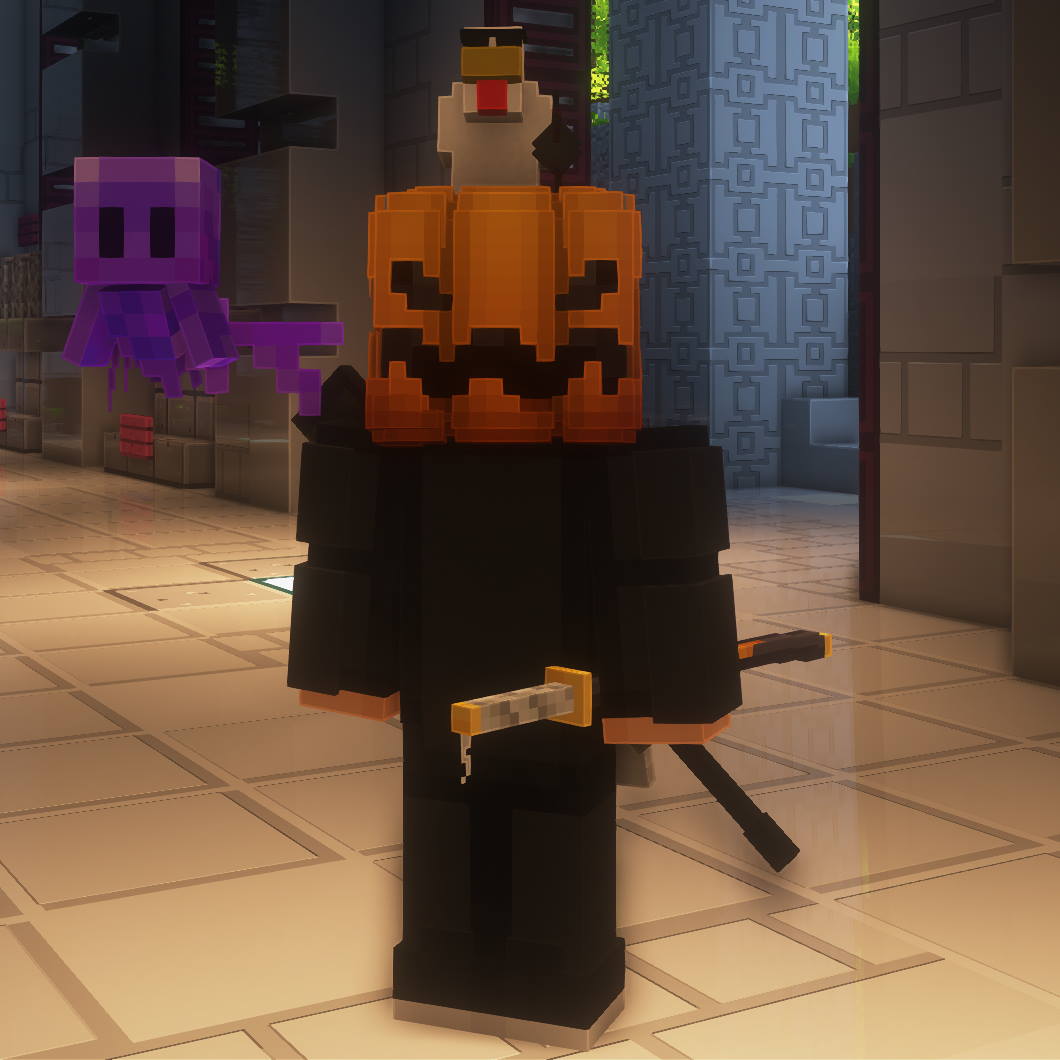
Player with Pumpkin, Gangster Chicken, Purple Allay, and Katana
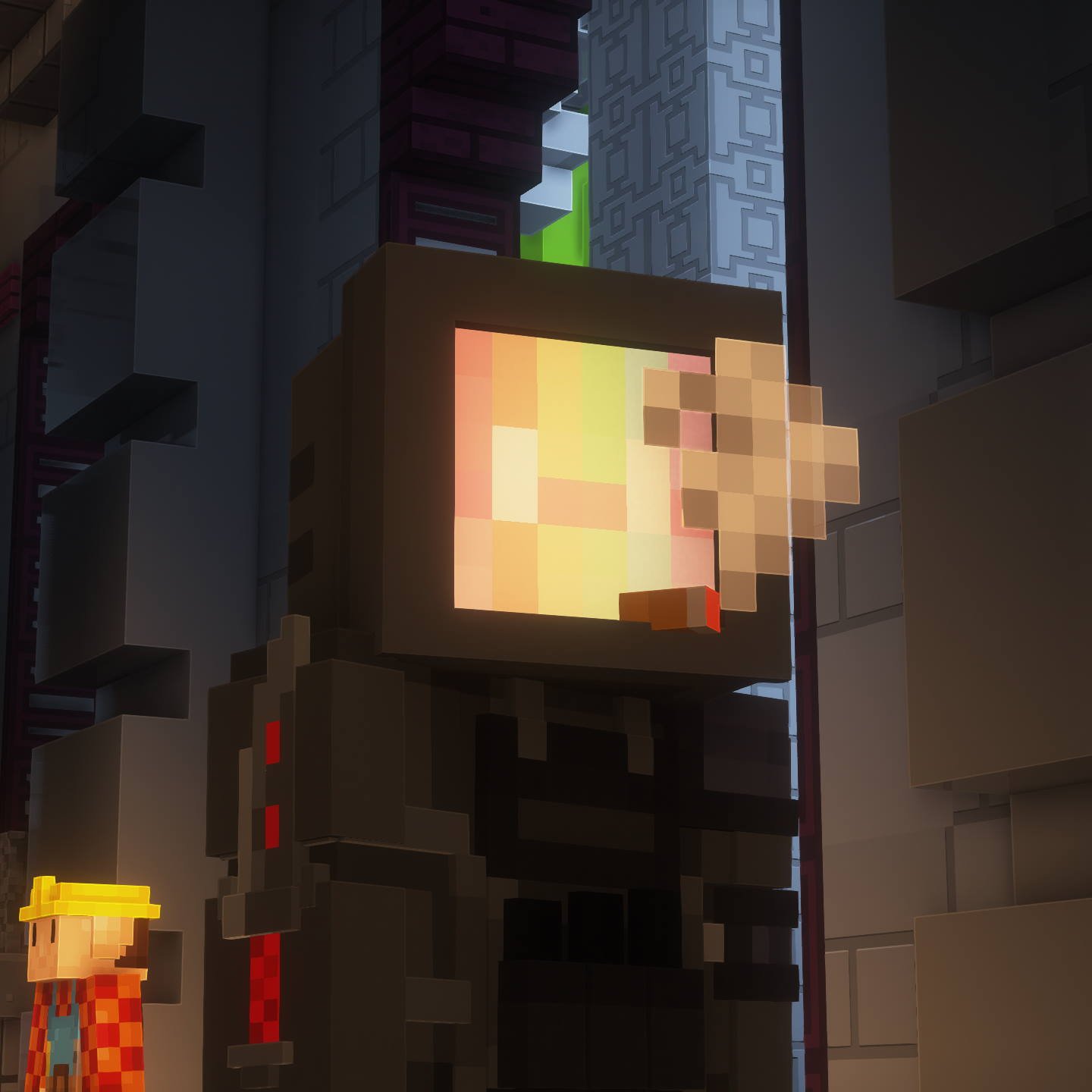
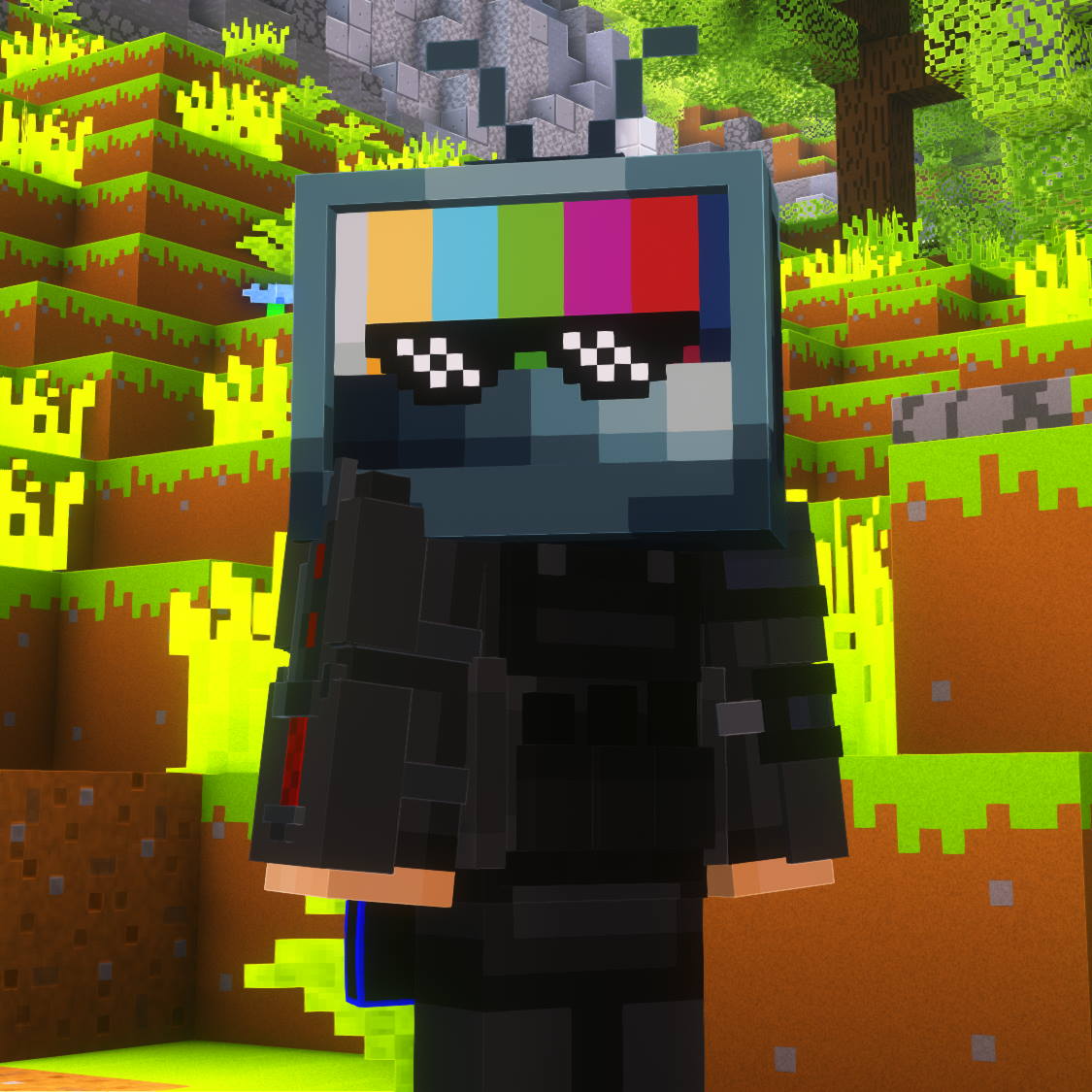
Player with CRT and Sunglasses
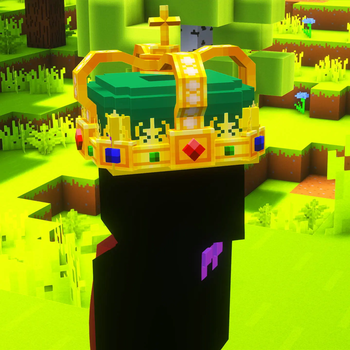
Players Vibing
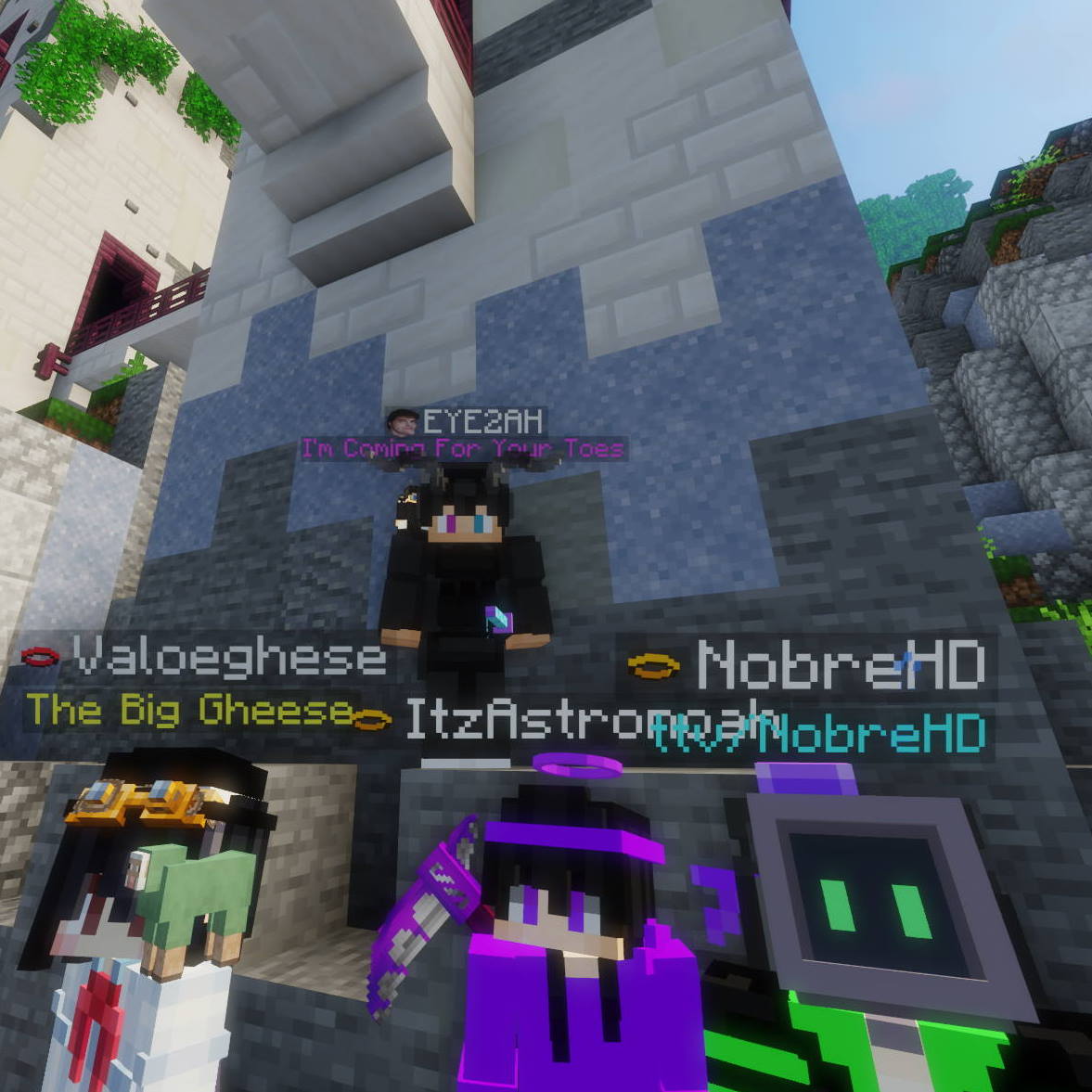
See more screenshots in the Gallery
Cosmetica is sponsored by ZAP Hosting

Customizing Cosmetics
Cosmetica replaces the Skin Customization screen with all new Cosmetica settings.
You can also press Right Shift to quickly open the customization menu when in-game.
Reporting Issues or Asking for Support
Please use the issue tracker linked at the top of the page to report bugs, crashes, and other issues.
If you're not encountering a bug but you still need support with Cosmetica, or you want to make your own cosmetics, join our Discord server!
Join Our Community
If you have any questions or want to connect with us and our community, join our Discord server!
You can find all our social media at the bottom of cosmetica.cc.
Verfügbare Versionen
Cosmetica auf deinem Client installieren
Mod-Loader lokal installieren
Installiere fabric für deine lokale Minecraft-Version.
Passende Datei herunterladen
Wähle die Cosmetica-Datei für fabric und Minecraft 26.2.
Mod installieren
Lege die .jar-Datei in deinem lokalen .minecraft/mods-Ordner ab und starte Minecraft neu. Eine Installation auf dem Server ist nicht nötig.
Kompatibilität
Mod-Loader
Minecraft-Versionen
26.2, 26.1.2, 26.1.1 (+28 weitere)
Server-seitig
✗ Nicht unterstütztEmpfohlener RAM
4 GB(min. 3 GB)Häufige Fragen
Muss Cosmetica auf dem Minecraft Server installiert werden?
Nein. Modrinth kennzeichnet Cosmetica serverseitig als nicht unterstützt. Installiere die Mod nur im lokalen Minecraft-Mods-Ordner. Dein Server kann unverändert bleiben, sofern die Mod-Seite keine zusätzliche Abhängigkeit nennt.
Welche Version und welchen Loader braucht Cosmetica?
Nutze eine Datei für fabric, forge, neoforge, quilt und exakt deine Minecraft-Version. Unterstützte Versionen sind unter anderem 26.2, 26.1.2, 26.1.1. Loader-Dateien sind nicht untereinander austauschbar.
Cosmetica funktioniert nicht – was kann ich prüfen?
Prüfe zuerst Minecraft-Version, Loader-Version und erforderliche Abhängigkeiten. Lege die .jar-Datei im lokalen .minecraft/mods-Ordner ab und entferne ältere Duplikate. Da die Mod clientseitig ist, löst mehr Server-RAM dieses Problem nicht.
Ähnliche Mods

![[ETF] Entity Texture Features](https://cdn.modrinth.com/data/BVzZfTc1/af683d206d50b05258d865b0d6e4aa2f2cee12f2_96.webp)
![[EMF] Entity Model Features](https://cdn.modrinth.com/data/4I1XuqiY/6e5bbd0d06b1741bfdab6c0cfab6de8fdaf0064c_96.webp)



Minecraft Server für deine Gruppe
Cosmetica bleibt auf deinem Client. Hoste dazu eine kompatible Welt für deine Mitspieler.