
Create: Automatics
This addon adds autopilot with Sable constructions, Create Aeronautics, and Create
Screenshots
Über diese Mod

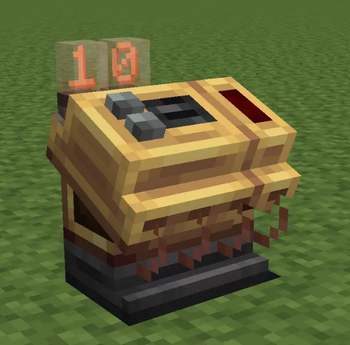
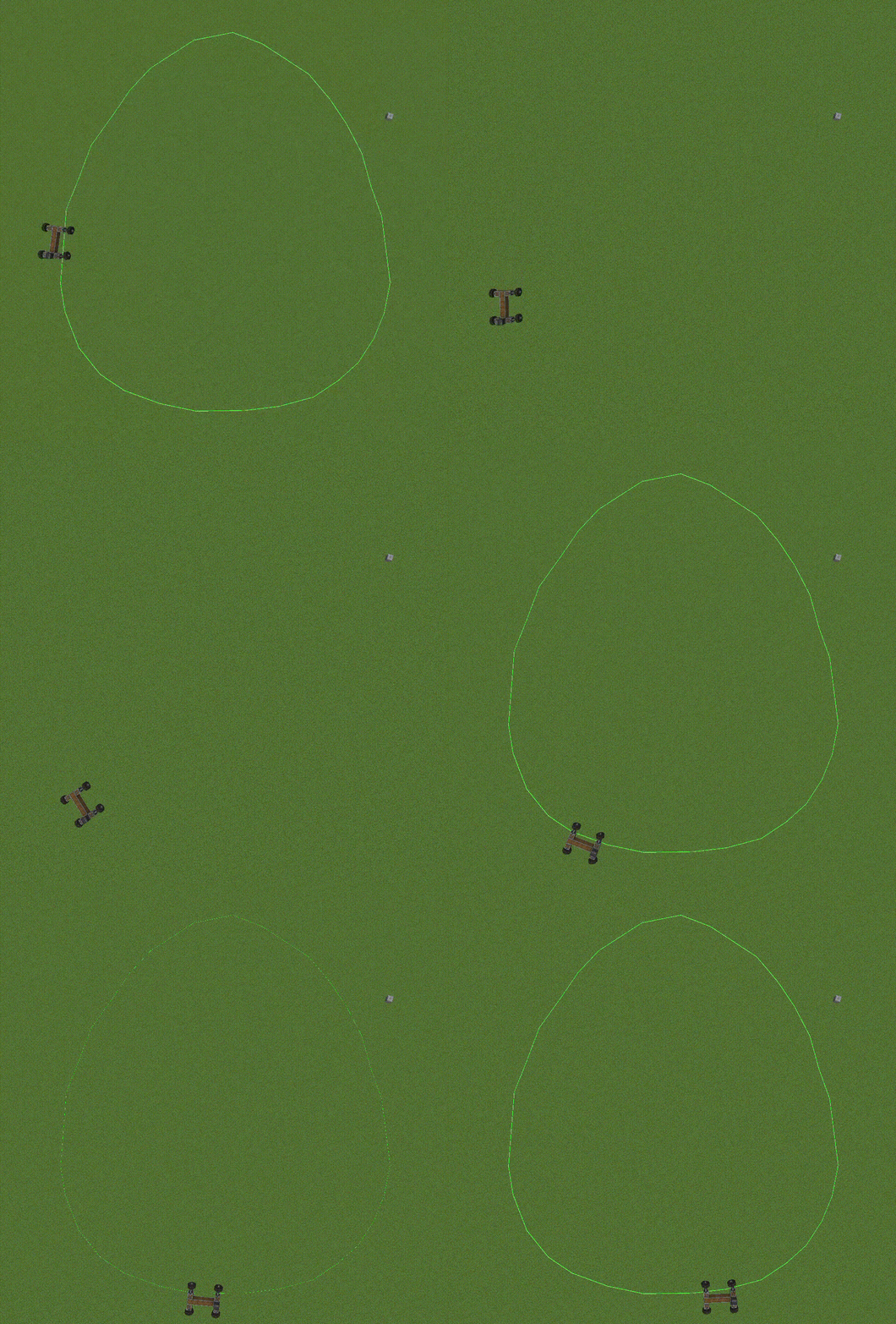
Create: Automatics is an addon that adds the ability to create an autopilot using a special item. You create routes and then insert the plan into the controller on the structure, and the car drives itself. You can create stops and customize them, and much more. The mod is currently four days old, and we're creating it with our small team.
About
This addon adds the ability to create autopilots using the Create and Sable addon. Create a route, set the speed, and launch it. The mod also adds a decorative block—a traffic cone. You can place this cone on your head and on other entities using a dispenser. The addon works very well in multiplayer; download and enjoy.
Trailer and Tutorial
Thx from Unreal Team!
Verfügbare Versionen
Create: Automatics auf dem Server installieren
Server bestellen
Bestelle einen Minecraft Java Server mit mindestens 4 GB RAM (6 GB empfohlen).
neoforge Loader setzen
Wähle im Panel unter "Egg" den neoforge-Loader und die passende Minecraft-Version (1.21.1).
Mod installieren
Öffne den Mod-Browser im Dashboard und suche nach "Create: Automatics". Klicke "Installieren" – fertig! Alternativ: Lade die .jar via SFTP in den /mods Ordner.
Kompatibilität
Mod-Loader
Minecraft-Versionen
1.21.1
Server-seitig
✓ ErforderlichEmpfohlener RAM
6 GB(min. 4 GB)Häufige Fragen
Create: Automatics Server crasht beim Start – was tun?
Häufigste Ursache: falsche neoforge-Version oder zu wenig RAM. Prüfe im Server-Log (latest.log), ob ein "OutOfMemoryError" oder "Mixin"-Fehler auftritt. Bei Mado Hosting: Stelle sicher, dass mindestens 4 GB RAM zugewiesen sind und der Loader zur Mod-Version passt (1.21.1). Über das Panel kannst du den Loader mit einem Klick wechseln.
Ist Create: Automatics mit neoforge kompatibel?
Create: Automatics unterstützt offiziell neoforge für Minecraft 1.21.1. Im Mado Dashboard werden inkompatible Loader-Kombinationen automatisch erkannt.
Server laggt mit Create: Automatics – wie optimiere ich die Performance?
Empfohlener RAM: 6 GB (+1 GB pro 5 Spieler). Prüfe mit /spark profiler, ob Create: Automatics den meisten Tick-Time verbraucht. Häufige Fixes: Server-View-Distance auf 8-10 reduzieren, bei Forge "performant" oder "starlight" als Zusatz-Mod installieren. Bei Mado Hosting läuft dein Server auf NVMe-SSDs mit dedizierten CPU-Kernen für minimale Latenz.
Ähnliche Mods






Modded Server mieten
Installiere Create: Automatics mit nur einem Klick auf deinem Server.