
Exline's Furniture
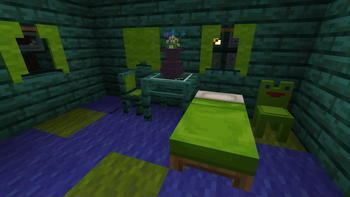
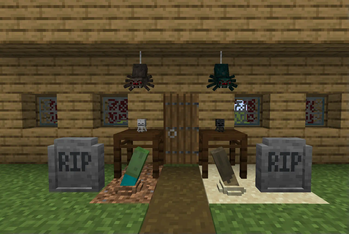
Furniture to decorate your world with! This mod adds many new blocks to decorate with, all craft-able in survival mode.
Screenshots
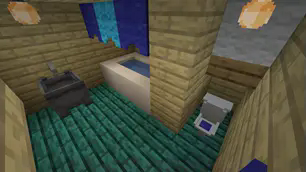
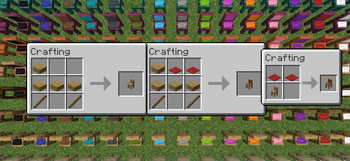
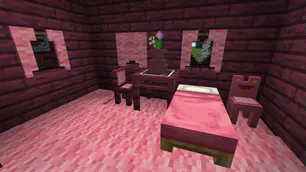
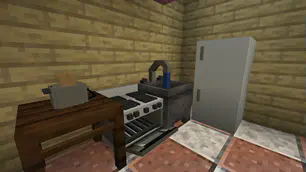
Über diese Mod
Exline's Furniture
Transform your Minecraft living spaces with Exline’s Furniture Mod, a perfect blend of comfort and creativity!
Tired of mundane interiors and lackluster outdoor spaces in your Minecraft world? Exline’s Furniture Mod offers a comprehensive solution to elevate your building and decorating experience. This mod introduces a wide array of meticulously designed furniture and decor items, bringing a touch of realism and elegance to both your indoor and outdoor environments.
Key Features:
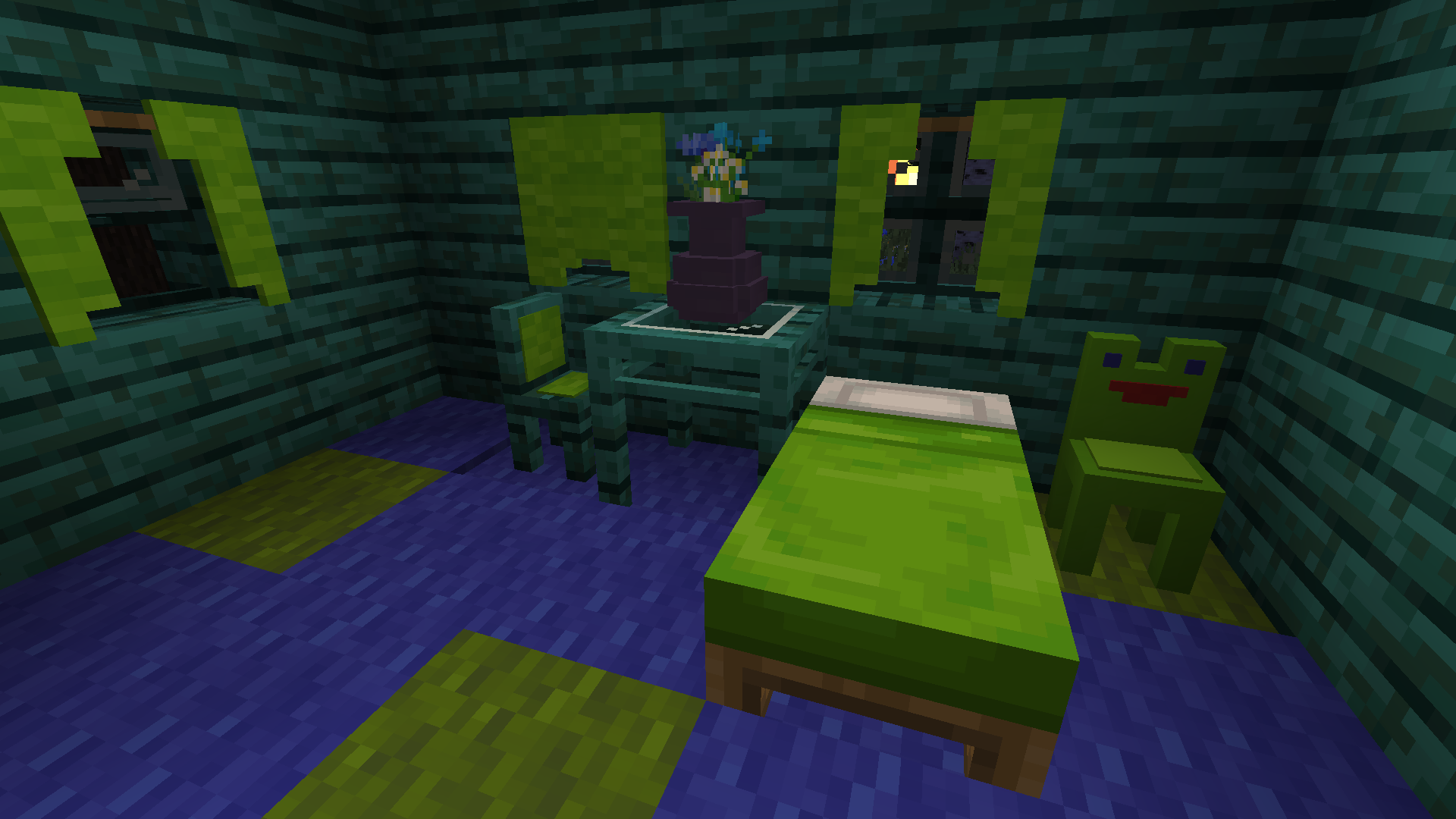
Versatile Furniture: Select from an extensive collection of furniture pieces, including a variety of chairs in different wood types and vibrant wool colors, tables that suit any style, and decorative drapes that add sophistication to any room.
Interactive Decor: Engage with your surroundings like never before. Sit in cushioned chairs, toggle lights and TVs, and use various kitchen appliances to make your virtual home feel alive.
Outdoor Enhancements: Enhance your garden with beautiful bird baths made from bricks or stone, and relax in stylish Adirondack chairs perfect for enjoying the sunset.
Seasonal Updates: Keep your world in tune with the seasons through thematic updates that introduce festive decorations and spooky elements for special occasions.
Server Compatibility: Furnish your multiplayer server in style. This mod works seamlessly on servers, allowing you to share your beautifully decorated spaces with friends.
With Exline’s Furniture Mod, every block is a canvas for your creativity. Whether you're crafting a cozy cottage or a majestic castle, this mod adds depth, personality, and a unique charm to your Minecraft adventures.
Download Exline’s Furniture Mod now and start transforming your Minecraft world with style and functionality!
Recipes
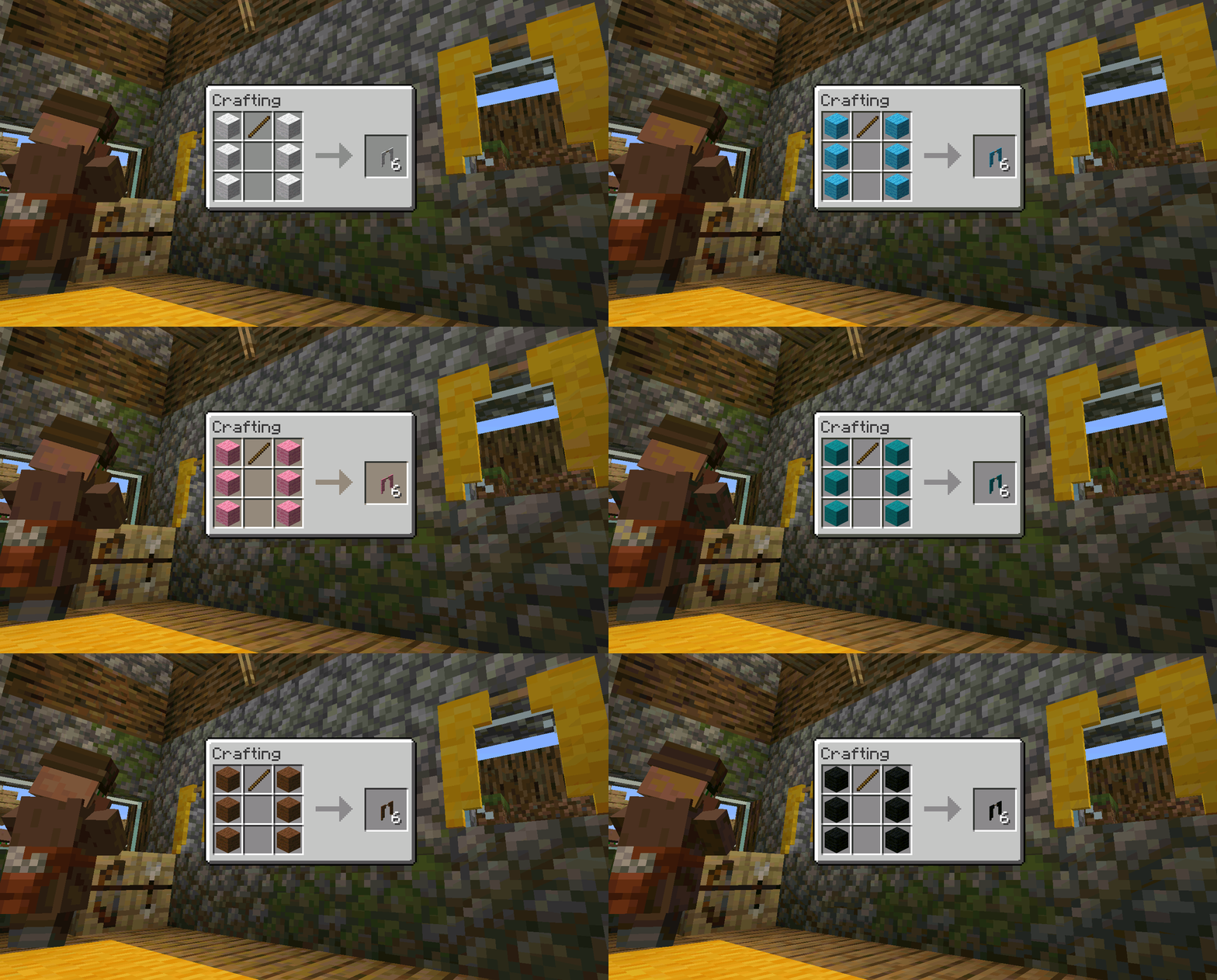
Recipes are available at Exline Mods
Compatibility:
Exline's Furniture is compatible with the following Minecraft versions for Fabric:
These versions for Forge:
These versions for Quilt:
Explore More at ExlineMods!
Thank you for using our mods! For the best experience, visit our official website, Exline Mods.
Why Visit Our Website?
- Early Updates: Get the latest updates faster than other sites.
- Exclusive Tools: Download our mod setup program, also available on Nexus Mods.
- Crafting Recipes: Find detailed crafting recipes for our mods.
- Join the Community: Connect with fellow modders and get support via our Discord server.
- Direct Support and Feedback: Reach out directly for support and share feedback on Discord.
Get Started!
Visit Exline Mods now and join our Discord Server to be part of our community. We look forward to seeing you there!

Promotional Message:
Why Choose Bisect Hosting?
- Easy Setup: Get your server up and running in minutes.
- 24/7 Support: Reliable assistance whenever you need it.
- Customizable: Tailor your server settings to your liking.
Visit Bisect Hosting now and take your Minecraft adventures to the next level!
Verfügbare Versionen
Exline's Furniture auf dem Server installieren
Server bestellen
Bestelle einen Minecraft Java Server mit mindestens 3 GB RAM (4 GB empfohlen).
fabric Loader setzen
Wähle im Panel unter "Egg" den fabric-Loader und die passende Minecraft-Version (1.21).
Mod installieren
Öffne den Mod-Browser im Dashboard und suche nach "Exline's Furniture". Klicke "Installieren" – fertig! Alternativ: Lade die .jar via SFTP in den /mods Ordner.
Kompatibilität
Mod-Loader
Minecraft-Versionen
1.21, 1.20.6, 1.20.5 (+13 weitere)
Server-seitig
✓ ErforderlichEmpfohlener RAM
4 GB(min. 3 GB)Häufige Fragen
Exline's Furniture Server crasht beim Start – was tun?
Häufigste Ursache: falsche fabric-Version oder zu wenig RAM. Prüfe im Server-Log (latest.log), ob ein "OutOfMemoryError" oder "Mixin"-Fehler auftritt. Bei Mado Hosting: Stelle sicher, dass mindestens 3 GB RAM zugewiesen sind und der Loader zur Mod-Version passt (1.21). Über das Panel kannst du den Loader mit einem Klick wechseln.
Ist Exline's Furniture mit fabric und forge und quilt kompatibel?
Exline's Furniture unterstützt offiziell fabric, forge, quilt für Minecraft 1.21, 1.20.6, 1.20.5. Achtung: Forge- und Fabric-Mods sind NICHT untereinander kompatibel – wähle einen Loader und bleibe dabei. Im Mado Dashboard werden inkompatible Loader-Kombinationen automatisch erkannt.
Server laggt mit Exline's Furniture – wie optimiere ich die Performance?
Empfohlener RAM: 4 GB (+1 GB pro 8 Spieler). Prüfe mit /spark profiler, ob Exline's Furniture den meisten Tick-Time verbraucht. Häufige Fixes: Server-View-Distance auf 8-10 reduzieren, bei Forge "performant" oder "starlight" als Zusatz-Mod installieren. Bei Mado Hosting läuft dein Server auf NVMe-SSDs mit dedizierten CPU-Kernen für minimale Latenz.
Ähnliche Mods

![[ETF] Entity Texture Features](https://cdn.modrinth.com/data/BVzZfTc1/af683d206d50b05258d865b0d6e4aa2f2cee12f2_96.webp)
![[EMF] Entity Model Features](https://cdn.modrinth.com/data/4I1XuqiY/6e5bbd0d06b1741bfdab6c0cfab6de8fdaf0064c_96.webp)



Modded Server mieten
Installiere Exline's Furniture mit nur einem Klick auf deinem Server.