
Footprint Particles
Adds Footprints to the game!
Screenshots
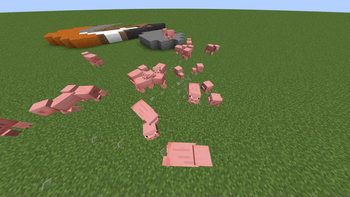
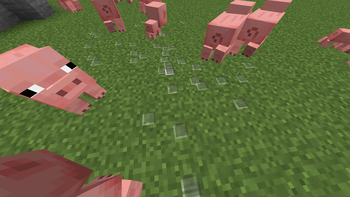
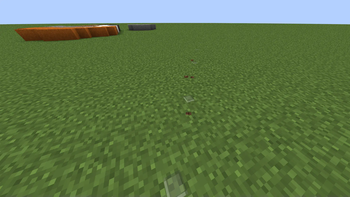
Über diese Mod
🚶Footprint Particles🚶
- This Datapack is Smithed Compatible!
About
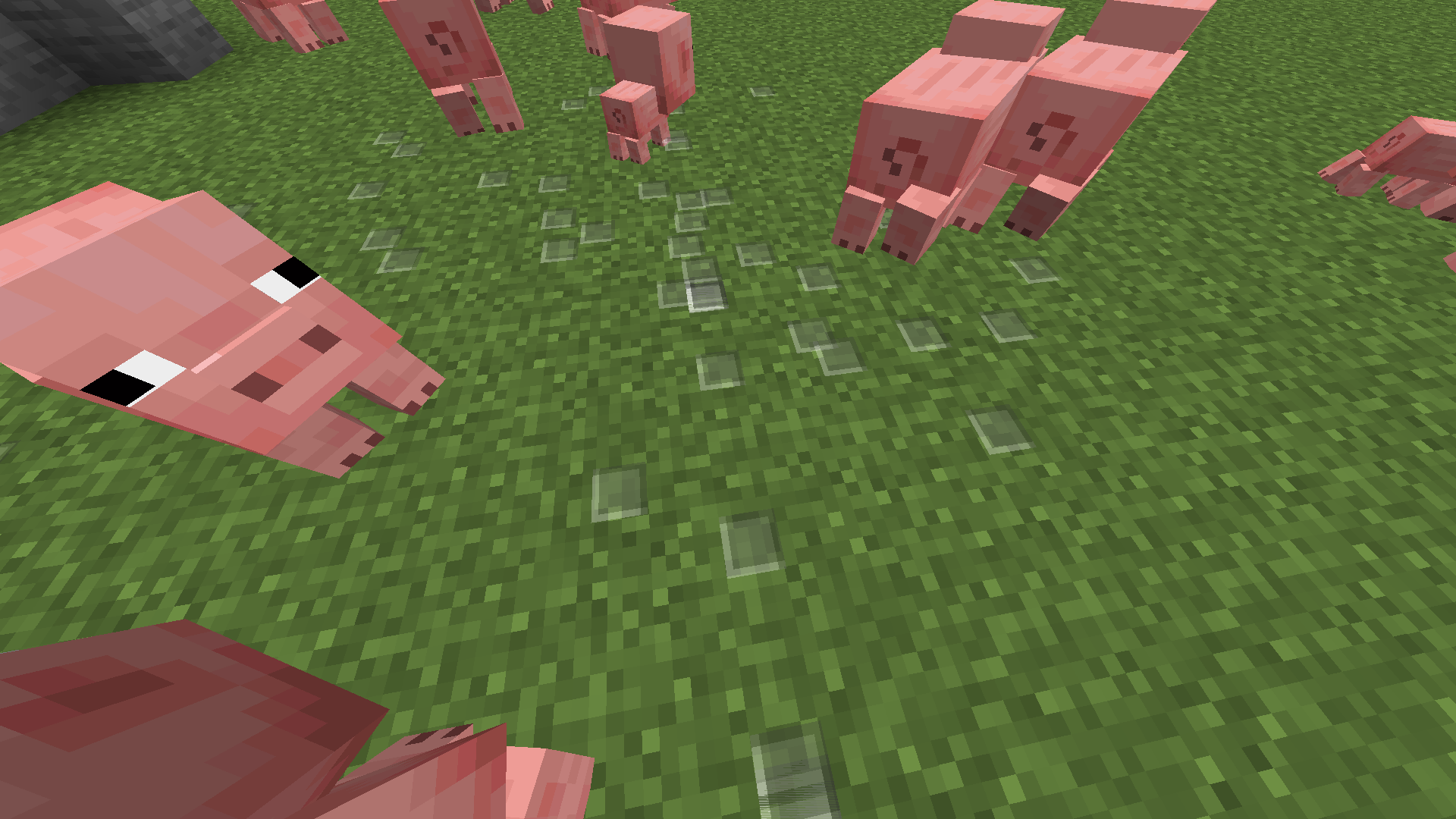
This data pack is a simple quality of life pack that adds footprint particles to the game, with a config to control performance and preferences.
Now, when mobs and players walk around, they will leave behind footprints on soft materials such as dirt, wool, sand, etc.
These footprints disappear after a amount of time that can be configured to avoid tps lag.
Players will not leave these footprints if they are sneaking
⌨️Config
Config options can be edited by using the scoreboard command to edit specific values
Example: (scoreboard players set *mobs footprints.config 1)
| Name | Values | Use |
|---|---|---|
| Lifetime | Any Integer Value | Time in ticks it takes for a footstep to disappear |
| Limit | And Integer Value | How many footstep particles can exist in the world at one time |
| Mobs | 0 - 1 (True=1,False=0) | Whether any mob can leave footsteps or only players |
Examples
scoreboard players set *lifetime footprints.config 20 - Makes every footprint only exist for one second
scoreboard players set *limit footprints.config 100 - Makes it so only 100 footprints can exist at one time
scoreboard players set *mobs footprints.config 1 - Makes it so any reasonable mob can leave footsteps
🖊️Credits
Programming/Modeling - HAK0TA538
Footprint Texture - Mojang (Lol)
Verfügbare Versionen
Footprint Particles auf dem Server installieren
Server bestellen
Bestelle einen Minecraft Java Server mit mindestens 3 GB RAM (4 GB empfohlen).
datapack Loader setzen
Wähle im Panel unter "Egg" den datapack-Loader und die passende Minecraft-Version (1.21).
Mod installieren
Öffne den Mod-Browser im Dashboard und suche nach "Footprint Particles". Klicke "Installieren" – fertig! Alternativ: Lade die .jar via SFTP in den /mods Ordner.
Kompatibilität
Mod-Loader
Minecraft-Versionen
1.21, 1.20.5, 1.20.2 (+3 weitere)
Server-seitig
✓ ErforderlichEmpfohlener RAM
4 GB(min. 3 GB)Häufige Fragen
Footprint Particles Server crasht beim Start – was tun?
Häufigste Ursache: falsche datapack-Version oder zu wenig RAM. Prüfe im Server-Log (latest.log), ob ein "OutOfMemoryError" oder "Mixin"-Fehler auftritt. Bei Mado Hosting: Stelle sicher, dass mindestens 3 GB RAM zugewiesen sind und der Loader zur Mod-Version passt (1.21). Über das Panel kannst du den Loader mit einem Klick wechseln.
Ist Footprint Particles mit datapack und fabric und forge und quilt kompatibel?
Footprint Particles unterstützt offiziell datapack, fabric, forge, quilt für Minecraft 1.21, 1.20.5, 1.20.2. Achtung: Forge- und Fabric-Mods sind NICHT untereinander kompatibel – wähle einen Loader und bleibe dabei. Im Mado Dashboard werden inkompatible Loader-Kombinationen automatisch erkannt.
Server laggt mit Footprint Particles – wie optimiere ich die Performance?
Empfohlener RAM: 4 GB (+1 GB pro 8 Spieler). Prüfe mit /spark profiler, ob Footprint Particles den meisten Tick-Time verbraucht. Häufige Fixes: Server-View-Distance auf 8-10 reduzieren, bei Forge "performant" oder "starlight" als Zusatz-Mod installieren. Bei Mado Hosting läuft dein Server auf NVMe-SSDs mit dedizierten CPU-Kernen für minimale Latenz.
Ähnliche Mods

![[ETF] Entity Texture Features](https://cdn.modrinth.com/data/BVzZfTc1/af683d206d50b05258d865b0d6e4aa2f2cee12f2_96.webp)
![[EMF] Entity Model Features](https://cdn.modrinth.com/data/4I1XuqiY/6e5bbd0d06b1741bfdab6c0cfab6de8fdaf0064c_96.webp)



Modded Server mieten
Installiere Footprint Particles mit nur einem Klick auf deinem Server.