
I see you over there!
Adjusts entity and block-entity render distance based on zoom.
Screenshots
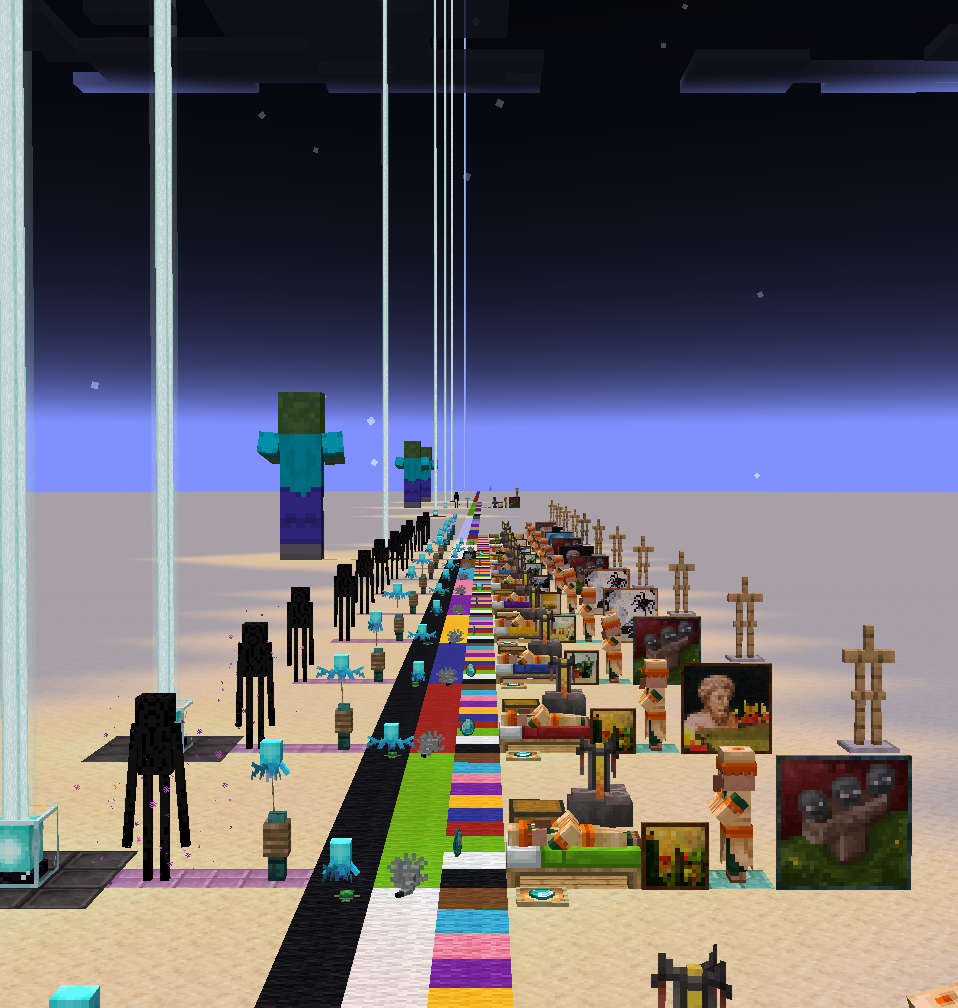
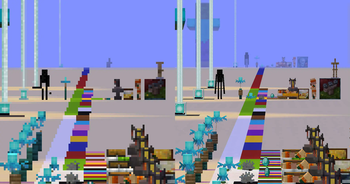
Über diese Mod
I See You Over There !
Adds additional options to the render distance of entities and block-entities.
The intent is to let people play with a lower entity-render distance, without crippling the spyglass.
This should theoretically work with any zoom mod, or really any FOV-changing effect.
This may not work as effectively in multiplayer.
Unless the server is configured to have an increased tracking distance (vanilla settings), the client will not even know about far away entities, and thus won't be able to render them.
In singleplayer, the mod automatically adjusts the server-side's tracking distance to match the render distance.
Configuration
The config can be edited in-game using Mod Menu + Cloth Config
fovScaling
When enabled, causes entity and block-entities render distances to increase or decrease based on the FOV (e.g, when using a spyglass).
When enabled, all other settings (except entity.max) will scale with the FOV. For these settings, the value defined in the config will correspond to a FOV of 90°.
entity.min
Forces all entities within this range to be rendered.
In vanilla, entity render distance scales based on the entity's physical size. Without that setting, the smallest ones may require you to get absurdely close in order for them to become visible. (If you've ever tried looking for an Allay who got lost, you'll know.)
entity.max
Prevents entities beyond this range from being rendered.
This setting is intended to serve as a limiter. It is not affected by FOV-scaling, and will override the Minimum value.
block.min
Renders all block-entities within this range. This can only increase block-entity render distance, not reduce it below their default.
This setting may be removed in the future. It offers no benefit over using the mod "Enhanced Block Entities".
block.beacon
Render distance for the beacon's beam. This can increase its range beyond the block-entity render distances, but not reduce it.
Verfügbare Versionen
I see you over there! auf deinem Client installieren
Mod-Loader lokal installieren
Installiere fabric für deine lokale Minecraft-Version.
Passende Datei herunterladen
Wähle die I see you over there!-Datei für fabric und Minecraft 26.2.
Mod installieren
Lege die .jar-Datei in deinem lokalen .minecraft/mods-Ordner ab und starte Minecraft neu. Eine Installation auf dem Server ist nicht nötig.
Kompatibilität
Mod-Loader
Minecraft-Versionen
26.2, 26.1.2, 26.1.1 (+21 weitere)
Server-seitig
✗ Nicht unterstütztEmpfohlener RAM
4 GB(min. 3 GB)Häufige Fragen
Muss I see you over there! auf dem Minecraft Server installiert werden?
Nein. Modrinth kennzeichnet I see you over there! serverseitig als nicht unterstützt. Installiere die Mod nur im lokalen Minecraft-Mods-Ordner. Dein Server kann unverändert bleiben, sofern die Mod-Seite keine zusätzliche Abhängigkeit nennt.
Welche Version und welchen Loader braucht I see you over there!?
Nutze eine Datei für fabric und exakt deine Minecraft-Version. Unterstützte Versionen sind unter anderem 26.2, 26.1.2, 26.1.1. Loader-Dateien sind nicht untereinander austauschbar.
I see you over there! funktioniert nicht – was kann ich prüfen?
Prüfe zuerst Minecraft-Version, Loader-Version und erforderliche Abhängigkeiten. Lege die .jar-Datei im lokalen .minecraft/mods-Ordner ab und entferne ältere Duplikate. Da die Mod clientseitig ist, löst mehr Server-RAM dieses Problem nicht.
Ähnliche Mods


Minecraft Server für deine Gruppe
I see you over there! bleibt auf deinem Client. Hoste dazu eine kompatible Welt für deine Mitspieler.