
I see you over there!
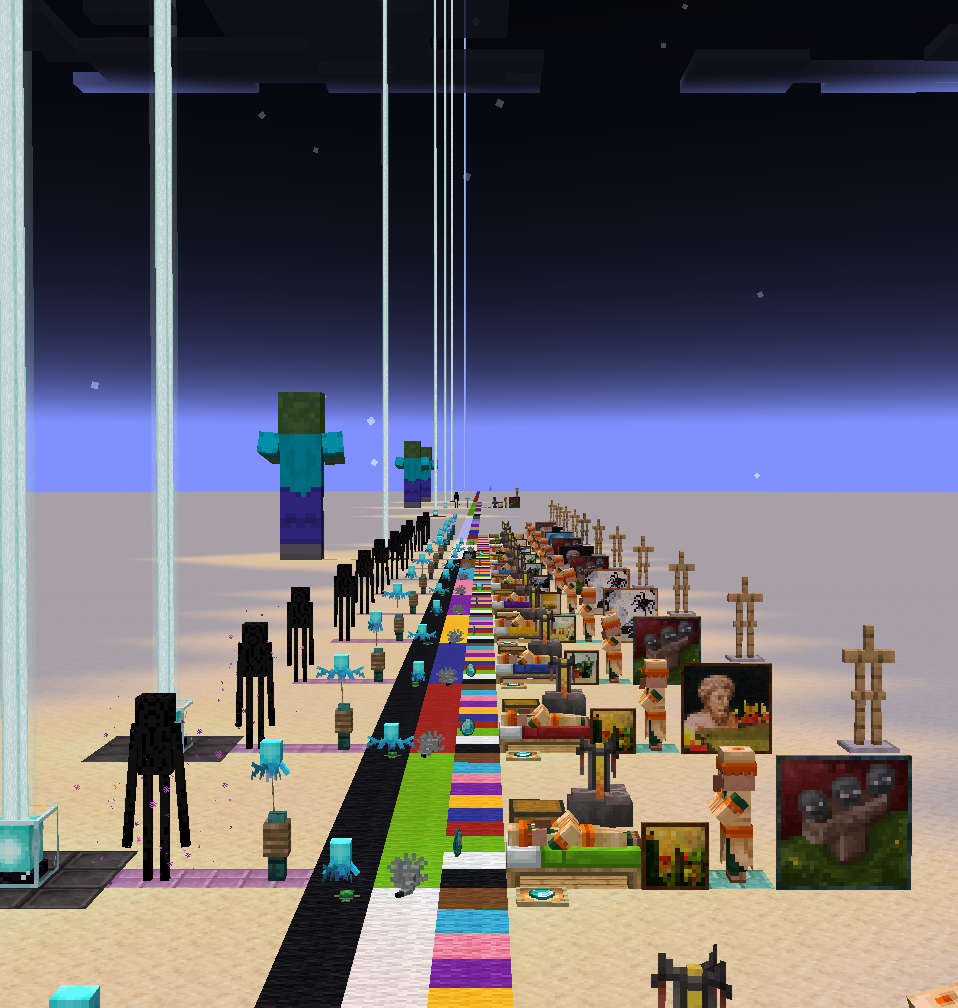
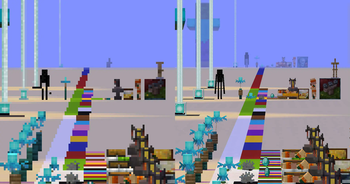
Adjusts entity and block-entity render distance based on zoom.
Screenshots
About this Mod
I See You Over There !
Adds additional options to the render distance of entities and block-entities.
The intent is to let people play with a lower entity-render distance, without crippling the spyglass.
This should theoretically work with any zoom mod, or really any FOV-changing effect.
This may not work as effectively in multiplayer.
Unless the server is configured to have an increased tracking distance (vanilla settings), the client will not even know about far away entities, and thus won't be able to render them.
In singleplayer, the mod automatically adjusts the server-side's tracking distance to match the render distance.
Configuration
The config can be edited in-game using Mod Menu + Cloth Config
fovScaling
When enabled, causes entity and block-entities render distances to increase or decrease based on the FOV (e.g, when using a spyglass).
When enabled, all other settings (except entity.max) will scale with the FOV. For these settings, the value defined in the config will correspond to a FOV of 90°.
entity.min
Forces all entities within this range to be rendered.
In vanilla, entity render distance scales based on the entity's physical size. Without that setting, the smallest ones may require you to get absurdely close in order for them to become visible. (If you've ever tried looking for an Allay who got lost, you'll know.)
entity.max
Prevents entities beyond this range from being rendered.
This setting is intended to serve as a limiter. It is not affected by FOV-scaling, and will override the Minimum value.
block.min
Renders all block-entities within this range. This can only increase block-entity render distance, not reduce it below their default.
This setting may be removed in the future. It offers no benefit over using the mod "Enhanced Block Entities".
block.beacon
Render distance for the beacon's beam. This can increase its range beyond the block-entity render distances, but not reduce it.
Available Versions
How to Install I see you over there! on Your Client
Install the Mod Loader Locally
Install fabric for your local Minecraft version.
Download the Matching File
Choose the I see you over there! file for fabric and Minecraft 26.2.
Install Mod
Place the .jar file in your local .minecraft/mods folder and restart Minecraft. No server-side installation is required.
Compatibility
Mod Loaders
Minecraft Versions
26.2, 26.1.2, 26.1.1 (+21 more)
Server-side
✗ UnsupportedRecommended RAM
4 GB(min. 3 GB)Frequently Asked Questions
Does I see you over there! need to be installed on the Minecraft server?
No. Modrinth marks I see you over there! as unsupported on the server side. Install it only in your local Minecraft mods folder. Your server can remain unchanged unless the mod page lists an additional dependency.
Which version and loader does I see you over there! require?
Use a file for fabric and your exact Minecraft version. Supported versions include 26.2, 26.1.2, 26.1.1. Files for different loaders are not interchangeable.
I see you over there! is not working – what should I check?
First check the Minecraft version, loader version and required dependencies. Put the .jar file in your local .minecraft/mods folder and remove older duplicates. Because this mod is client-side, adding server RAM will not fix it.
Similar Mods


Minecraft Server for Your Group
I see you over there! stays on your client. Host a compatible world for your group.