
Immersive Hotbar
Adds animations to the hotbar to make it more immersive
Screenshots

Über diese Mod
Immersive Hotbar
Immersive Hotbar makes Minecraft’s static hotbar feel more responsive by adding animations for picking up and placing items, using tools and weapons, switching slots, and gaining XP.






✨ Features
🔄 Animated hotbar slots when picking up, using, or swapping items
💬 Animated tooltip appears when switching items or hovering.
🎨 Bouncy/shrink animation styles configurable per user preference
✨ Animated XP Bar and Level up effects!
⚙️ Fully customizable through an in-game YACL configuration screen with live previews
🧩 Compatibility
Held Item Info, Bedrockify and Item Borders are now supported as of 1.1.0!!
⚒️Multiloader Progress
Currently supported:
- NeoForge 1.21.1, 1.21.9-1.21.11
- Forge 1.20.1
Showcase
Smooth Pickup || Bouncy Pickup || Bouncy Placing || Smooth Placing
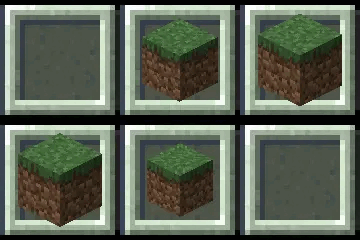
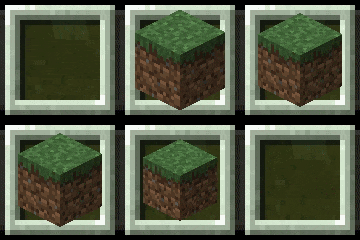
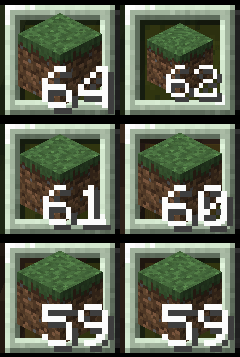
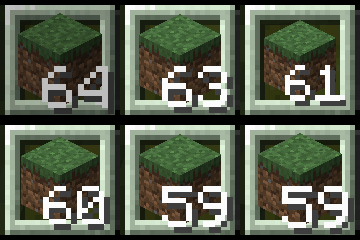
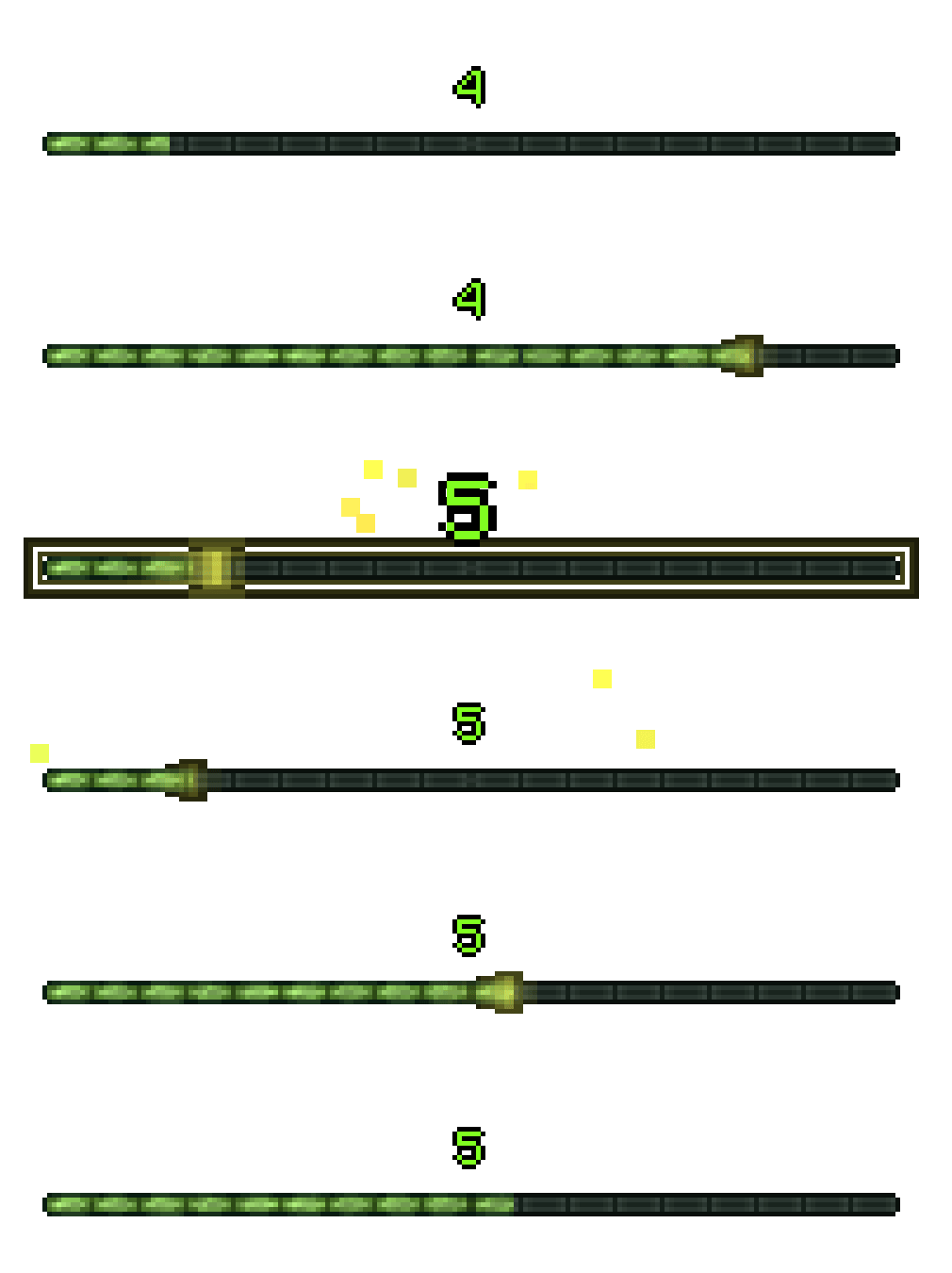
Animated XP Bar and Levelup Effects
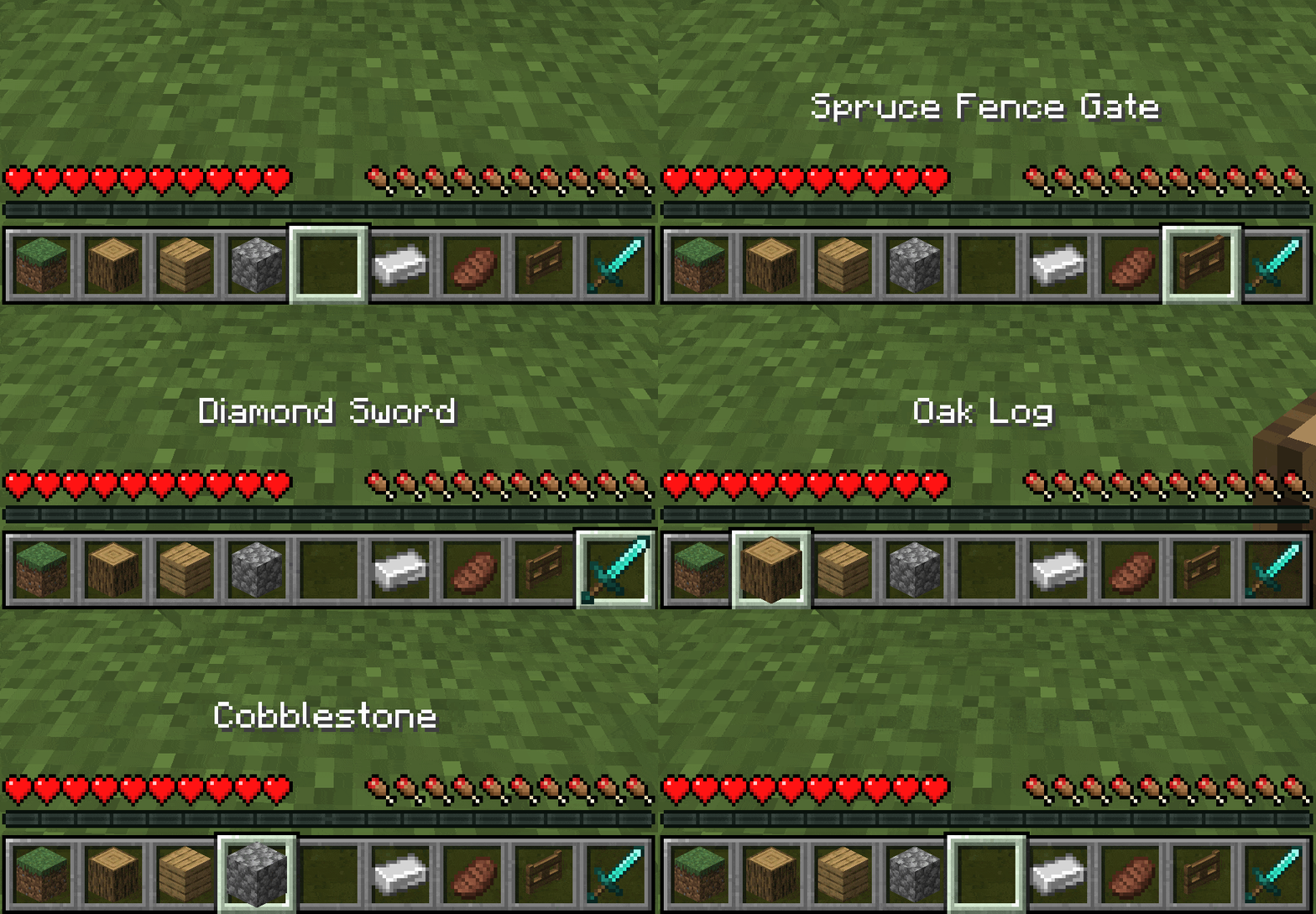
Smooth Hotbar Scrolling

Bouncy Hotbar Scrolling

Animated Tooltip
Verfügbare Versionen
Immersive Hotbar auf deinem Client installieren
Mod-Loader lokal installieren
Installiere fabric für deine lokale Minecraft-Version.
Passende Datei herunterladen
Wähle die Immersive Hotbar-Datei für fabric und Minecraft 26.4-snapshot-3.
Mod installieren
Lege die .jar-Datei in deinem lokalen .minecraft/mods-Ordner ab und starte Minecraft neu. Eine Installation auf dem Server ist nicht nötig.
Kompatibilität
Mod-Loader
Minecraft-Versionen
26.4-snapshot-3, 26.4-snapshot-2, 26.3 (+24 weitere)
Server-seitig
✗ Nicht unterstütztEmpfohlener RAM
4 GB(min. 3 GB)Häufige Fragen
Muss Immersive Hotbar auf dem Minecraft Server installiert werden?
Nein. Modrinth kennzeichnet Immersive Hotbar serverseitig als nicht unterstützt. Installiere die Mod nur im lokalen Minecraft-Mods-Ordner. Dein Server kann unverändert bleiben, sofern die Mod-Seite keine zusätzliche Abhängigkeit nennt.
Welche Version und welchen Loader braucht Immersive Hotbar?
Nutze eine Datei für fabric, forge, neoforge und exakt deine Minecraft-Version. Unterstützte Versionen sind unter anderem 26.4-snapshot-3, 26.4-snapshot-2, 26.3. Loader-Dateien sind nicht untereinander austauschbar.
Immersive Hotbar funktioniert nicht – was kann ich prüfen?
Prüfe zuerst Minecraft-Version, Loader-Version und erforderliche Abhängigkeiten. Lege die .jar-Datei im lokalen .minecraft/mods-Ordner ab und entferne ältere Duplikate. Da die Mod clientseitig ist, löst mehr Server-RAM dieses Problem nicht.
Ähnliche Mods

![[ETF] Entity Texture Features](https://cdn.modrinth.com/data/BVzZfTc1/af683d206d50b05258d865b0d6e4aa2f2cee12f2_96.webp)
![[EMF] Entity Model Features](https://cdn.modrinth.com/data/4I1XuqiY/6e5bbd0d06b1741bfdab6c0cfab6de8fdaf0064c_96.webp)



Minecraft Server für deine Gruppe
Immersive Hotbar bleibt auf deinem Client. Hoste dazu eine kompatible Welt für deine Mitspieler.