
Iron Barrels
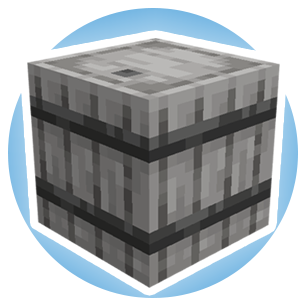
A mod that adds different tiers of barrels. (Ex:- Iron Barrel, Gold Barrel).
Screenshots
Über diese Mod
-Supports Forge, NeoForge, and Fabric.
-1.12.2, 1.16.5, 1.20.1, and 1.21.1 versions of the mod require the dependency: Iron Core
-Fabric versions of the mod require the dependency: Fabric API
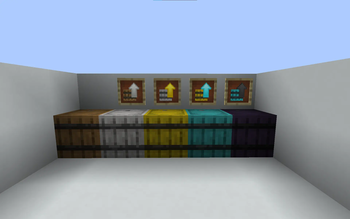
-Iron Barrels mod adds different tiers of barrels that increase in storage as the tiers go up.
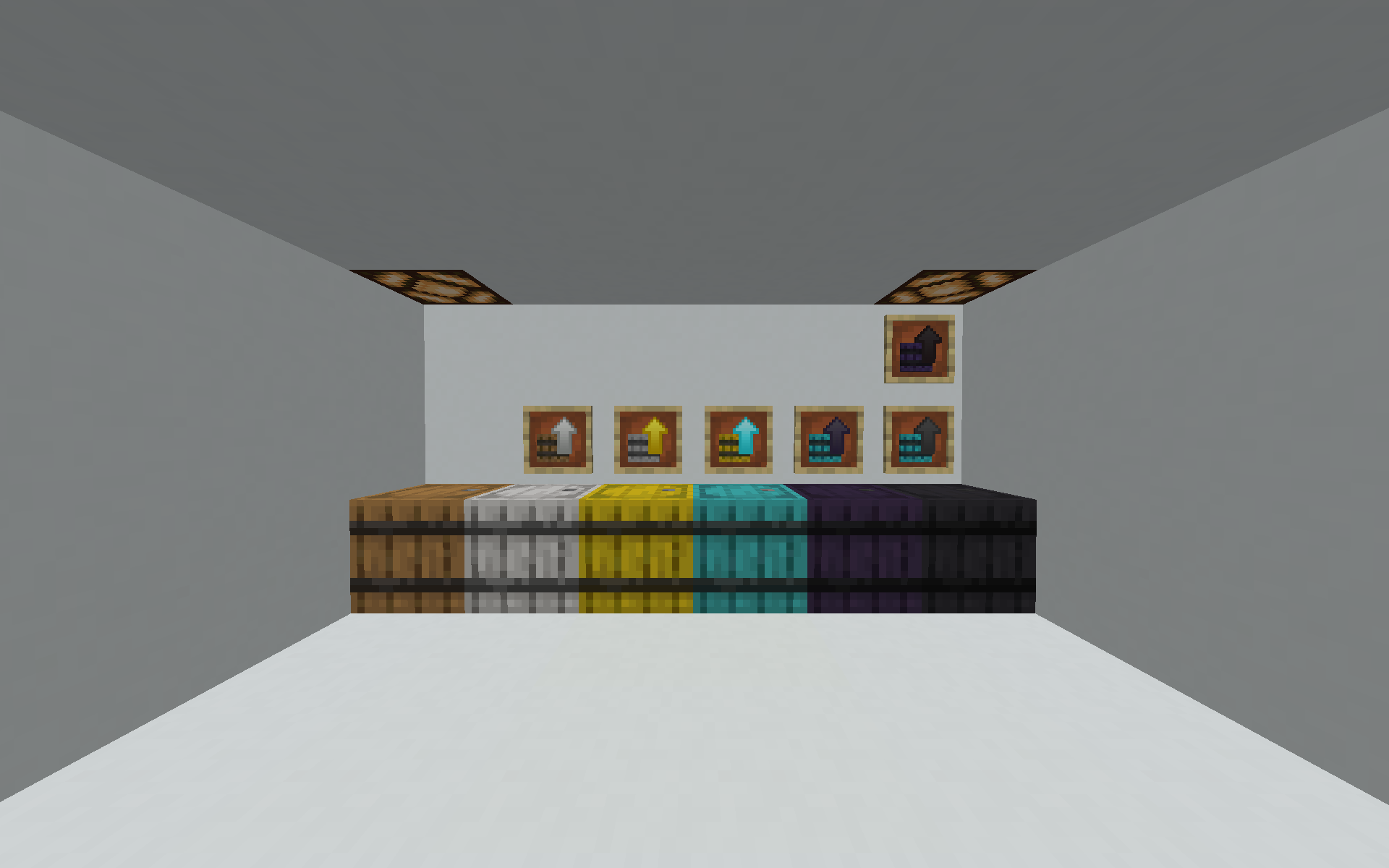
-You can either upgrade the barrels by crafting the specific tier you need or using a barrel upgrade.
-How upgrades work is that for example if you have an iron to gold barrel upgrade, you can right click on your iron barrel to turn it into a gold barrel with all of the items inside
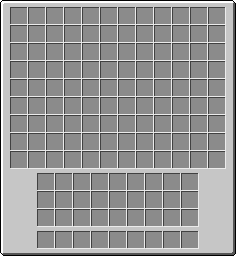
-The higher the tier the more space the barrel has to store your items inside of, diamond barrel is the max amount of slots for 1.15 and has a bit under 110 slots of storage! However in 1.16.5+ there is a Netherite Barrel with nearly 140 slots of storage! You can use this mod in 1.12.2 with FutureMC or Unseen's Nether Backport installed and it will add the Netherite Barrel.
-There is an obsidian barrel which stores the same amount as diamond barrel just harder and has the properties of an obsidian block (High blast resistance and hard to break).
-Report any bugs in the Curseforge comment section.
-Customizable recipe config file to disable/enable recipes easily added via Iron Core!
Note: Use Polymorph or YARCF if using Iron Chests mod, or recipes may interfere.
Inspired by Iron Chests
Feel free to use in any modpack!
Verfügbare Versionen
Iron Barrels auf dem Server installieren
Server bestellen
Bestelle einen Minecraft Java Server mit mindestens 3 GB RAM (4 GB empfohlen).
fabric Loader setzen
Wähle im Panel unter "Egg" den fabric-Loader und die passende Minecraft-Version (1.21.8).
Mod installieren
Öffne den Mod-Browser im Dashboard und suche nach "Iron Barrels". Klicke "Installieren" – fertig! Alternativ: Lade die .jar via SFTP in den /mods Ordner.
Kompatibilität
Mod-Loader
Minecraft-Versionen
1.21.8, 1.21.7, 1.21.6 (+14 weitere)
Server-seitig
✓ ErforderlichEmpfohlener RAM
4 GB(min. 3 GB)Häufige Fragen
Iron Barrels Server crasht beim Start – was tun?
Häufigste Ursache: falsche fabric-Version oder zu wenig RAM. Prüfe im Server-Log (latest.log), ob ein "OutOfMemoryError" oder "Mixin"-Fehler auftritt. Bei Mado Hosting: Stelle sicher, dass mindestens 3 GB RAM zugewiesen sind und der Loader zur Mod-Version passt (1.21.8). Über das Panel kannst du den Loader mit einem Klick wechseln.
Ist Iron Barrels mit fabric und forge und neoforge kompatibel?
Iron Barrels unterstützt offiziell fabric, forge, neoforge für Minecraft 1.21.8, 1.21.7, 1.21.6. Achtung: Forge- und Fabric-Mods sind NICHT untereinander kompatibel – wähle einen Loader und bleibe dabei. Im Mado Dashboard werden inkompatible Loader-Kombinationen automatisch erkannt.
Server laggt mit Iron Barrels – wie optimiere ich die Performance?
Empfohlener RAM: 4 GB (+1 GB pro 8 Spieler). Prüfe mit /spark profiler, ob Iron Barrels den meisten Tick-Time verbraucht. Häufige Fixes: Server-View-Distance auf 8-10 reduzieren, bei Forge "performant" oder "starlight" als Zusatz-Mod installieren. Bei Mado Hosting läuft dein Server auf NVMe-SSDs mit dedizierten CPU-Kernen für minimale Latenz.
Ähnliche Mods






Modded Server mieten
Installiere Iron Barrels mit nur einem Klick auf deinem Server.