
Limbo
A standalone lightweight solution for AFK or waiting rooms in your server network.
Screenshots

Über diese Mod

Development Builds & Scheme Download for Default Spawn Island
Video
Want video demonstrations? Here are some videos made by some awesome people!
Video by KasaiSora in English:
About
If your server always has a few players that AFK forever and causes a waste of server resources, or if you want something that can hold lots of players like a waiting room or server lobby, you can consider using a Limbo server.
Currently, the program is still under development and things will continue to be added.
Limbo Server is built against 26.1.1 and wouldn't work with other versions. However, you can use the Limbo plugin ViaLimbo do make it possible!
A small .schem can be loaded as the default world (the current sponge/worldedit schematic format) and player skins are also supported.
Limbo Server also has an API which allows you to create simple plugins and change the behaviour of the Limbo, such as listening to chat events, adding custom commands, sending custom packets, or even adding more worlds.
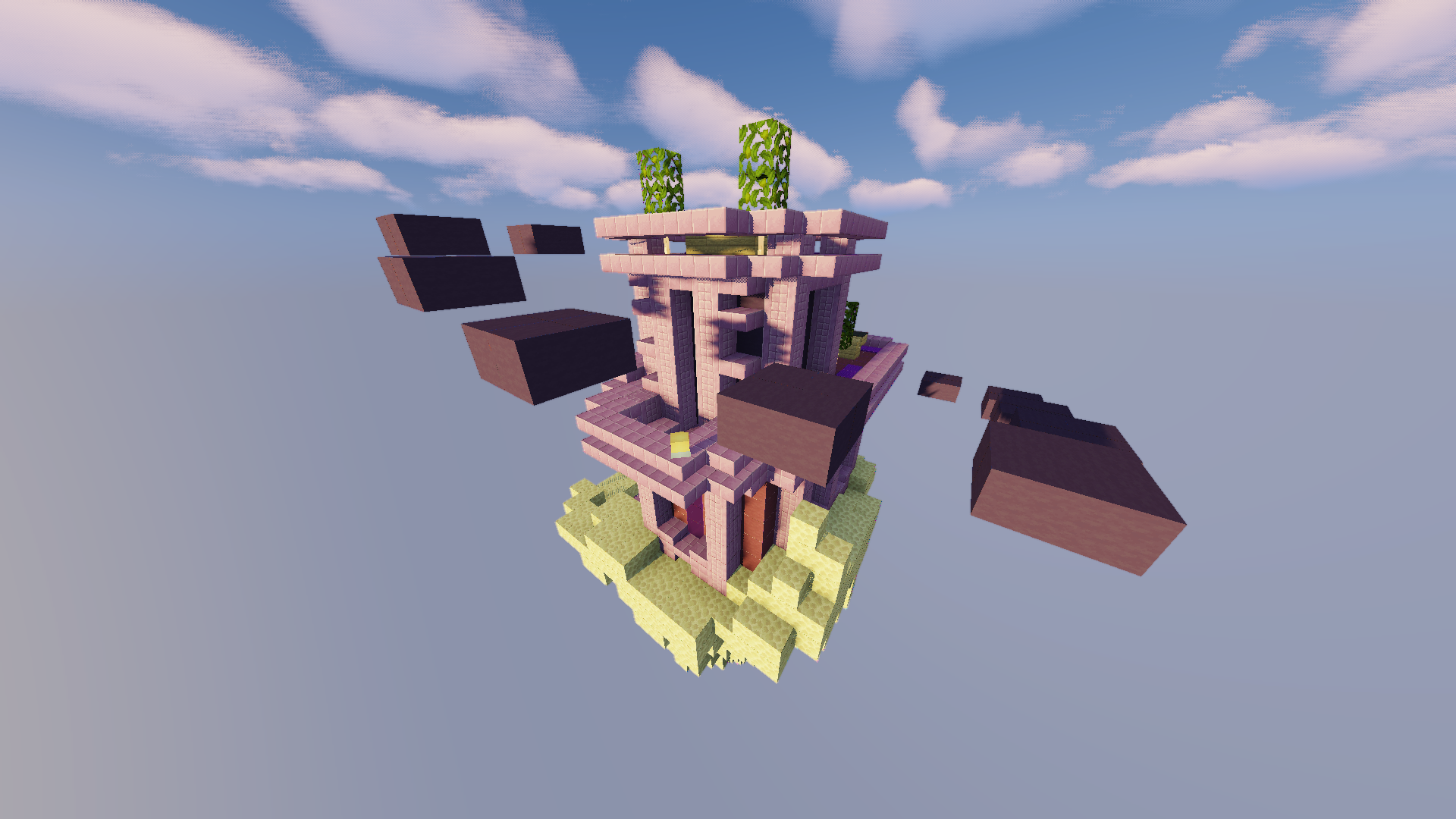
A screenshot from the demo server, download the scheme here
Demo Limbo Server
Want to take a look at a live demo?
IP: mc.loohpjames.com

Installation
- Put Limbo.jar in a folder you like
- Start the server just like any other spigot server with
java -jar Limbo.jar --nogui(Or without --nogui flag if you for some reason like the annoying GUI) - Edit the server.properties
- Restart the server
- Set up and link the server to your bungeecord proxy if you use that (Remember to set bungeecord to true in step 3)
Data usage
Usage statistics at https://bstats.org/plugin/server-implementation/Limbo will be visible to the public with your server included in the statistics. No private information of your server is sent.

Verfügbare Versionen
Limbo auf dem Server installieren
Server bestellen
Bestelle einen Minecraft Java Server mit mindestens 3 GB RAM (4 GB empfohlen).
java-agent Loader setzen
Wähle im Panel unter "Egg" den java-agent-Loader und die passende Minecraft-Version (26.3).
Mod installieren
Öffne den Mod-Browser im Dashboard und suche nach "Limbo". Klicke "Installieren" – fertig! Alternativ: Lade die .jar via SFTP in den /mods Ordner.
Kompatibilität
Mod-Loader
Minecraft-Versionen
26.3, 26.2, 26.1.2 (+30 weitere)
Server-seitig
✓ ErforderlichEmpfohlener RAM
4 GB(min. 3 GB)Häufige Fragen
Limbo Server crasht beim Start – was tun?
Häufigste Ursache: falsche java-agent-Version oder zu wenig RAM. Prüfe im Server-Log (latest.log), ob ein "OutOfMemoryError" oder "Mixin"-Fehler auftritt. Bei Mado Hosting: Stelle sicher, dass mindestens 3 GB RAM zugewiesen sind und der Loader zur Mod-Version passt (26.3). Über das Panel kannst du den Loader mit einem Klick wechseln.
Ist Limbo mit java-agent kompatibel?
Limbo unterstützt offiziell java-agent für Minecraft 26.3, 26.2, 26.1.2. Im Mado Dashboard werden inkompatible Loader-Kombinationen automatisch erkannt.
Server laggt mit Limbo – wie optimiere ich die Performance?
Empfohlener RAM: 4 GB (+1 GB pro 8 Spieler). Prüfe mit /spark profiler, ob Limbo den meisten Tick-Time verbraucht. Häufige Fixes: Server-View-Distance auf 8-10 reduzieren, bei Forge "performant" oder "starlight" als Zusatz-Mod installieren. Bei Mado Hosting läuft dein Server auf NVMe-SSDs mit dedizierten CPU-Kernen für minimale Latenz.
Ähnliche Mods






Modded Server mieten
Installiere Limbo mit nur einem Klick auf deinem Server.