
Macaw's Oh The Biomes You'll Go / We've Gone
A compatibility between Macaw's Mods and the different woods and stones of Oh The Biomes You'll Go / We've Gone
Screenshots
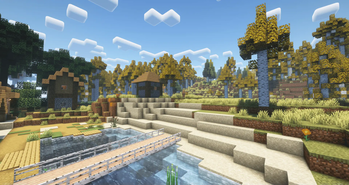
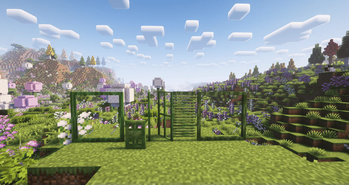
Über diese Mod
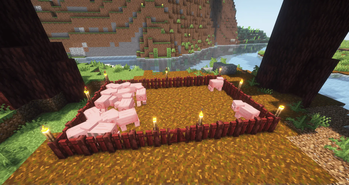
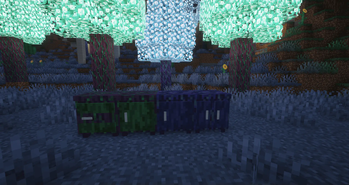
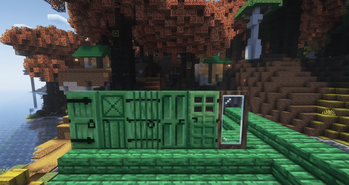
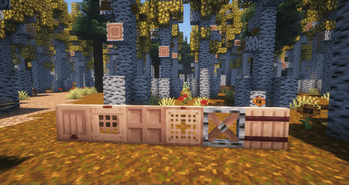
This mod adds compatibility between Macaw's Mods and Oh The Biomes You'll Go, have you always dreamed of making an aspen bridge... well thanks to this mod it is now something possible!
I had installed Macaw's Bridges/Fences/Roofs/Furnitures - BYG, I am afraid that by installing this mod it will delete all my bridges already placed.
Don't worry,
For forge version mod converts all the old blocks and items from the old compatibilitie.
For fabric a mod has been made dependent for the moment, you'll need to use this mod with a pre-filled configuration file to automatically replace the blocks, these files are generated when the game is launched like the config files - more information here
This mod supported :
- Macaw's Bridges
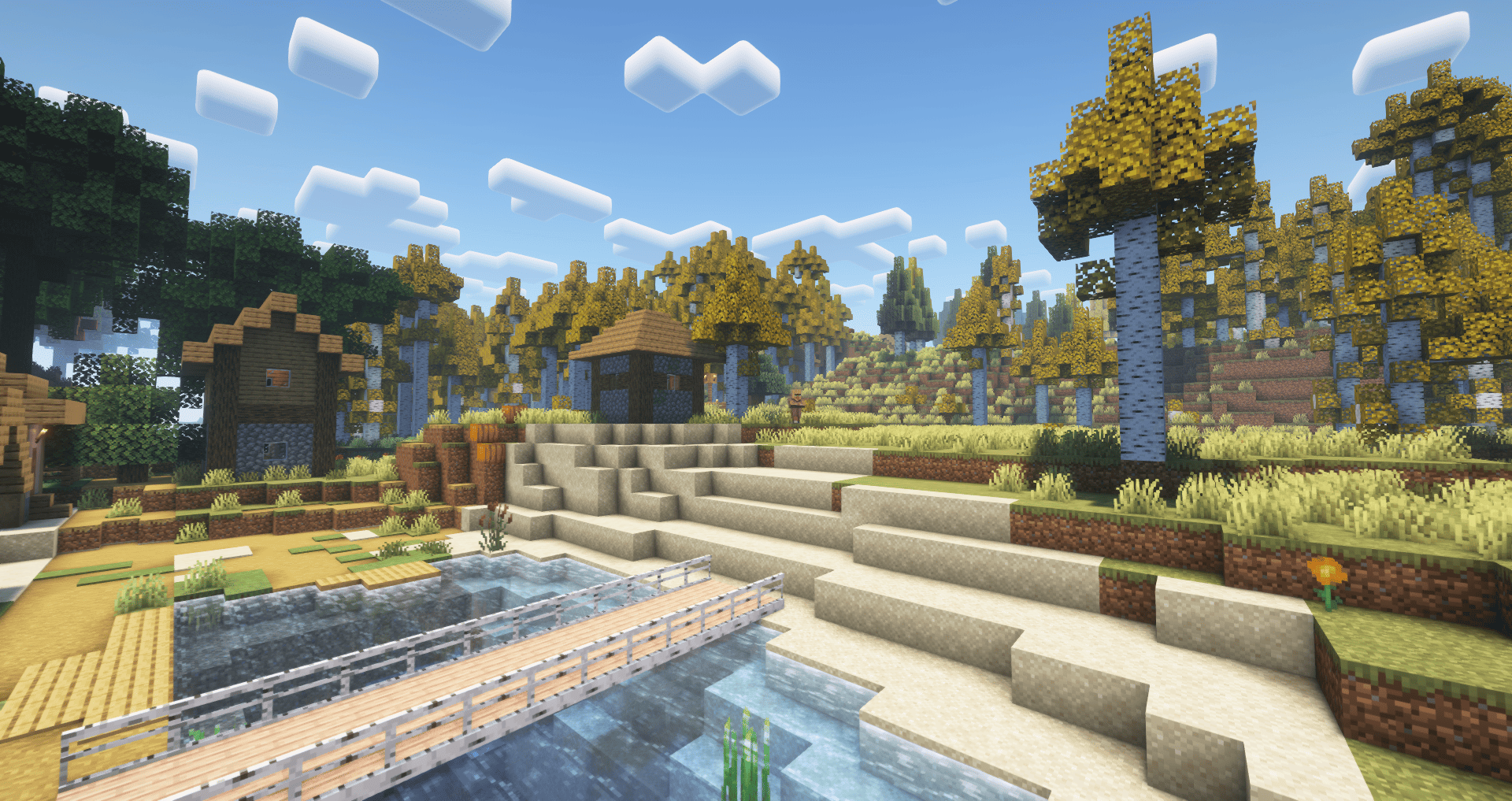
- Macaw's Roofs
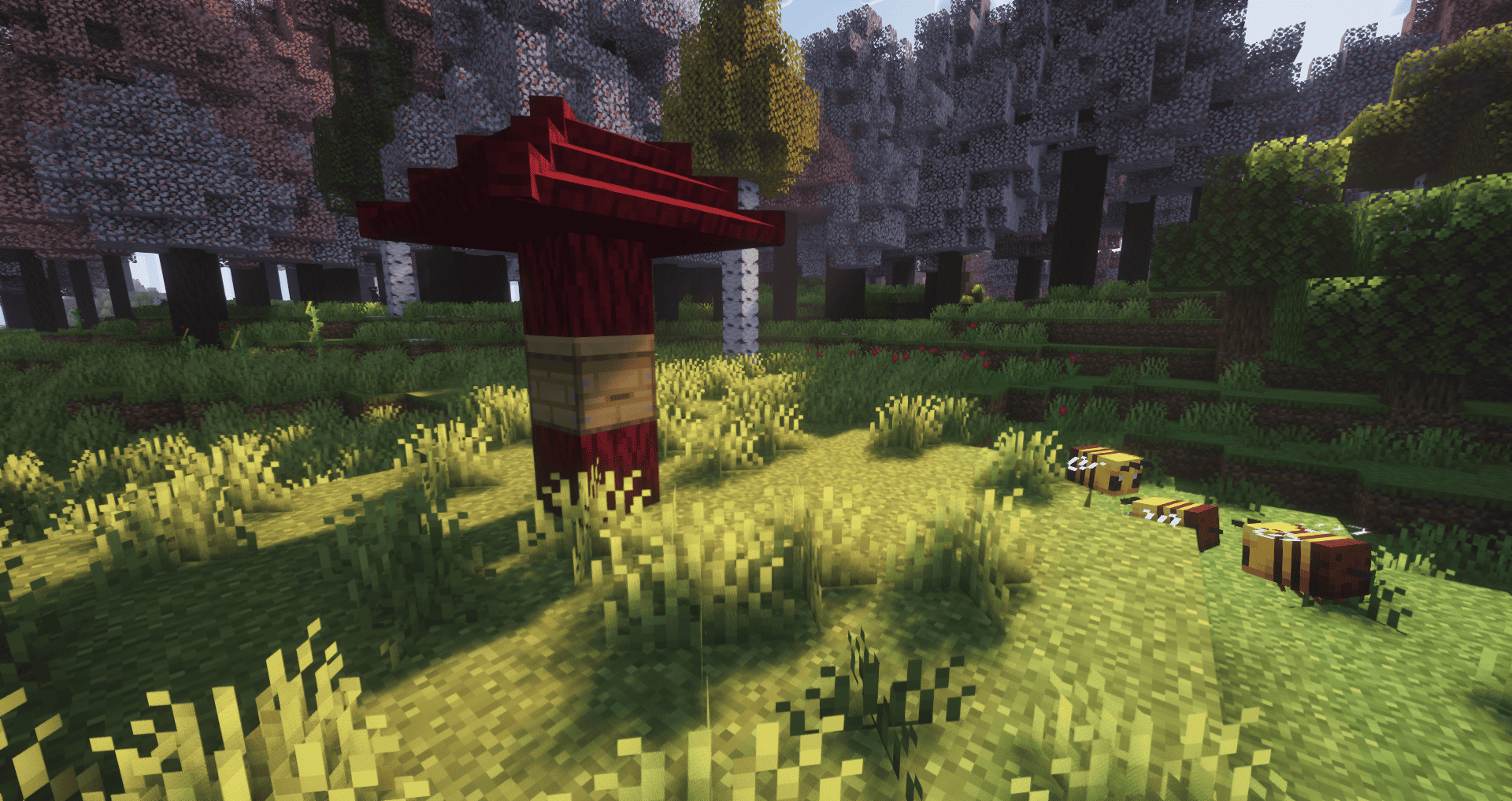
- Macaw's Fences
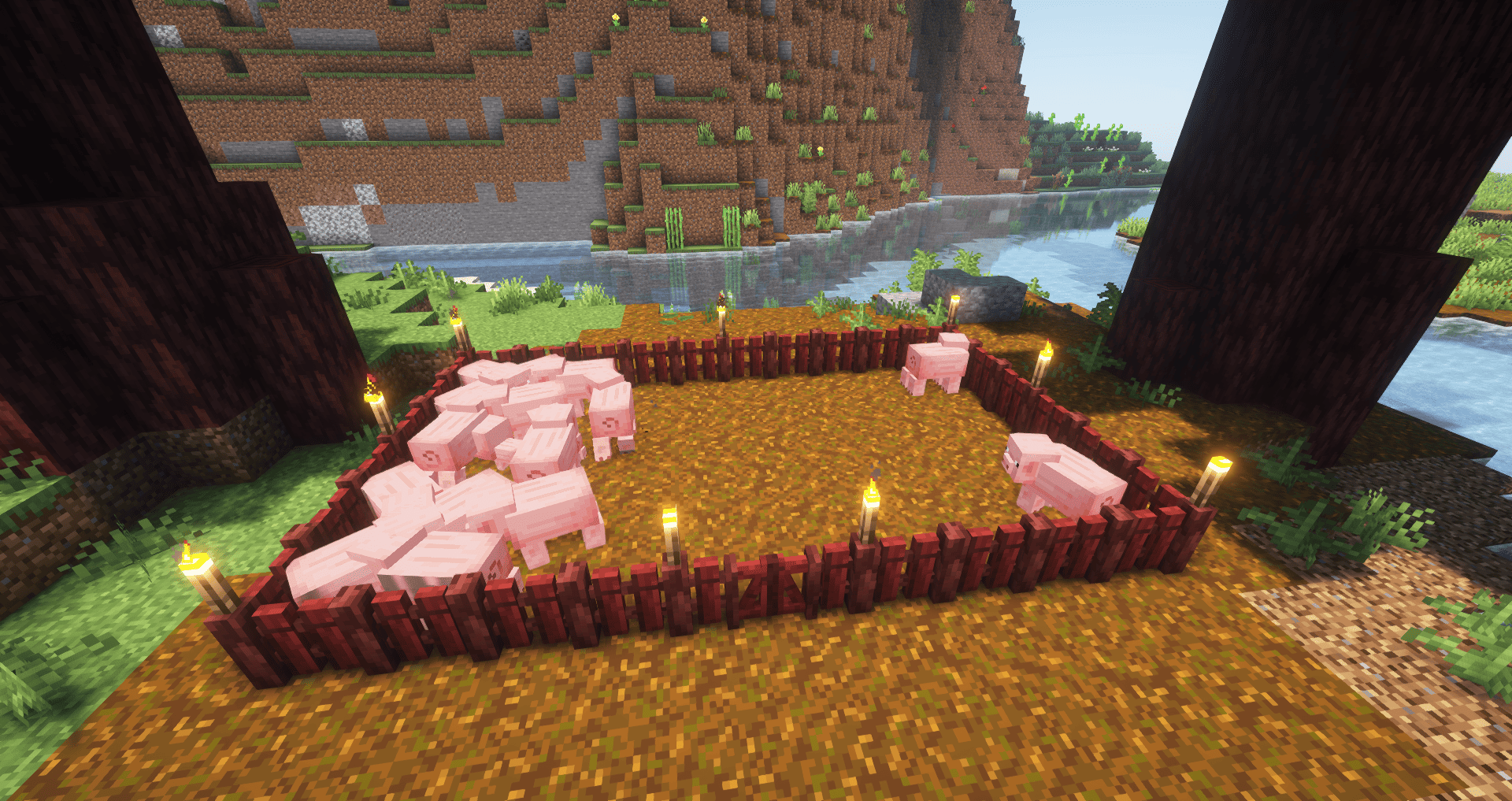
- Macaw's Furnitures
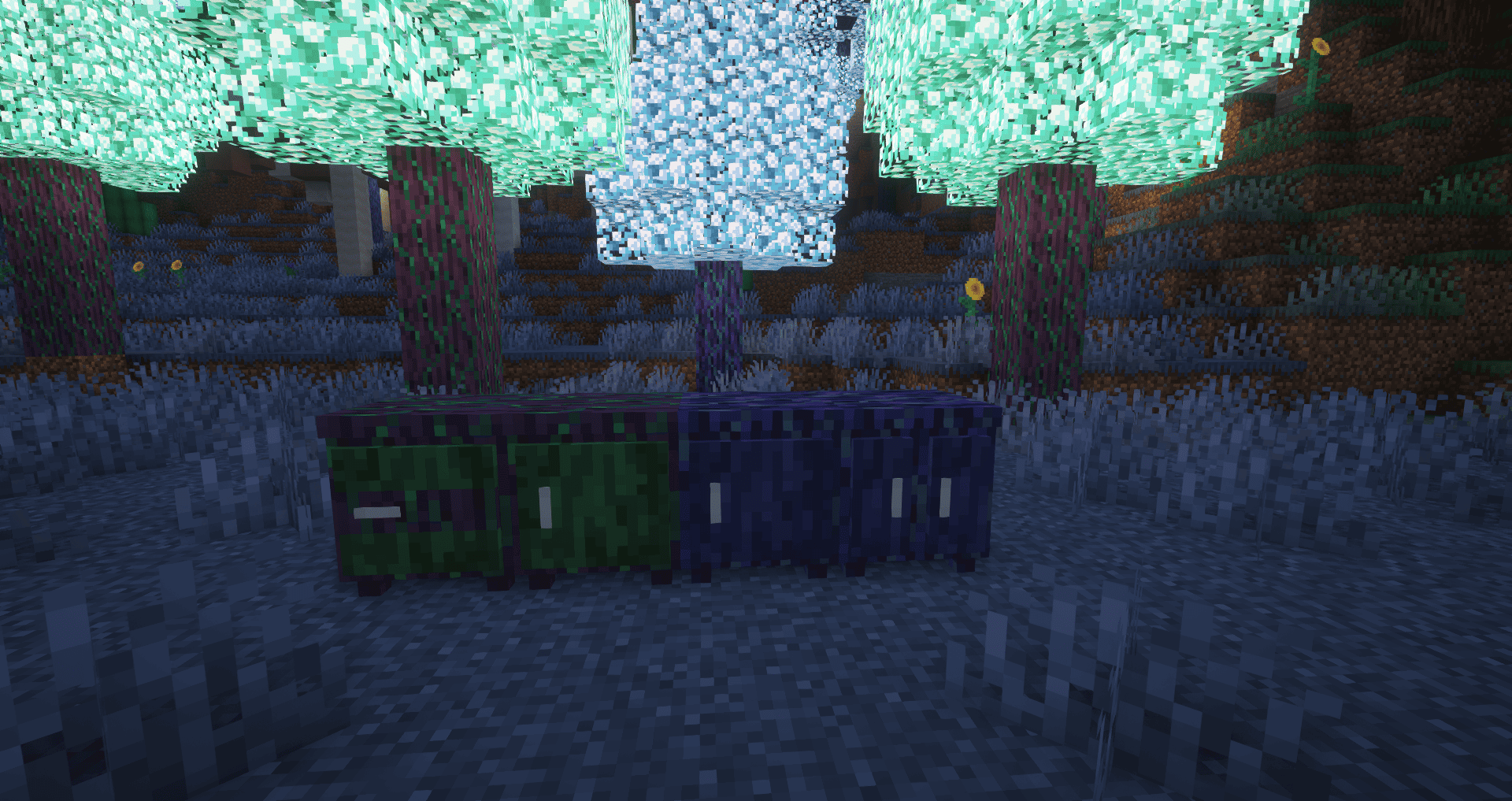
- Macaw's Stairs
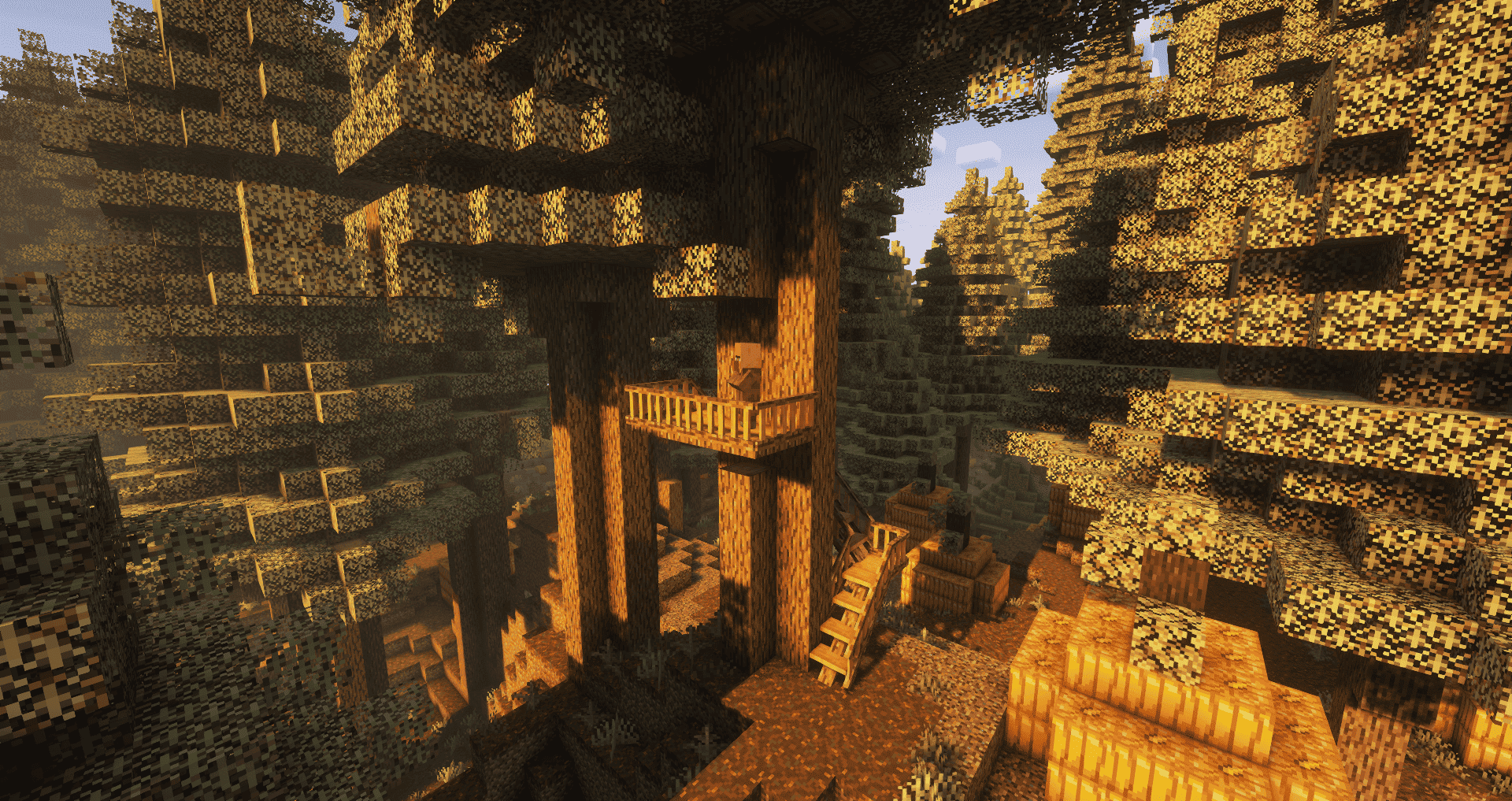
1.1 Update
- Macaw's Paths
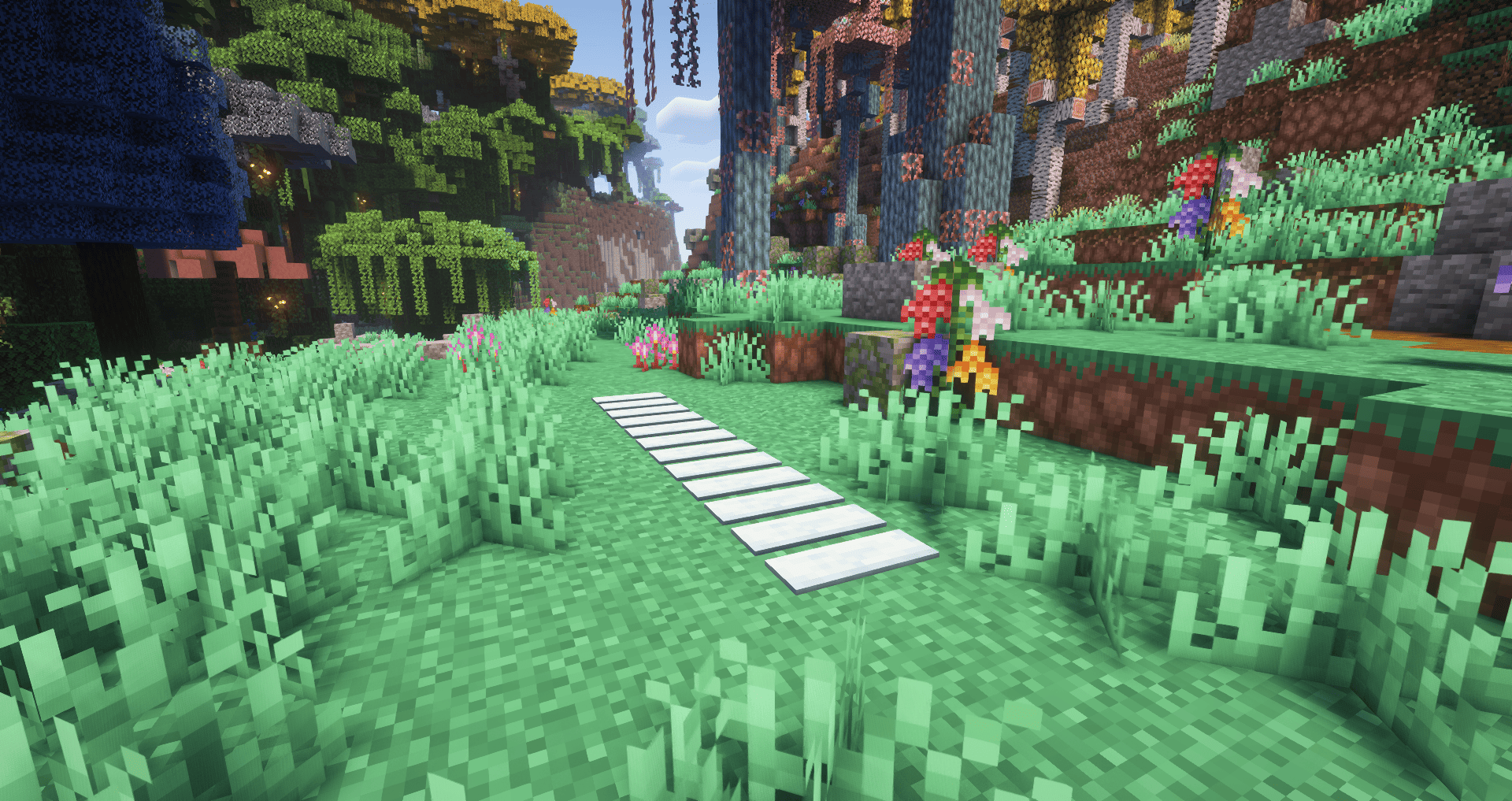
- Macaw's Doors
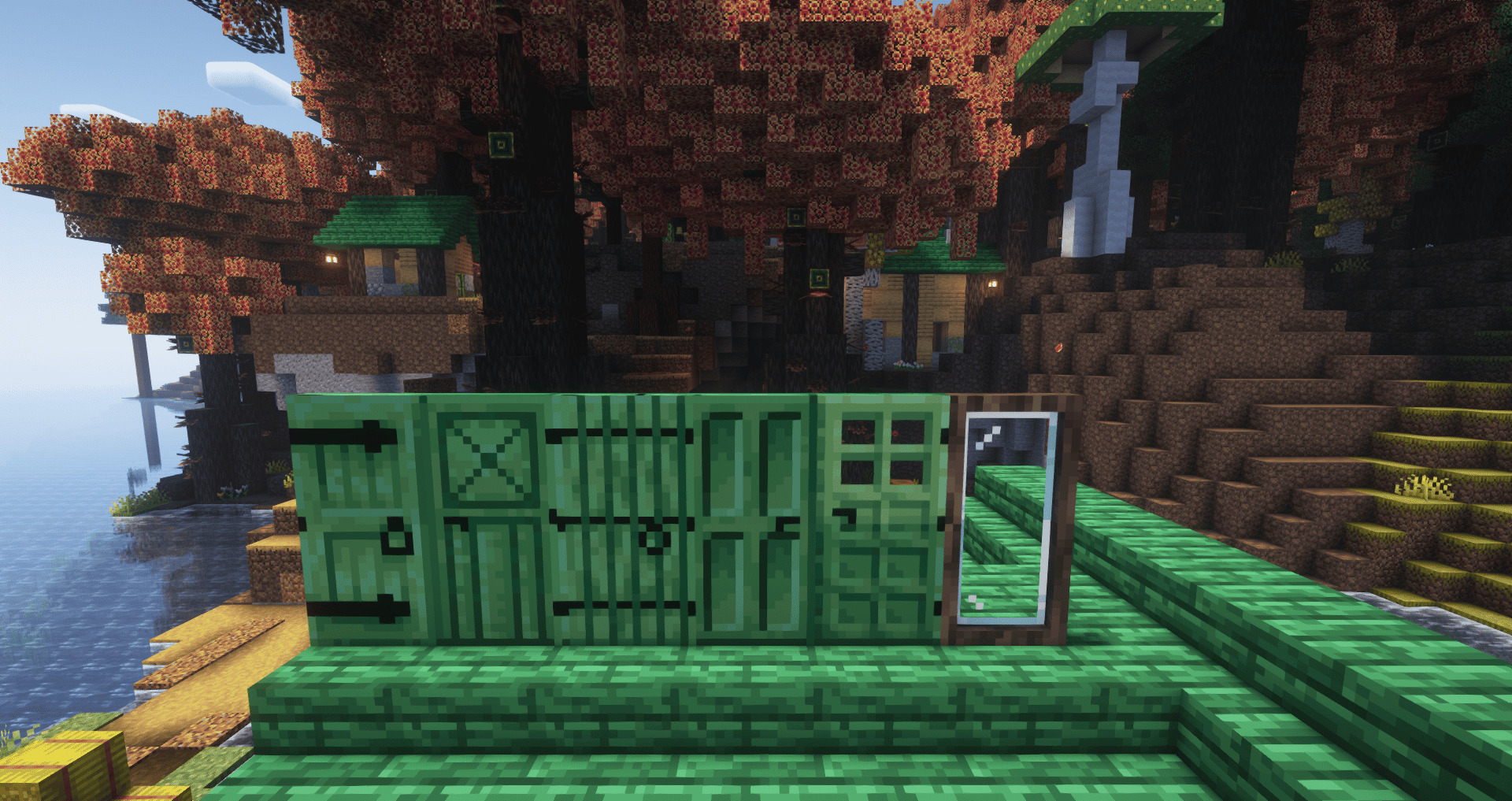
- Macaw's Trapdoors
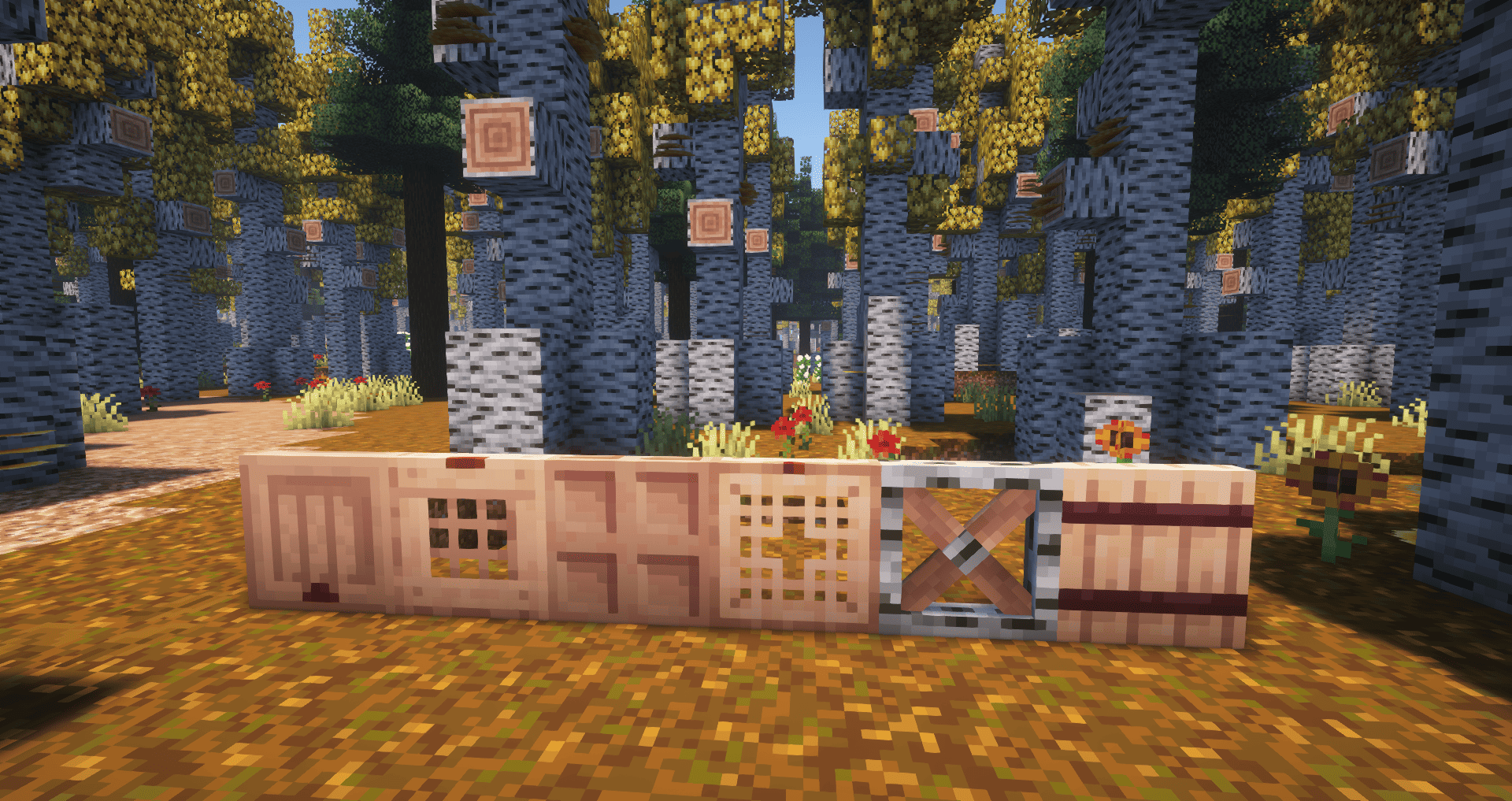
- Macaw's Windows
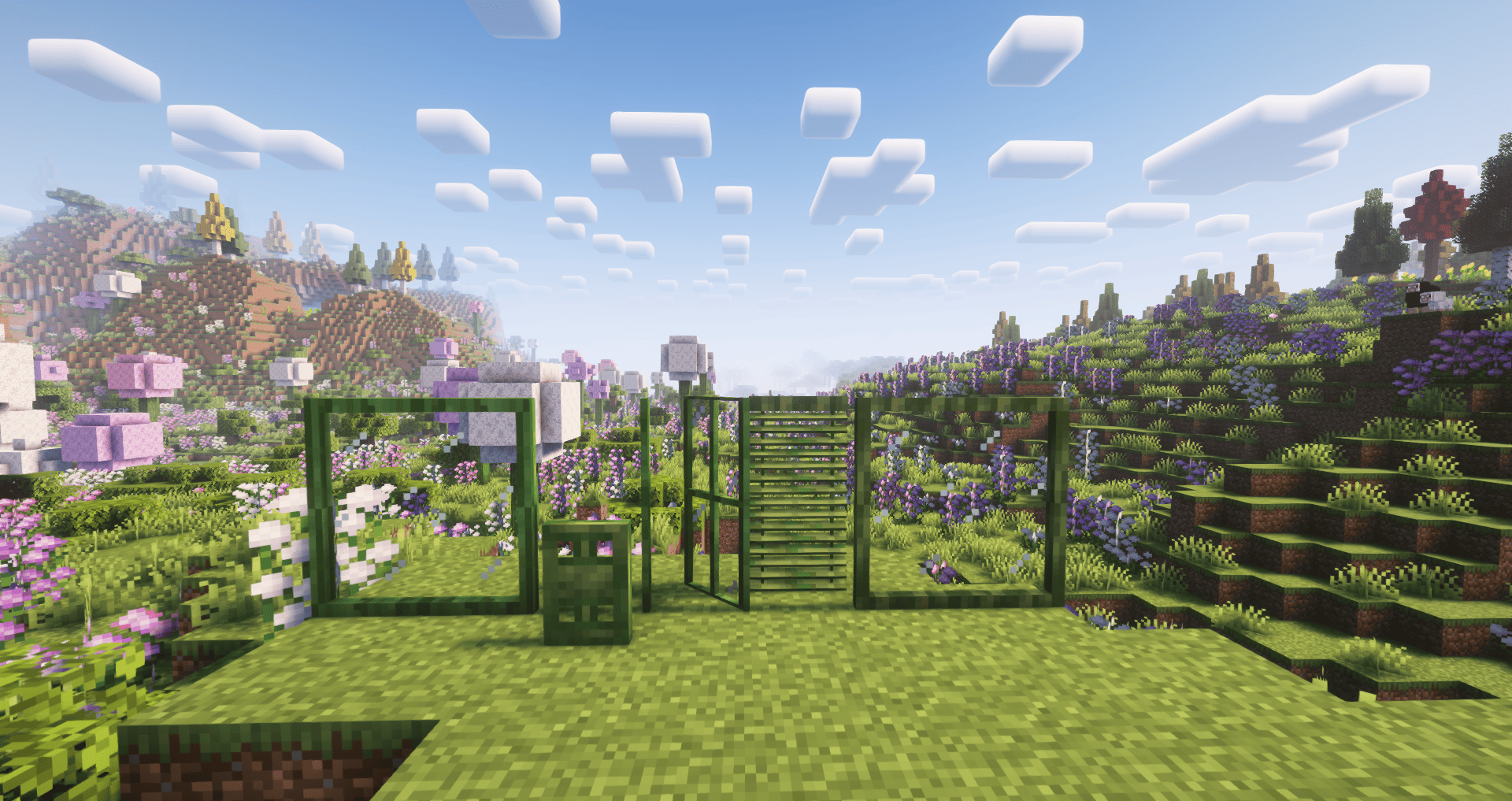
Required Depedency:
- AddonsLib
- Oh The Biomes You'll Go AND FOR 1.20.1+ Oh The Biomes We've Gone
- TerraBlender for 1.18.2+
- UpdateFixerUpper for Fabric 1.18.2-1.19.2
- Configurable Data Fixers for Fabric 1.19.3-1.20.1
Optional Dependency:
Verfügbare Versionen
Macaw's Oh The Biomes You'll Go / We've Gone auf dem Server installieren
Server bestellen
Bestelle einen Minecraft Java Server mit mindestens 3 GB RAM (4 GB empfohlen).
fabric Loader setzen
Wähle im Panel unter "Egg" den fabric-Loader und die passende Minecraft-Version (1.21.11).
Mod installieren
Öffne den Mod-Browser im Dashboard und suche nach "Macaw's Oh The Biomes You'll Go / We've Gone". Klicke "Installieren" – fertig! Alternativ: Lade die .jar via SFTP in den /mods Ordner.
Kompatibilität
Mod-Loader
Minecraft-Versionen
1.21.11, 1.21.10, 1.21.8 (+12 weitere)
Server-seitig
✓ ErforderlichEmpfohlener RAM
4 GB(min. 3 GB)Häufige Fragen
Macaw's Oh The Biomes You'll Go / We've Gone Server crasht beim Start – was tun?
Häufigste Ursache: falsche fabric-Version oder zu wenig RAM. Prüfe im Server-Log (latest.log), ob ein "OutOfMemoryError" oder "Mixin"-Fehler auftritt. Bei Mado Hosting: Stelle sicher, dass mindestens 3 GB RAM zugewiesen sind und der Loader zur Mod-Version passt (1.21.11). Über das Panel kannst du den Loader mit einem Klick wechseln.
Ist Macaw's Oh The Biomes You'll Go / We've Gone mit fabric und forge und neoforge kompatibel?
Macaw's Oh The Biomes You'll Go / We've Gone unterstützt offiziell fabric, forge, neoforge für Minecraft 1.21.11, 1.21.10, 1.21.8. Achtung: Forge- und Fabric-Mods sind NICHT untereinander kompatibel – wähle einen Loader und bleibe dabei. Im Mado Dashboard werden inkompatible Loader-Kombinationen automatisch erkannt.
Server laggt mit Macaw's Oh The Biomes You'll Go / We've Gone – wie optimiere ich die Performance?
Empfohlener RAM: 4 GB (+1 GB pro 8 Spieler). Prüfe mit /spark profiler, ob Macaw's Oh The Biomes You'll Go / We've Gone den meisten Tick-Time verbraucht. Häufige Fixes: Server-View-Distance auf 8-10 reduzieren, bei Forge "performant" oder "starlight" als Zusatz-Mod installieren. Bei Mado Hosting läuft dein Server auf NVMe-SSDs mit dedizierten CPU-Kernen für minimale Latenz.
Ähnliche Mods

![[ETF] Entity Texture Features](https://cdn.modrinth.com/data/BVzZfTc1/af683d206d50b05258d865b0d6e4aa2f2cee12f2_96.webp)
![[EMF] Entity Model Features](https://cdn.modrinth.com/data/4I1XuqiY/6e5bbd0d06b1741bfdab6c0cfab6de8fdaf0064c_96.webp)



Modded Server mieten
Installiere Macaw's Oh The Biomes You'll Go / We've Gone mit nur einem Klick auf deinem Server.