
Modrinth · Fabric, Forge, NeoForge
Phone : MC Device auf deinem Minecraft Server
Phone : MC Device läuft auf Minecraft Servern mit Fabric oder Forge oder NeoForge. Bestell deinen Server, stell den Loader im Panel ein und installiere die Mod mit einem Klick im Mod-Browser.
A mod that adds electronic devices and household appliances.
- Downloads
- 15.2K
- Autor
- –
- Loader
- Fabric, Forge, NeoForge
- Minecraft
- 1.20.1 – 1.21.1
- Aktualisiert
- –
Screenshots
So sieht Phone : MC Device aus


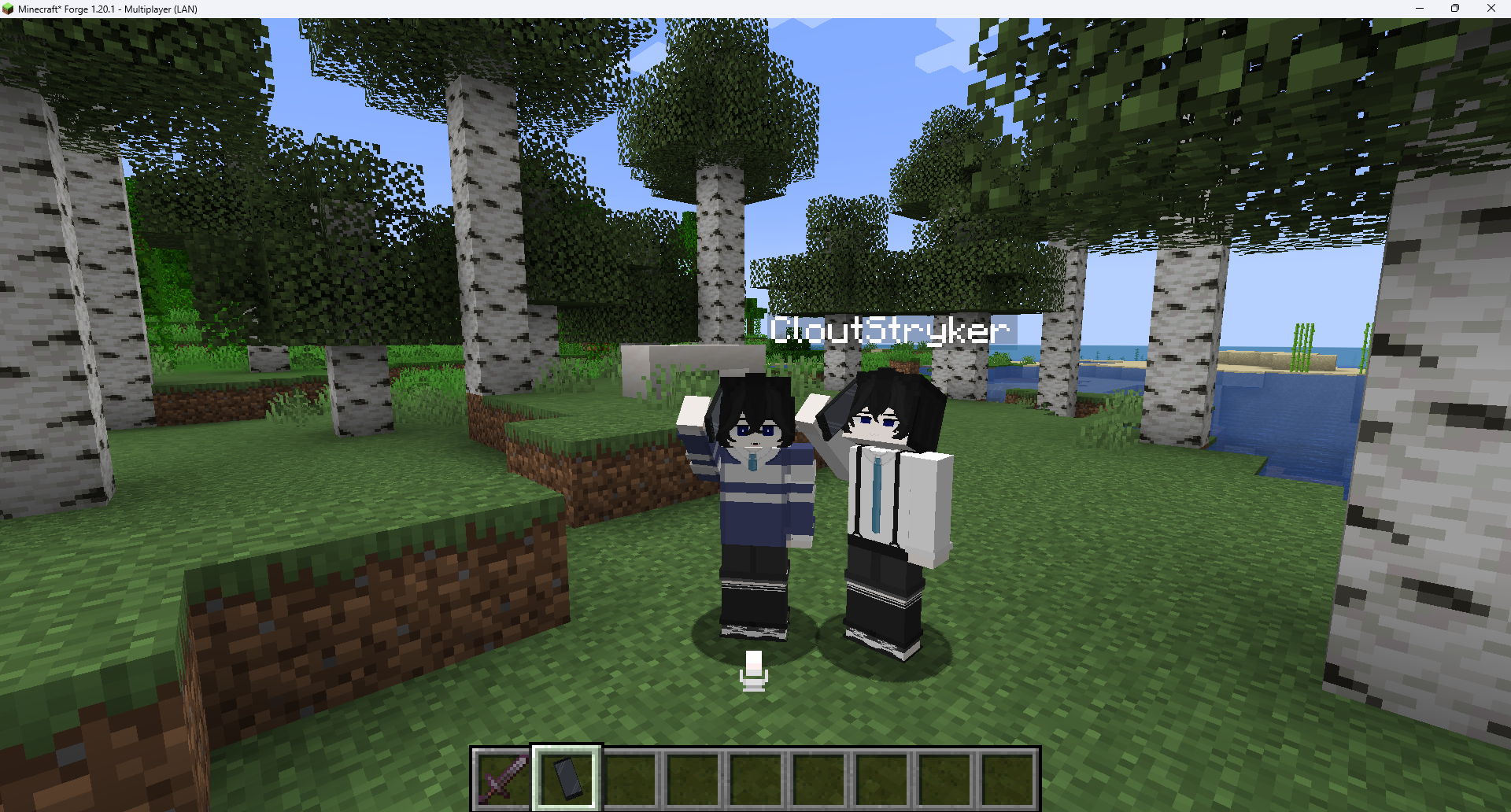
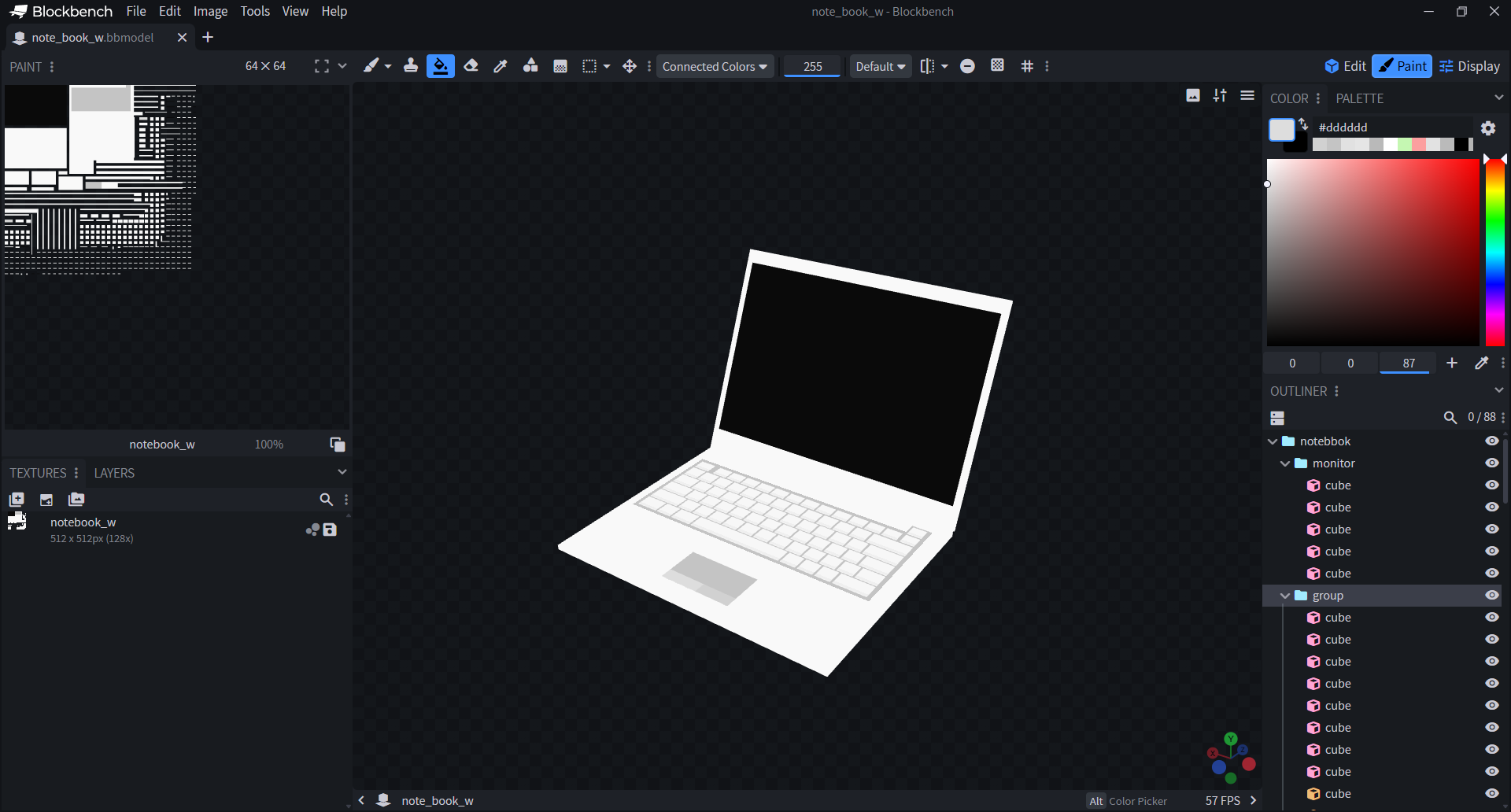
Bilder: Phone : MC Device auf Modrinth, vom Projektteam veröffentlicht.
Einrichtung
Phone : MC Device auf dem Server installieren
Server und Spieler brauchen denselben Loader und dieselbe Minecraft-Version. Sichere die Welt, bevor du Mods hinzufügst oder aktualisierst.
- 01
Konfigurieren
4 GB RAM sind vorausgewählt. Laufzeit und Add-ons wählst du selbst, bezahlt wird per Kreditkarte oder PayPal.
- 02
Loader einstellen
Stell im Panel die Serversoftware auf Fabric oder Forge oder NeoForge und wähl die passende Minecraft-Version, zum Beispiel 1.21.1.
- 03
Mod installieren
Such im Mod-Browser nach „Phone : MC Device“ und installiere die Version für deinen Loader. Alternativ lädst du die .jar per SFTP in den Ordner mods. Erforderliche Abhängigkeiten stehen auf der Projektseite.
- 04
Verbinden
Alle Spieler installieren Phone : MC Device in derselben Version lokal und verbinden sich über die Serveradresse aus dem Panel.
- Auf dem Server
- Erforderlich
- Auf dem Client
- Erforderlich
- Loader
- Fabric, Forge, NeoForge
- Minecraft
- 1.21.1, 1.20.1
- Lizenz
- LicenseRef-PolyForm-Noncommercial-1.0.0-
Das Panel
Mods installieren, Fehler finden.
Echte Screenshots aus dem Mado Panel. Beides ist bei jedem Minecraft Server enthalten.
Mod-Browser
Modrinth und CurseForge direkt im Panel.
Der Browser filtert nach deiner Minecraft-Version. Mods installierst du mit einem Klick, ohne .jar-Dateien hochzuladen.

KI-Crash-Analyse
Wenn ein Mod crasht, liest die Analyse das Log.
Mods scheitern oft an einer falschen Loader-Version, Java-Version oder fehlenden Abhängigkeit. Die Analyse nennt eine wahrscheinliche Ursache und einen Lösungsvorschlag.

Versionen
Veröffentlichte Versionen
Nimm die Datei, die zu Loader und Minecraft-Version deines Servers passt. Server und Spieler brauchen dieselbe Version.
Phone : MC Device · Modrinth- Phone : MC Device 1.20.1 2.0.1 fabric8. Oktober 2026Minecraft 1.20.1 · Fabric
- Phone : MC Device 1.20.1 2.0.1 forge8. Oktober 2026Minecraft 1.20.1 · Forge
- Phone : MC Device 1.21.1 1.1.3 neoforge21. Juli 2026Minecraft 1.21.1 · NeoForge
- Phone : MC Device 1.21.1 1.1.3 fabric21. Juli 2026Minecraft 1.21.1 · Fabric
- MC Device 1.1.0 (1.20.1 Forge)10. Mai 2026Minecraft 1.20.1 · Forge, NeoForge
Originalbeschreibung des Projektautors

Functional Devices, Appliances & a Working Economy for your Minecraft world!
Tired of decorative blocks that just sit there? MC-Device V2 turns your base into a modern, working city: phones that really call, screens that really play video, PA speakers you can talk through, coffee machines that brew, and doors that lock. Every model is hand-made pixel art, and every one of them works.

📱 Communication
- Smartphone: A full phone OS. It has calls, chat with voice & video calls, a camera and gallery, banking and music. It also has Catplace, a social feed, and Shop, a player marketplace with delivery drones. There's a notification shade, quick settings and dark mode.
- CatStore: Download extra apps right on your phone, like Smart Lock for your doors.
- Flip Phone: Same number, contacts and chats as your smartphone, in a classic clamshell.
- Phone Case & Strap: Dye them any colour and stick your own image on the back.
- Landline Phone & Phone Booth: A desk phone for your base, and a glass booth with a coin payphone.
- Walkie-Talkie, Radio Box & Headsets: Shared channels with a real military-radio sound. Push-to-talk on B.
- Megaphone & Whistle: Reach a crowd. The whistle has 3 tones, 4 ranges and long or short blasts.
💻 Electronics & Media
- Laptop: A desktop OS with CCTV, chat, music, a Slides app (PDFs and images, PowerPoint-style) and settings. You can keep using it in the world without opening the screen.
- Smart TV, CCTV Monitor, Mini Screen & Projector: Watch YouTube and video links together. The player is built in, so you need no extra mod. These screens can also show up to 4 security cameras at once.
- Security Cameras: Wall, ceiling (full 360°), dome and desk models. Set each one to sweep or to hold a fixed angle.
- PA System: Horn speakers for poles and walls, plus floor cabinets, grouped into zones. Talk through an amplifier, a paging console or a wireless mic. A sound board plays your own clips. Range is up to 512 blocks, and each speaker has its own volume.
💰 Economy
- Bank & ATM: Cash notes and coins, plus debit, credit and gold cards with PINs. Deposit, withdraw and transfer.
- Card Terminal: Shops get paid by card or by tapping a phone.
- Mobile Banking: Check your balance and pay by QR from your phone.
🏠 Home & Office
- Air Conditioners: Wall and ceiling units with a condenser and a remote.
- Coffee Machines: An office machine and a 3-group café espresso machine. They brew 7 drinks that give small buffs.
- Whiteboard & Blackboard: Draw in the world with markers and chalk. Boards join into big walls.
- Garage Doors: Animated sectional doors in 5 styles. Open them with a wall button, a 4-button remote or redstone.
- Smart Door Locks: Keypad, fingerprint or phone unlock. They fit any door.

- Wrench: Right-click a device to configure it. Sneak + right-click two devices to link them, for example camera → screen, mic → amplifier, or button → garage door.
- Calls: Accept with Y, decline with U, and open the latest notification with J. Sneak + right-click a landline to pick up the handset for a private call. Press Spk for speaker mode.
- Radio: Hold B to talk on walkie-talkies, the radio box and the wireless PA mic.
- Whistle: Press R to blow. ← / → change the range and ↑ / ↓ change the tone.
- You can change every key in Controls → MineDevice.

We are still building. Coming next:
- Create-Style Phone: A special landline for engineers (only when Create is installed).
- Vacuum Cleaner: A cutting-edge cleaning device.
- More CatStore apps.
Phone : MC Device Server crasht beim Start – was tun?
Häufige Ursachen: Loader- oder Minecraft-Version passen nicht zur Mod-Datei, eine Abhängigkeit fehlt oder der RAM reicht nicht. Such im Log (latest.log) nach „OutOfMemoryError“, „Mixin“ oder fehlenden Mods. Bei Mado wertet die KI-Crash-Analyse das Log aus und schlägt eine Ursache vor. Loader und Version änderst du im Panel.
Mit welchem Loader läuft Phone : MC Device?
Laut Modrinth unterstützt Phone : MC Device Fabric, Forge, NeoForge für Minecraft 1.21.1, 1.20.1. Forge- und Fabric-Dateien sind nicht untereinander austauschbar: Wähl einen Loader für Server und Clients.
Wie viel RAM braucht ein Server mit Phone : MC Device?
Als Orientierung 3–4 GB für einen Server mit dieser Mod. Das ist eine Schätzung, keine gemessene Mindestanforderung. Weitere Mods, viele Spieler und große Sichtweiten brauchen mehr. Ob eine Mod die Tick-Zeit belastet, siehst du mit dem spark-Profiler.
Ähnliche Mods
Beliebte Mods aus derselben Kategorie
 Nur Client

Iris Shaders
von coderbot
A modern shader pack loader for Minecraft intended to be compatible with existing OptiFine shader packs
 Nur Client

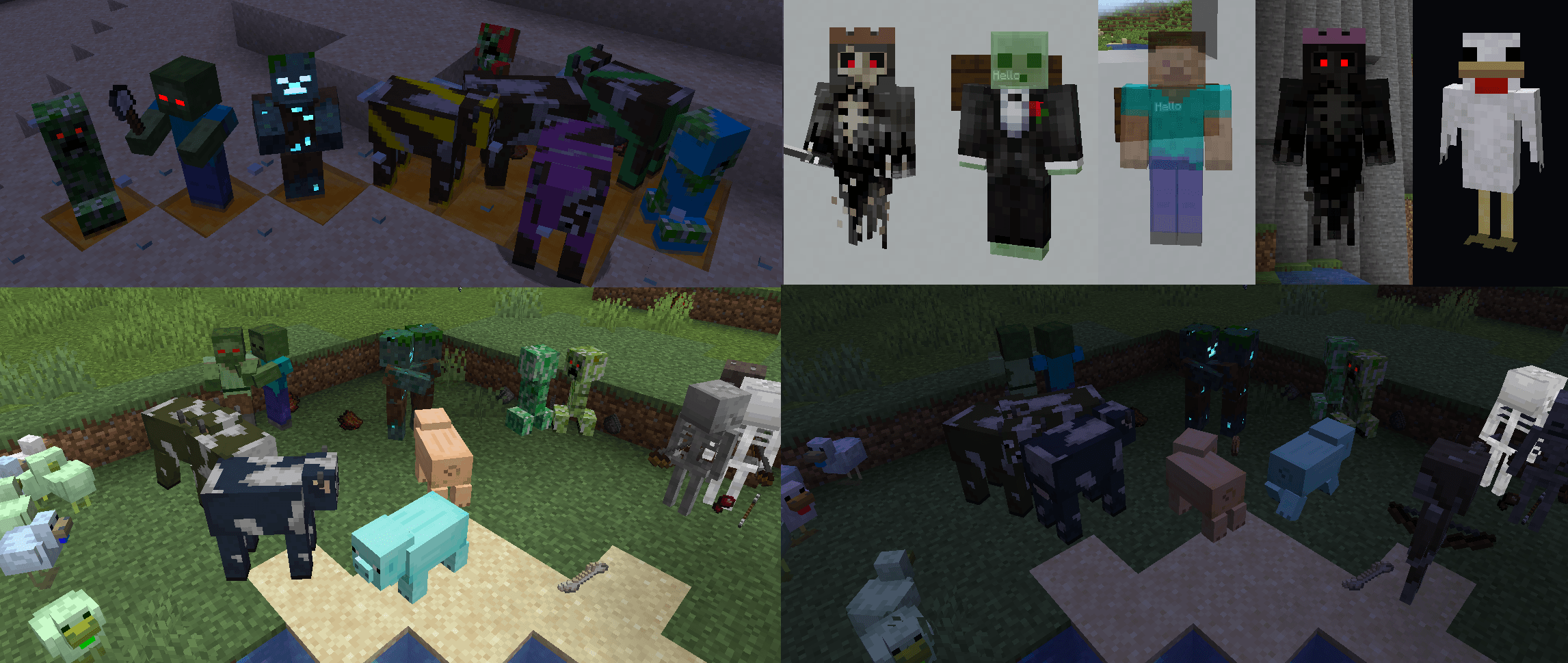
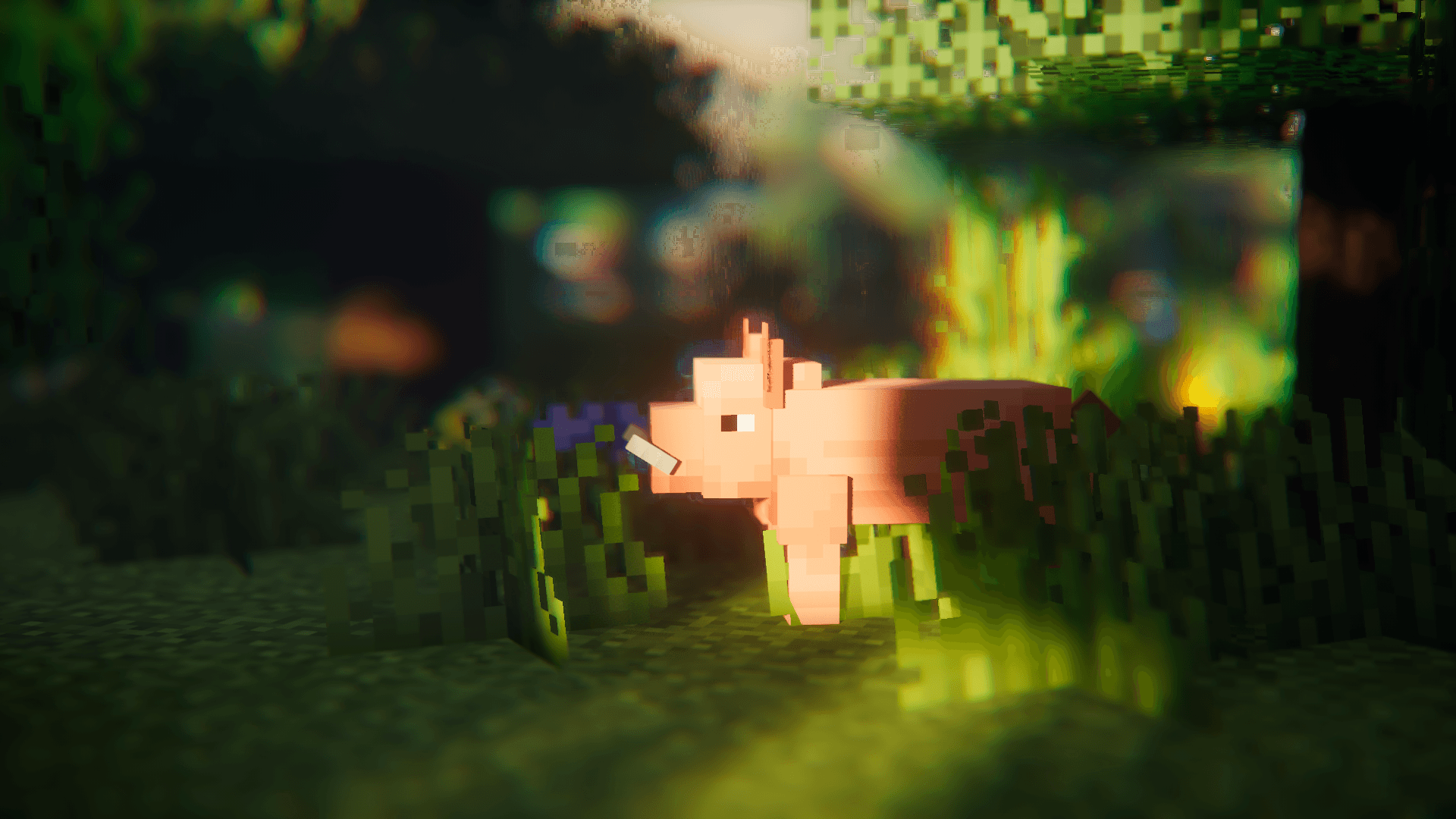
[ETF] Entity Texture Features
von Traben
Emissive, Random & Custom texture support for entities in resourcepacks just like Optifine but for Fabric
 Nur Client

[EMF] Entity Model Features
von Traben
EMF is an, OptiFine format, Custom Entity Model replacement mod available for Fabric and Forge.
 Nur Client

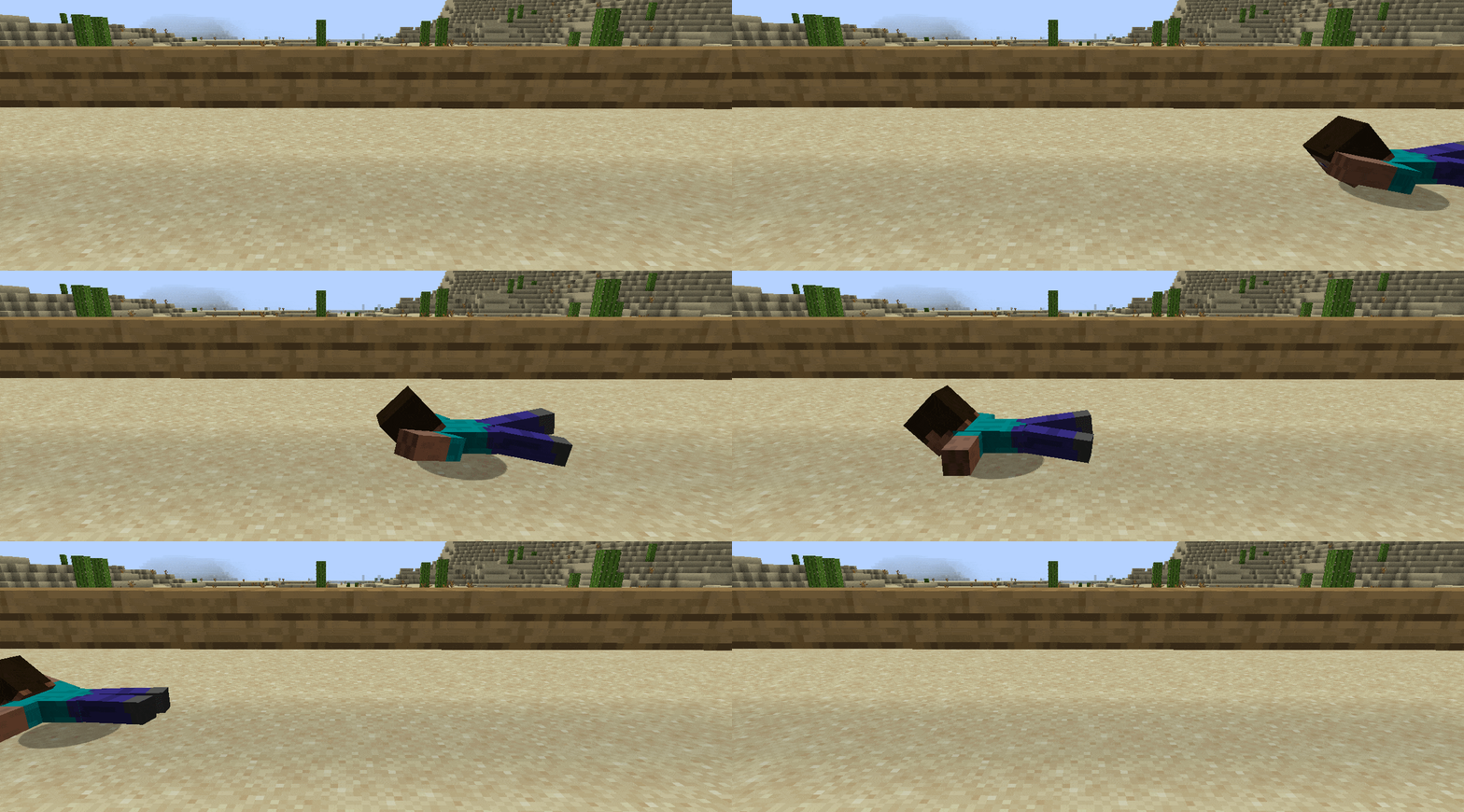
Not Enough Animations
von tr7zw
Bringing first-person animations to the third-person
Bereit für deinen Server mit Phone : MC Device?
4 GB RAM ab 8,00 € im Monat. 35 % auf den 1. Monat mit MADO35.