
Métropolis.
Miscellaneous stuff of modern railway parts for Minecraft.
Screenshots
Über diese Mod
Métropolis.
The opening of London's steam-hauled Metropolitan Railway in 1863 marked the beginning of rapid transit.
Overview
Métropolis is an addon which added Miscellaneous stuff of modern railway parts for Minecraft.
This mod includes Urban railway transit elements around the world.
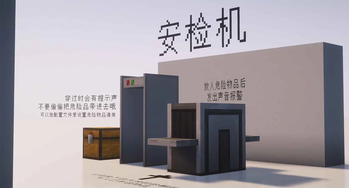
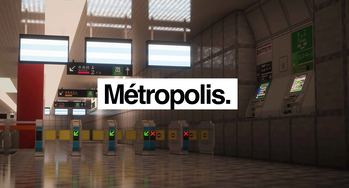
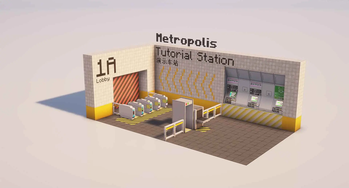
Not only will there be station decorative blocks, but it will also include platform object.
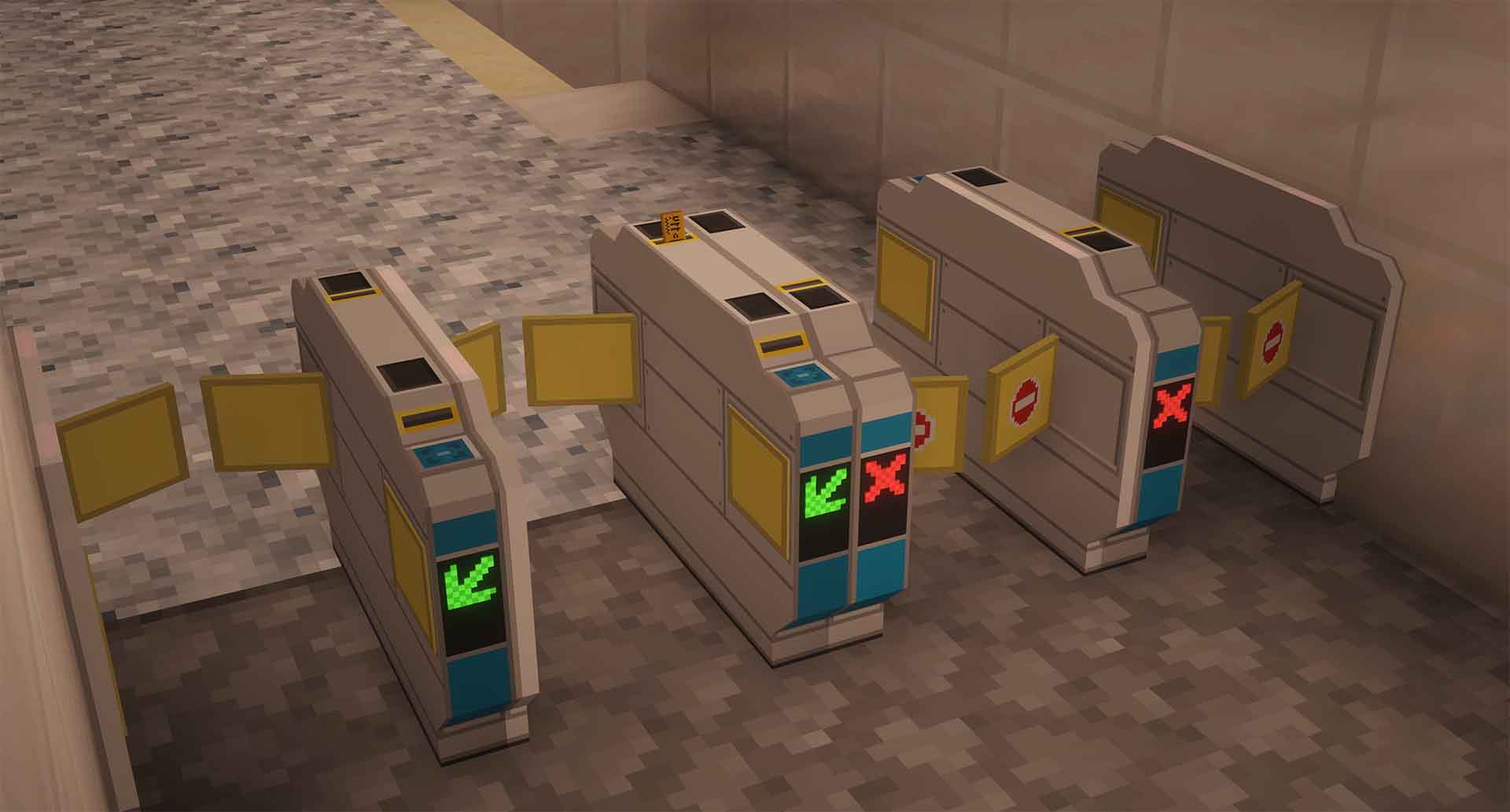
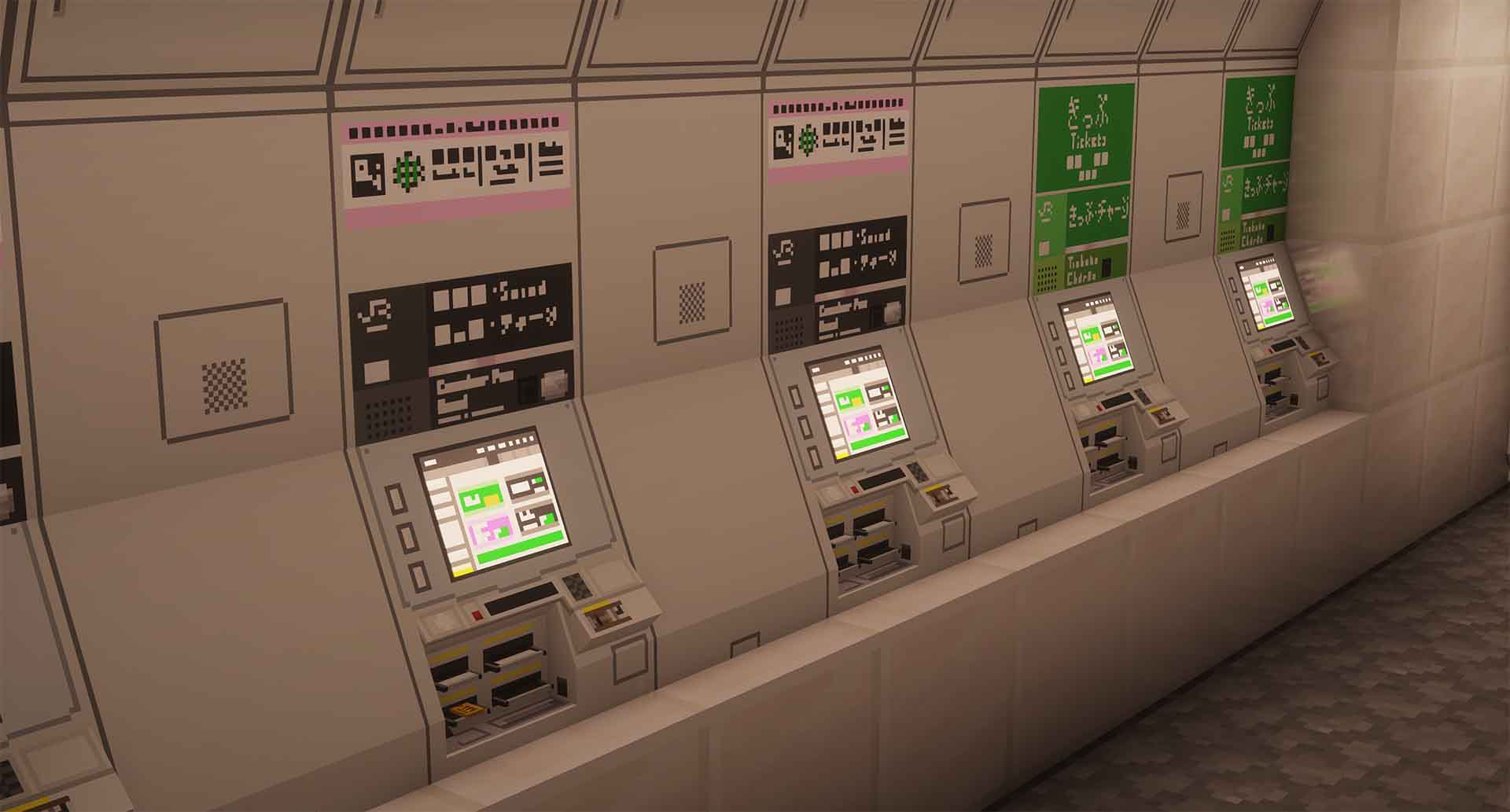
We have also created a ticket-system based on MTR mod, you can buy a single trip and an IC card now! These can be used when MTR 4.0.3 or above is loaded.
Features
- Tickets, IC Cards
- Turnstiles
- Ticket Vendor Machines
- Platforms
- Rotatable Bumper/Buffer
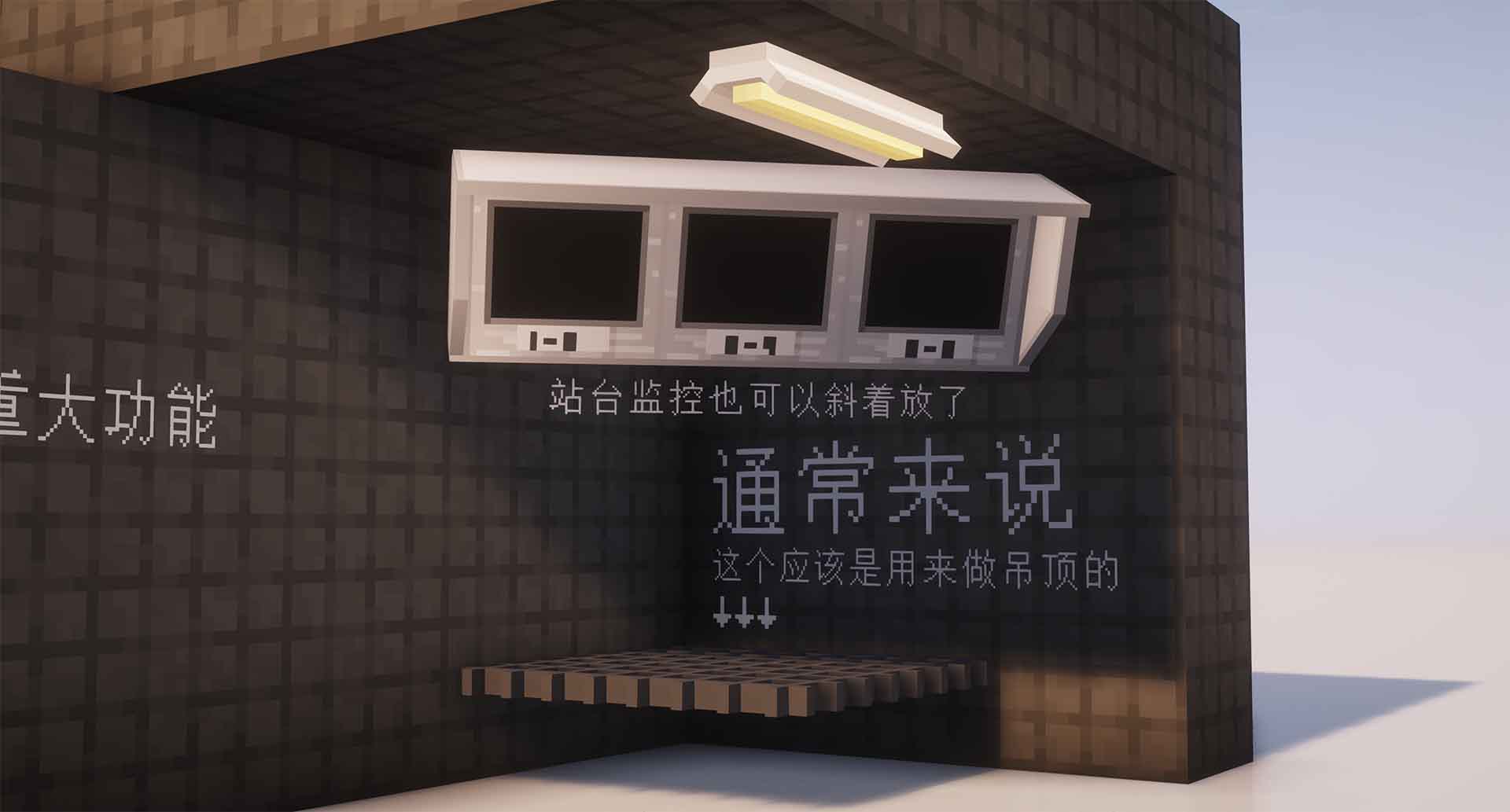
- Rotatable (decorative) Monitor
- Security Camera
- Platform Blocks
- And more!
Languages supported
The following languages are included (or will be included) in the Mod.
- English (United States) /en_us: 100%
- Chinese (Simplified) /zh_cn: 100%
- Chinese (Traditional Taiwan) /zh_tw: 90%
- Chinese (Traditional Hong Kong) /zh_hk: 90%
- Japanese /jp_jp: 95%
We'll also be happy if you want to help us translate the mod by creating pull request on Github.
Supported versions
The latest version of this mod is built for Minercaft 1.20.1
Verfügbare Versionen
Métropolis. auf dem Server installieren
Server bestellen
Bestelle einen Minecraft Java Server mit mindestens 3 GB RAM (4 GB empfohlen).
fabric Loader setzen
Wähle im Panel unter "Egg" den fabric-Loader und die passende Minecraft-Version (1.20.1).
Mod installieren
Öffne den Mod-Browser im Dashboard und suche nach "Métropolis.". Klicke "Installieren" – fertig! Alternativ: Lade die .jar via SFTP in den /mods Ordner.
Kompatibilität
Mod-Loader
Minecraft-Versionen
1.20.1, 1.19.4, 1.19.2 (+1 weitere)
Server-seitig
✓ ErforderlichEmpfohlener RAM
4 GB(min. 3 GB)Häufige Fragen
Métropolis. Server crasht beim Start – was tun?
Häufigste Ursache: falsche fabric-Version oder zu wenig RAM. Prüfe im Server-Log (latest.log), ob ein "OutOfMemoryError" oder "Mixin"-Fehler auftritt. Bei Mado Hosting: Stelle sicher, dass mindestens 3 GB RAM zugewiesen sind und der Loader zur Mod-Version passt (1.20.1). Über das Panel kannst du den Loader mit einem Klick wechseln.
Ist Métropolis. mit fabric kompatibel?
Métropolis. unterstützt offiziell fabric für Minecraft 1.20.1, 1.19.4, 1.19.2. Im Mado Dashboard werden inkompatible Loader-Kombinationen automatisch erkannt.
Server laggt mit Métropolis. – wie optimiere ich die Performance?
Empfohlener RAM: 4 GB (+1 GB pro 8 Spieler). Prüfe mit /spark profiler, ob Métropolis. den meisten Tick-Time verbraucht. Häufige Fixes: Server-View-Distance auf 8-10 reduzieren, bei Forge "performant" oder "starlight" als Zusatz-Mod installieren. Bei Mado Hosting läuft dein Server auf NVMe-SSDs mit dedizierten CPU-Kernen für minimale Latenz.
Ähnliche Mods

![[ETF] Entity Texture Features](https://cdn.modrinth.com/data/BVzZfTc1/af683d206d50b05258d865b0d6e4aa2f2cee12f2_96.webp)
![[EMF] Entity Model Features](https://cdn.modrinth.com/data/4I1XuqiY/6e5bbd0d06b1741bfdab6c0cfab6de8fdaf0064c_96.webp)



Modded Server mieten
Installiere Métropolis. mit nur einem Klick auf deinem Server.