
MoreBlocks
Adds more variant blocks to minecraft.
Screenshots
Über diese Mod
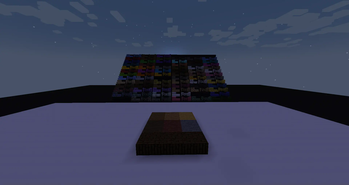
MoreBlocks is a mod designed to enhance building creativity by adding a wide variety of new block variations for builders to experiment with. The mod focuses on giving players more control over shaping their builds with half-blocks, stairs, and slabs, even for blocks that aren't traditionally versatile in vanilla Minecraft. Perfect for detailed construction, landscapes, and advanced design, this mod opens up endless possibilities.
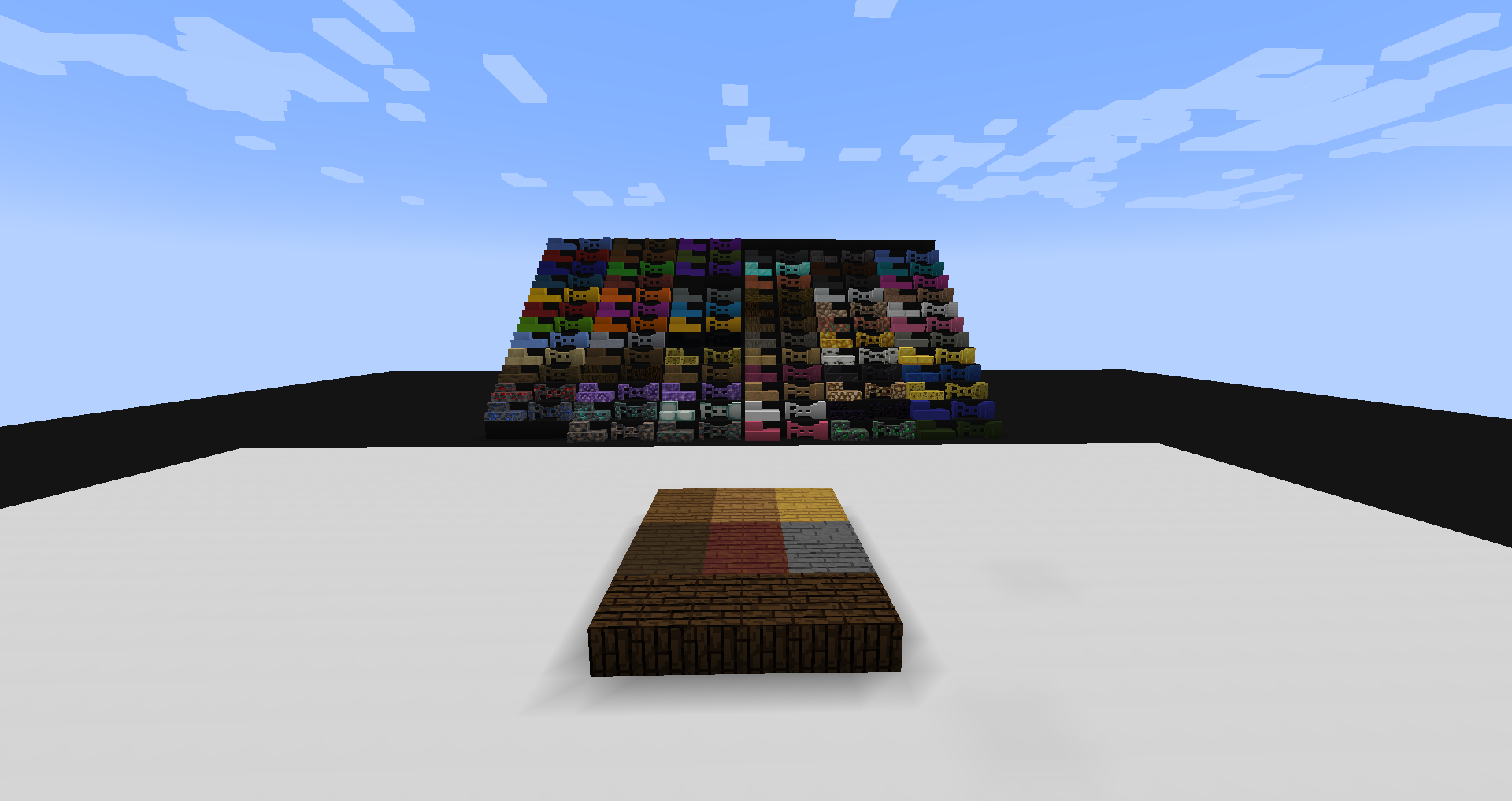
Blocks: (some blocks may not exist in older versions)
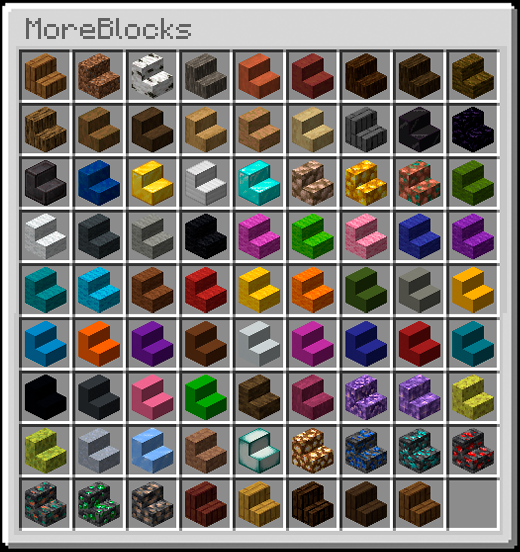
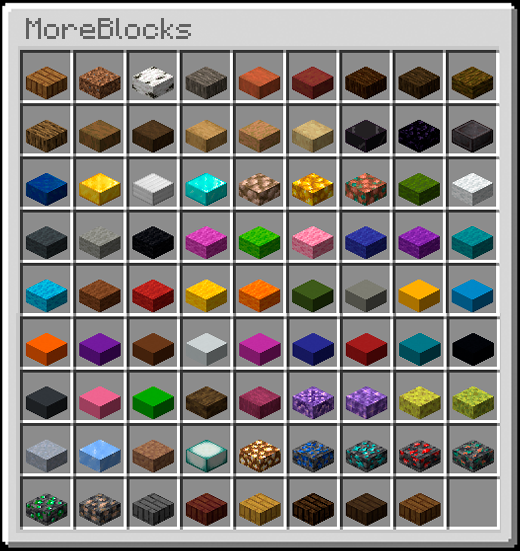
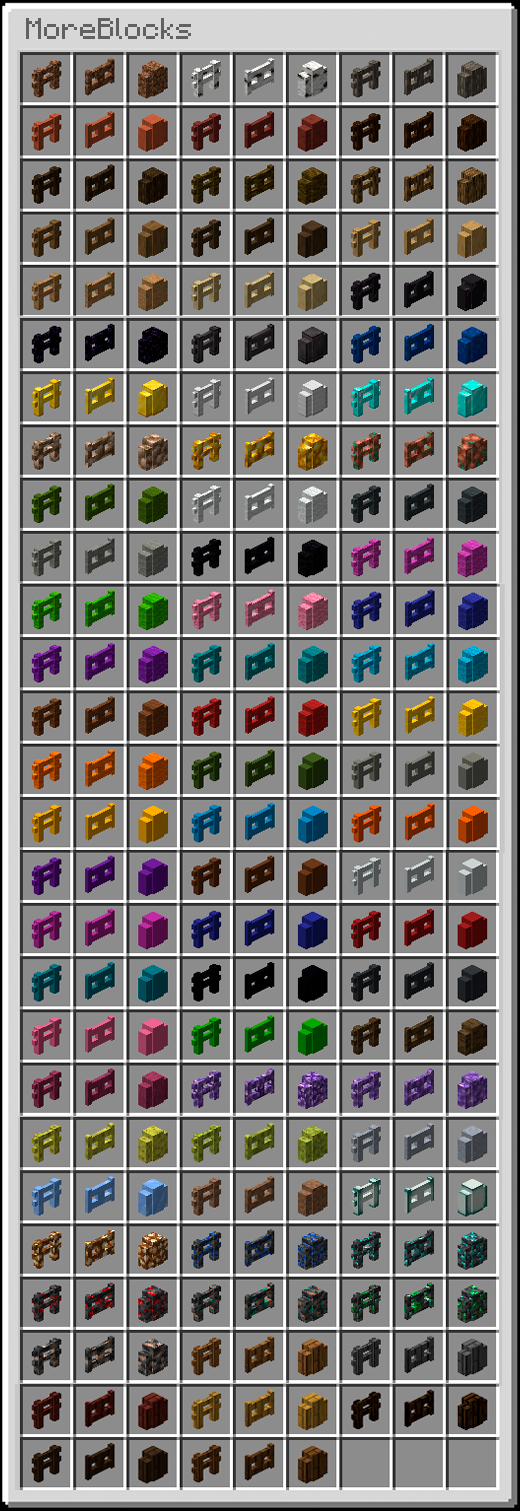
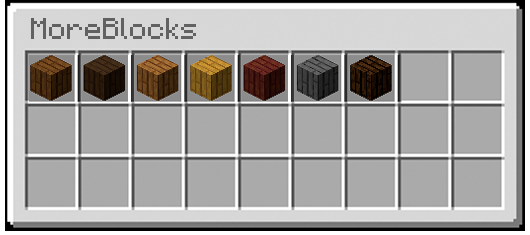
Additional Features:
- Seamless Integration:
The new block variations blend perfectly with existing Minecraft blocks, maintaining the game's visual consistency while adding more depth to your - Crafting Recipes:
All new variations have logical crafting recipes, usually derived from their full-block counterparts, keeping the mod intuitive to use. - Customization:
The mod comes with a built-in configuration option allowing players to toggle which blocks they want to enable or disable in their game. - Survival Friendly:
All blocks are fully functional in both survival and creative modes, with recipes that align with standard survival progression.
Installation
Install Forge.
- Download the mod.
- Navigate to your .minecraft folder.
- paste the mod on the mods folder.
- Play!
Verfügbare Versionen
MoreBlocks auf dem Server installieren
Server bestellen
Bestelle einen Minecraft Java Server mit mindestens 3 GB RAM (4 GB empfohlen).
forge Loader setzen
Wähle im Panel unter "Egg" den forge-Loader und die passende Minecraft-Version (1.19.4).
Mod installieren
Öffne den Mod-Browser im Dashboard und suche nach "MoreBlocks". Klicke "Installieren" – fertig! Alternativ: Lade die .jar via SFTP in den /mods Ordner.
Kompatibilität
Mod-Loader
Minecraft-Versionen
1.19.4, 1.19.3, 1.19.2 (+8 weitere)
Server-seitig
✓ ErforderlichEmpfohlener RAM
4 GB(min. 3 GB)Häufige Fragen
MoreBlocks Server crasht beim Start – was tun?
Häufigste Ursache: falsche forge-Version oder zu wenig RAM. Prüfe im Server-Log (latest.log), ob ein "OutOfMemoryError" oder "Mixin"-Fehler auftritt. Bei Mado Hosting: Stelle sicher, dass einer passenden RAM-Konfiguration zugewiesen sind und der Loader zur Mod-Version passt (1.19.4). Über das Panel kannst du den Loader mit einem Klick wechseln.
Ist MoreBlocks mit forge kompatibel?
MoreBlocks unterstützt offiziell forge für Minecraft 1.19.4, 1.19.3, 1.19.2. Im Mado Dashboard werden inkompatible Loader-Kombinationen automatisch erkannt.
Server laggt mit MoreBlocks – wie optimiere ich die Performance?
RAM-Orientierung (Schätzung): 4 GB (Nach Welt und aktiven Chunks planen). Prüfe mit /spark profiler, ob MoreBlocks den meisten Tick-Time verbraucht. Häufige Fixes: Server-View-Distance auf 8-10 reduzieren, bei Forge "performant" oder "starlight" als Zusatz-Mod installieren. Bei Mado Hosting läuft dein Server auf NVMe-SSDs mit tarifabhängigen CPU-Limits.
Ähnliche Mods

![[ETF] Entity Texture Features](https://cdn.modrinth.com/data/BVzZfTc1/af683d206d50b05258d865b0d6e4aa2f2cee12f2_96.webp)
![[EMF] Entity Model Features](https://cdn.modrinth.com/data/4I1XuqiY/6e5bbd0d06b1741bfdab6c0cfab6de8fdaf0064c_96.webp)



Modded Server mieten
Installiere MoreBlocks mit nur einem Klick auf deinem Server.