
My Totem Doll
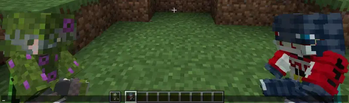
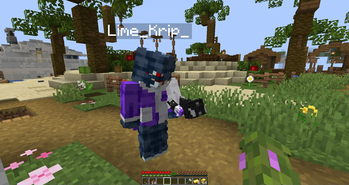
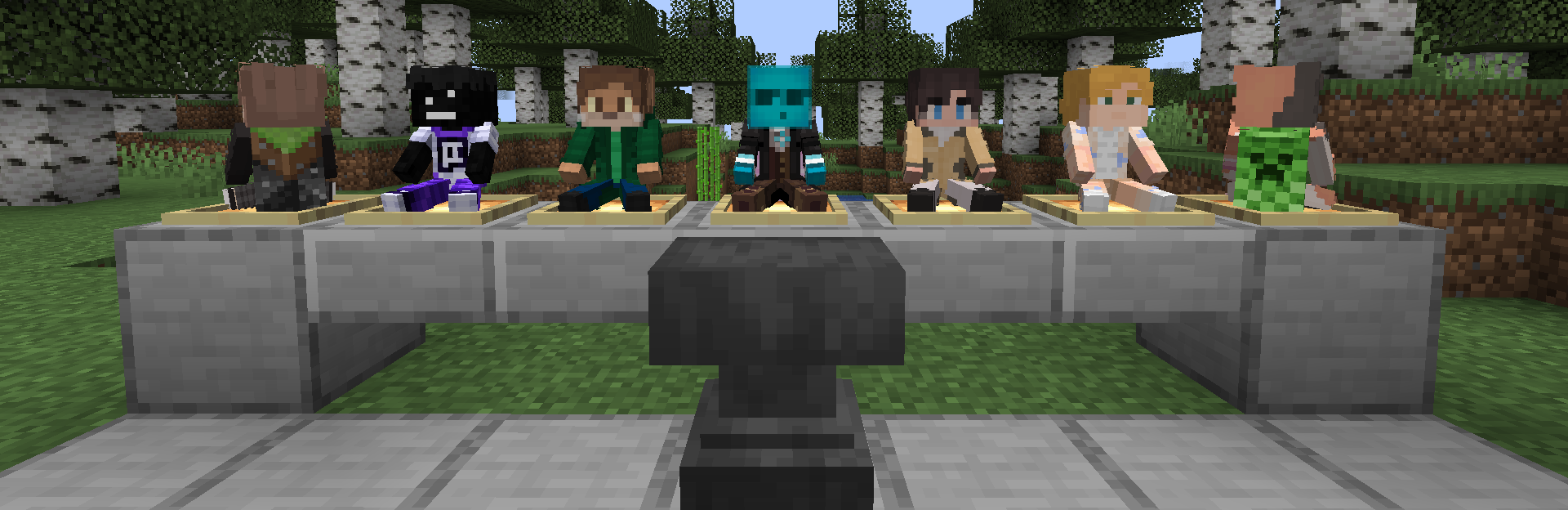
Replaces vanilla totems with autogenerated 2D or 3D totems for EVERY player in Minecraft! Rename your totem to player's nickname to use it's skin.
Screenshots
![Banner [GIF]](https://cdn.modrinth.com/data/ygYU16dG/images/8796732e73596bf2370d049a309bc30ae6c036b3.gif)
Über diese Mod


💬 Description
My Totem Doll — Client-side mod which replaces all totems with player dolls. Rename your totem to any player's nickname to use it's skin. Also supports capes and custom models!
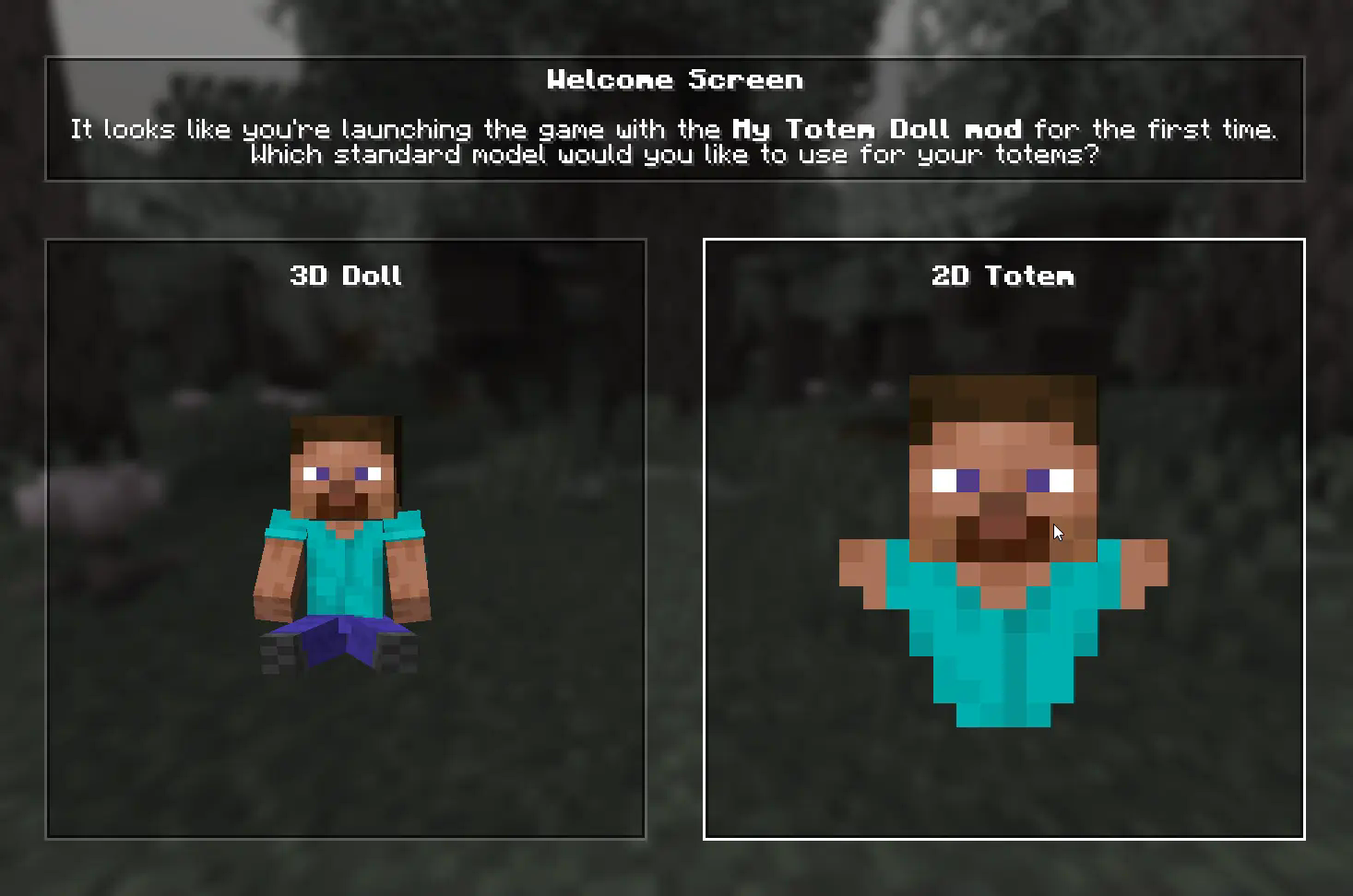
👋 Welcome Screen
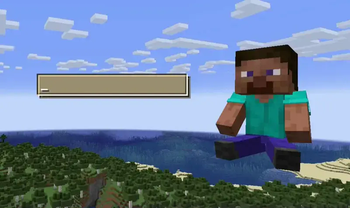
When you launch game with mod for the first time, you will be greeted with a Welcome Screen. Here you will select your default totem:
⚙️ Configuration
1) Rendering
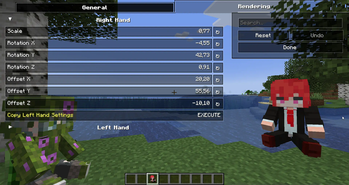
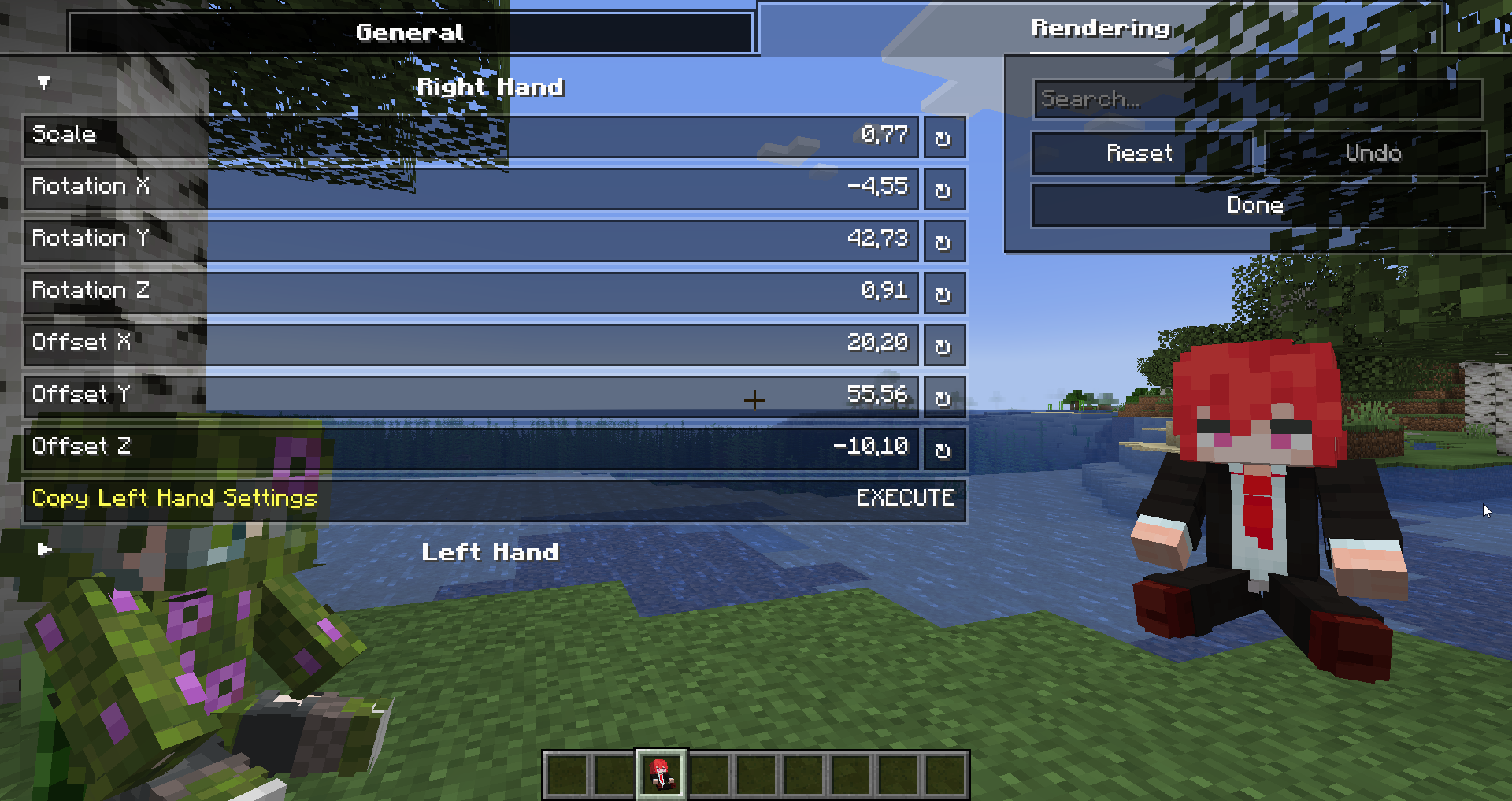
You can configure the rendering of totems in the first person. Open My Totem Doll configuration screen from Mod Menu and go to the Rendering tab, there you will find options for configuring the left and right hand:

2) Standard Doll
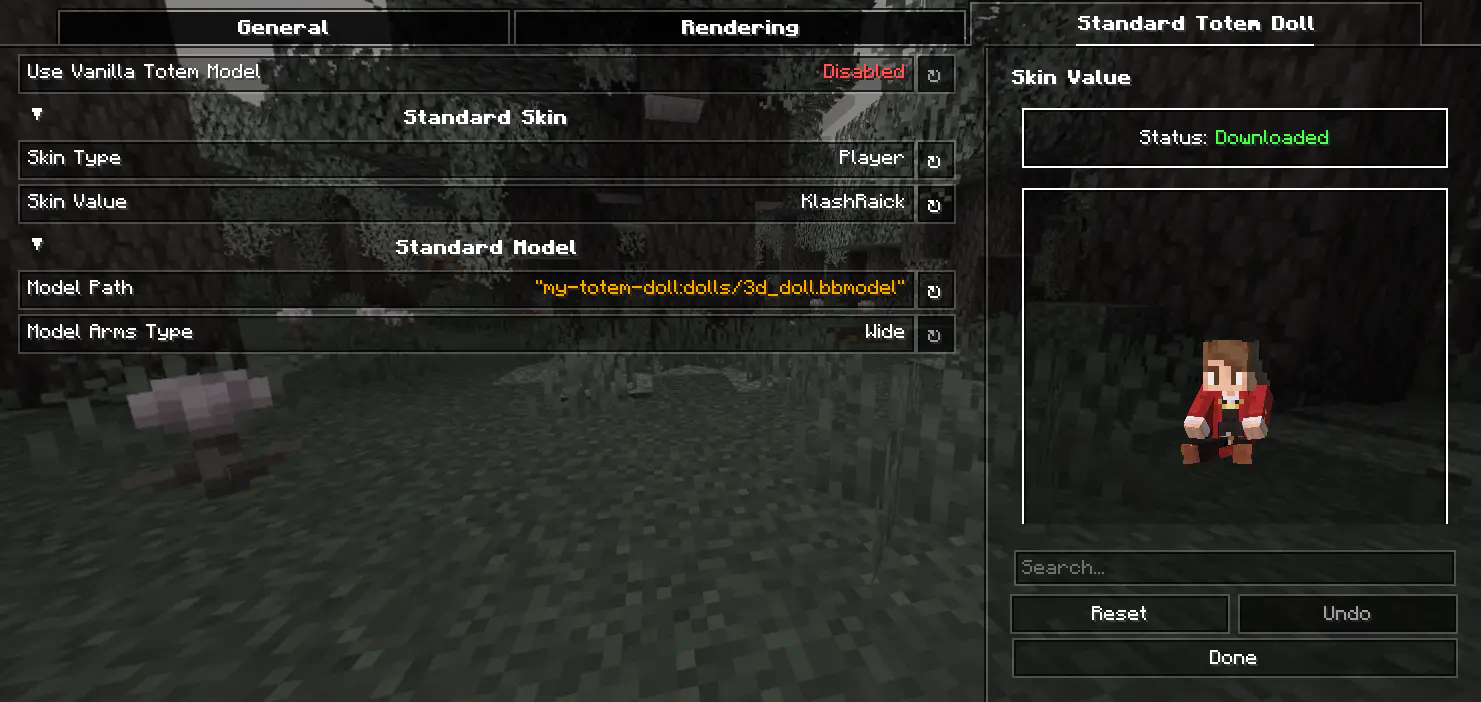
You can also customize the hands, model, skin textures for your standard totem!
3) Selecting Standard Doll Model
If you want to change your standard doll model, just hover to Model Path button and click on it. After that you will see Standard Model Selection Screen, there you can choose your standard doll model.
🍃 Refresh Player Skins

My Totem Doll also has some commands for refreshing the totem skins:
/my-totem-doll refresh all - To refresh skins for all loaded players.
/my-totem-doll refresh player [<NICKNAME>] - To refresh skin for specific player.
🧵 Totem Customization
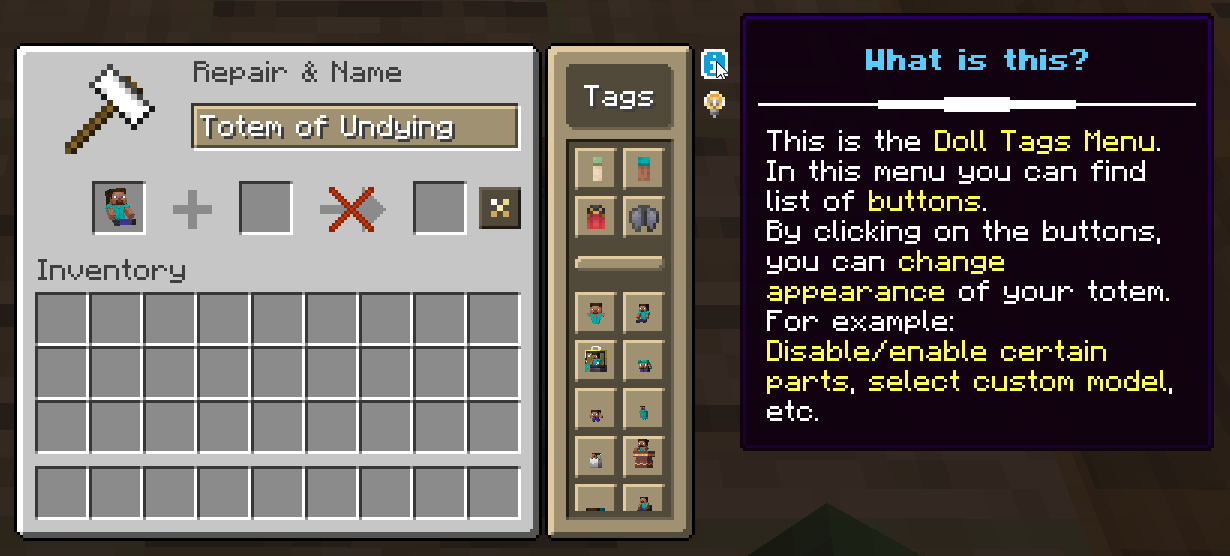
You can customize individual totems in the anvil! Put your totem in the anvil to the first slot to see the Tags menu button. Click on it to open the Tags menu.
🔥 Custom Models
You can even add your own models by following this wiki.
A good example is My Totem Doll Model Pack made by community. It has over 40 new models (some were even added to the mod!).

🎮 Multiplayer Support
You can also see other players' totems! Without mod on the server.
🧥 Using NameMC Skins
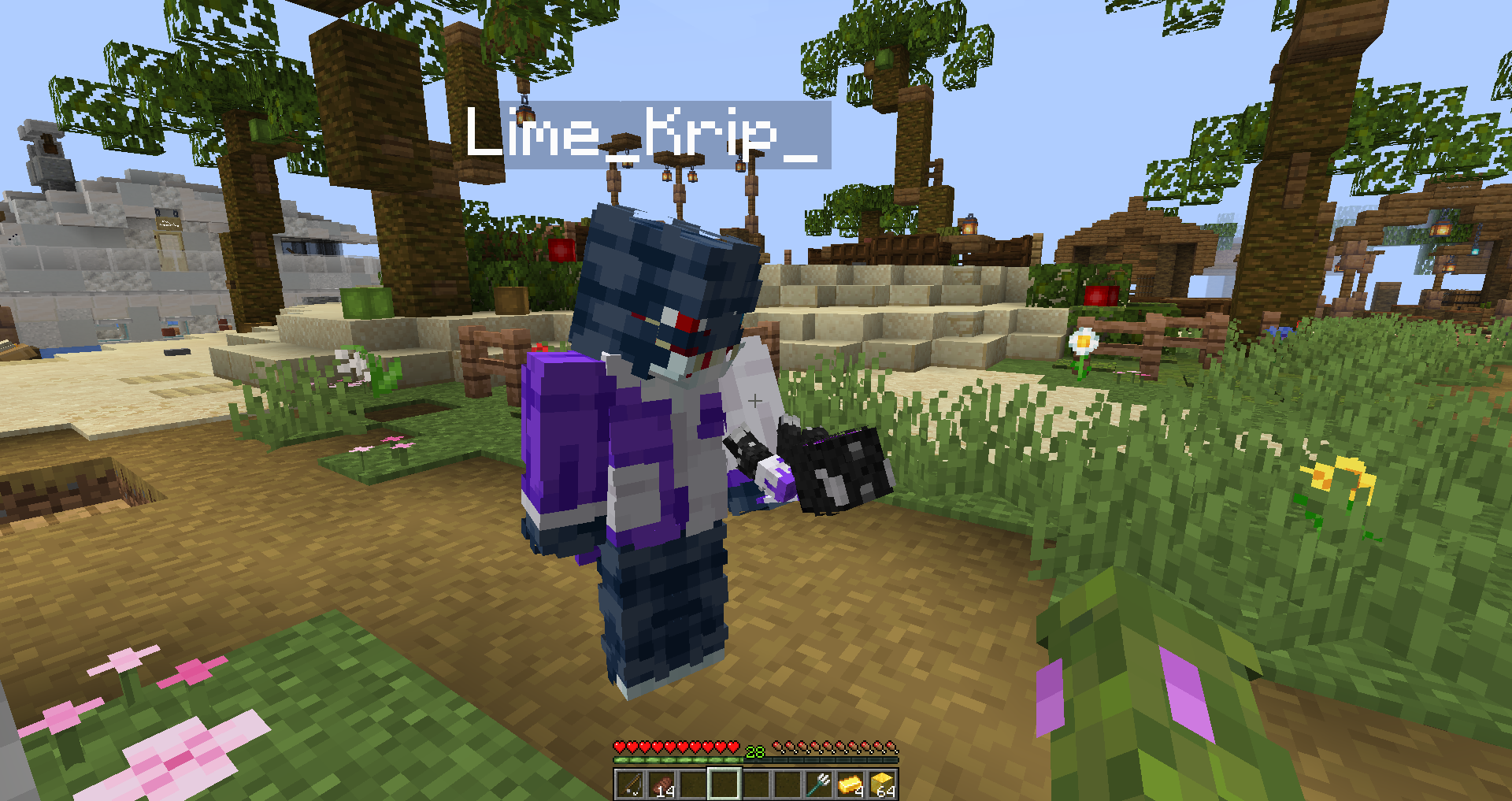
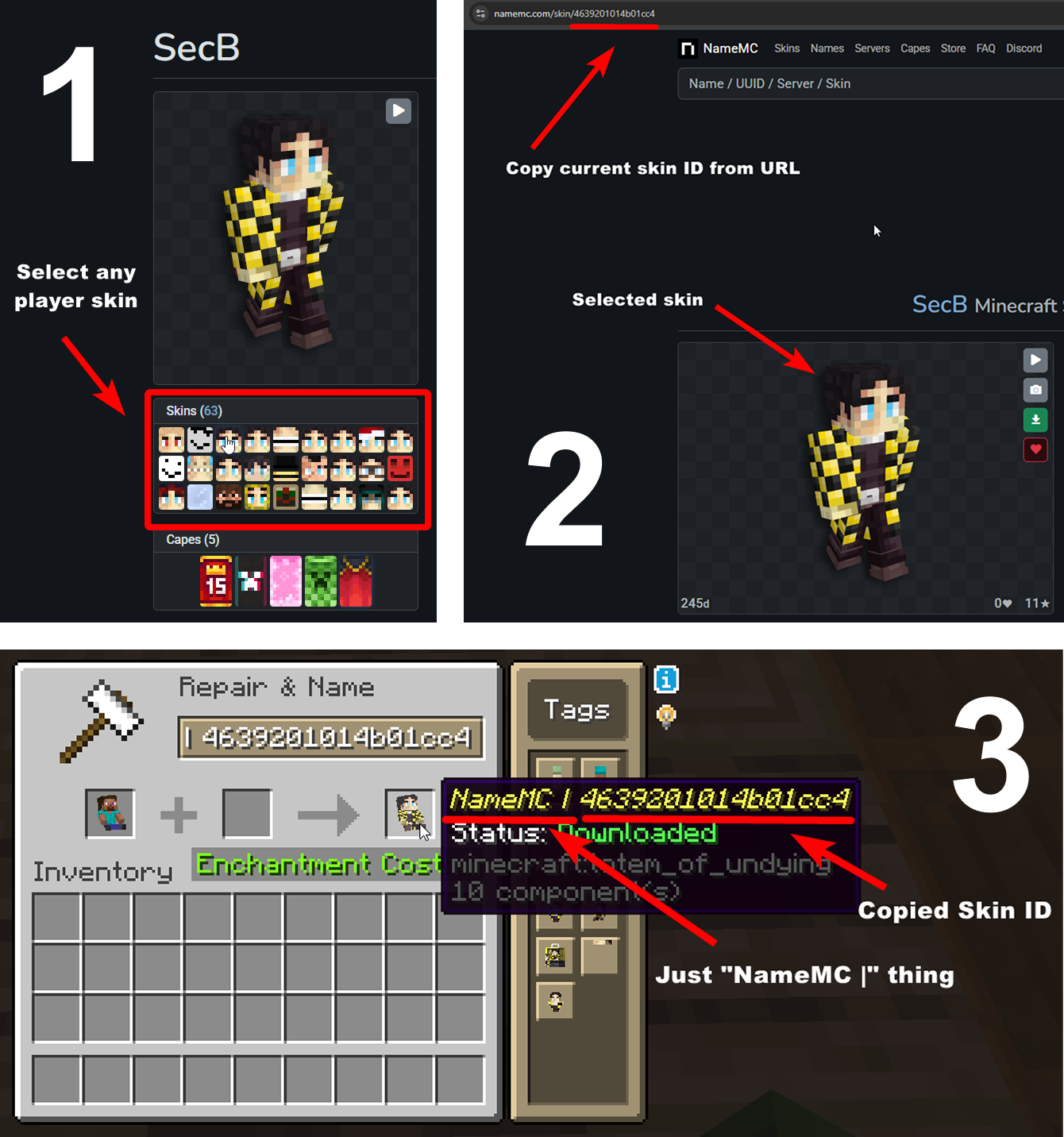
Yeah, you also can use NameMC skins on your totems. To use it, just select any player skin, copy skin id, rename your totem to NameMC | and paste copied skin id. And that's all!
Verfügbare Versionen
My Totem Doll auf deinem Client installieren
Mod-Loader lokal installieren
Installiere fabric für deine lokale Minecraft-Version.
Passende Datei herunterladen
Wähle die My Totem Doll-Datei für fabric und Minecraft 26.3.
Mod installieren
Lege die .jar-Datei in deinem lokalen .minecraft/mods-Ordner ab und starte Minecraft neu. Eine Installation auf dem Server ist nicht nötig.
Kompatibilität
Mod-Loader
Minecraft-Versionen
26.3, 26.2, 26.1.2 (+21 weitere)
Server-seitig
✗ Nicht unterstütztEmpfohlener RAM
4 GB(min. 3 GB)Häufige Fragen
Muss My Totem Doll auf dem Minecraft Server installiert werden?
Nein. Modrinth kennzeichnet My Totem Doll serverseitig als nicht unterstützt. Installiere die Mod nur im lokalen Minecraft-Mods-Ordner. Dein Server kann unverändert bleiben, sofern die Mod-Seite keine zusätzliche Abhängigkeit nennt.
Welche Version und welchen Loader braucht My Totem Doll?
Nutze eine Datei für fabric, forge, neoforge und exakt deine Minecraft-Version. Unterstützte Versionen sind unter anderem 26.3, 26.2, 26.1.2. Loader-Dateien sind nicht untereinander austauschbar.
My Totem Doll funktioniert nicht – was kann ich prüfen?
Prüfe zuerst Minecraft-Version, Loader-Version und erforderliche Abhängigkeiten. Lege die .jar-Datei im lokalen .minecraft/mods-Ordner ab und entferne ältere Duplikate. Da die Mod clientseitig ist, löst mehr Server-RAM dieses Problem nicht.
Ähnliche Mods

![[ETF] Entity Texture Features](https://cdn.modrinth.com/data/BVzZfTc1/af683d206d50b05258d865b0d6e4aa2f2cee12f2_96.webp)
![[EMF] Entity Model Features](https://cdn.modrinth.com/data/4I1XuqiY/6e5bbd0d06b1741bfdab6c0cfab6de8fdaf0064c_96.webp)



Minecraft Server für deine Gruppe
My Totem Doll bleibt auf deinem Client. Hoste dazu eine kompatible Welt für deine Mitspieler.
Details
- Lizenz
- Creative Commons Attribution No Derivatives 4.0 International
- Server-seitig
- Nicht unterstützt