
Create: Numismatics
Aesthetic & Functional Create styled currency mod
Über diese Mod

Create: Numismatics
Numismatics is a brand-new currency mod that boasts easy-to-use systems for simple shops as well as leaving room for your wildest redstone-capitalism dreams.
Features

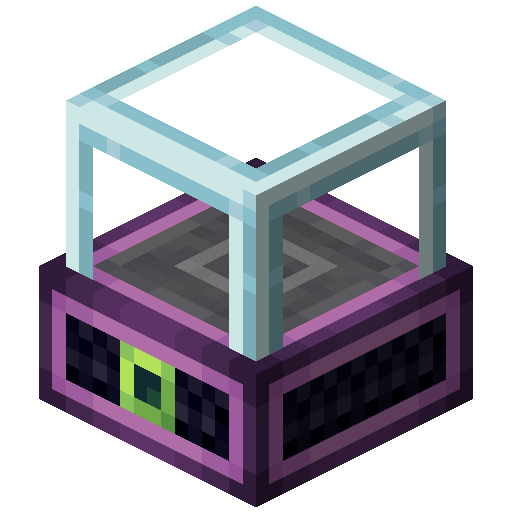
Vendor
Quick buying or selling of items, designed for compact player-run shops.
Creative version allows server admins to setup infinitely-refilling shops.

Bank Terminal
Access your virtual bank account to deposit and withdraw coins.
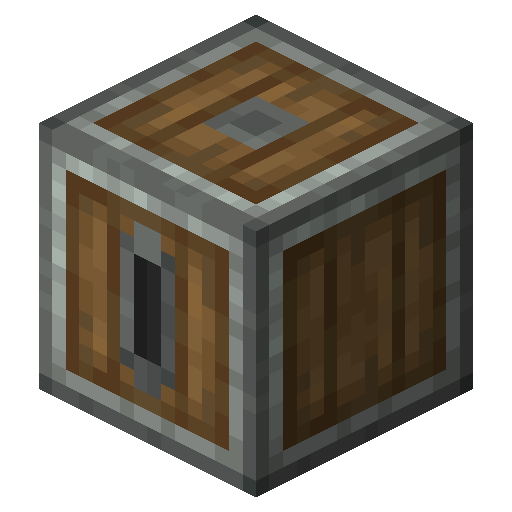
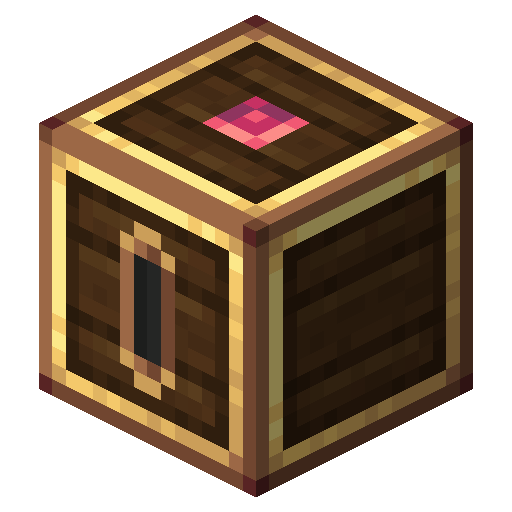
Depositor
Set a price and the depositor will emit a 1 redstone tick pulse once a player deposits money, either by having coins in their inventory or by using a card.
Coins
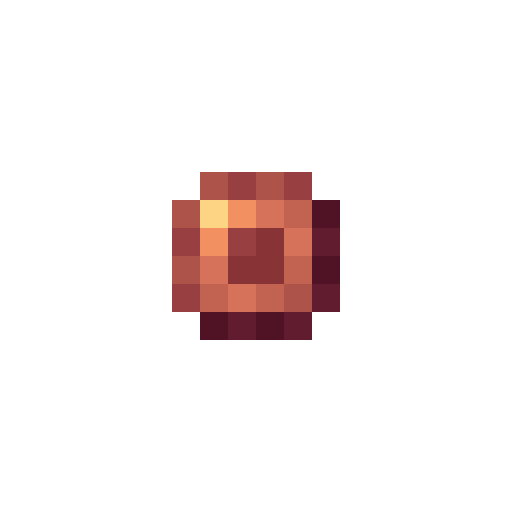
The backbone of the mod, with 6 different coins of various values to choose from.
| Spur | Bevel | Sprocket | Cog | Crown | Sun |
|---|---|---|---|---|---|
| 1 spur | 8 spurs | 16 spurs | 64 spurs | 8 cogs | 64 cogs |
 |
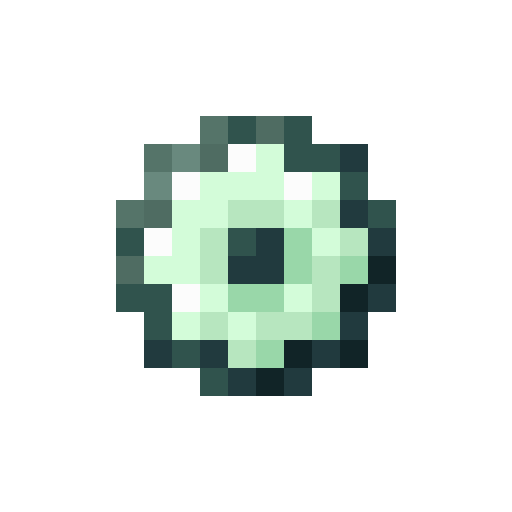 |
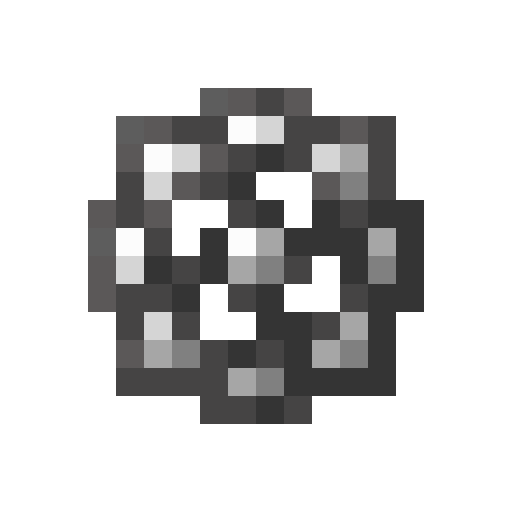 |
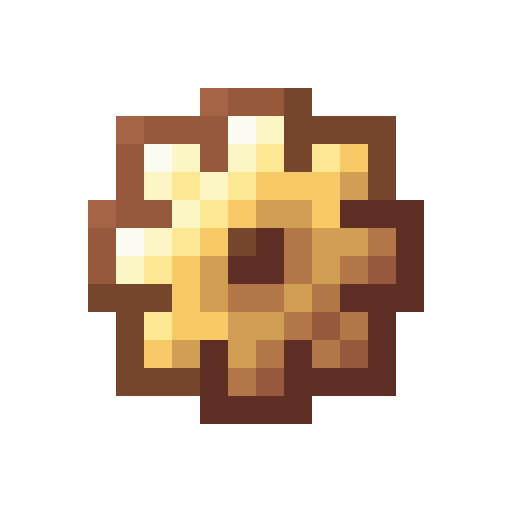 |
 |
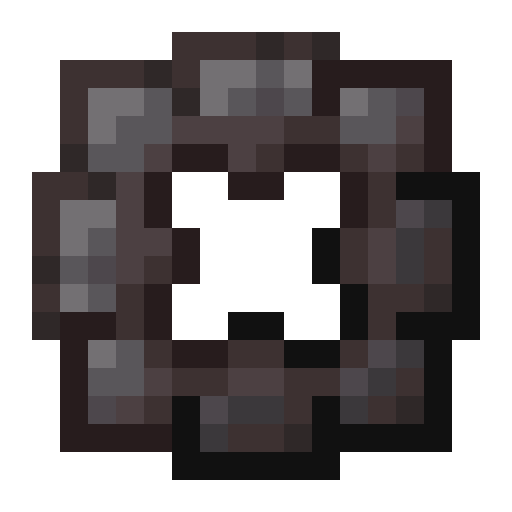 |
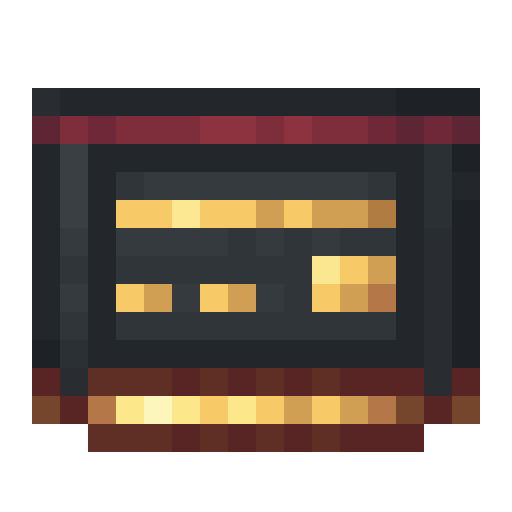

Bank and ID Cards
Bank Cards can be placed in a Depositor or Vendor to have funds go directly into the associated account. Additionally, using a Bank Card on a Vendor or Depositor extracts funds from your account instead of taking coins from your inventory.
ID Cards are used to allow other players access to Numismatics' protected blocks (Vendors, Depositors, and Blaze Bankers), allowing you to easily give access to your business partners.

Blaze Banker
Is one bank account not enough for your tax evasion business needs? Create another and use ID Cards to allow your business partners to withdraw funds.
Verfügbare Versionen
Create: Numismatics auf dem Server installieren
Server bestellen
Bestelle einen Minecraft Java Server mit mindestens 4 GB RAM (6 GB empfohlen).
fabric Loader setzen
Wähle im Panel unter "Egg" den fabric-Loader und die passende Minecraft-Version (1.21.1).
Mod installieren
Öffne den Mod-Browser im Dashboard und suche nach "Create: Numismatics". Klicke "Installieren" – fertig! Alternativ: Lade die .jar via SFTP in den /mods Ordner.
Kompatibilität
Mod-Loader
Minecraft-Versionen
1.21.1, 1.20.1
Server-seitig
✓ ErforderlichEmpfohlener RAM
6 GB(min. 4 GB)Häufige Fragen
Create: Numismatics Server crasht beim Start – was tun?
Häufigste Ursache: falsche fabric-Version oder zu wenig RAM. Prüfe im Server-Log (latest.log), ob ein "OutOfMemoryError" oder "Mixin"-Fehler auftritt. Bei Mado Hosting: Stelle sicher, dass mindestens 4 GB RAM zugewiesen sind und der Loader zur Mod-Version passt (1.21.1). Über das Panel kannst du den Loader mit einem Klick wechseln.
Ist Create: Numismatics mit fabric und forge und neoforge und quilt kompatibel?
Create: Numismatics unterstützt offiziell fabric, forge, neoforge, quilt für Minecraft 1.21.1, 1.20.1. Achtung: Forge- und Fabric-Mods sind NICHT untereinander kompatibel – wähle einen Loader und bleibe dabei. Im Mado Dashboard werden inkompatible Loader-Kombinationen automatisch erkannt.
Server laggt mit Create: Numismatics – wie optimiere ich die Performance?
Empfohlener RAM: 6 GB (+1 GB pro 5 Spieler). Prüfe mit /spark profiler, ob Create: Numismatics den meisten Tick-Time verbraucht. Häufige Fixes: Server-View-Distance auf 8-10 reduzieren, bei Forge "performant" oder "starlight" als Zusatz-Mod installieren. Bei Mado Hosting läuft dein Server auf NVMe-SSDs mit dedizierten CPU-Kernen für minimale Latenz.
Ähnliche Mods


![CobbleDollars [Cobblemon Addon]](https://cdn.modrinth.com/data/s7N7AsqL/684040a264fc1d7f9b856ec5d2da39767398c7ad.png)

Modded Server mieten
Installiere Create: Numismatics mit nur einem Klick auf deinem Server.
Details
- Lizenz
- GNU Lesser General Public License v3.0 only
- Server-seitig
- Erforderlich