
OrthoCamera
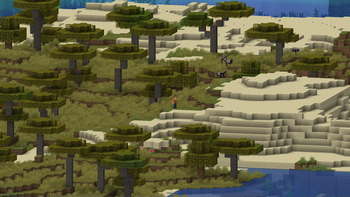
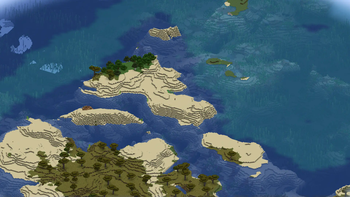
Configurable orthographic view mode
Screenshots
Über diese Mod
OrthoCamera
Minecraft Fabric client-side mod. Adds Toggleable & configurable orthographic view mode.
What is this
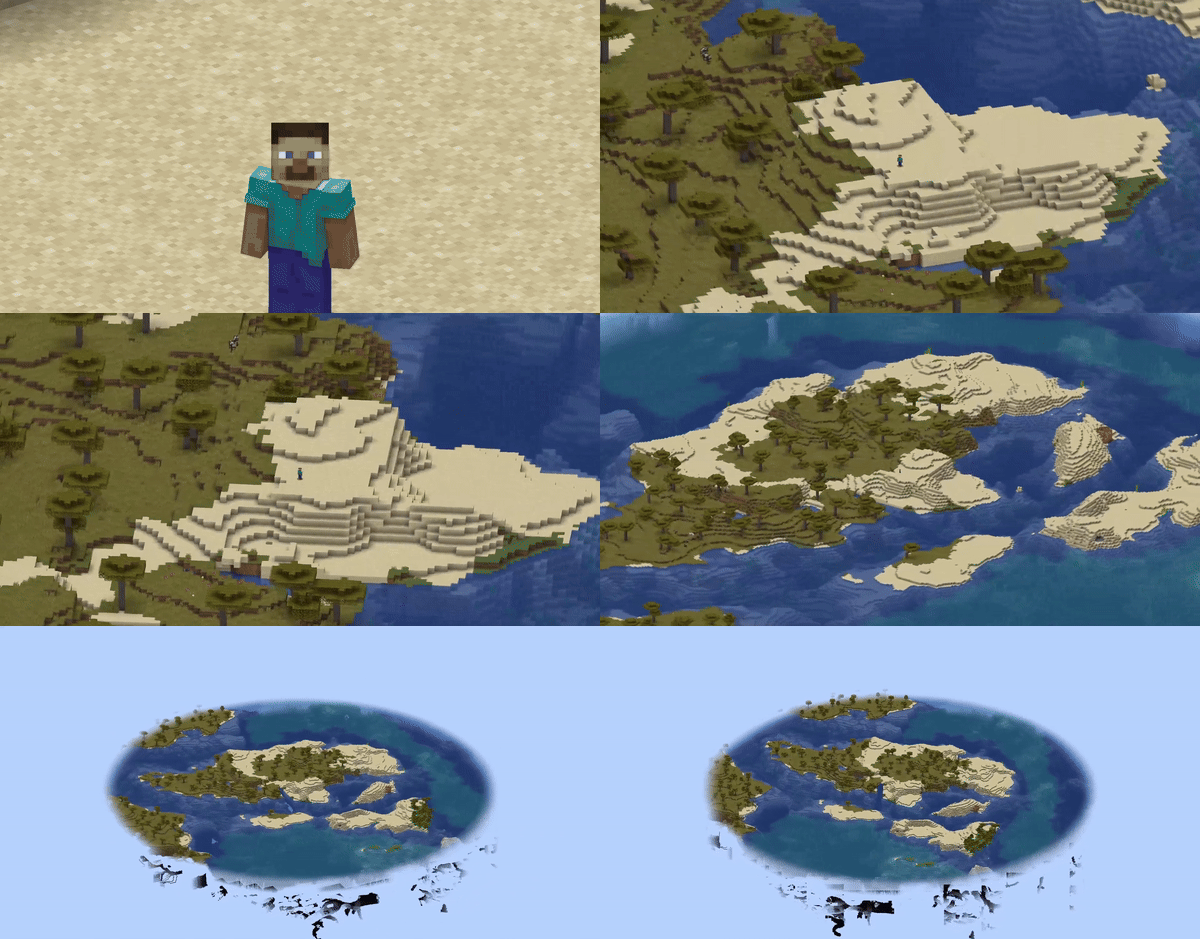
In the perspective view (the default), objects which are far away are smaller than those nearby. In the orthographic view, all objects appear at the same scale.
Minecraft uses perspective view to draw the world. It gives a first-person feel.
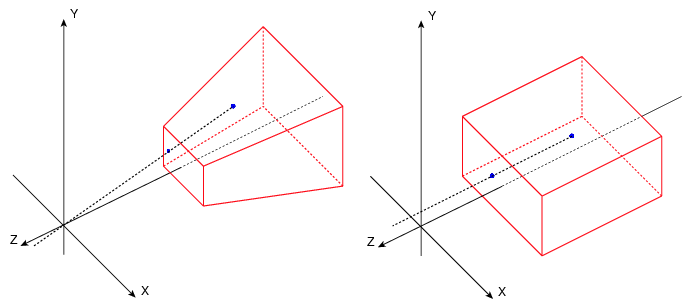
This mod allows you to enable orthographic view and configure frustum in detail.
Use
You can open config screen from ModMenu or by the hotkey. You can configure:
- Saving enabled state between client restarts
- X and Y camera scale
- Minimum and maximum view distance (Position of frustum's near and far plane)
- Fix camera (Lock mouse rotation. Allows to play the game normally, but with an orthographic view)
- Fixed camera rotation
- Fixed camera rotation speed (when rotating using hotkeys)
There are also 8 hotkeys for:
- Toggle orthographic view
- Increase scale
- Decrease scale
- Fix camera
- Rotate fixed camera
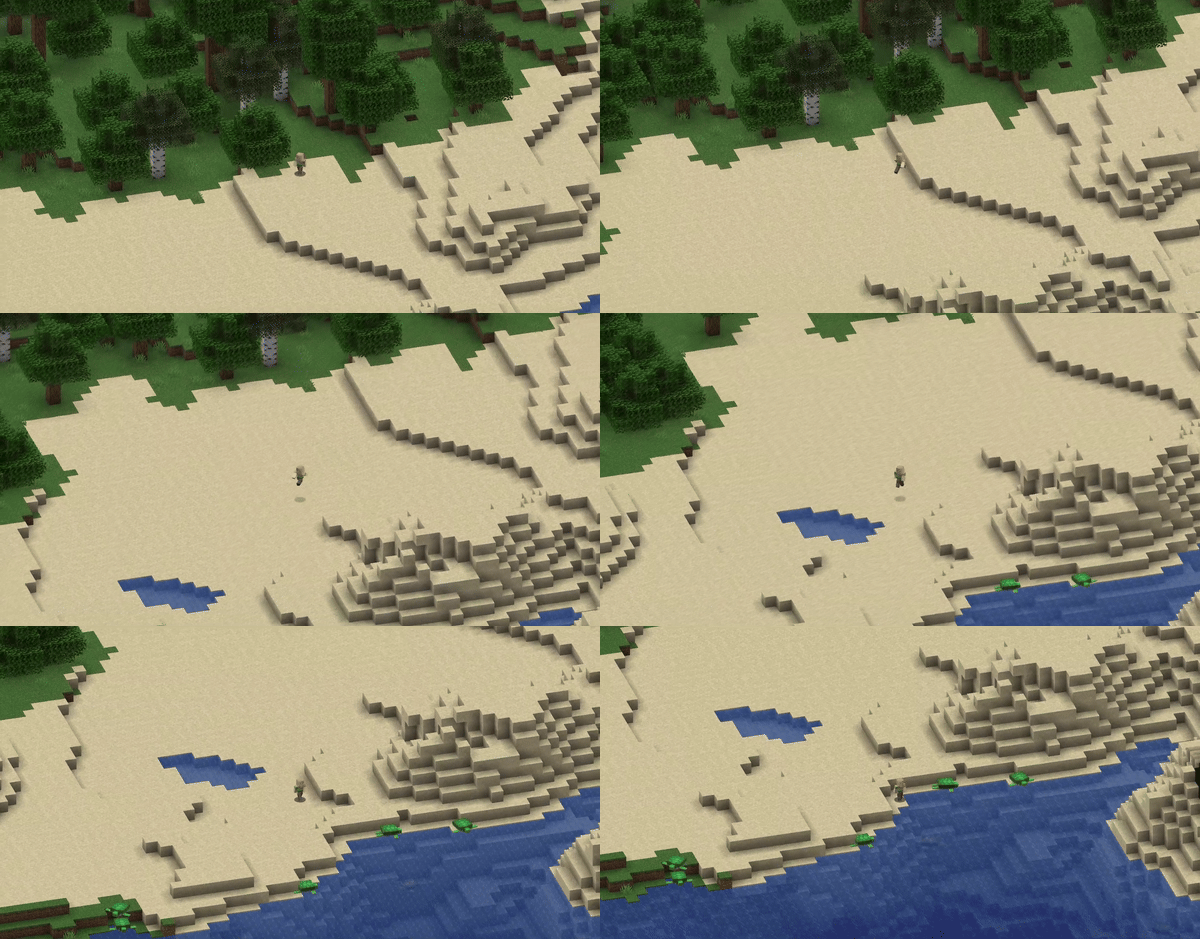
Fixed camera demonstration:
Compatibility
- Using Sodium mod, you have to disable "Use Block Face Culling" in "Performance" tab. Otherwise, some block faces will not render with big scale
- However, Nvidium mod force enables this sodium feature. So you have to disable Nvidium mod, if you have it.
- After disabling, you probably need to press F3 + T to apply change
Verfügbare Versionen
OrthoCamera auf deinem Client installieren
Mod-Loader lokal installieren
Installiere fabric für deine lokale Minecraft-Version.
Passende Datei herunterladen
Wähle die OrthoCamera-Datei für fabric und Minecraft 26.3.
Mod installieren
Lege die .jar-Datei in deinem lokalen .minecraft/mods-Ordner ab und starte Minecraft neu. Eine Installation auf dem Server ist nicht nötig.
Kompatibilität
Mod-Loader
Minecraft-Versionen
26.3, 26.2, 26.1.2 (+22 weitere)
Server-seitig
✗ Nicht unterstütztEmpfohlener RAM
4 GB(min. 3 GB)Häufige Fragen
Muss OrthoCamera auf dem Minecraft Server installiert werden?
Nein. Modrinth kennzeichnet OrthoCamera serverseitig als nicht unterstützt. Installiere die Mod nur im lokalen Minecraft-Mods-Ordner. Dein Server kann unverändert bleiben, sofern die Mod-Seite keine zusätzliche Abhängigkeit nennt.
Welche Version und welchen Loader braucht OrthoCamera?
Nutze eine Datei für fabric und exakt deine Minecraft-Version. Unterstützte Versionen sind unter anderem 26.3, 26.2, 26.1.2. Loader-Dateien sind nicht untereinander austauschbar.
OrthoCamera funktioniert nicht – was kann ich prüfen?
Prüfe zuerst Minecraft-Version, Loader-Version und erforderliche Abhängigkeiten. Lege die .jar-Datei im lokalen .minecraft/mods-Ordner ab und entferne ältere Duplikate. Da die Mod clientseitig ist, löst mehr Server-RAM dieses Problem nicht.
Ähnliche Mods

![[ETF] Entity Texture Features](https://cdn.modrinth.com/data/BVzZfTc1/af683d206d50b05258d865b0d6e4aa2f2cee12f2_96.webp)
![[EMF] Entity Model Features](https://cdn.modrinth.com/data/4I1XuqiY/6e5bbd0d06b1741bfdab6c0cfab6de8fdaf0064c_96.webp)



Minecraft Server für deine Gruppe
OrthoCamera bleibt auf deinem Client. Hoste dazu eine kompatible Welt für deine Mitspieler.