
Modrinth · Fabric, Forge, NeoForge
Photon Editor auf deinem Minecraft Server
Photon Editor läuft auf Minecraft Servern mit Fabric oder Forge oder NeoForge. Bestell deinen Server, stell den Loader im Panel ein und installiere die Mod mit einem Klick im Mod-Browser.
Photon - Making mc effects as Unity.
- Downloads
- 1.3M
- Autor
- KilaBash
- Loader
- Fabric, Forge, NeoForge
- Minecraft
- 1.19.2 – 26.3
- Aktualisiert
- –
Screenshots
So sieht Photon Editor aus
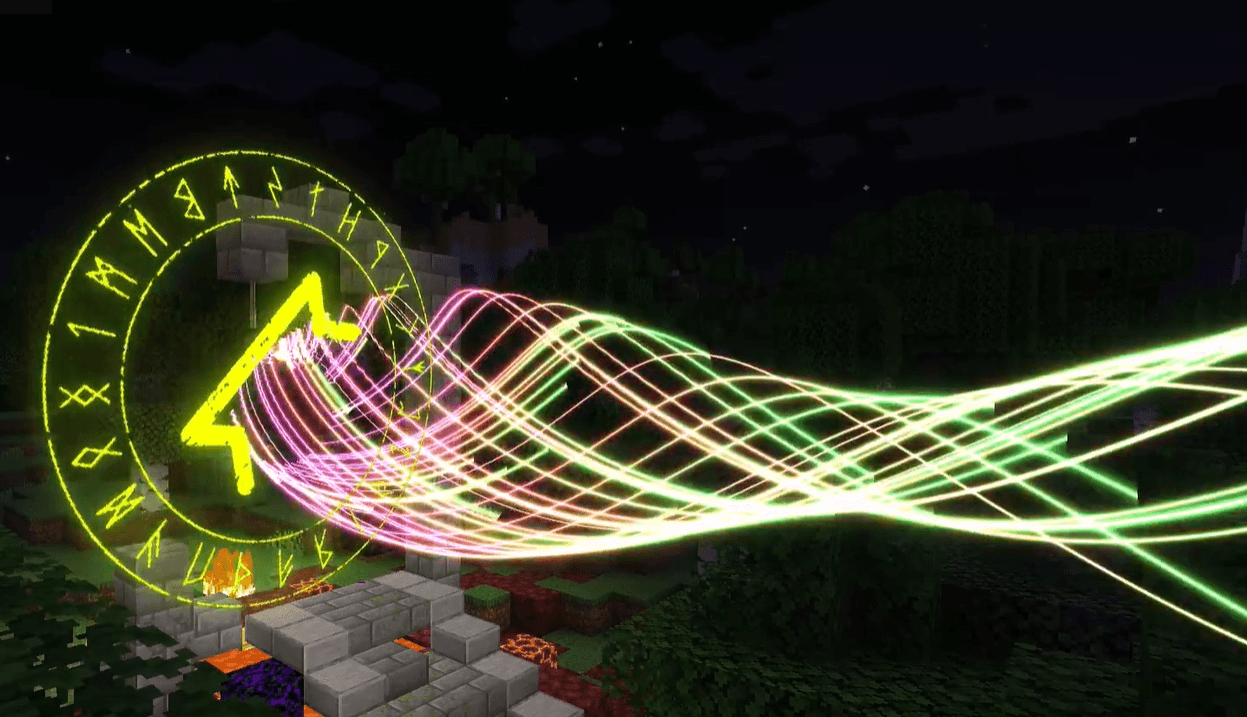
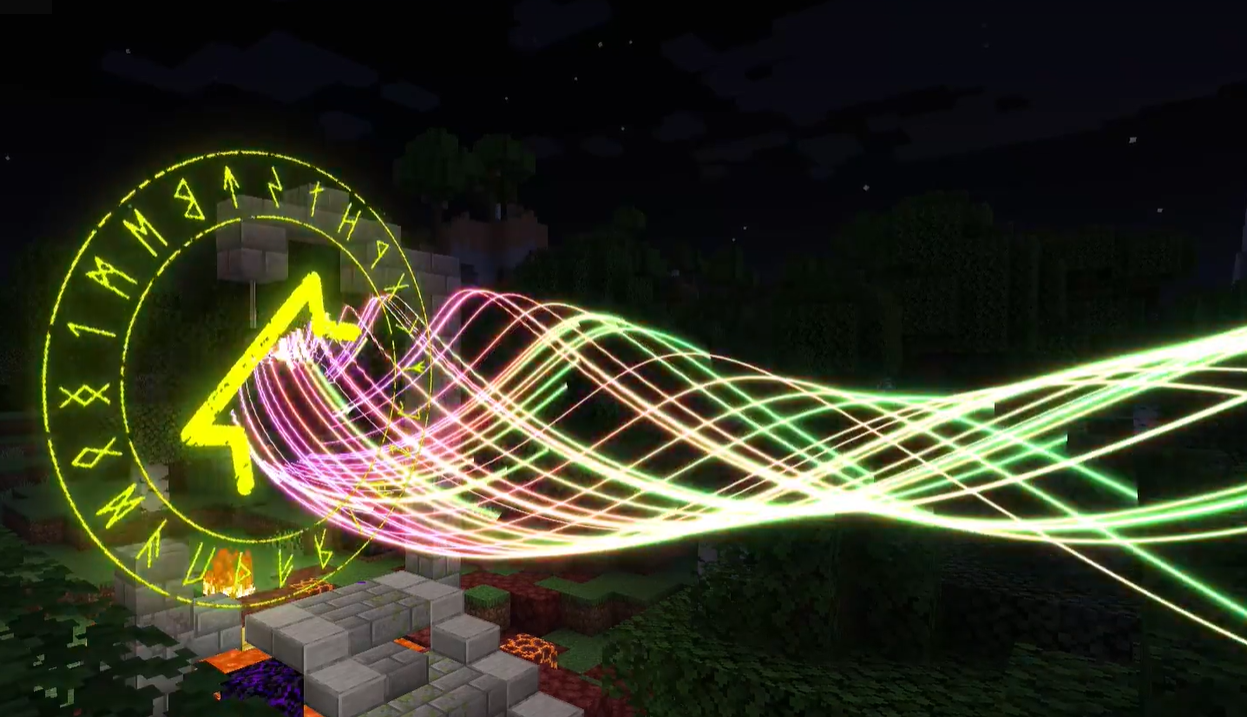 fancy trail effect
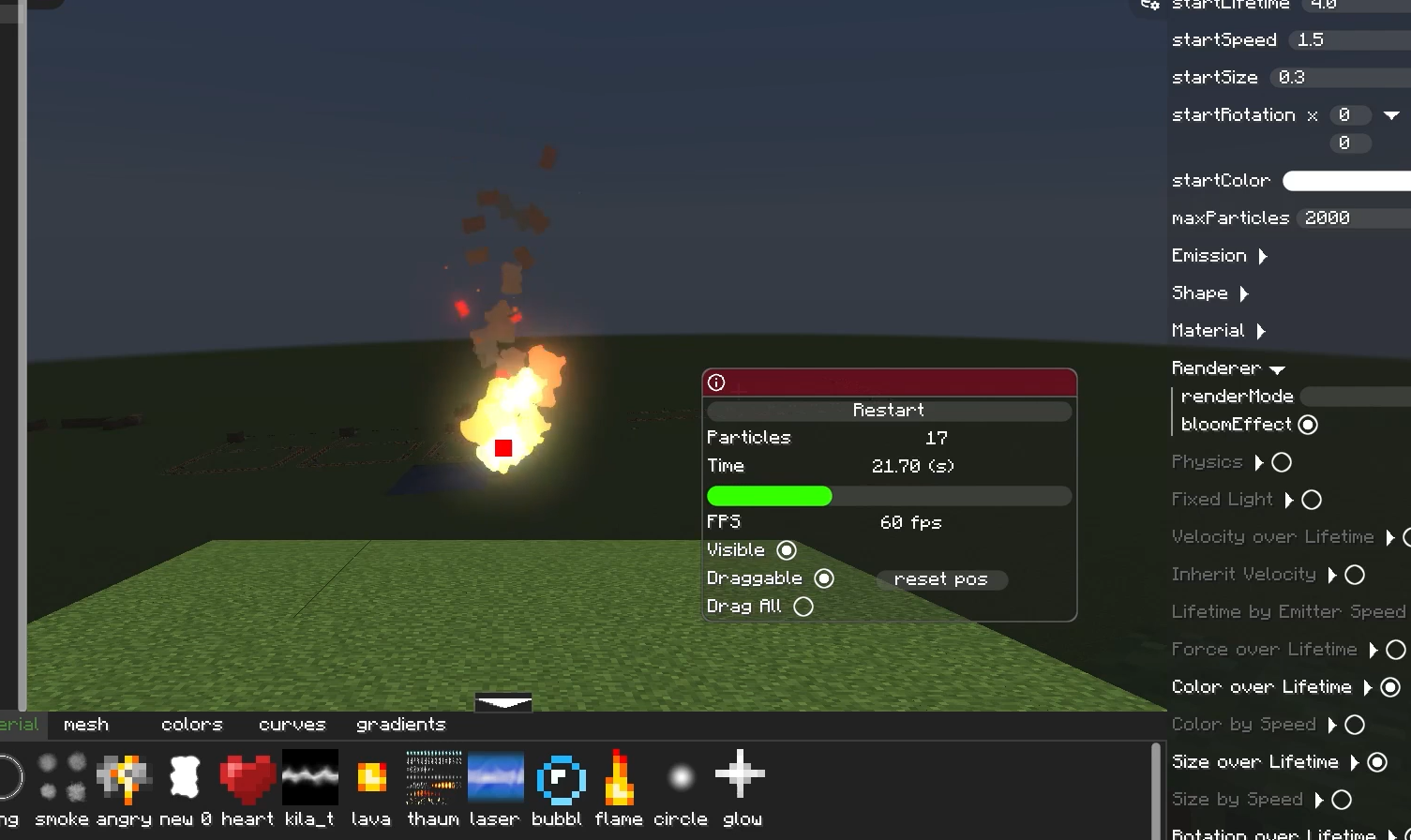
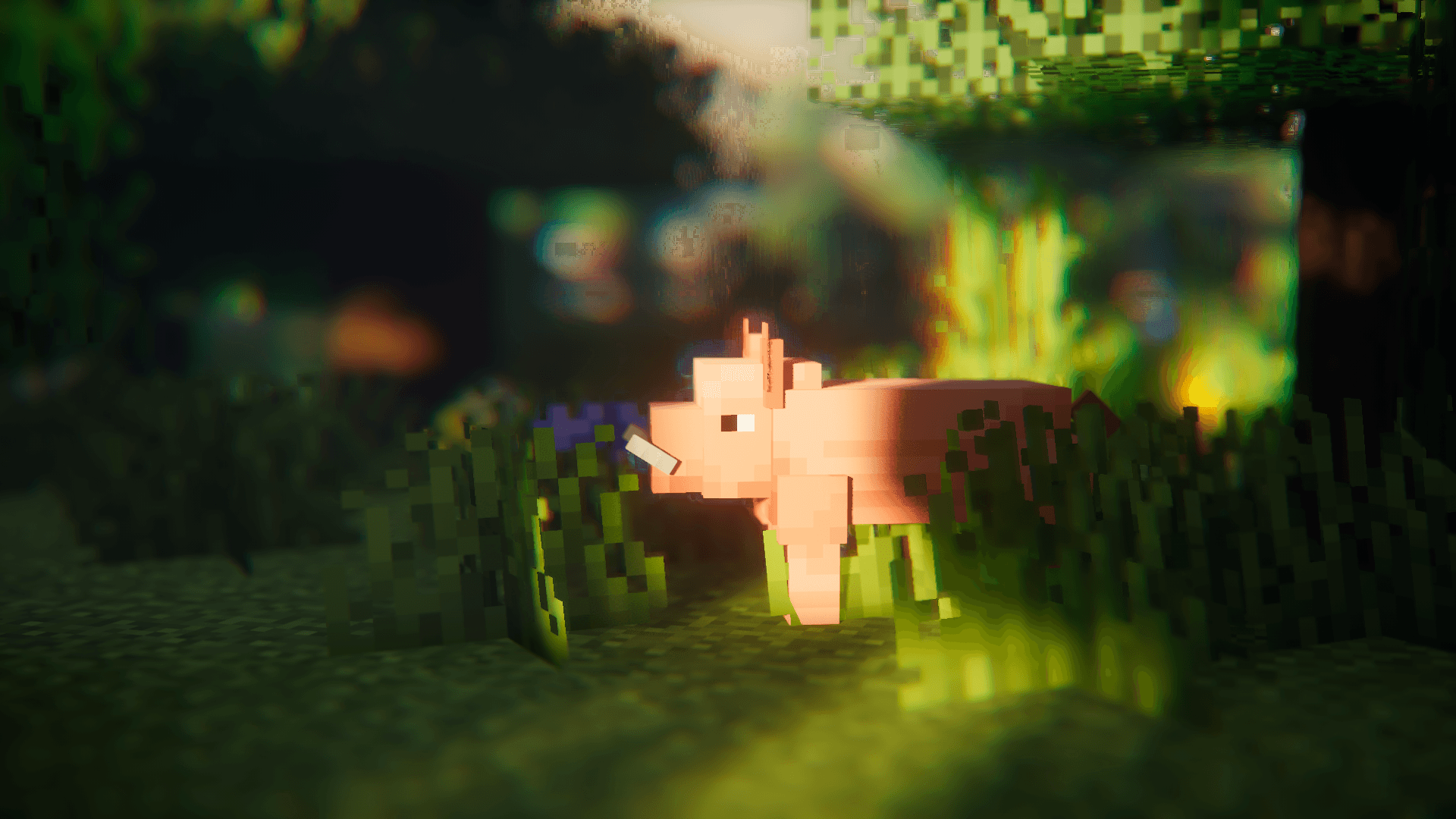
 Particle System as Unity
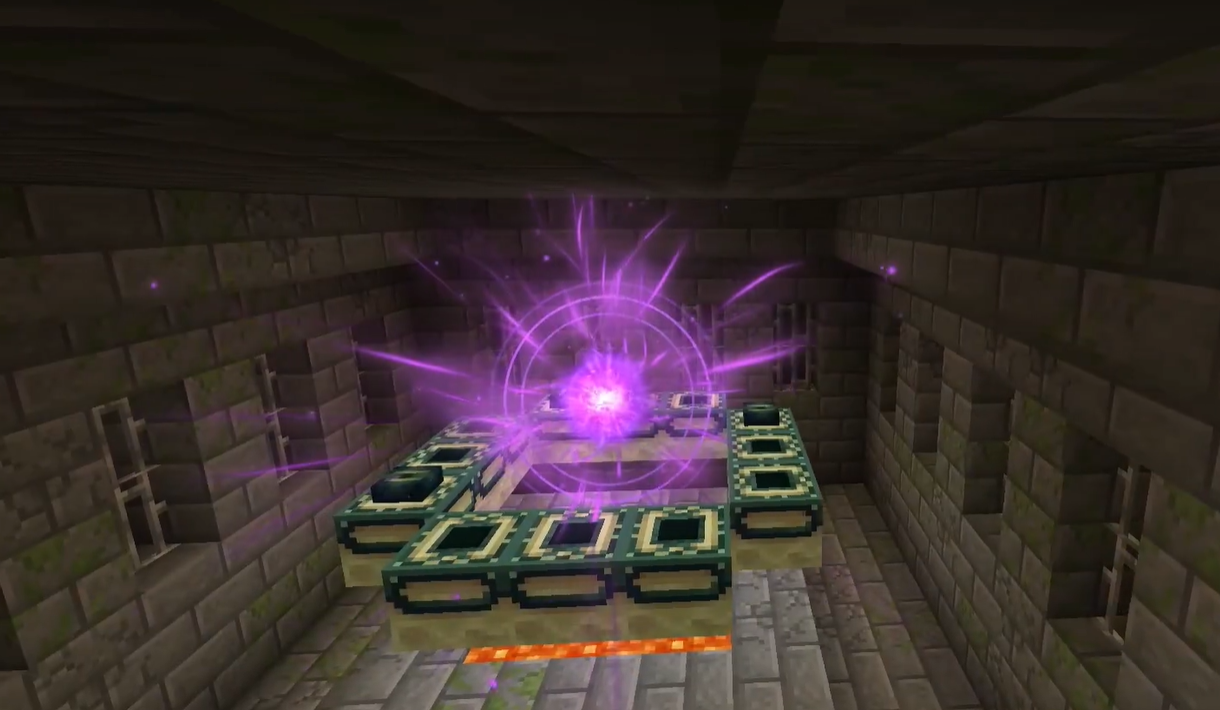
 Builtin bloom effect (No need shader mod)
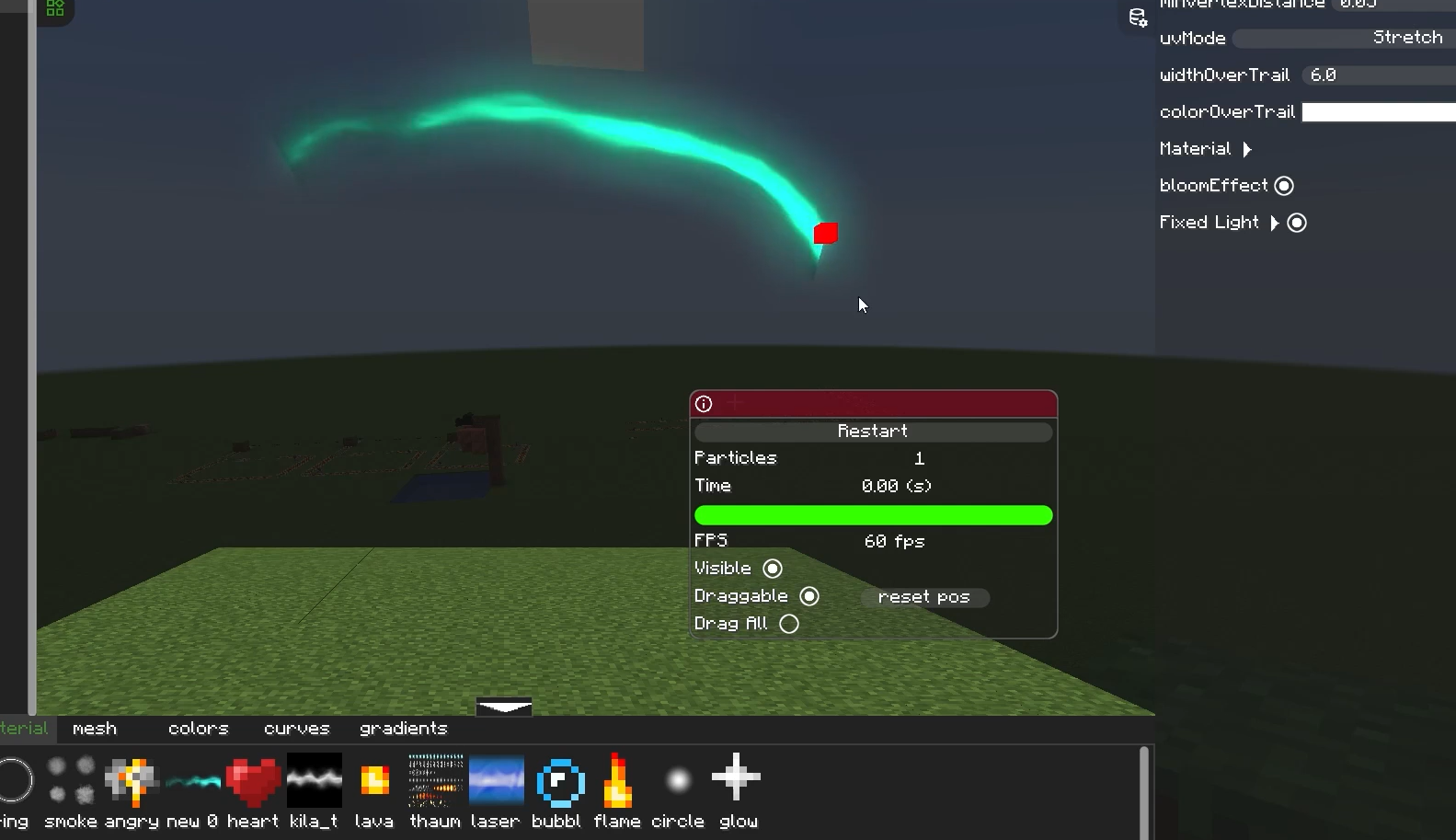 Custom Shader material
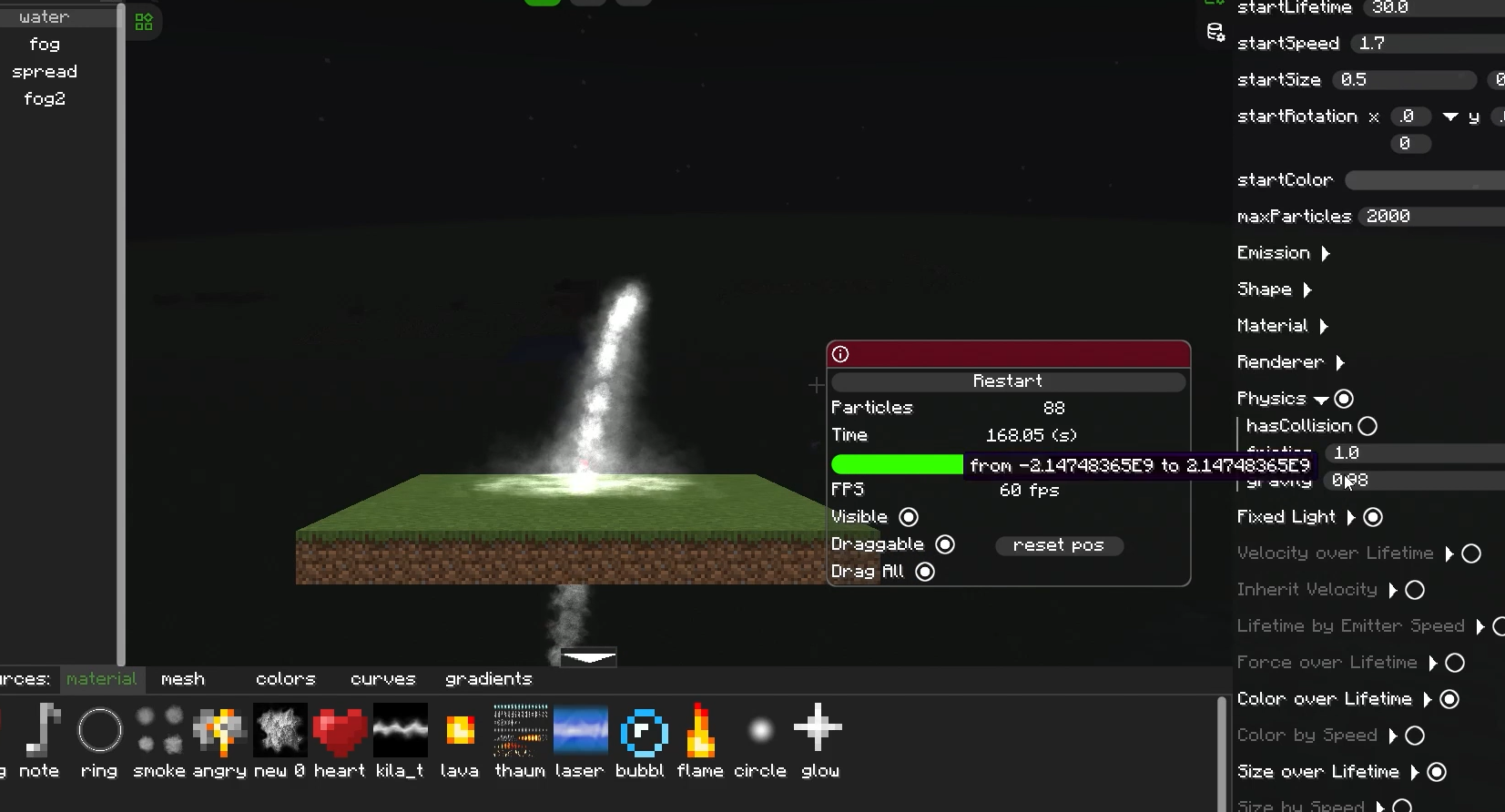 Physics System
Bilder: Photon Editor auf Modrinth, vom Projektteam veröffentlicht.
Einrichtung
Photon Editor auf dem Server installieren
Server und Spieler brauchen denselben Loader und dieselbe Minecraft-Version. Sichere die Welt, bevor du Mods hinzufügst oder aktualisierst.
- 01
Konfigurieren
4 GB RAM sind vorausgewählt. Laufzeit und Add-ons wählst du selbst, bezahlt wird per Kreditkarte oder PayPal.
- 02
Loader einstellen
Stell im Panel die Serversoftware auf Fabric oder Forge oder NeoForge und wähl die passende Minecraft-Version, zum Beispiel 26.3.
- 03
Mod installieren
Such im Mod-Browser nach „Photon Editor“ und installiere die Version für deinen Loader. Alternativ lädst du die .jar per SFTP in den Ordner mods. Erforderliche Abhängigkeiten stehen auf der Projektseite.
- 04
Verbinden
Alle Spieler installieren Photon Editor in derselben Version lokal und verbinden sich über die Serveradresse aus dem Panel.
- Auf dem Server
- Erforderlich
- Auf dem Client
- Erforderlich
- Loader
- Fabric, Forge, NeoForge
- Minecraft
- 26.3, 26.2, 26.1.2 +7 weitere
- Lizenz
- LicenseRef-Custom-License
Das Panel
Mods installieren, Fehler finden.
Echte Screenshots aus dem Mado Panel. Beides ist bei jedem Minecraft Server enthalten.
Mod-Browser
Modrinth und CurseForge direkt im Panel.
Der Browser filtert nach deiner Minecraft-Version. Mods installierst du mit einem Klick, ohne .jar-Dateien hochzuladen.

KI-Crash-Analyse
Wenn ein Mod crasht, liest die Analyse das Log.
Mods scheitern oft an einer falschen Loader-Version, Java-Version oder fehlenden Abhängigkeit. Die Analyse nennt eine wahrscheinliche Ursache und einen Lösungsvorschlag.

Versionen
Veröffentlichte Versionen
Nimm die Datei, die zu Loader und Minecraft-Version deines Servers passt. Server und Spieler brauchen dieselbe Version.
Photon Editor · Modrinth- Photon2-2.2.11.a-neoforge18. November 2026Minecraft 1.21.1, 1.21 · NeoForge
- Photon Editor 1.20.1-1.1.17-forge21. Januar 2026Minecraft 1.20.1 · Forge
- Photon Editor 1.20.1-1.1.17-fabric21. Januar 2026Minecraft 1.20.1 · Fabric
Originalbeschreibung des Projektautors
Photon
A real-time VFX toolkit for Minecraft — particles, trails, beams, dynamic lights, timelines, shader graphs, and post-processing, all authored in-game.






Documentation |
Getting Started |
Commands |
Java API |
Discord |
CurseForge |
Modrinth
Photon is a VFX editor mod for Minecraft, inspired by Unity. It brings a Unity-style particle system, trail and beam rendering, dynamic lights with soft shadows, a non-linear timeline, node-based shader and post-processing graphs, and a full in-game editor to Minecraft — so mod authors can build effects for their content, and players can create and play effects with commands.
Its original intention is to let people who love VFX create without being blocked by technical skill and math problems. If you know Unity's particle system, you already know most of Photon.
Showcase
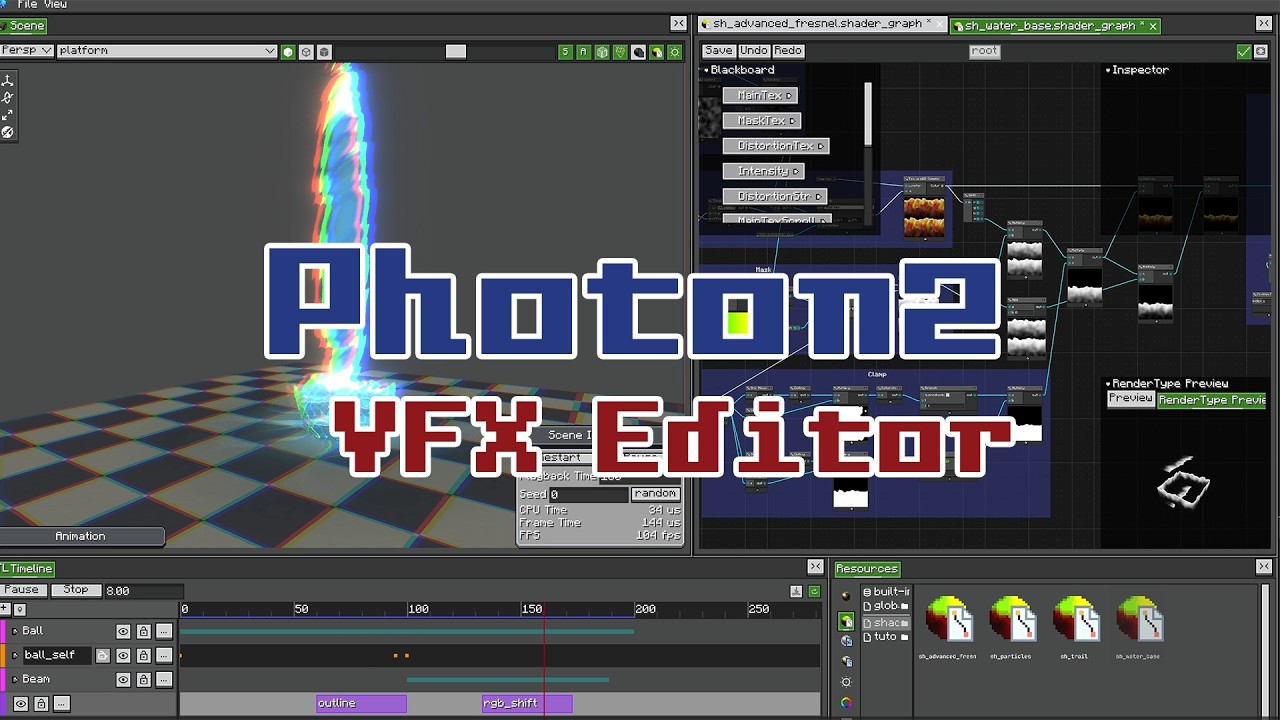 Photon 2.2 — Timeline, Shader Graph, Post-Processing Sequencing effects on a timeline, authoring materials as node graphs, and stacking fullscreen post effects. |
 Getting Started with Photon An overview of the editor, the particle system, and how to build and play your first effect. |
New Since the 2.2 Showcase
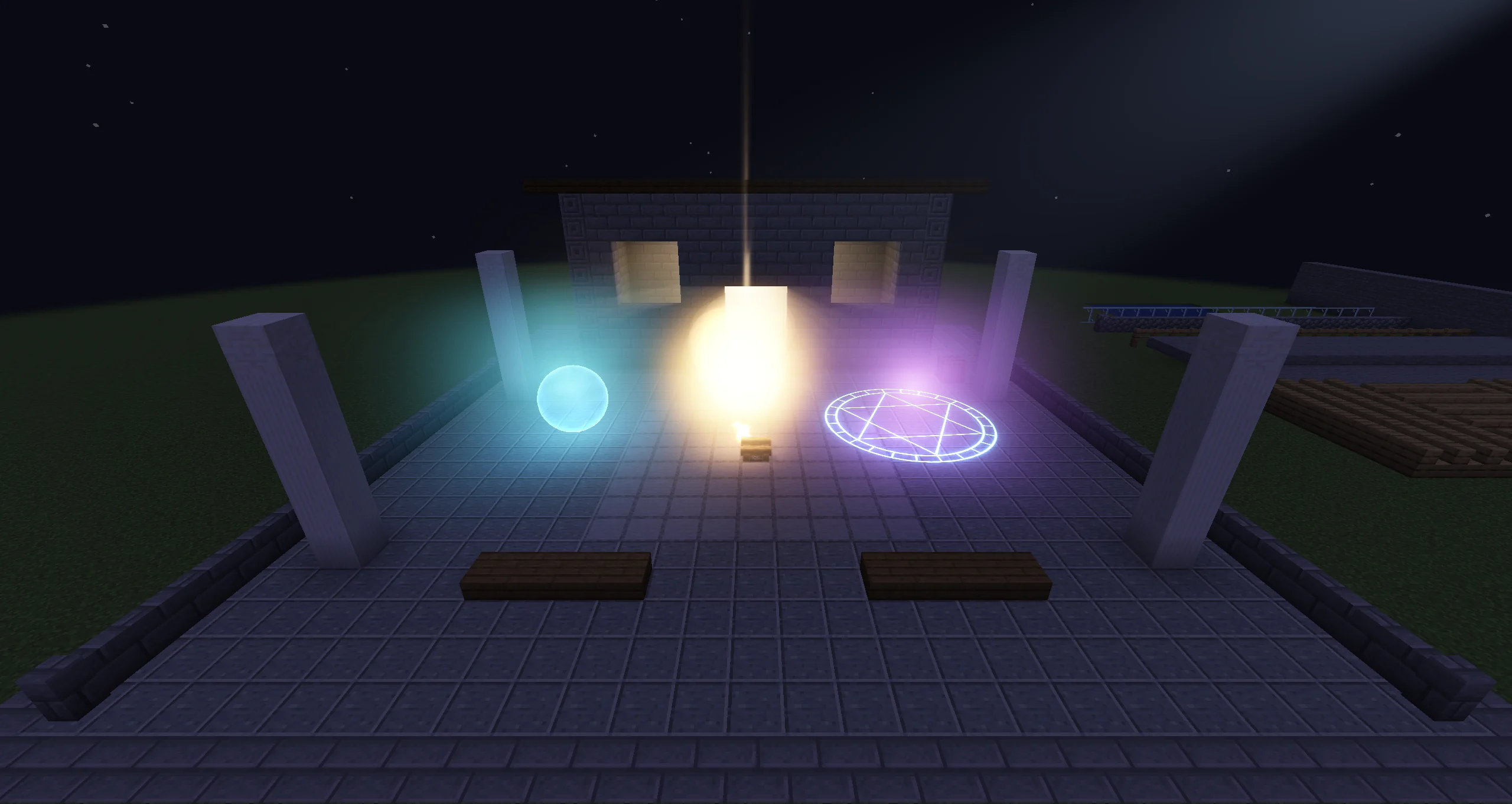 Dynamic Lights 2.2.8 Point and spot lights that light blocks, entities, and particles, with voxel soft shadows that never leak through walls. Place a Light object, let particles emit light with the Light Emission module, or add lights from Java. Works under Iris shader packs too. |
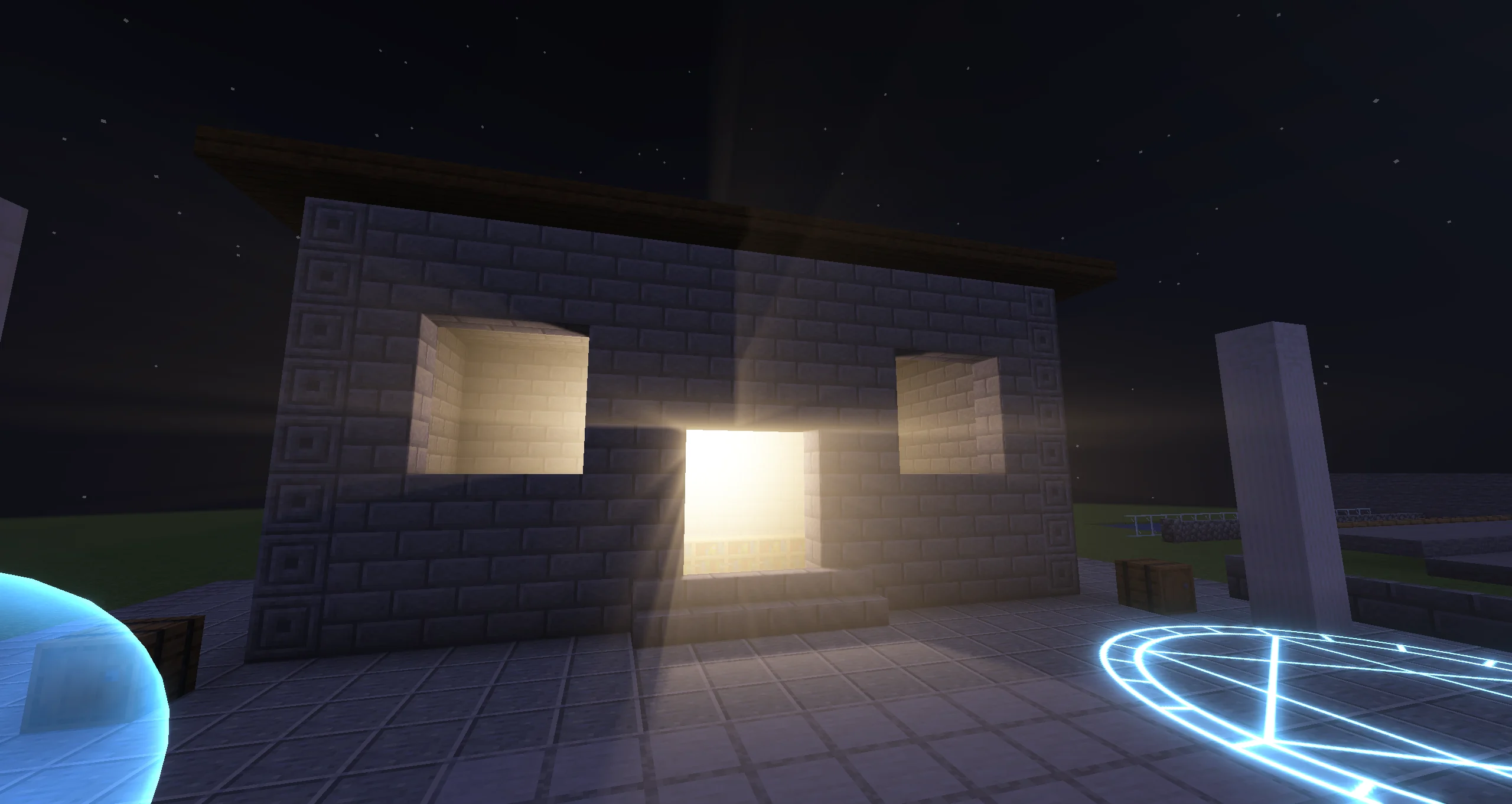 Volumetric Lights and Fog Volumes 2.2.8 Halos around point lights, beams from spot lights, and box or sphere fog volumes for them to shine through. Shadowed lights cast real light shafts through doors and windows. |
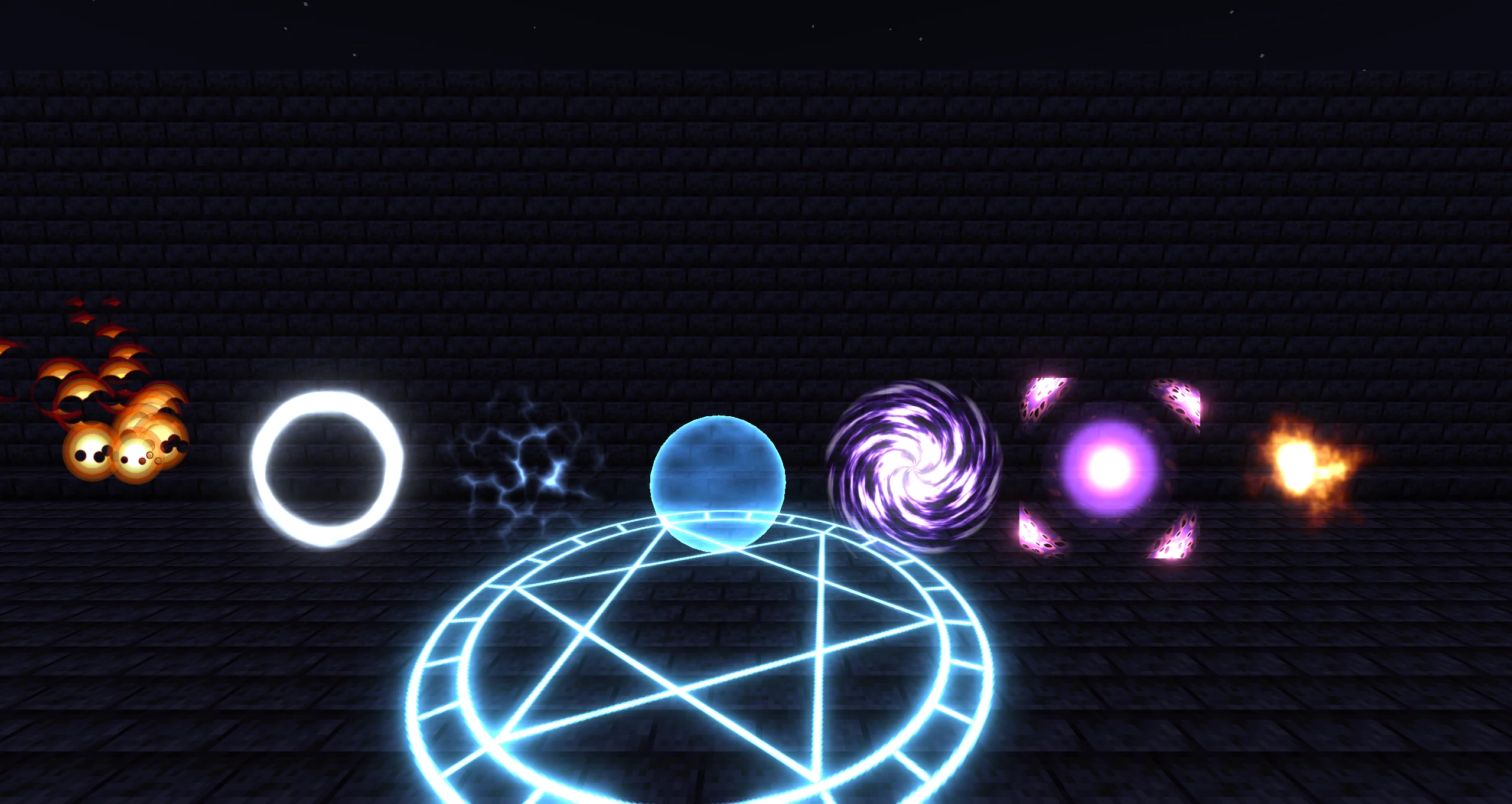 Kila Material 2.2.8 An all-in-one VFX material: switch on flipbooks, masks, dissolve, distortion, color ramps, soft edges, fresnel, lighting, and decals instead of building a graph. Start from one of 27 presets, and export the material as a Shader Graph when you need more. |
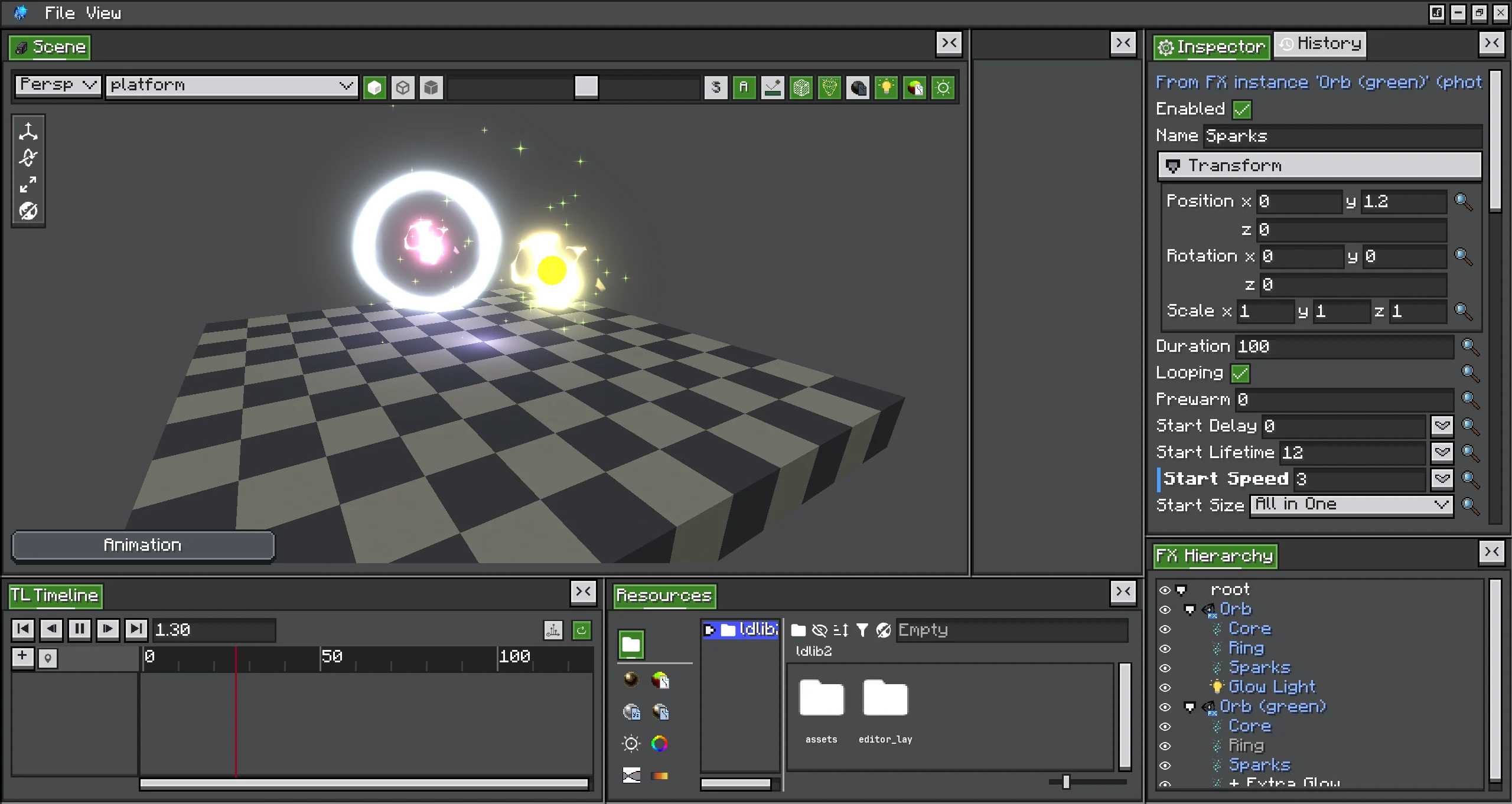 FX Instances 2.2.9 Unity-style prefabs for effects: place one .fx inside another, at any depth, then override, disable, delete, or add objects. Only your changes are saved, so the instance keeps following its source.
|
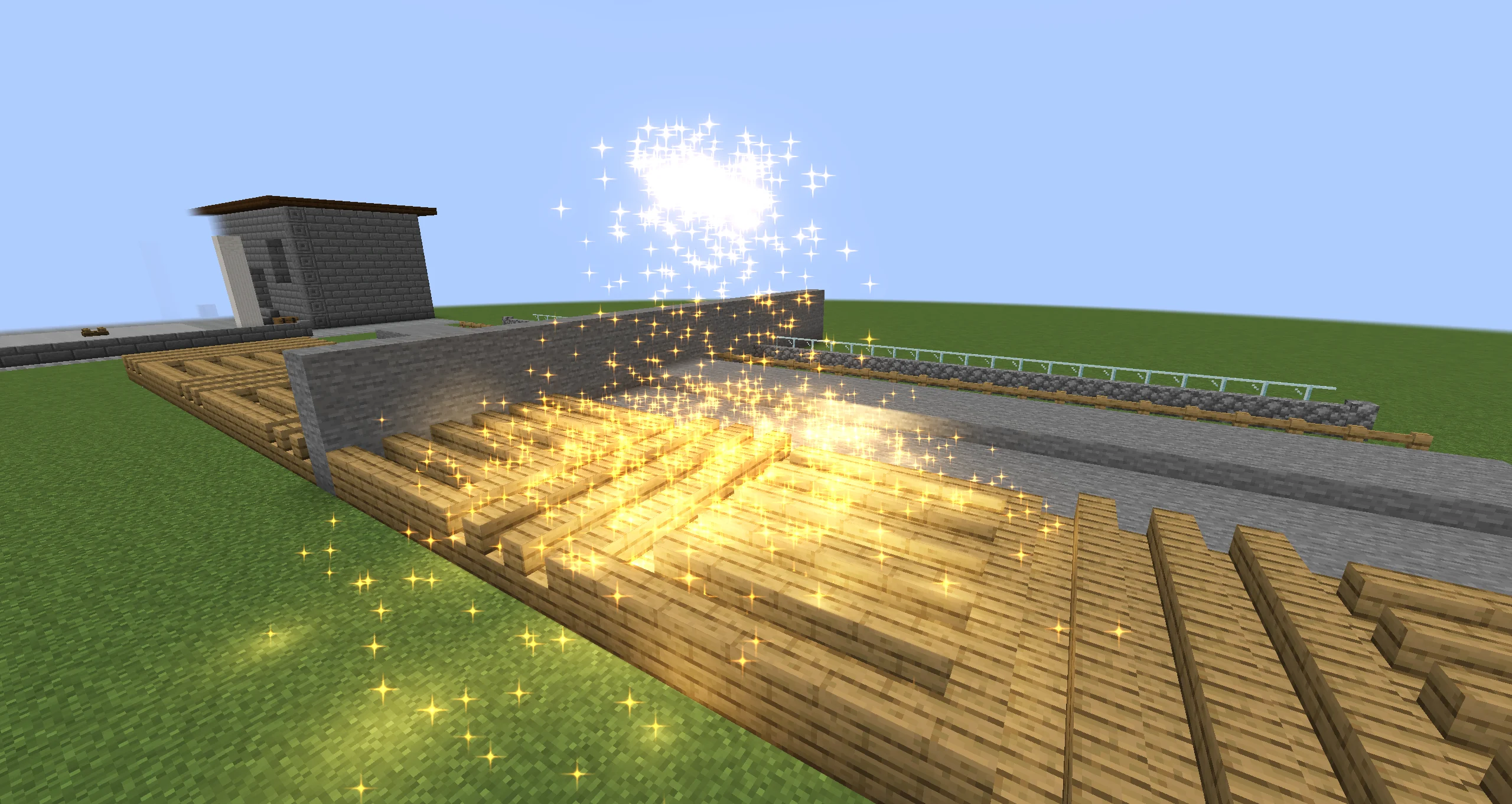 Particle Collision 2.2.9 Swept collision against block shapes, fluid surfaces, entities, and Collider objects, so fast particles no longer pass through walls. Bounce, slide, stick, or die on contact; triggers report particles entering and leaving, and contacts can fire sub-emitters or a Java listener. |
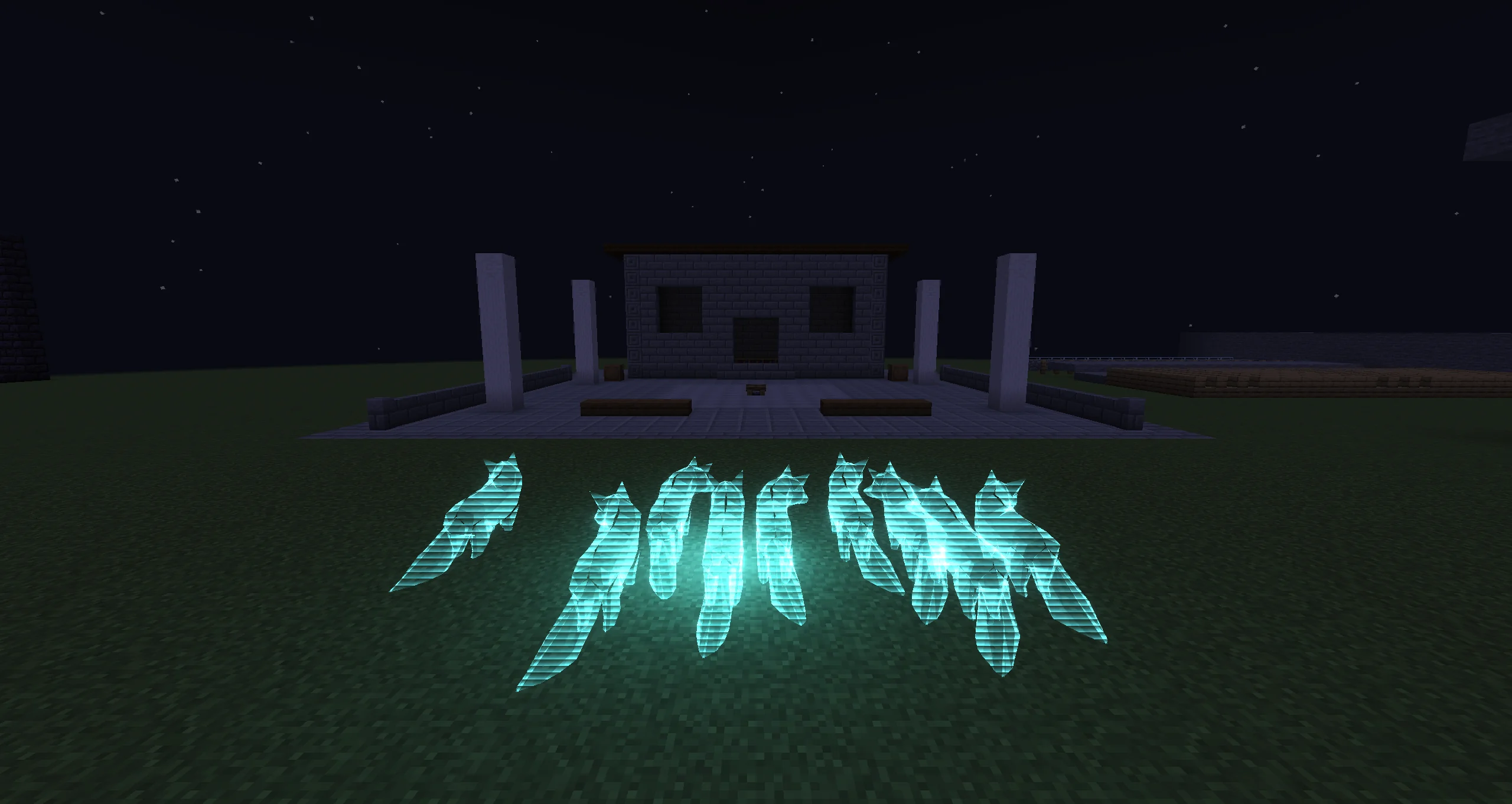 Animated glTF Models 2.2.7 Drop a .glb into the editor and use it as a particle mesh or an emission shape. Rigged files play their animations, and a per-particle animation phase keeps a swarm from moving in lockstep.
|
Feature Highlights
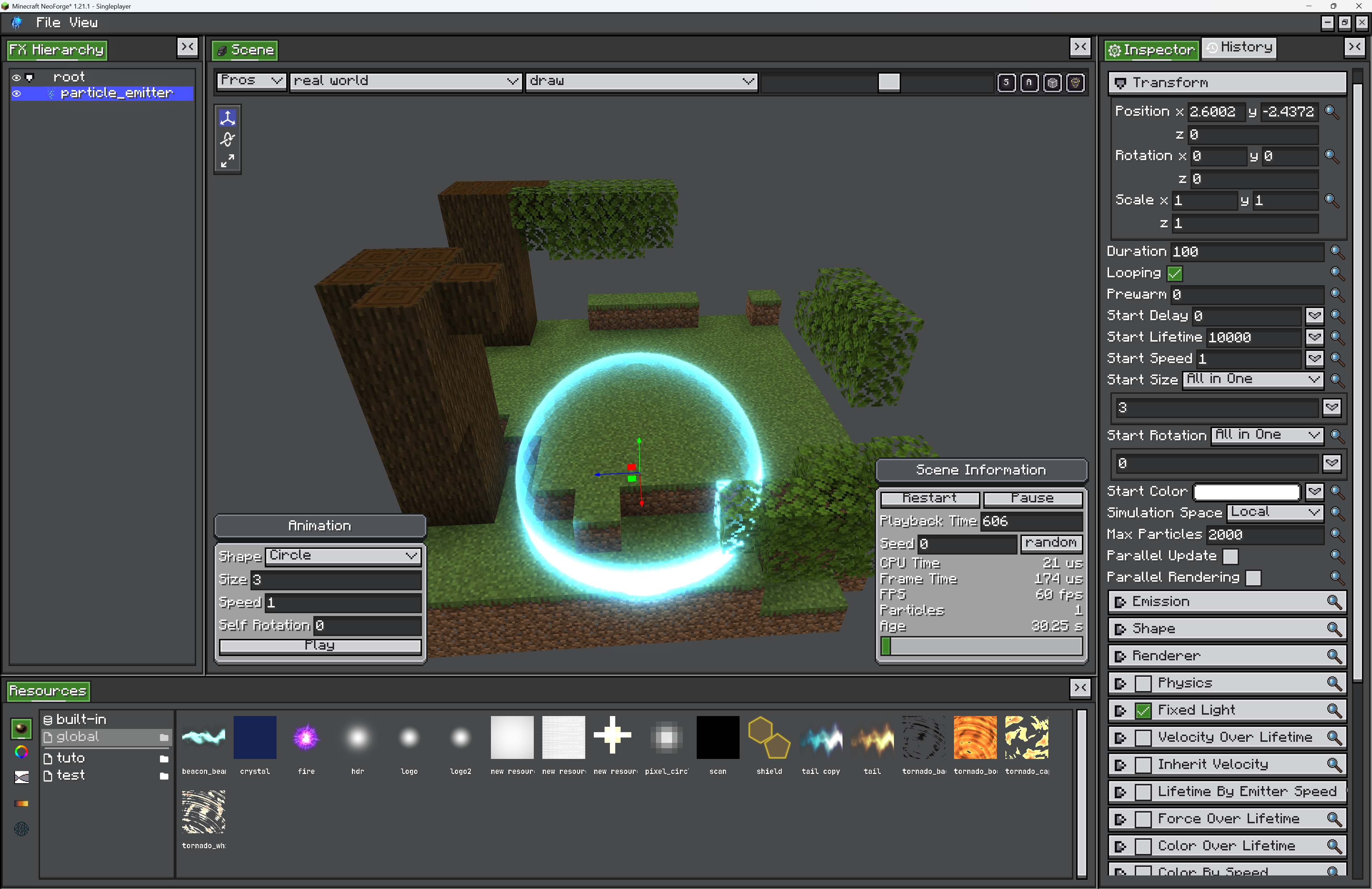 In-game FX Editor A Unity-style editor with real-time preview, dockable views, a resource browser, an FX hierarchy, undo history, and keyboard shortcuts. Run /photon_editor and start building — no restart, no external tools.
|
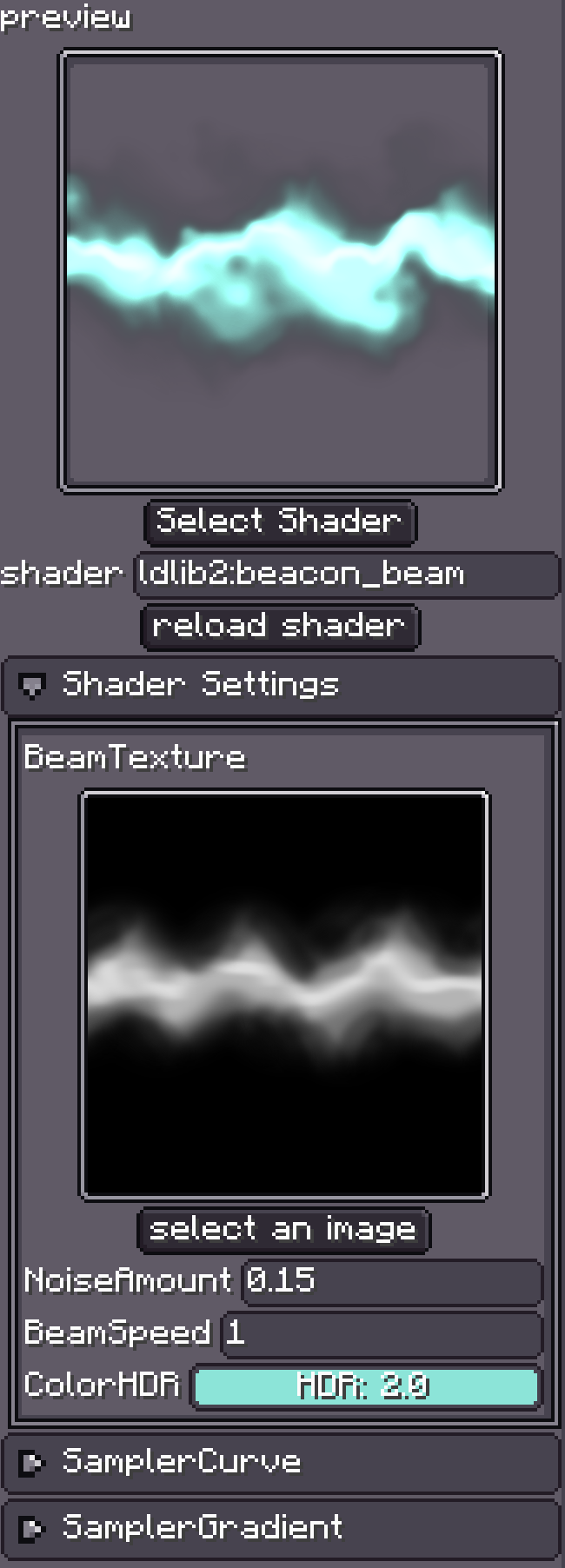 Materials and Shader Graph Author particle / trail / beam materials as node graphs instead of writing GLSL — scene color and depth, geometry and camera nodes, UVs, math, textures, curve and gradient values, dynamic lights, plus reusable subgraphs. Hand-written shaders still work. |
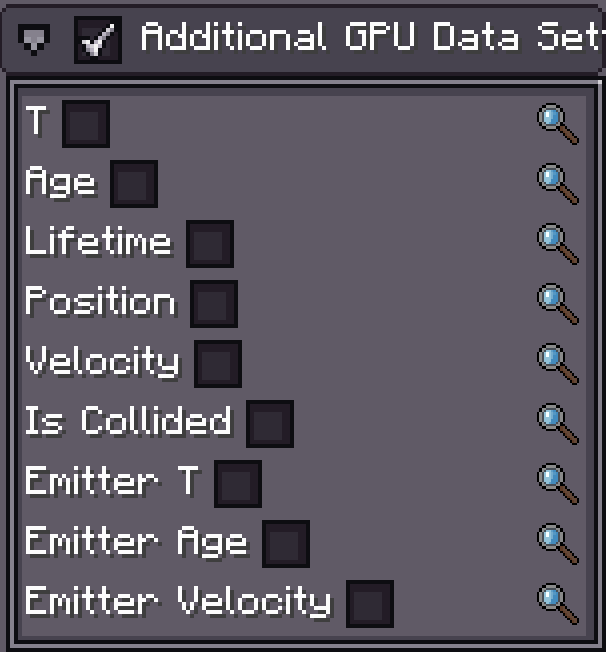 Custom GPU Data Per-emitter custom data streams (vector / color functions) readable per particle in shader graphs and hand-written shaders, on tile, trail, beam, and ara-trail particles, with selectable time sources. |
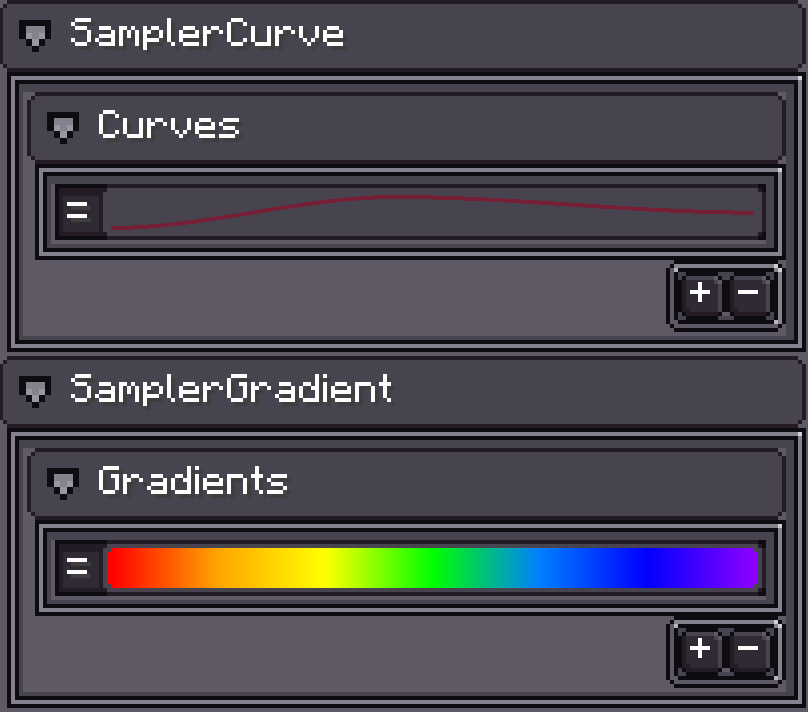 Curves, Gradients, and Modules Almost every value is a curve, a gradient, a random range, or a constant, edited inline. Emitter modules mirror Unity's: shape, velocity / rotation / size / color over lifetime, noise, collision, sub-emitters, external forces, and more. |
Getting Started
- Install LDLib2 and Photon (Minecraft
1.21.1, NeoForge21.1+). Photon2.2.9needs LDLib22.2.43or newer; KilaGraph is bundled inside Photon. - Enter a creative world and run
/photon_editorto launch the editor. - Create a new FX project and start experimenting.
- Play the result with
/photoncommands, or bind it from Java (below).
Photon focuses on effect creation, not usage logic — use commands or code to bind an effect to entities, blocks, or your own lifecycle manager. Full walkthrough in the documentation and command reference.
License
Please read LICENSE before redistributing, forking, or porting Photon.
Using the mod is free. Redistributing or building on the mod itself comes with conditions, and they are enforced.
Photon by KilaBash is licensed under CC BY-NC-SA 4.0.
What you can do freely:
- Use Photon in single-player, on servers, and in non-commercial modpacks.
- Bundle it in your mod via jar-in-jar, as long as your mod is not sold or directly monetized.
- Share and adapt the mod, with attribution, a link to the license, and a note of what you changed.
- Own everything you make with it. Content created using Photon —
.fxfiles, FX Packs, shader and effect graphs, configs, data packs, videos — is not covered by this license. License and sell your creations however you like.
What needs permission or is not allowed:
- Commercial use of the mod (paid downloads, paid access, monetized redistribution) requires explicit written permission.
- Forks and modified versions must stay under CC BY-NC-SA 4.0 and credit the original author.
- Ports to Minecraft versions other than 1.21.x need prior written consent from KilaBash, must be fully open source under the same license, must credit the original project, and may not be monetized in any form — including donations, sponsorships, and crowdfunding.
Licensing inquiries (commercial use, port permissions): [email protected]
See LICENSE for the authoritative and complete terms.
Photon Editor Server crasht beim Start – was tun?
Häufige Ursachen: Loader- oder Minecraft-Version passen nicht zur Mod-Datei, eine Abhängigkeit fehlt oder der RAM reicht nicht. Such im Log (latest.log) nach „OutOfMemoryError“, „Mixin“ oder fehlenden Mods. Bei Mado wertet die KI-Crash-Analyse das Log aus und schlägt eine Ursache vor. Loader und Version änderst du im Panel.
Mit welchem Loader läuft Photon Editor?
Laut Modrinth unterstützt Photon Editor Fabric, Forge, NeoForge für Minecraft 26.3, 26.2, 26.1.2. Forge- und Fabric-Dateien sind nicht untereinander austauschbar: Wähl einen Loader für Server und Clients.
Wie viel RAM braucht ein Server mit Photon Editor?
Als Orientierung 3–4 GB für einen Server mit dieser Mod. Das ist eine Schätzung, keine gemessene Mindestanforderung. Weitere Mods, viele Spieler und große Sichtweiten brauchen mehr. Ob eine Mod die Tick-Zeit belastet, siehst du mit dem spark-Profiler.
Ähnliche Mods
Beliebte Mods aus derselben Kategorie
 Nur Client

Iris Shaders
von coderbot
A modern shader pack loader for Minecraft intended to be compatible with existing OptiFine shader packs
 Nur Client

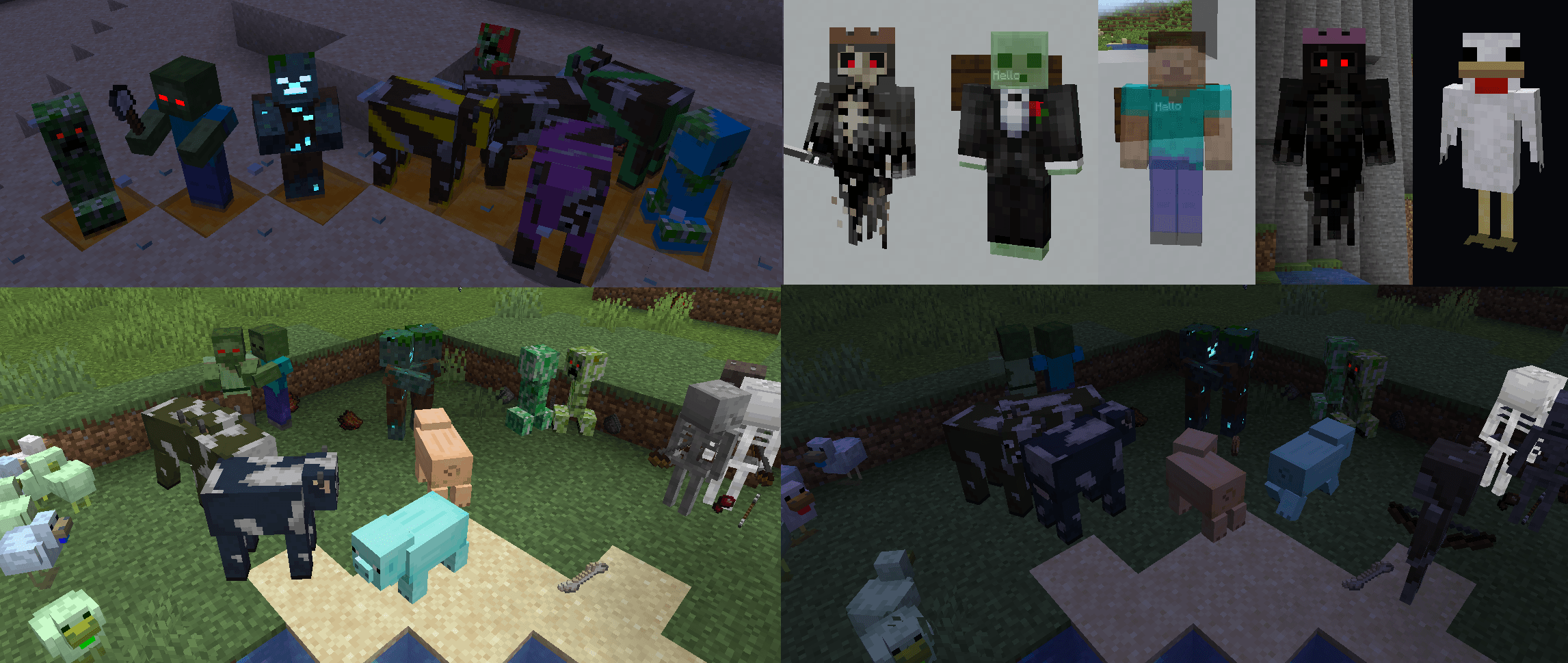
[ETF] Entity Texture Features
von Traben
Emissive, Random & Custom texture support for entities in resourcepacks just like Optifine but for Fabric
 Nur Client

[EMF] Entity Model Features
von Traben
EMF is an, OptiFine format, Custom Entity Model replacement mod available for Fabric and Forge.
 Nur Client

Not Enough Animations
von tr7zw
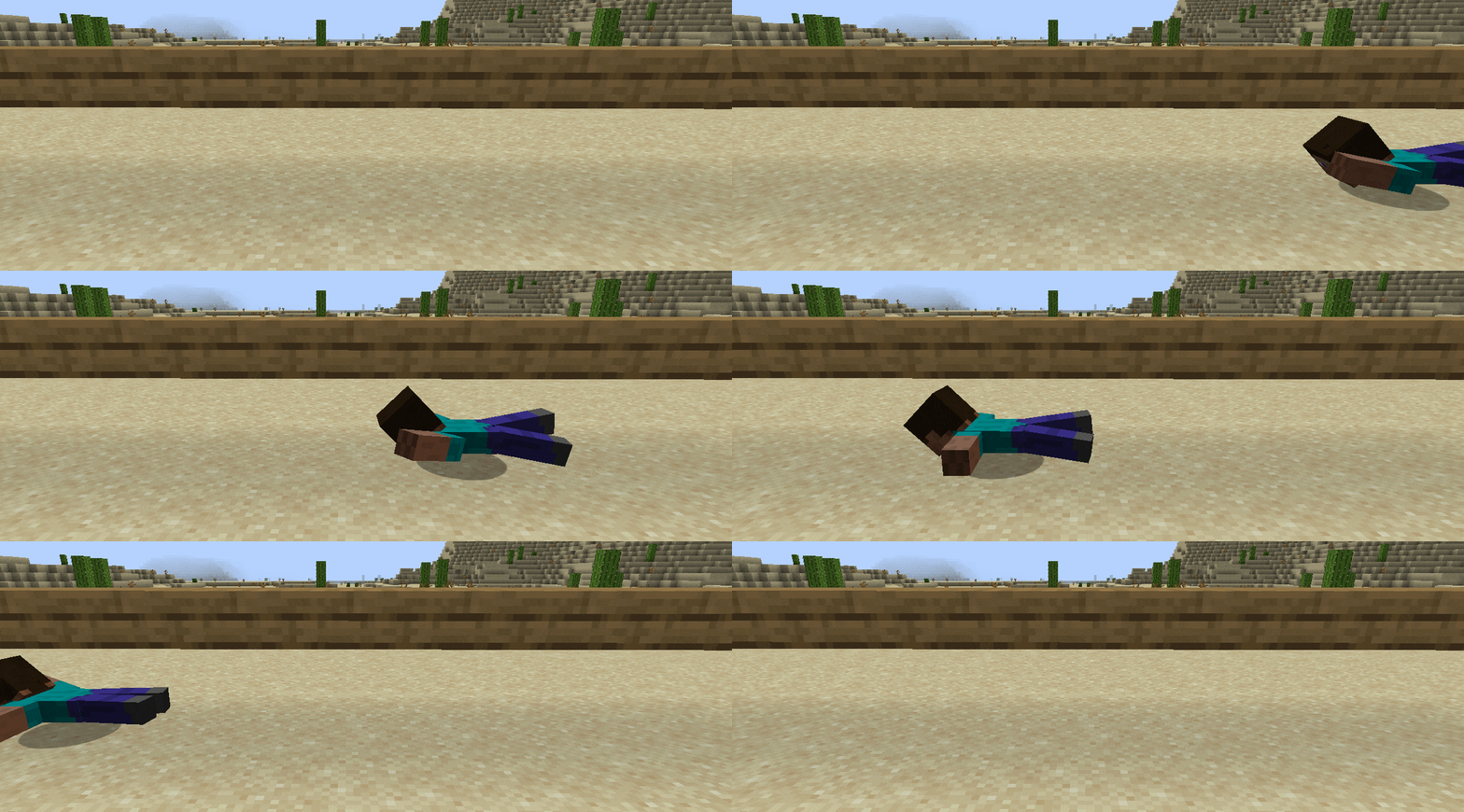
Bringing first-person animations to the third-person
Bereit für deinen Server mit Photon Editor?
4 GB RAM ab 8,00 € im Monat. 35 % auf den 1. Monat mit MADO35.