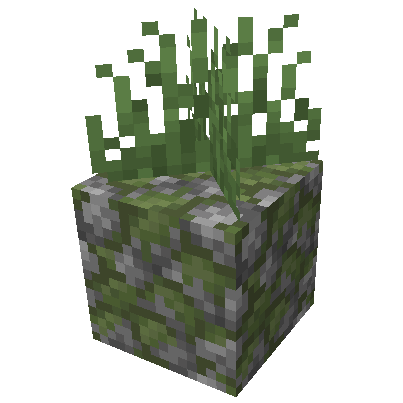
Placeable Plants
Want a greener Minecraft? This Fabric mod makes it simple to place plants on almost any block. Install it on your server for a performance-friendly way to enrich your world with vegetation.
Screenshots
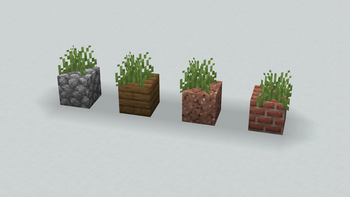
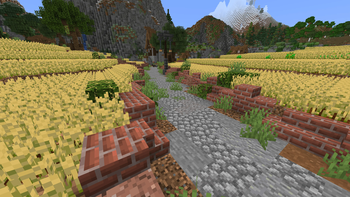
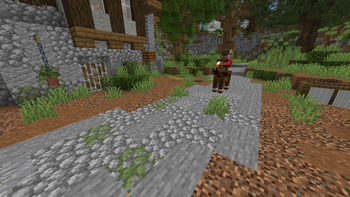
Über diese Mod
Placeable Plants



🪴 What is it?
This Fabric Mod allows you to place plants on almost all blocks.
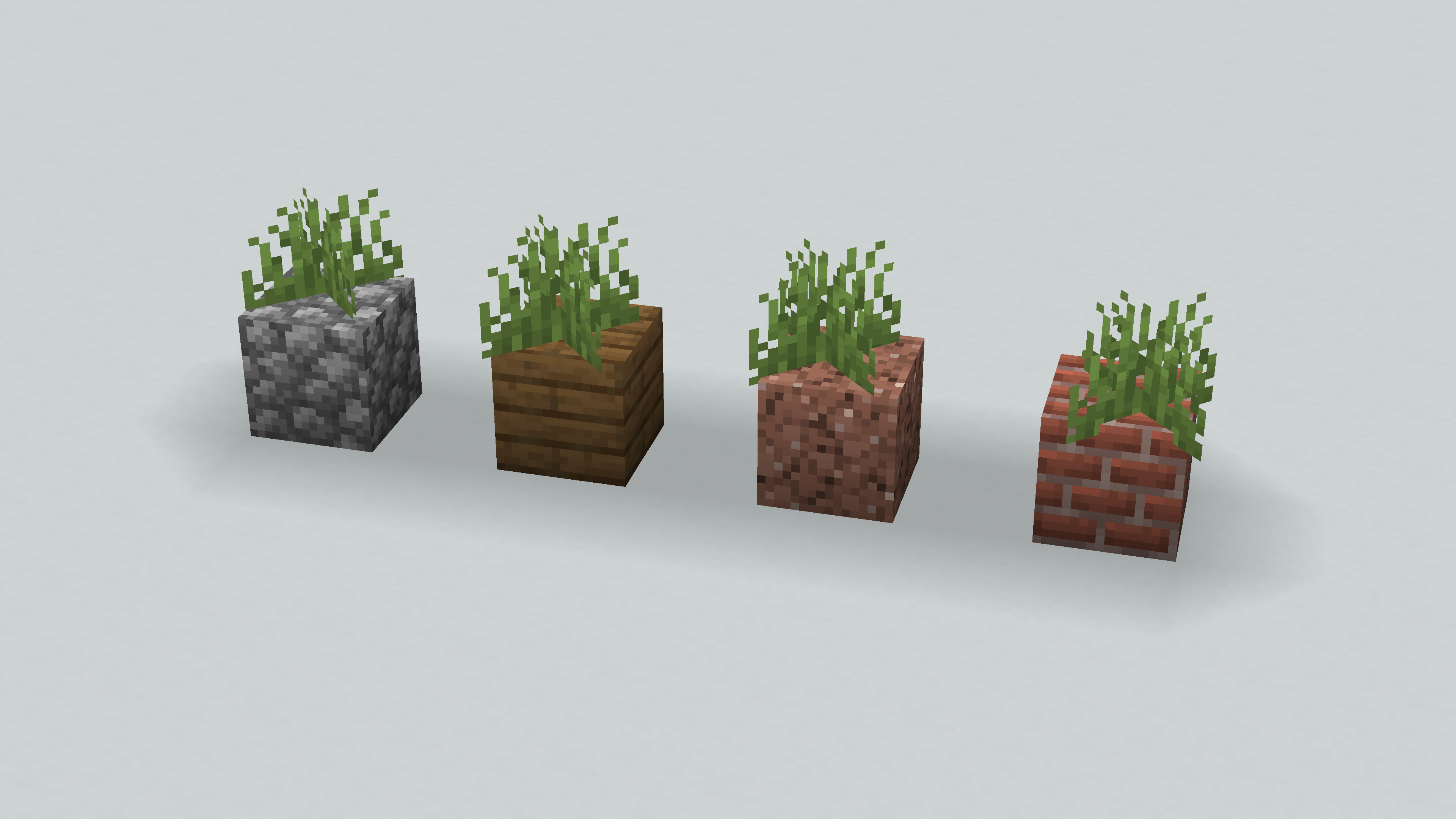
Fill your world with greenery!
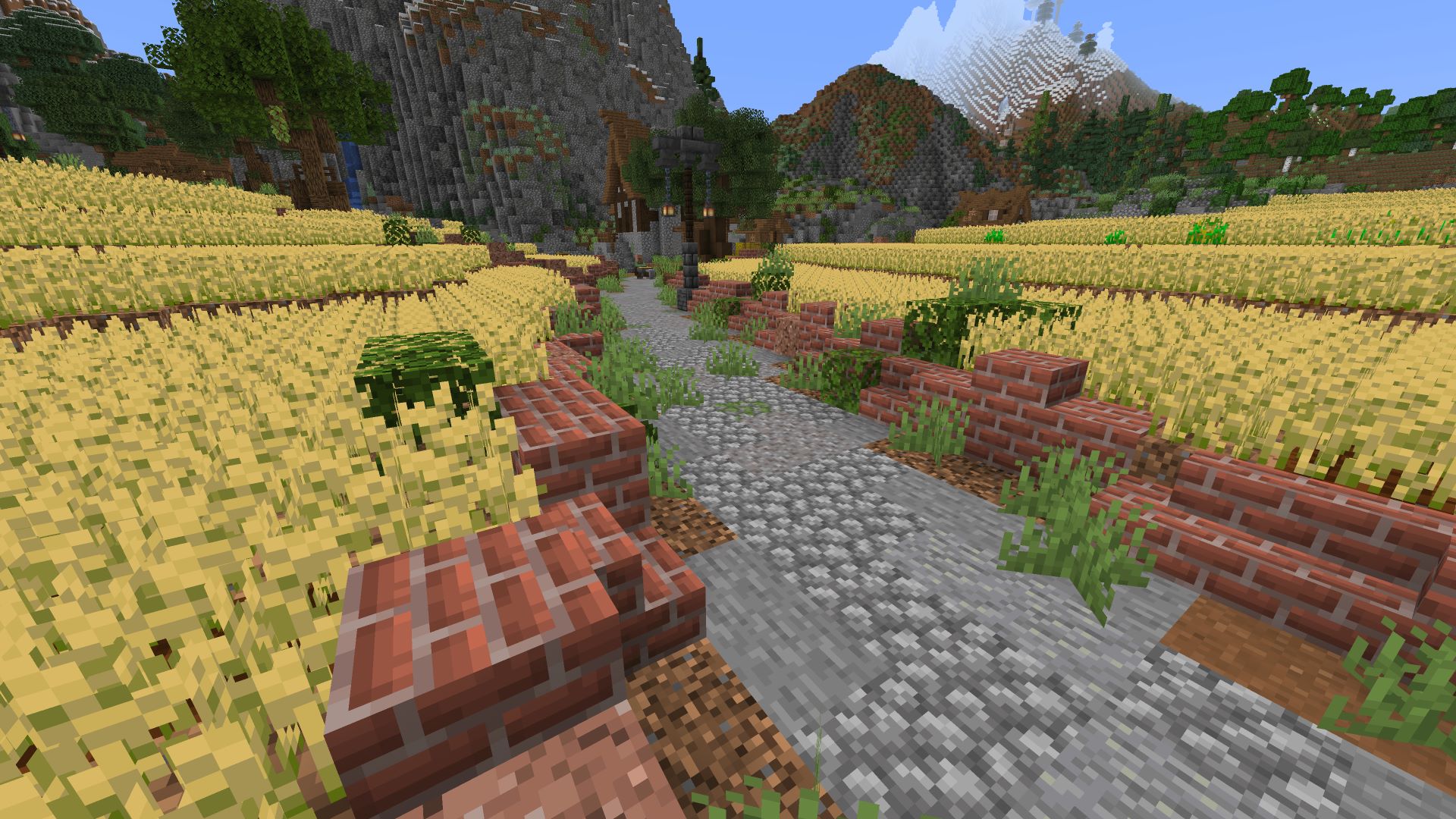
🎉 Feature
- This Mod allows you to place plants on any flat surface. To do that, just right-click on a flat surface.
- Added recipes for Tall Dry Grass, Tall Grass and Large Fern


🎍 How to use?
When you right-click on a floor block, with some plant it'll be plants
The available plants are:
- Grass and Tall Grass
- Fern and Large Fern
- Cactus
- Sugar Cane
- Bamboo
- Dead Bush
- Cocoa beans
- Sweet Berries
- Big / Small Dripleaf
- Nether Wart
- Nether Sprouts
- Crimson / Warped Roots
- Mangrove Propagule
- Torchflowers
- Pitcher Plant
- ...
- All Flowers
- All Saplings
- All Crops
📦 How to install?
- Download the Mod
- Navigate to your
modsfolder - Put the downloaded
.jarfile (Placeable Plants) into this folder
🛠️ Configuration
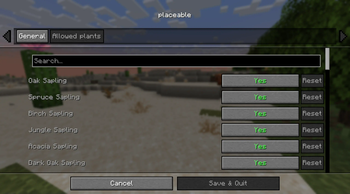
The mod allows you to control whether various plants can be placed anywhere (default: all enabled).
The primary way to configure this is through the mod menu's settings panel.

For advanced users, the placeable.json configuration file can also be directly modified as a secondary method.
config/placeable.json

{
  // Enable or disable the mod.
  "enable": true,

  // Allow placement on blocks without a top rim.
  "placedWithoutTopRim": false,

  // Allow or disable specific plants.
  "allowPlaceablePlants": {
    "OAK_SAPLING": true,
    "SPRUCE_SAPLING": true,
    ...
    "NETHER_SPROUTS": true,
    "NETHER_WART": true,
    "LILY_PAD": true
  }
}
📌 Credits
Bisumto the original creator of this feature.
Verfügbare Versionen
Placeable Plants auf dem Server installieren
Server bestellen
Bestelle einen Minecraft Java Server mit mindestens 3 GB RAM (4 GB empfohlen).
fabric Loader setzen
Wähle im Panel unter "Egg" den fabric-Loader und die passende Minecraft-Version (1.21.11).
Mod installieren
Öffne den Mod-Browser im Dashboard und suche nach "Placeable Plants". Klicke "Installieren" – fertig! Alternativ: Lade die .jar via SFTP in den /mods Ordner.
Kompatibilität
Mod-Loader
Minecraft-Versionen
1.21.11, 1.21.10, 1.21.9 (+9 weitere)
Server-seitig
✓ ErforderlichEmpfohlener RAM
4 GB(min. 3 GB)Häufige Fragen
Placeable Plants Server crasht beim Start – was tun?
Häufigste Ursache: falsche fabric-Version oder zu wenig RAM. Prüfe im Server-Log (latest.log), ob ein "OutOfMemoryError" oder "Mixin"-Fehler auftritt. Bei Mado Hosting: Stelle sicher, dass mindestens 3 GB RAM zugewiesen sind und der Loader zur Mod-Version passt (1.21.11). Über das Panel kannst du den Loader mit einem Klick wechseln.
Ist Placeable Plants mit fabric kompatibel?
Placeable Plants unterstützt offiziell fabric für Minecraft 1.21.11, 1.21.10, 1.21.9. Im Mado Dashboard werden inkompatible Loader-Kombinationen automatisch erkannt.
Server laggt mit Placeable Plants – wie optimiere ich die Performance?
Empfohlener RAM: 4 GB (+1 GB pro 8 Spieler). Prüfe mit /spark profiler, ob Placeable Plants den meisten Tick-Time verbraucht. Häufige Fixes: Server-View-Distance auf 8-10 reduzieren, bei Forge "performant" oder "starlight" als Zusatz-Mod installieren. Bei Mado Hosting läuft dein Server auf NVMe-SSDs mit dedizierten CPU-Kernen für minimale Latenz.
Ähnliche Mods

![[ETF] Entity Texture Features](https://cdn.modrinth.com/data/BVzZfTc1/af683d206d50b05258d865b0d6e4aa2f2cee12f2_96.webp)
![[EMF] Entity Model Features](https://cdn.modrinth.com/data/4I1XuqiY/6e5bbd0d06b1741bfdab6c0cfab6de8fdaf0064c_96.webp)



Modded Server mieten
Installiere Placeable Plants mit nur einem Klick auf deinem Server.