
Propane
A simple, light-weight optimization mod for Minecraft Java.
Screenshots
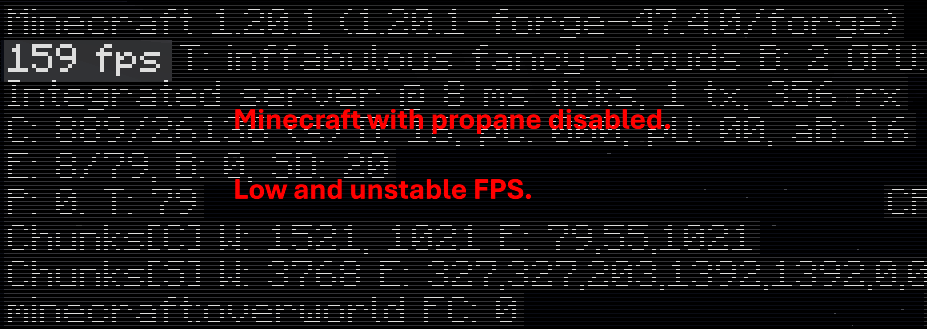
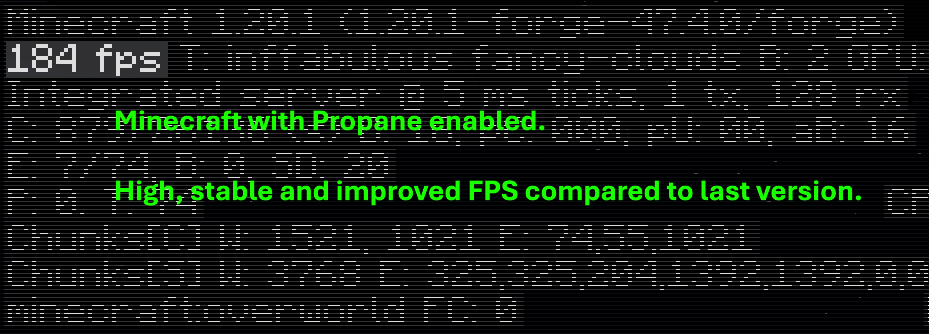
Über diese Mod

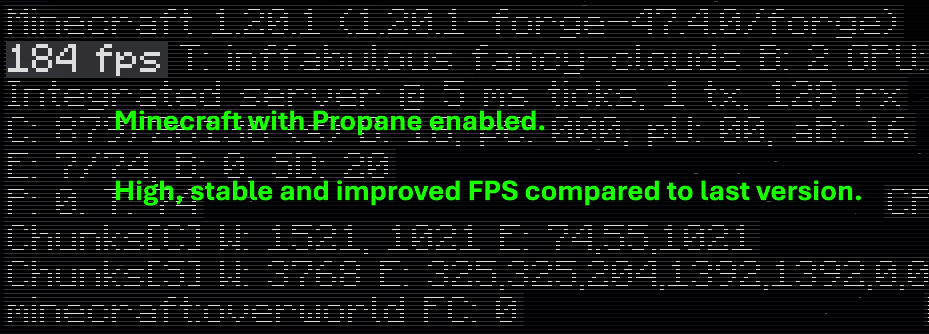
🧪 What is Propane?
Propane is a performance-focused Minecraft optimization mod built to minimize CPU and memory overhead without altering visuals or breaking vanilla mechanics.
It's goal is to serve as a drop-in solution to improve frame stability, reduce latency in heavily changed environments, and help low-end systems run Minecraft smoother.
Unlike more aggressive mods that cut corners, Propane prioritizes accuracy and compatibility, ensuring a seamless gameplay experience.
🚀 Key Features
- Occlusion Culling Enhancements
Only processes what's visible — reduces CPU usage in large builds and underground bases.
- Lazy Tick System for Tile Entities
Dynamically delays updates for non-critical blocks (like hoppers, furnaces, etc.) without affecting behavior.
- Multithreaded Pathfinding
Offloads mob pathfinding to background threads for smoother mob AI in large worlds.
- Memory Leak Patches
Prevents common sources of memory bloat in vanilla and modificated environments.
- Minimal Visual Impact
Keeps Minecraft looking almost the same. Removed particles, clouds and lower chunk rendering in extreme cases.
🔄 Compatibility
Propane is built with Forge (Fabric version planned) and is built to be compatible alongside other server-side mods and some client-side mods.
🎯 Use Cases
- Heavily modded packs
- Survival servers suffering from TPS drops
- Low-end PCs that struggle with chunk ticking or entity lag
- Players who want better performance without visual compromise
💬 Why the name?
Because Propane is a fuel, and it boosts your game! (and because naming performance mods chemicals is very popular)
Verfügbare Versionen
Propane auf deinem Client installieren
Mod-Loader lokal installieren
Installiere forge für deine lokale Minecraft-Version.
Passende Datei herunterladen
Wähle die Propane-Datei für forge und Minecraft 1.20.1.
Mod installieren
Lege die .jar-Datei in deinem lokalen .minecraft/mods-Ordner ab und starte Minecraft neu. Eine Installation auf dem Server ist nicht nötig.
Kompatibilität
Mod-Loader
Minecraft-Versionen
1.20.1
Server-seitig
✗ Nicht unterstütztEmpfohlener RAM
4 GB(min. 3 GB)Häufige Fragen
Muss Propane auf dem Minecraft Server installiert werden?
Nein. Modrinth kennzeichnet Propane serverseitig als nicht unterstützt. Installiere die Mod nur im lokalen Minecraft-Mods-Ordner. Dein Server kann unverändert bleiben, sofern die Mod-Seite keine zusätzliche Abhängigkeit nennt.
Welche Version und welchen Loader braucht Propane?
Nutze eine Datei für forge und exakt deine Minecraft-Version. Unterstützte Versionen sind unter anderem 1.20.1. Loader-Dateien sind nicht untereinander austauschbar.
Propane funktioniert nicht – was kann ich prüfen?
Prüfe zuerst Minecraft-Version, Loader-Version und erforderliche Abhängigkeiten. Lege die .jar-Datei im lokalen .minecraft/mods-Ordner ab und entferne ältere Duplikate. Da die Mod clientseitig ist, löst mehr Server-RAM dieses Problem nicht.
Ähnliche Mods


Minecraft Server für deine Gruppe
Propane bleibt auf deinem Client. Hoste dazu eine kompatible Welt für deine Mitspieler.