
RenderScale
Change resolution without affecting the UI
Screenshots
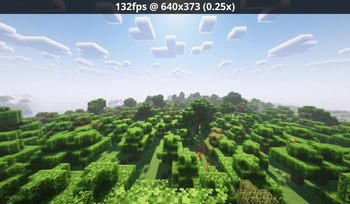


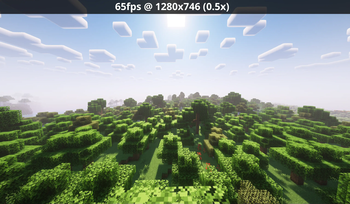
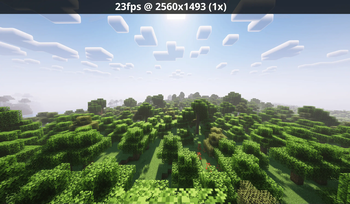
Über diese Mod
RenderScale
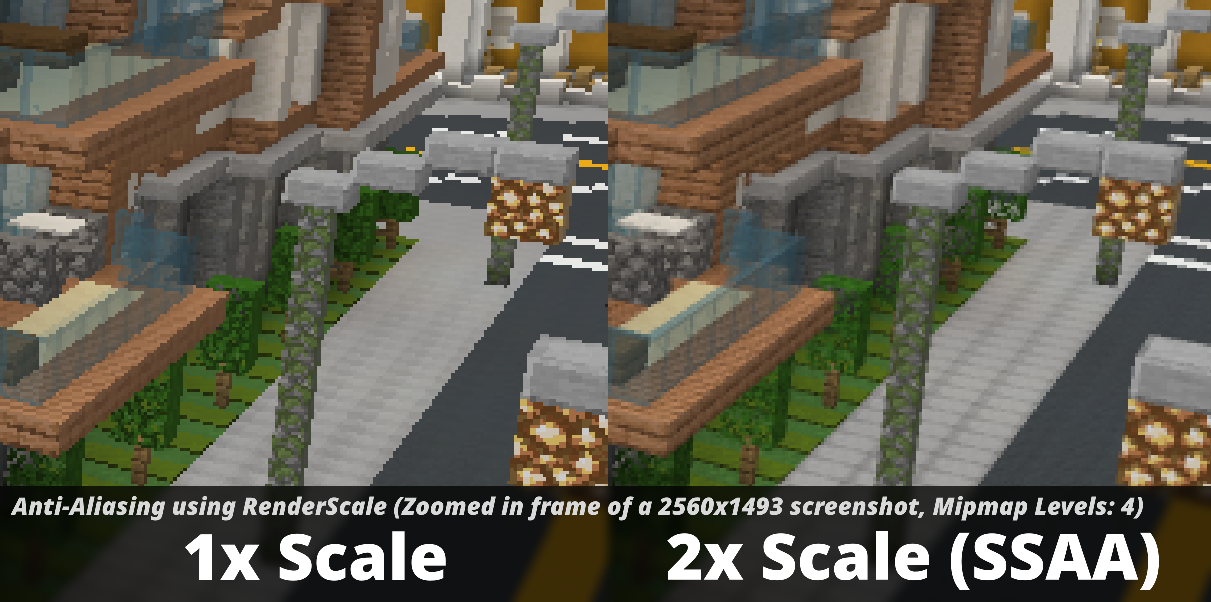
RenderScale allows you to change Minecraft's resolution without affecting the UI.
This is a fork of ResolutionControl++, with added support for NeoForge.
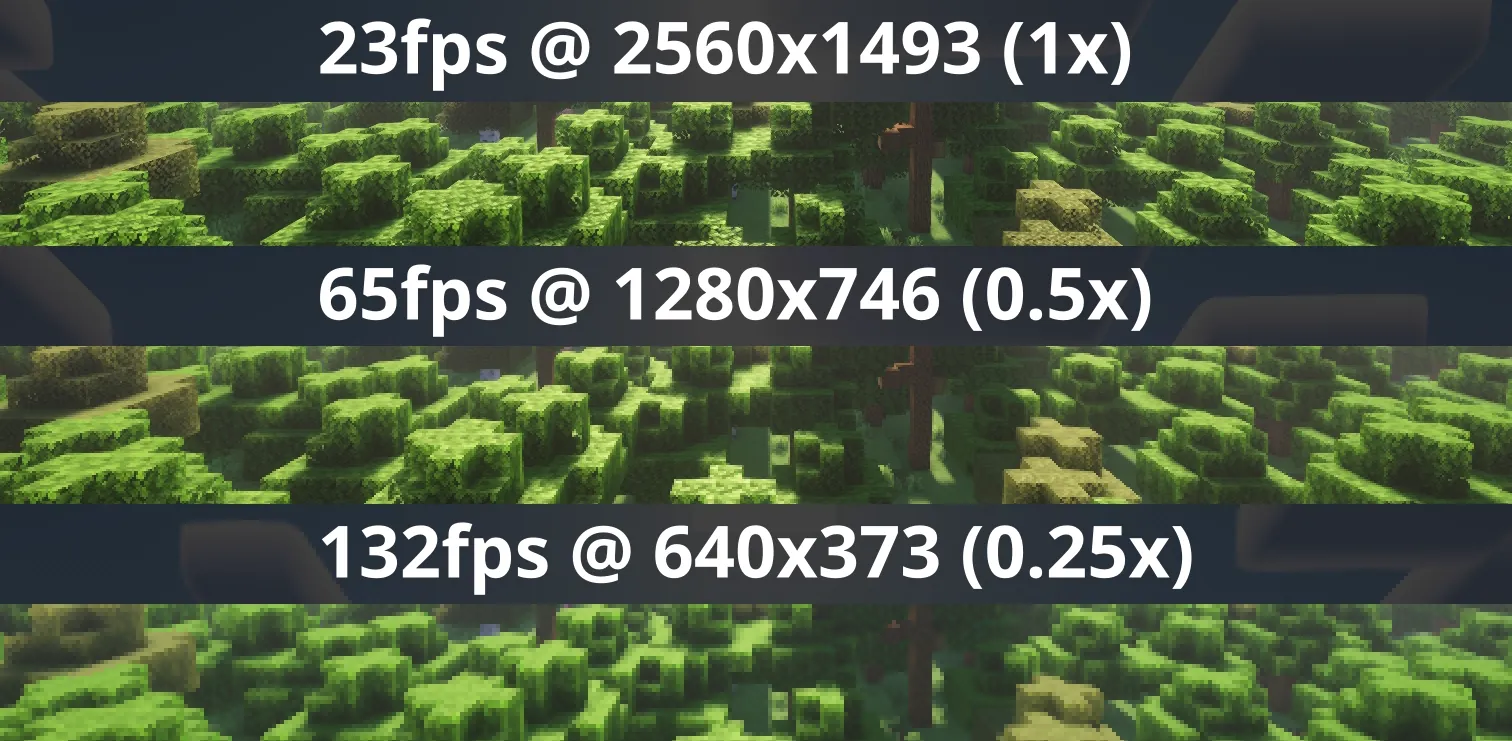
Check out Fabrishot if you also want the large screenshot feature that was in ResolutionControl.
How to use
Press U (sometimes O) or, use the mod menu config to control the render scale multiplier. You can increase for antialiasing, or decrease to improve performance. This is heavily recommended for laptops with retina displays!
Other features
On 1.21.11 and above, there is experimental support for FSR 1.0! No plans to support DLSS or FSR 2.0+.
Also, there is experimental support for Dynamic Scaling (1.4.0-alpha.6+), which tries to keep the game at your targeted FPS by changing the multiplier while you play.
Lastly you can force "linear" scale algorithm (similar to FXAA) in lower render scales if you want. It's best to leave it as OFF if you're using shaders since they usually have their own antialiasing.
Compatibility
⚠️ This mod is NOT compatible with Lunar Client / Feather Client. It will break if you use them.
Aims to be compatible with any mod, including Sodium, Iris, etc. However, there are mods that could break RenderScale. You can report any issues here, or on my discord. Make sure to include your latest MC logs!
Supported Versions
| Minecraft | Fabric | NeoForge | Forge |
|---|---|---|---|
| 1.21.2 and above | ✅ | ✅ | 🚫 |
| 1.21.0 - 1.21.1 | ✅ [1] | ✅ [1] | 🚫 |
| 1.20.2 - 1.20.6 | 🚫 | 🚫 | 🚫 |
| 1.20.1 | ✅ [1] | 🚫 | ✅ [1] |
[1] Does not support Fabulous graphics
Check out the previous forks, ResolutionControl++, ResolutionControl+, ResolutionControl for older versions
Verfügbare Versionen
RenderScale auf deinem Client installieren
Mod-Loader lokal installieren
Installiere fabric für deine lokale Minecraft-Version.
Passende Datei herunterladen
Wähle die RenderScale-Datei für fabric und Minecraft 26.3.
Mod installieren
Lege die .jar-Datei in deinem lokalen .minecraft/mods-Ordner ab und starte Minecraft neu. Eine Installation auf dem Server ist nicht nötig.
Kompatibilität
Mod-Loader
Minecraft-Versionen
26.3, 26.2, 26.1.2 (+13 weitere)
Server-seitig
✗ Nicht unterstütztEmpfohlener RAM
4 GB(min. 3 GB)Häufige Fragen
Muss RenderScale auf dem Minecraft Server installiert werden?
Nein. Modrinth kennzeichnet RenderScale serverseitig als nicht unterstützt. Installiere die Mod nur im lokalen Minecraft-Mods-Ordner. Dein Server kann unverändert bleiben, sofern die Mod-Seite keine zusätzliche Abhängigkeit nennt.
Welche Version und welchen Loader braucht RenderScale?
Nutze eine Datei für fabric, forge, neoforge und exakt deine Minecraft-Version. Unterstützte Versionen sind unter anderem 26.3, 26.2, 26.1.2. Loader-Dateien sind nicht untereinander austauschbar.
RenderScale funktioniert nicht – was kann ich prüfen?
Prüfe zuerst Minecraft-Version, Loader-Version und erforderliche Abhängigkeiten. Lege die .jar-Datei im lokalen .minecraft/mods-Ordner ab und entferne ältere Duplikate. Da die Mod clientseitig ist, löst mehr Server-RAM dieses Problem nicht.
Ähnliche Mods


Minecraft Server für deine Gruppe
RenderScale bleibt auf deinem Client. Hoste dazu eine kompatible Welt für deine Mitspieler.