
RenderScale
Change resolution without affecting the UI
Screenshots
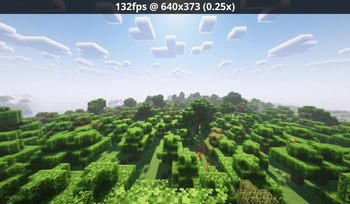


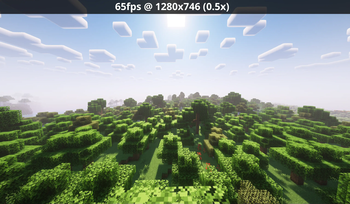
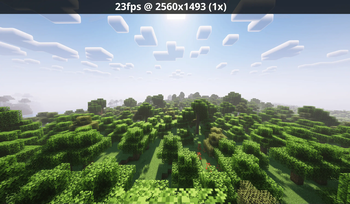
About this Mod
RenderScale
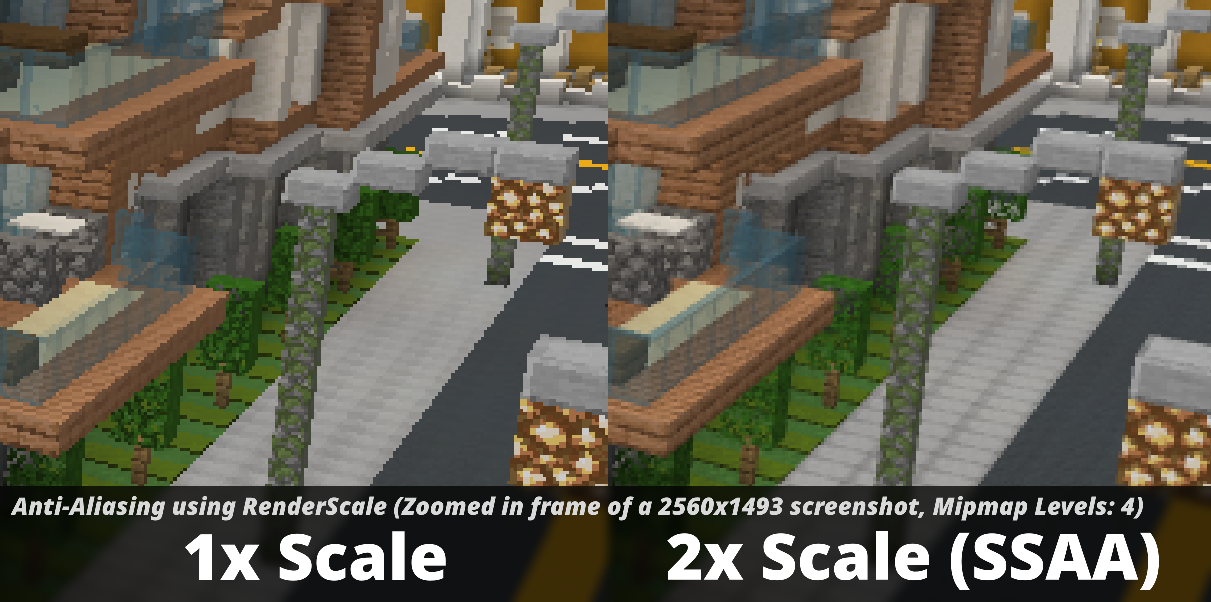
RenderScale allows you to change Minecraft's resolution without affecting the UI.
This is a fork of ResolutionControl++, with added support for NeoForge.
Check out Fabrishot if you also want the large screenshot feature that was in ResolutionControl.
How to use
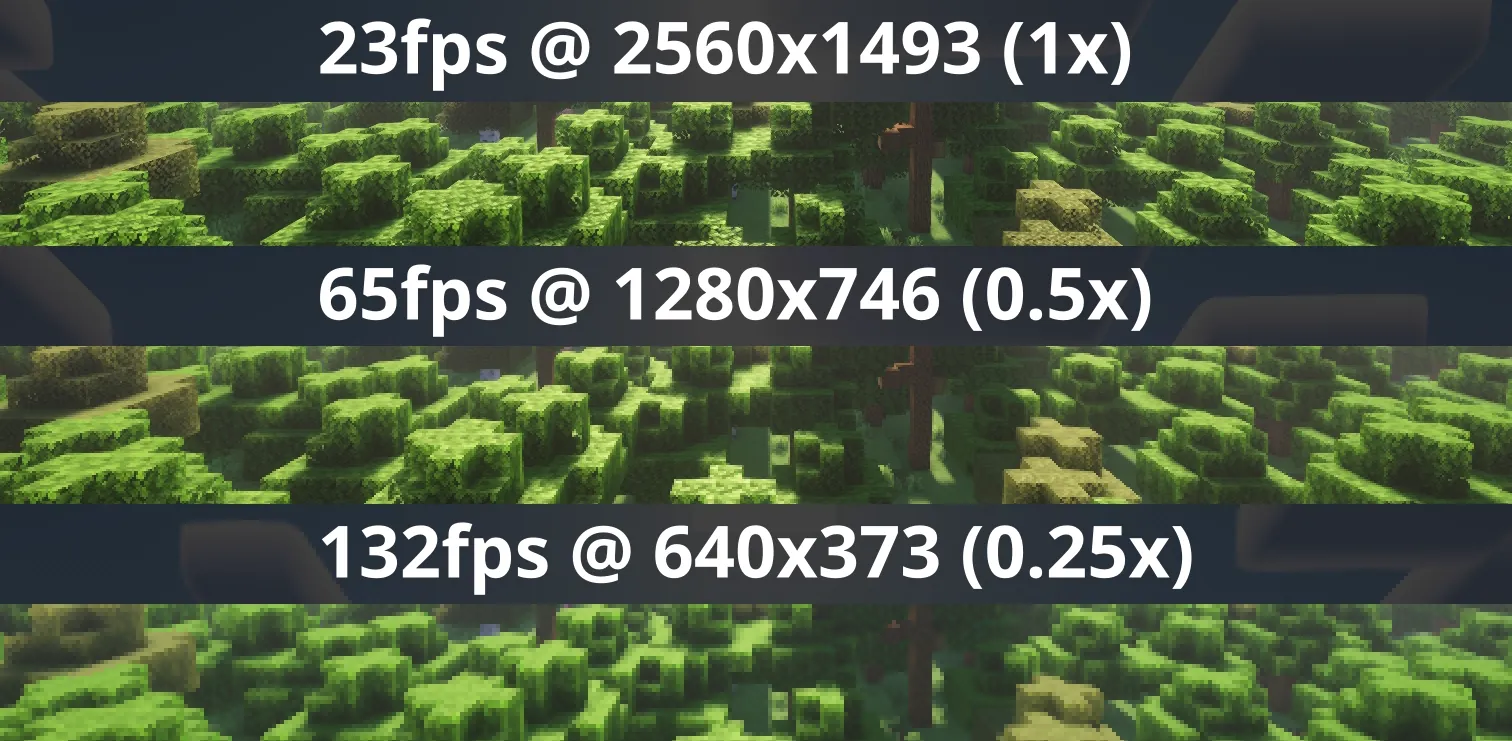
Press U (sometimes O) or, use the mod menu config to control the render scale multiplier. You can increase for antialiasing, or decrease to improve performance. This is heavily recommended for laptops with retina displays!
Other features
On 1.21.11 and above, there is experimental support for FSR 1.0! No plans to support DLSS or FSR 2.0+.
Also, there is experimental support for Dynamic Scaling (1.4.0-alpha.6+), which tries to keep the game at your targeted FPS by changing the multiplier while you play.
Lastly you can force "linear" scale algorithm (similar to FXAA) in lower render scales if you want. It's best to leave it as OFF if you're using shaders since they usually have their own antialiasing.
Compatibility
⚠️ This mod is NOT compatible with Lunar Client / Feather Client. It will break if you use them.
Aims to be compatible with any mod, including Sodium, Iris, etc. However, there are mods that could break RenderScale. You can report any issues here, or on my discord. Make sure to include your latest MC logs!
Supported Versions
| Minecraft | Fabric | NeoForge | Forge |
|---|---|---|---|
| 1.21.2 and above | ✅ | ✅ | 🚫 |
| 1.21.0 - 1.21.1 | ✅ [1] | ✅ [1] | 🚫 |
| 1.20.2 - 1.20.6 | 🚫 | 🚫 | 🚫 |
| 1.20.1 | ✅ [1] | 🚫 | ✅ [1] |
[1] Does not support Fabulous graphics
Check out the previous forks, ResolutionControl++, ResolutionControl+, ResolutionControl for older versions
Available Versions
How to Install RenderScale on Your Client
Install the Mod Loader Locally
Install fabric for your local Minecraft version.
Download the Matching File
Choose the RenderScale file for fabric and Minecraft 26.3.
Install Mod
Place the .jar file in your local .minecraft/mods folder and restart Minecraft. No server-side installation is required.
Compatibility
Mod Loaders
Minecraft Versions
26.3, 26.2, 26.1.2 (+13 more)
Server-side
✗ UnsupportedRecommended RAM
4 GB(min. 3 GB)Frequently Asked Questions
Does RenderScale need to be installed on the Minecraft server?
No. Modrinth marks RenderScale as unsupported on the server side. Install it only in your local Minecraft mods folder. Your server can remain unchanged unless the mod page lists an additional dependency.
Which version and loader does RenderScale require?
Use a file for fabric, forge, neoforge and your exact Minecraft version. Supported versions include 26.3, 26.2, 26.1.2. Files for different loaders are not interchangeable.
RenderScale is not working – what should I check?
First check the Minecraft version, loader version and required dependencies. Put the .jar file in your local .minecraft/mods folder and remove older duplicates. Because this mod is client-side, adding server RAM will not fix it.
Similar Mods


Minecraft Server for Your Group
RenderScale stays on your client. Host a compatible world for your group.