
Server Country Flags
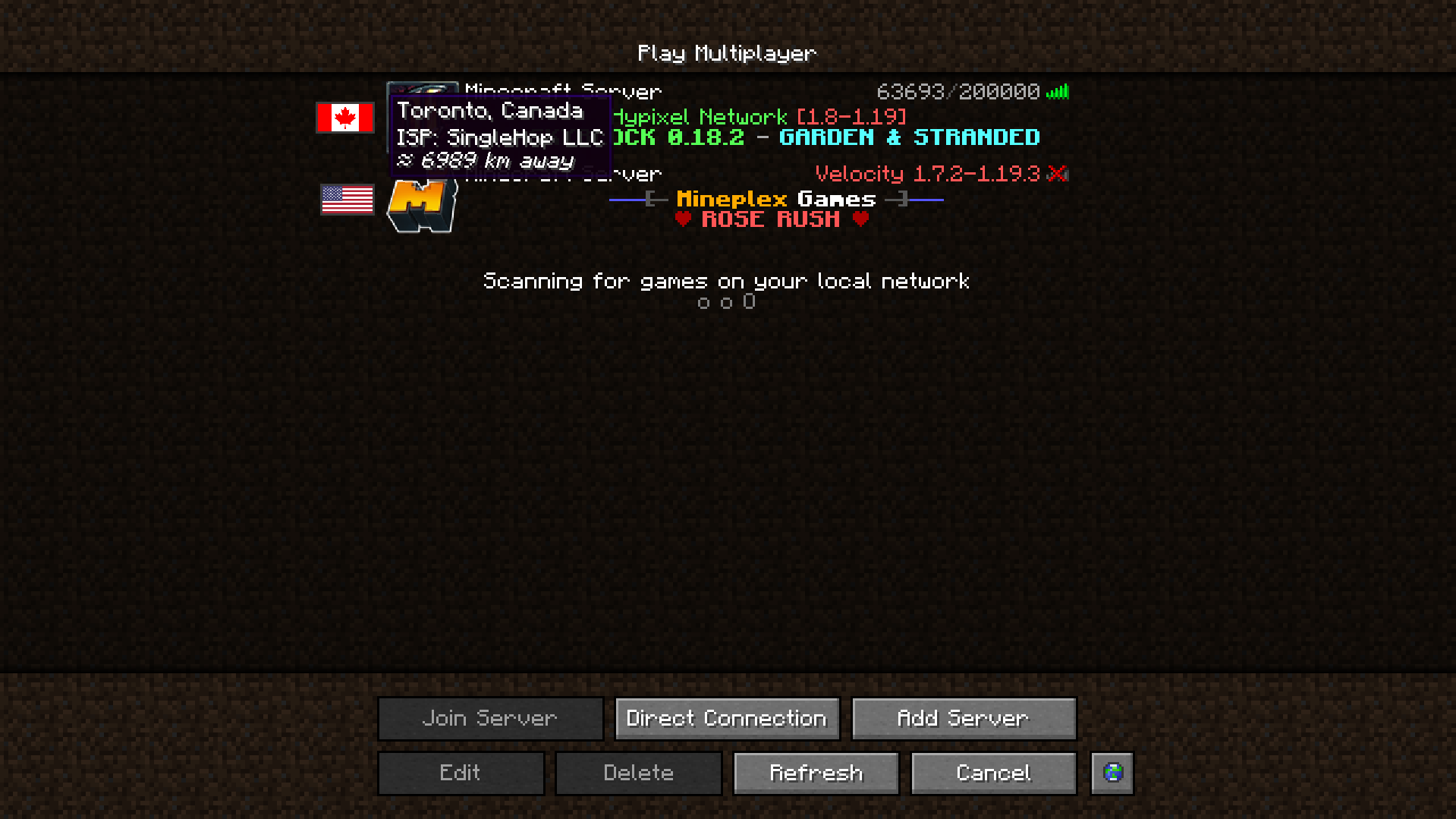
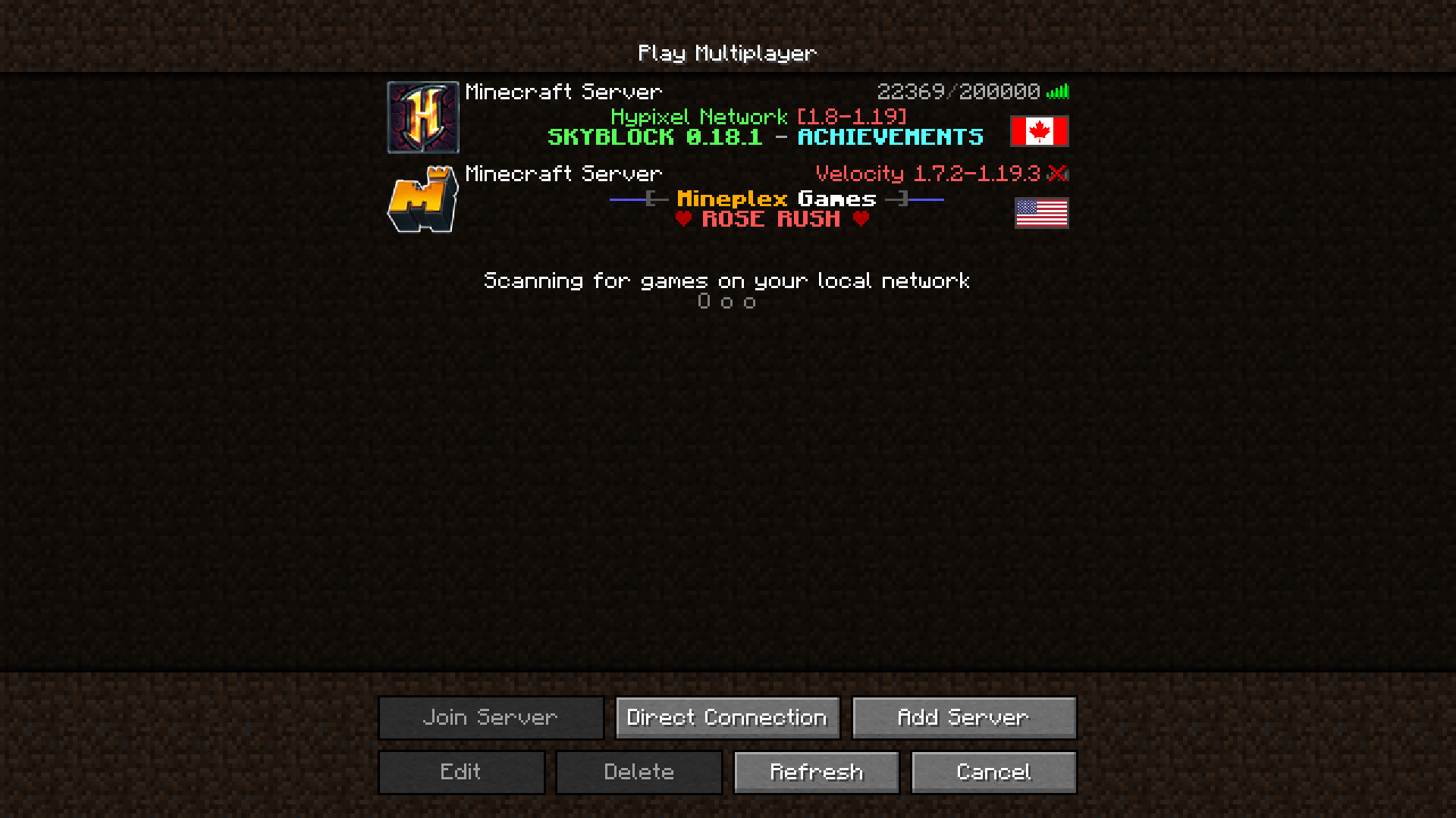
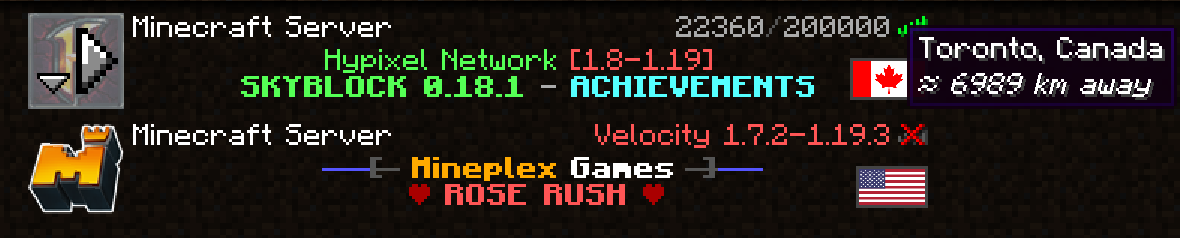
Adds a flag to servers in the server list which tells where the server is located.
Screenshots
Über diese Mod


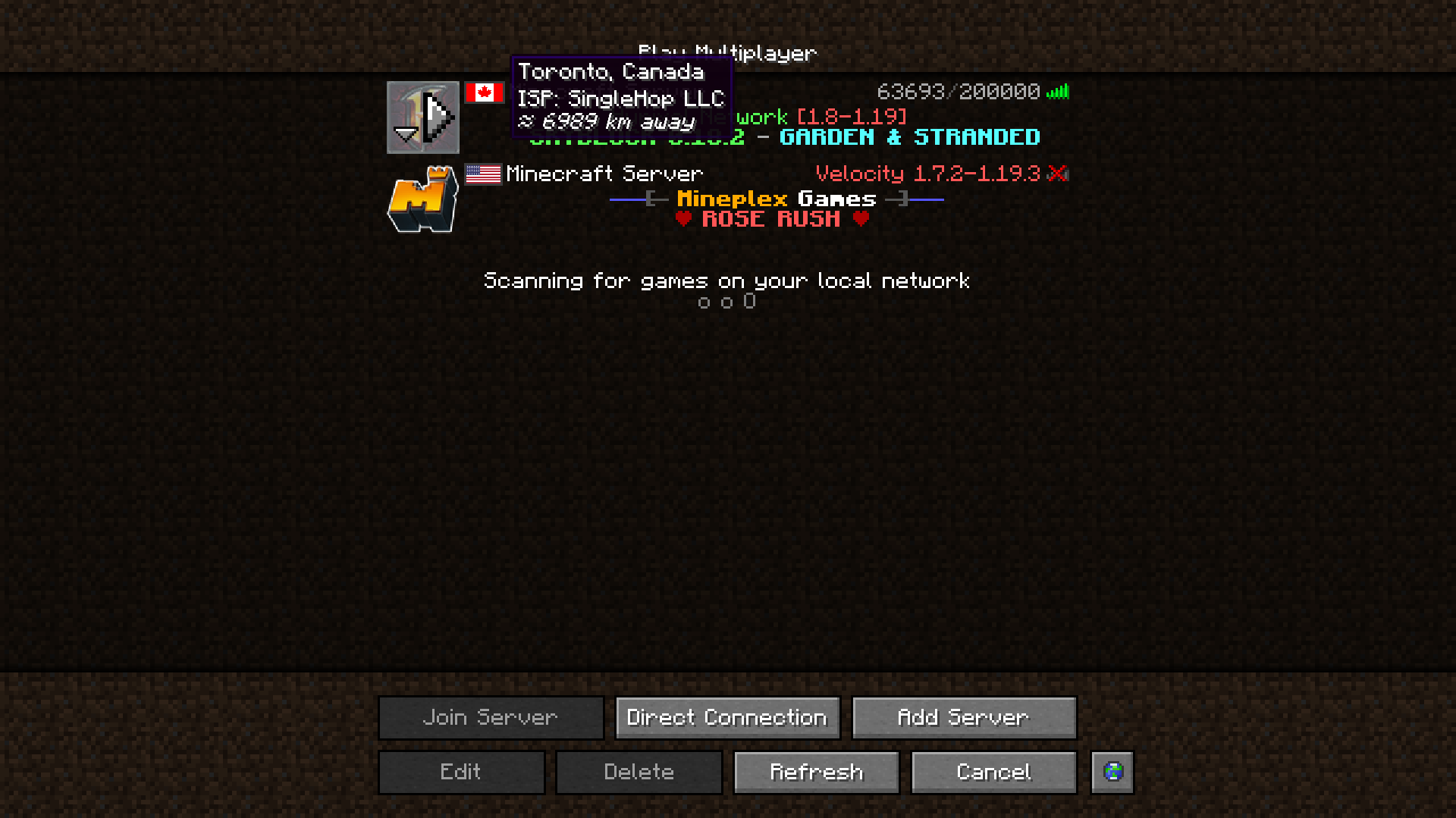
Server Country Flags is a fantastic addition to your server list experience. It shows in what country a given Minecraft server is located in the server list, your approximate distance to it, and some details.

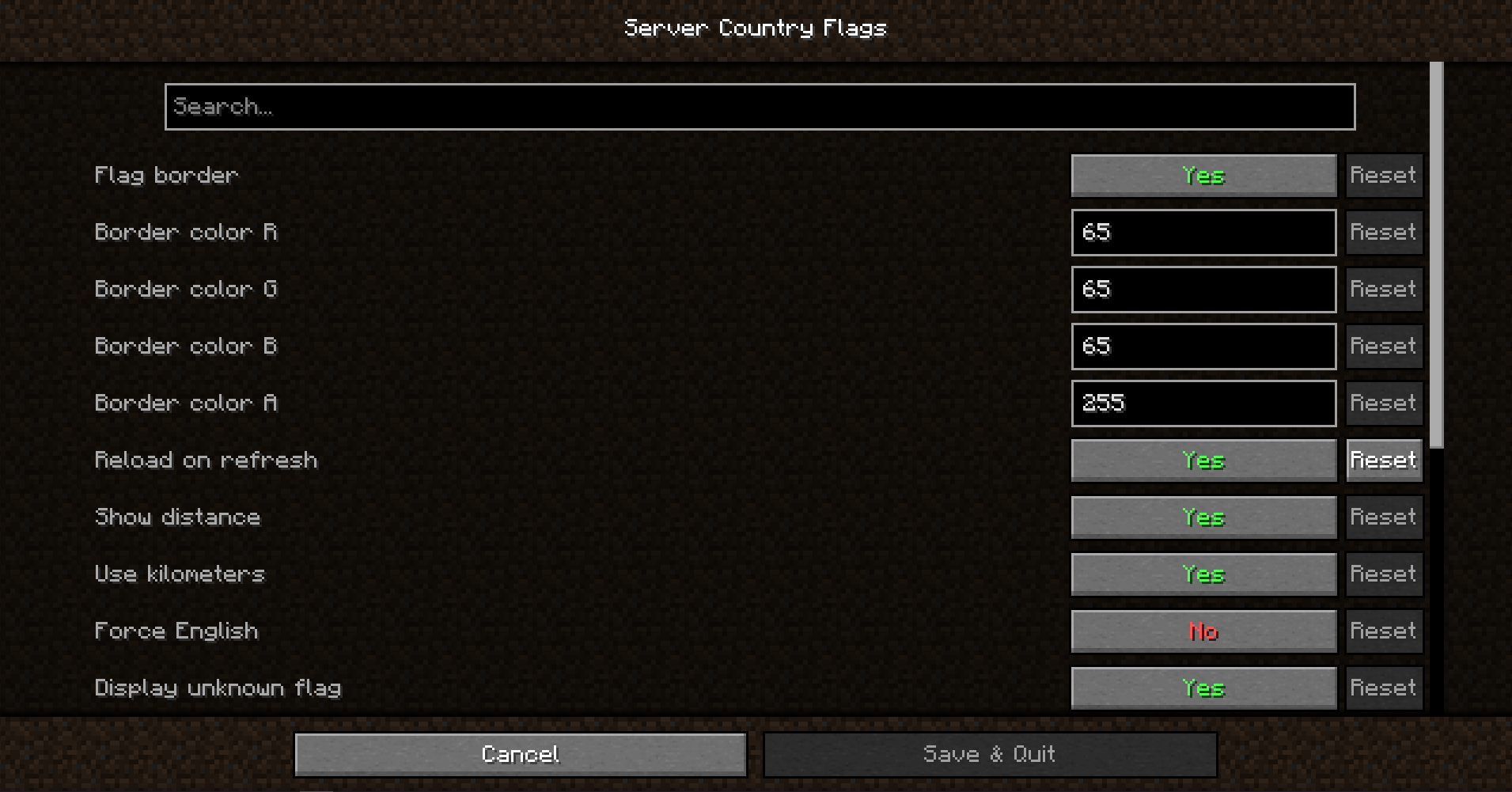
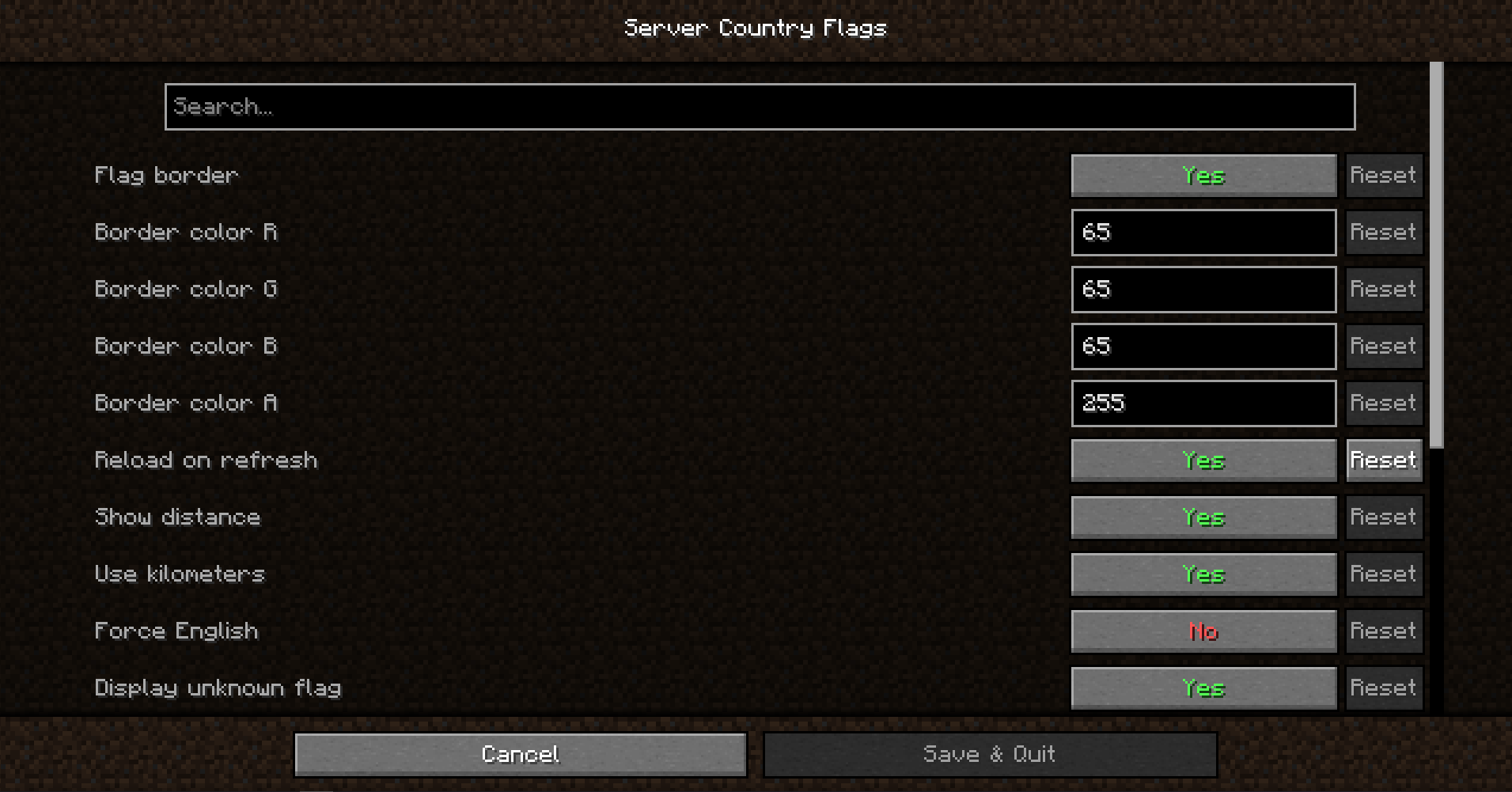
If you have the Cloth Config API installed, you can tweak the mod's settings in a user-friendly GUI. To access it on Forge, you press the Config button in the mod-list. On Fabric, you need to access it using Mod Menu's config button.

This mod uses data from a publicly available, free IP Geolocation IP - IP-API.com.
It limits the amount of requests the mod can make to 45 per minute, but that's totally enough.

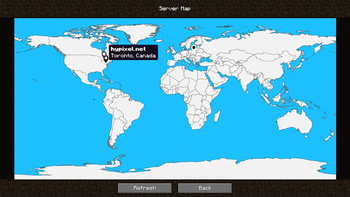
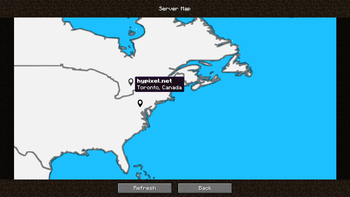
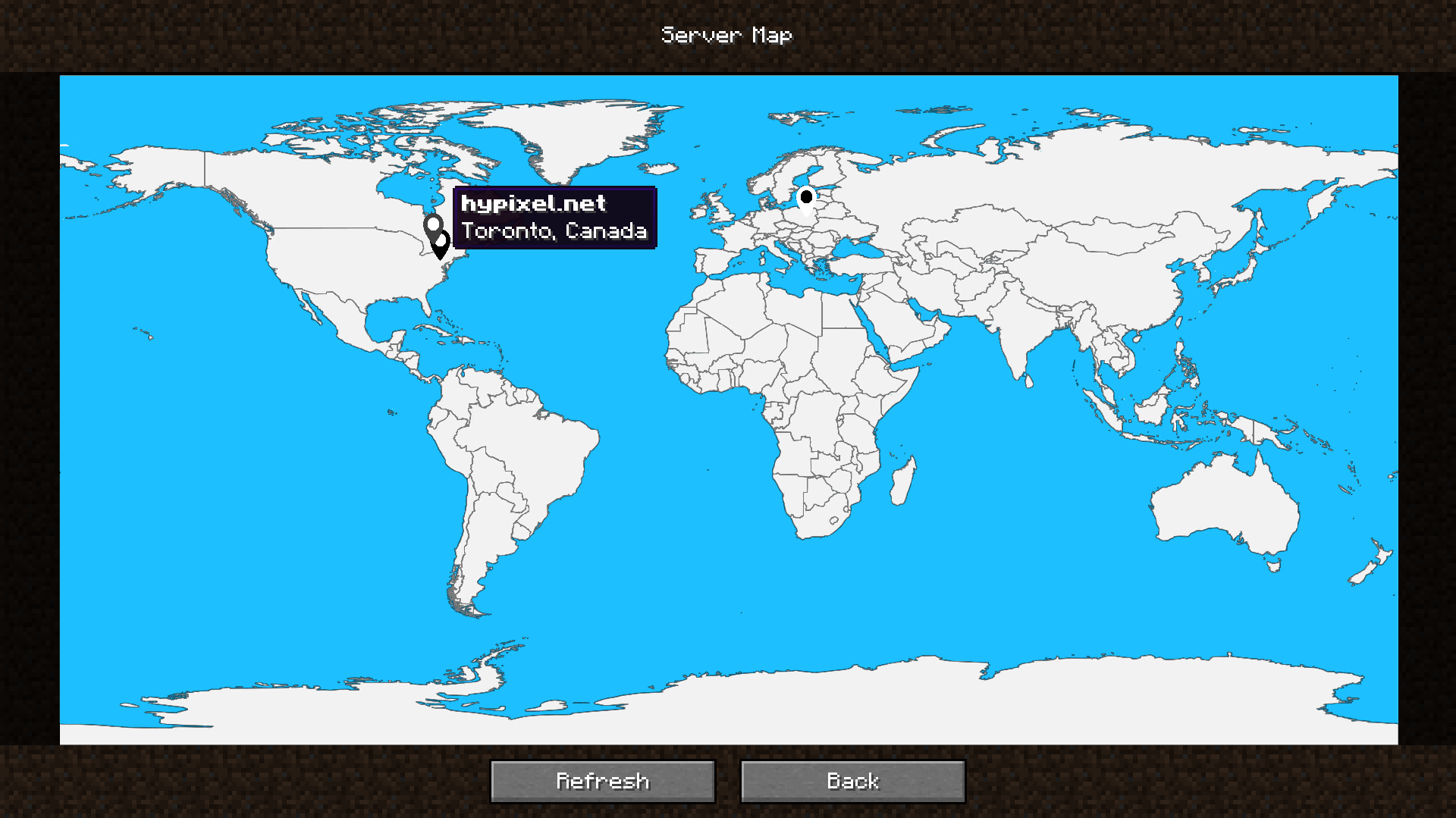
The mod also includes a built-in server map that provides a visual overview of your server locations, so that you can easily identify where your favorite servers are situated at a glance.
It can be accessed by the Server Map button in the server list, next to all of the buttons. You can remove or move it in the config!

Would you like to support me, or the mod?
Here is how you can do that:
- Donate on Ko-Fi!
- Use my on for 25% off!
- Help translate the mod on CrowdIn!
- Contribute code, let me know of issues or add a star on the mod's GitHub page!
Thanks a lot!

Here are dependencies that enhance the mod's functionality, or this mod enhances!
- Fabric API (required on Fabric)
- Cloth Config API (provides the in-game Config page)
- Mod Menu (required to access the Config page on Fabric)
- Server Browser (we add flags to the Server Browser to help you find the server closest to you!)
Whether you're looking for a server for your modpack, or just to mess around with your friends - is one of the most reliable and affordable options you can get! It makes installing modpacks just a couple of clicks. 25% off with code khajiitos!
Verfügbare Versionen
Server Country Flags auf deinem Client installieren
Mod-Loader lokal installieren
Installiere fabric für deine lokale Minecraft-Version.
Passende Datei herunterladen
Wähle die Server Country Flags-Datei für fabric und Minecraft 26.1.1.
Mod installieren
Lege die .jar-Datei in deinem lokalen .minecraft/mods-Ordner ab und starte Minecraft neu. Eine Installation auf dem Server ist nicht nötig.
Kompatibilität
Mod-Loader
Minecraft-Versionen
26.1.1, 26.1, 1.21.10 (+22 weitere)
Server-seitig
✗ Nicht unterstütztEmpfohlener RAM
4 GB(min. 3 GB)Häufige Fragen
Muss Server Country Flags auf dem Minecraft Server installiert werden?
Nein. Modrinth kennzeichnet Server Country Flags serverseitig als nicht unterstützt. Installiere die Mod nur im lokalen Minecraft-Mods-Ordner. Dein Server kann unverändert bleiben, sofern die Mod-Seite keine zusätzliche Abhängigkeit nennt.
Welche Version und welchen Loader braucht Server Country Flags?
Nutze eine Datei für fabric, forge, neoforge, quilt und exakt deine Minecraft-Version. Unterstützte Versionen sind unter anderem 26.1.1, 26.1, 1.21.10. Loader-Dateien sind nicht untereinander austauschbar.
Server Country Flags funktioniert nicht – was kann ich prüfen?
Prüfe zuerst Minecraft-Version, Loader-Version und erforderliche Abhängigkeiten. Lege die .jar-Datei im lokalen .minecraft/mods-Ordner ab und entferne ältere Duplikate. Da die Mod clientseitig ist, löst mehr Server-RAM dieses Problem nicht.
Ähnliche Mods

![[ETF] Entity Texture Features](https://cdn.modrinth.com/data/BVzZfTc1/af683d206d50b05258d865b0d6e4aa2f2cee12f2_96.webp)
![[EMF] Entity Model Features](https://cdn.modrinth.com/data/4I1XuqiY/6e5bbd0d06b1741bfdab6c0cfab6de8fdaf0064c_96.webp)



Minecraft Server für deine Gruppe
Server Country Flags bleibt auf deinem Client. Hoste dazu eine kompatible Welt für deine Mitspieler.