

Modrinth · Fabric, Forge, NeoForge
ServerCore auf deinem Minecraft Server
ServerCore läuft auf Minecraft Servern mit Fabric oder Forge oder NeoForge. Bestell deinen Server, stell den Loader im Panel ein und installiere die Mod mit einem Klick im Mod-Browser.
A mod that aims to optimize the minecraft server.
- Downloads
- 19.3M
- Autor
- Wesley1808
- Loader
- Fabric, Forge, NeoForge
- Minecraft
- 1.17.1 – 26.3
- Aktualisiert
- –
Einrichtung
ServerCore auf dem Server installieren
Server und Spieler brauchen denselben Loader und dieselbe Minecraft-Version. Sichere die Welt, bevor du Mods hinzufügst oder aktualisierst.
- 01
Konfigurieren
4 GB RAM sind vorausgewählt. Laufzeit und Add-ons wählst du selbst, bezahlt wird per Kreditkarte oder PayPal.
- 02
Loader einstellen
Stell im Panel die Serversoftware auf Fabric oder Forge oder NeoForge und wähl die passende Minecraft-Version, zum Beispiel 26.3.
- 03
Mod installieren
Such im Mod-Browser nach „ServerCore“ und installiere die Version für deinen Loader. Alternativ lädst du die .jar per SFTP in den Ordner mods. Erforderliche Abhängigkeiten stehen auf der Projektseite.
- 04
Verbinden
ServerCore ist auf dem Client nicht nötig. Spieler verbinden sich über die Serveradresse aus dem Panel.
- Auf dem Server
- Erforderlich
- Auf dem Client
- Nicht nötig
- Loader
- Fabric, Forge, NeoForge
- Minecraft
- 26.3, 26.2, 26.1.2 +35 weitere
- Lizenz
- MIT License
Das Panel
Mods installieren, Fehler finden.
Echte Screenshots aus dem Mado Panel. Beides ist bei jedem Minecraft Server enthalten.
Mod-Browser
Modrinth und CurseForge direkt im Panel.
Der Browser filtert nach deiner Minecraft-Version. Mods installierst du mit einem Klick, ohne .jar-Dateien hochzuladen.

KI-Crash-Analyse
Wenn ein Mod crasht, liest die Analyse das Log.
Mods scheitern oft an einer falschen Loader-Version, Java-Version oder fehlenden Abhängigkeit. Die Analyse nennt eine wahrscheinliche Ursache und einen Lösungsvorschlag.

Versionen
Veröffentlichte Versionen
Nimm die Datei, die zu Loader und Minecraft-Version deines Servers passt. Server und Spieler brauchen dieselbe Version.
ServerCore · Modrinth- ServerCore NeoForge 1.5.6+1.21.222. Oktober 2024Minecraft 1.21.2, 1.21.3 · NeoForge
- ServerCore Fabric 1.5.6+1.21.222. Oktober 2024Minecraft 1.21.2, 1.21.3 · Fabric
- ServerCore NeoForge 1.5.5+1.21.127. August 2024Minecraft 1.21.1 · NeoForge
- ServerCore Fabric 1.5.5+1.21.127. August 2024Minecraft 1.21.1 · Fabric
- ServerCore 1.5.1 for MC 1.20.124. April 2024Minecraft 1.20.1 · Forge
Originalbeschreibung des Projektautors
ServerCore




A mod that aims to optimize the minecraft server.
Works on both dedicated servers and singleplayer!
This includes:
Several patches & optimizations to improve performance and reduce lagspikes, which shouldn't make any noticeable changes during gameplay.
Many configurable features that can heavily reduce lag, but have a slight impact on gameplay depending on the configuration.
Be advised
By default, ServerCore should not alter vanilla behavior. Features that do are disabled by default.
It is advised to configure this mod to your own requirements for the best balance between speed and behavior.
Features
Optimizations
A lot of the optimizations in this mod are focused on getting rid of the majority of random lagspikes on servers.
Other than that, it also includes plenty of optimizations for things like chunk ticking, mob spawning, item frames and
player logins.
Entity Activation Range
A very configurable feature that allows you to drastically cut down on the amount of entities that have to be processed
on the server.
This is a port based off of Spigot's and PaperMC's implementation, but more configurable with additional (optional) features.
Dynamic performance checks
Allows the server to automatically adjust the current settings depending on the tick time and config.
These include: Chunk-tick distance, View distance, Simulation distance & Mobcaps.
Villager lobotomization
Allows the server to cut down on villager lag from large trading halls, by making villagers stuck inside 1x1 spaces tick less often.
More configurable mobspawning
Allows you to modify the spawnrate and vanilla mobcaps of each individual spawngroup.
It also provides optional functionality to force mobcaps to apply to zombie reinforcements, spawners and nether portal randomticks.
Breeding Caps
A feature that allows you to set a cap on the amount of mobs of the same type that can be bred within a certain radius.
This can be useful to prevent players from breeding thousands of animals like chickens or cows in a small area.
Chunk ticking distance
A setting that allows you to reduce the distance at which chunks can tick (mob spawns & random ticks).
- And more!
Commands, Placeholders and Configuration
Commands
/servercore reload - Reloads the configuration file.
/servercore settings - Allows for modifying dynamic settings ingame.
/servercore status - Gives information about the current dynamic settings.
/mobcaps [global] - Displays current mobcaps for each spawn group.
/statistics [entities | block-entities] - Displays performance related statistics.
Placeholders
%servercore:view_distance%- The current view distance.%servercore:simulation_distance%- The current simulation distance.%servercore:chunk_tick_distance%- The current chunk tick distance.%servercore:mobcap_percentage%- The global mobcap percentage that is currently being used.%servercore:chunk_count%- The amount of chunks on the server (doesn't have to be fully loaded).%servercore:chunk_count loaded%- The amount of fully loaded chunks on the server (expensive).%servercore:entity_count%- The amount of loaded entities on the server.%servercore:entity_count nearby%- The amount of loaded entities nearby.%servercore:block_entity_count%- The amount of ticking block entities on the server.%servercore:block_entity_count nearby%- The amount of ticking block entities nearby.
Configuration
By default, ServerCore will disable most of its changes that can affect vanilla behavior.
This way you can safely install the mod without having to worry about breaking things.
However, if you want to squeeze out the most performance, these default settings might not be enough.
To change these settings you can edit config.yml and optimizations.yml in the config/servercore folder.
You can find some example configurations here.
License
ServerCore contains several ports based on patches from repositories such as PaperMC, Purpur and Airplane.
If a file uses the GPL-3.0 license it will be stated at the top. All other files are licensed under MIT.
ServerCore Server crasht beim Start – was tun?
Häufige Ursachen: Loader- oder Minecraft-Version passen nicht zur Mod-Datei, eine Abhängigkeit fehlt oder der RAM reicht nicht. Such im Log (latest.log) nach „OutOfMemoryError“, „Mixin“ oder fehlenden Mods. Bei Mado wertet die KI-Crash-Analyse das Log aus und schlägt eine Ursache vor. Loader und Version änderst du im Panel.
Mit welchem Loader läuft ServerCore?
Laut Modrinth unterstützt ServerCore Fabric, Forge, NeoForge für Minecraft 26.3, 26.2, 26.1.2. Forge- und Fabric-Dateien sind nicht untereinander austauschbar: Wähl einen Loader für Server und Clients.
Wie viel RAM braucht ein Server mit ServerCore?
Als Orientierung 3–4 GB für einen Server mit dieser Mod. Das ist eine Schätzung, keine gemessene Mindestanforderung. Weitere Mods, viele Spieler und große Sichtweiten brauchen mehr. Ob eine Mod die Tick-Zeit belastet, siehst du mit dem spark-Profiler.
Ähnliche Mods
Beliebte Mods aus derselben Kategorie
 Nur Client

Sodium
von jellysquid3
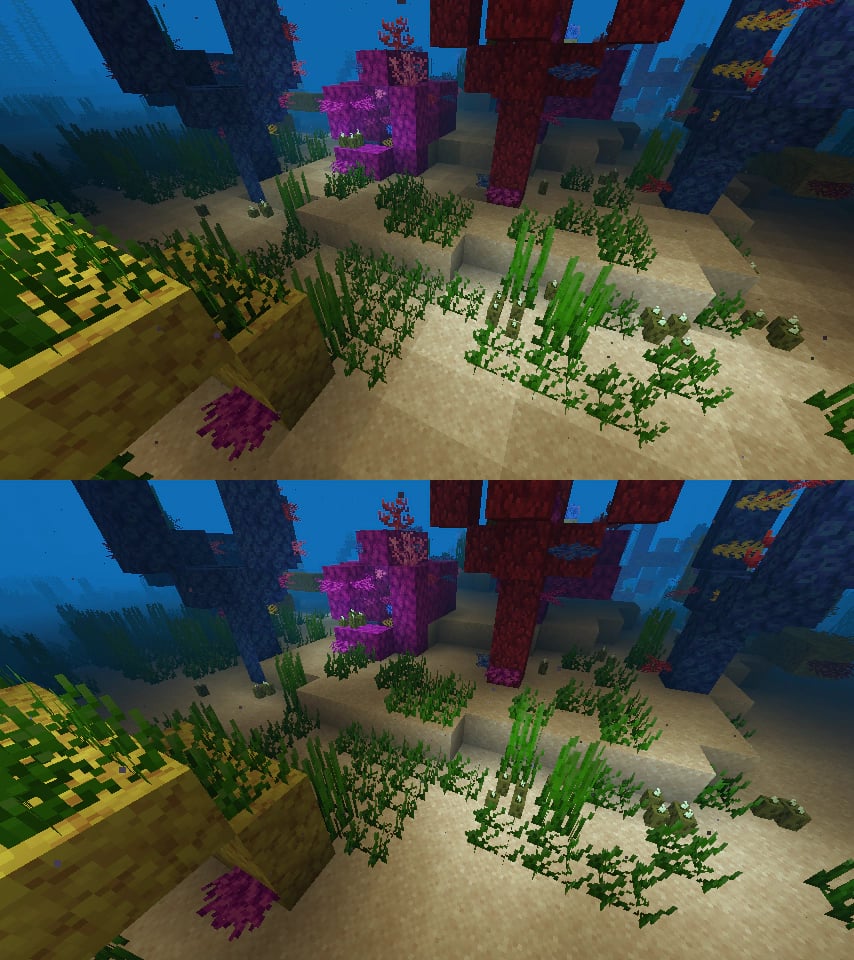
A high-performance rendering engine replacement for Minecraft, which greatly improves frame rates and reduces micro-stutter.
 Nur Client

Iris Shaders
von coderbot
A modern shader pack loader for Minecraft intended to be compatible with existing OptiFine shader packs
 Nur Client

Entity Culling
von tr7zw
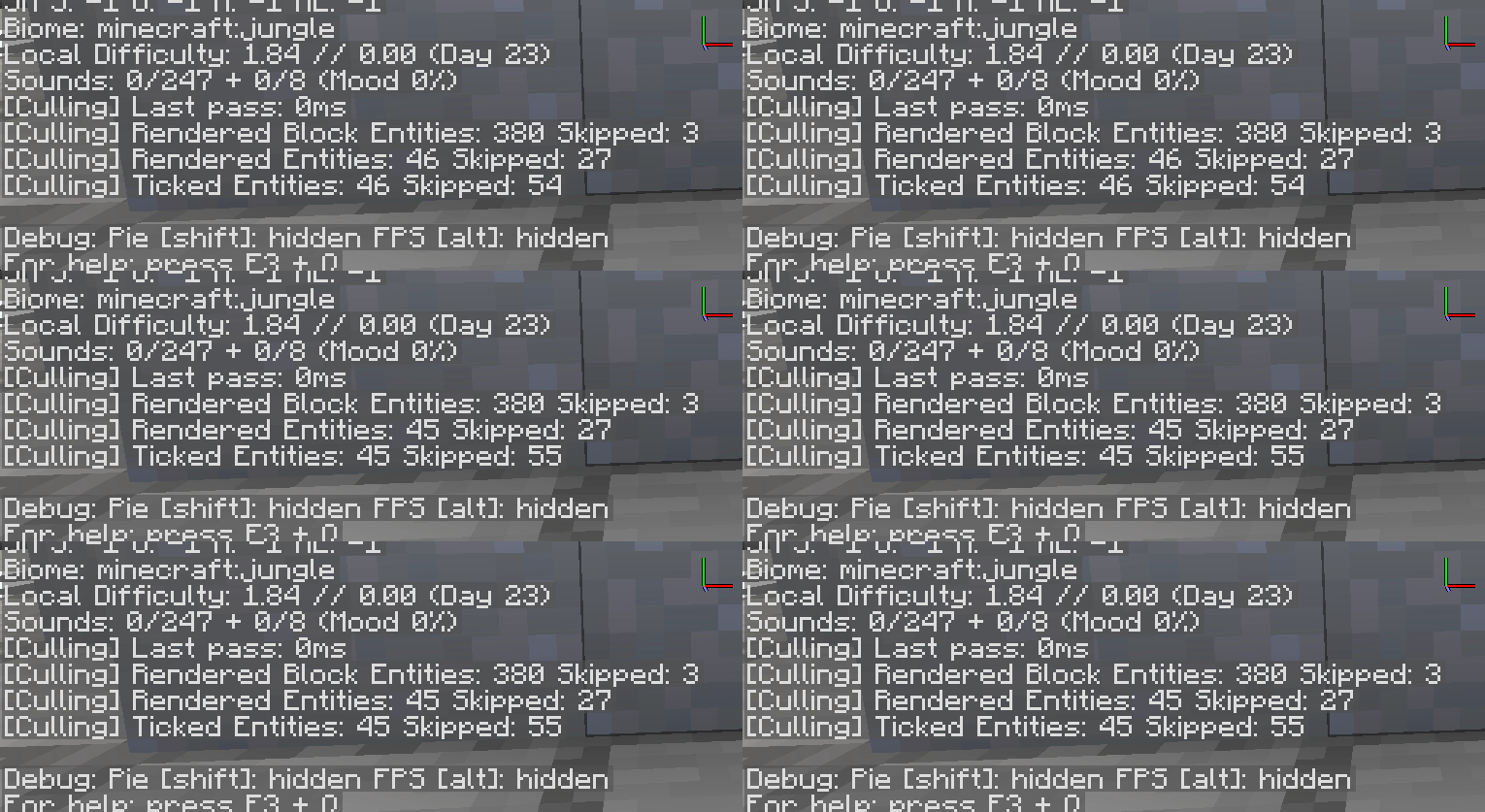
Using async path-tracing to hide Block-/Entities that are not visible
 Server-fähig

FerriteCore
von malte0811
Memory usage optimizations
Bereit für deinen Server mit ServerCore?
4 GB RAM ab 8,00 € im Monat. 35 % auf den 1. Monat mit MADO35.