
Sodium/Embeddium Device Check 钠/铷-设备检测
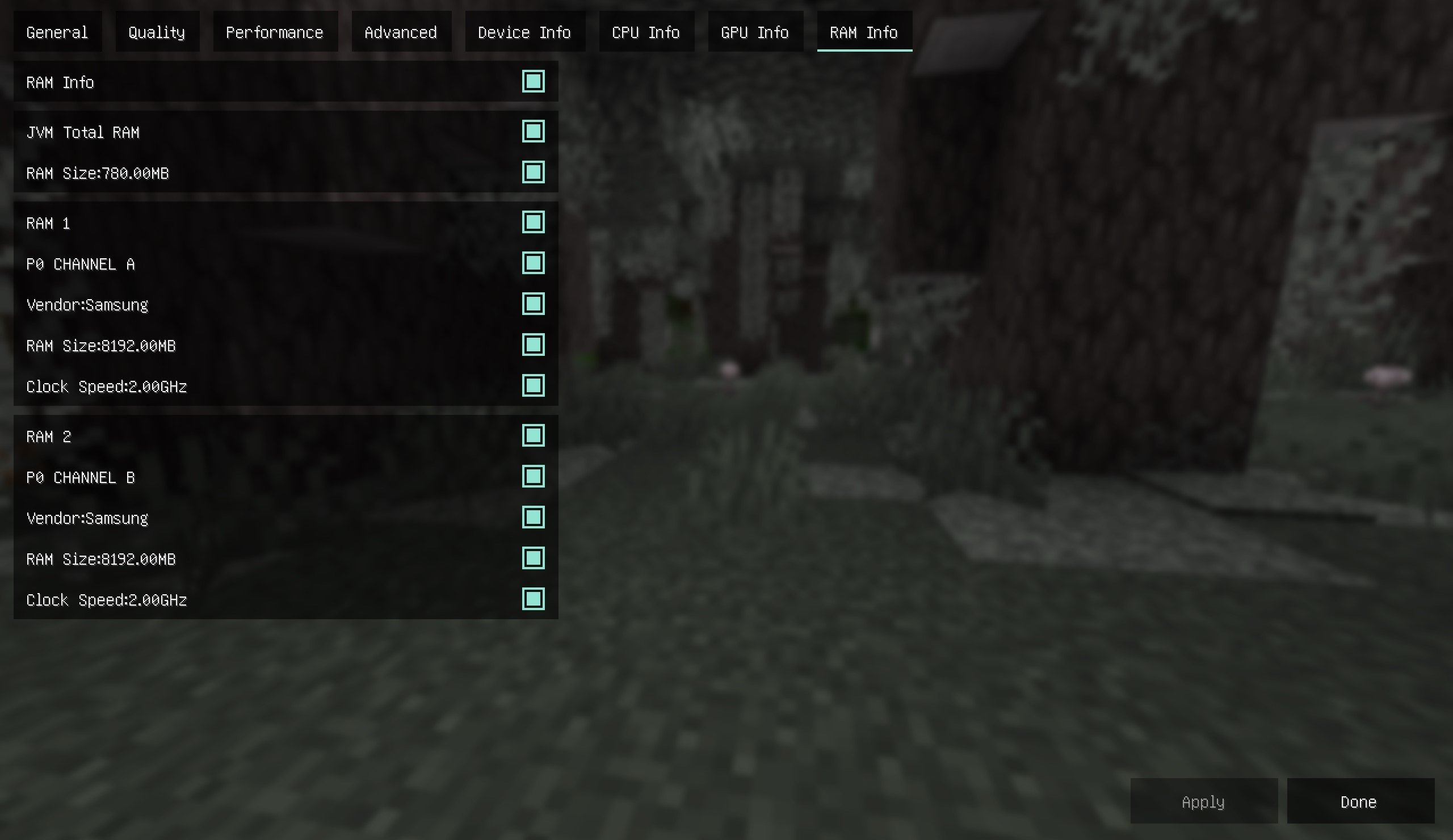
A minecraft mod can check you hardware and software
Screenshots

Über diese Mod


English
Sodium Device Check
Sodium Device Check is an auxiliary module for sodium. Please install the Sodium before installation
The mod not only compatible Sodium but also with some version of Embeddium!
After installing the module, you can view platform information as a reference for adjusting image quality
The functions are as follows
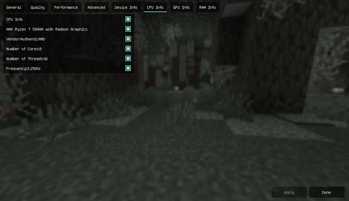
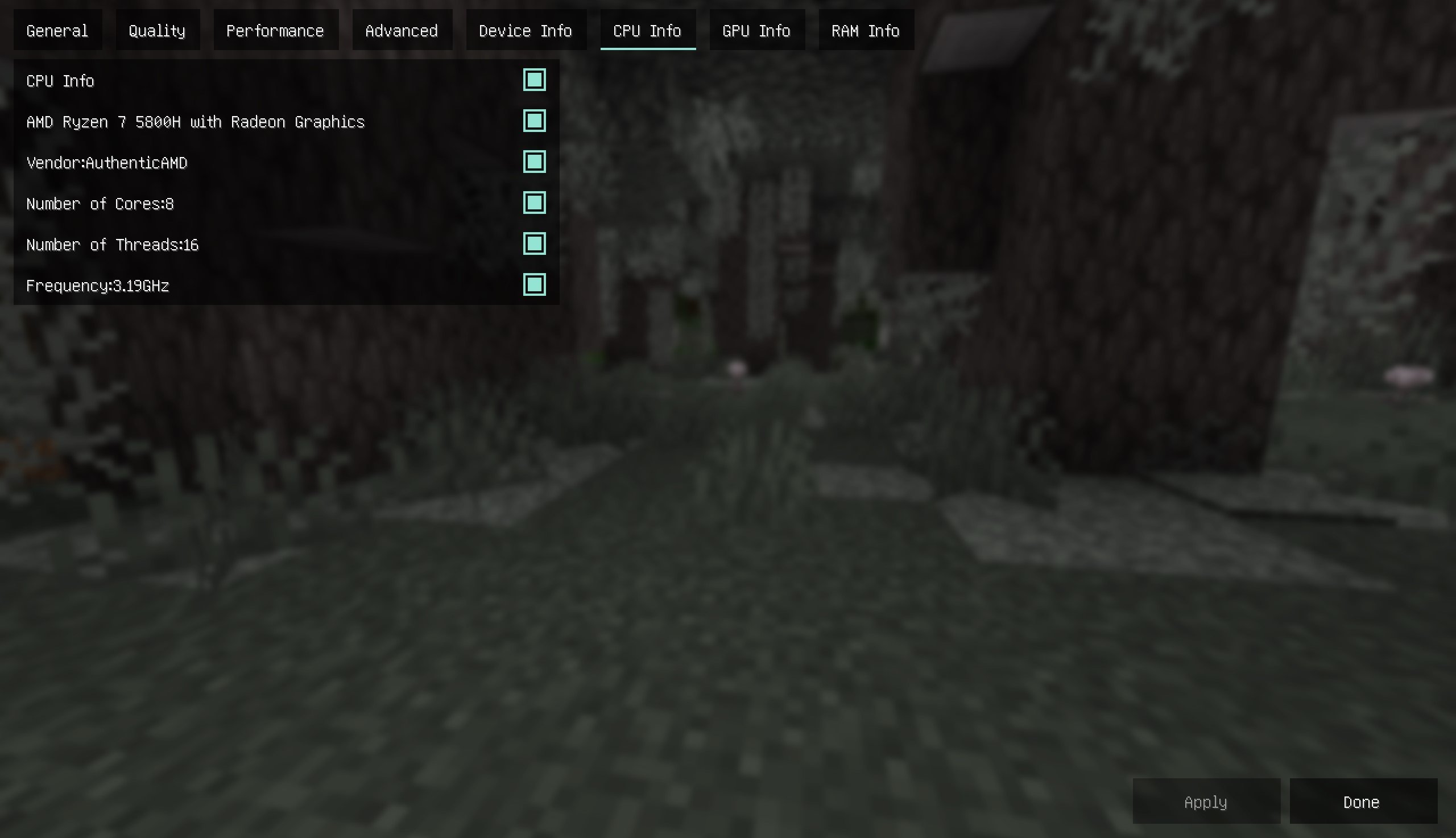
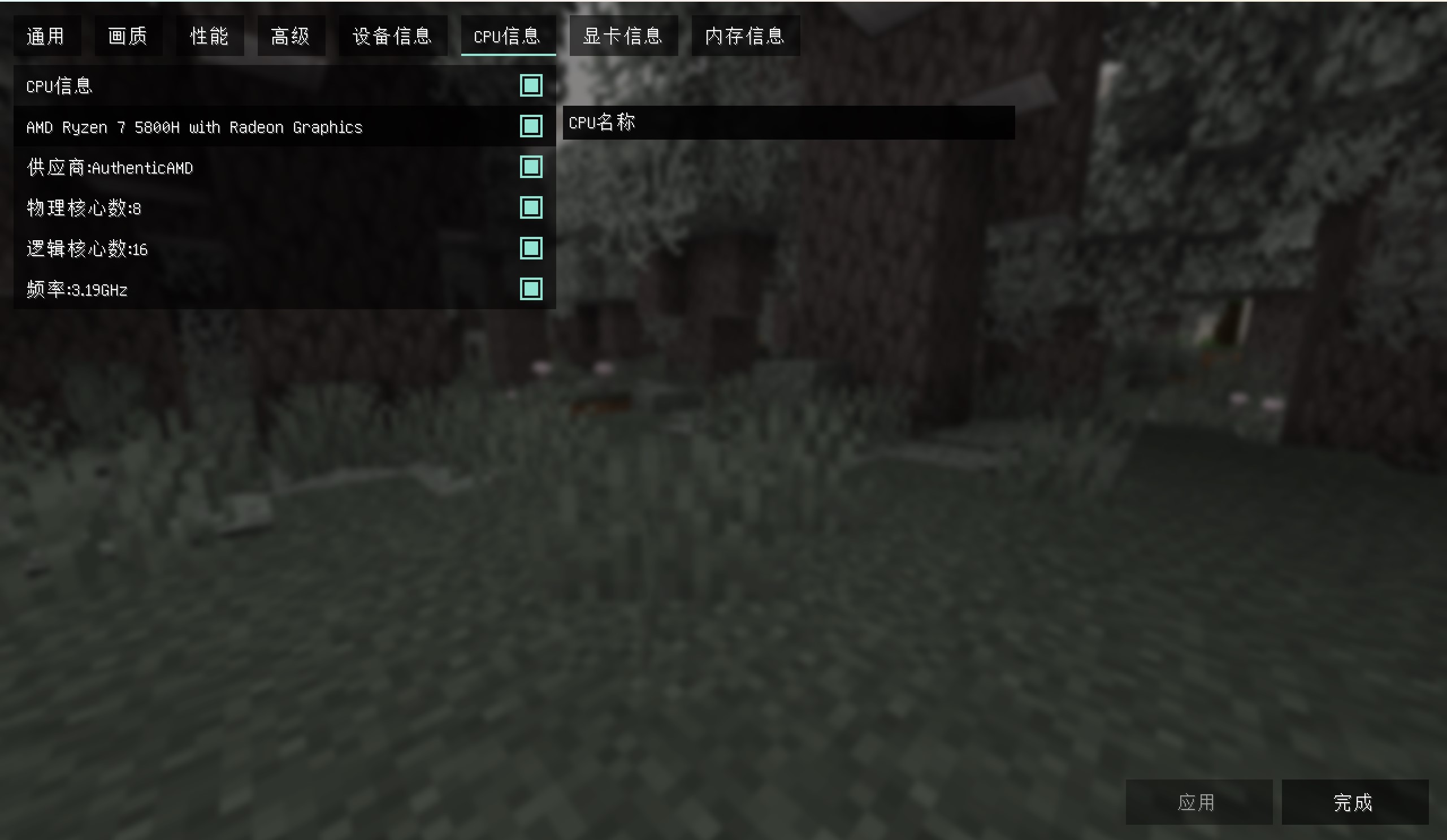
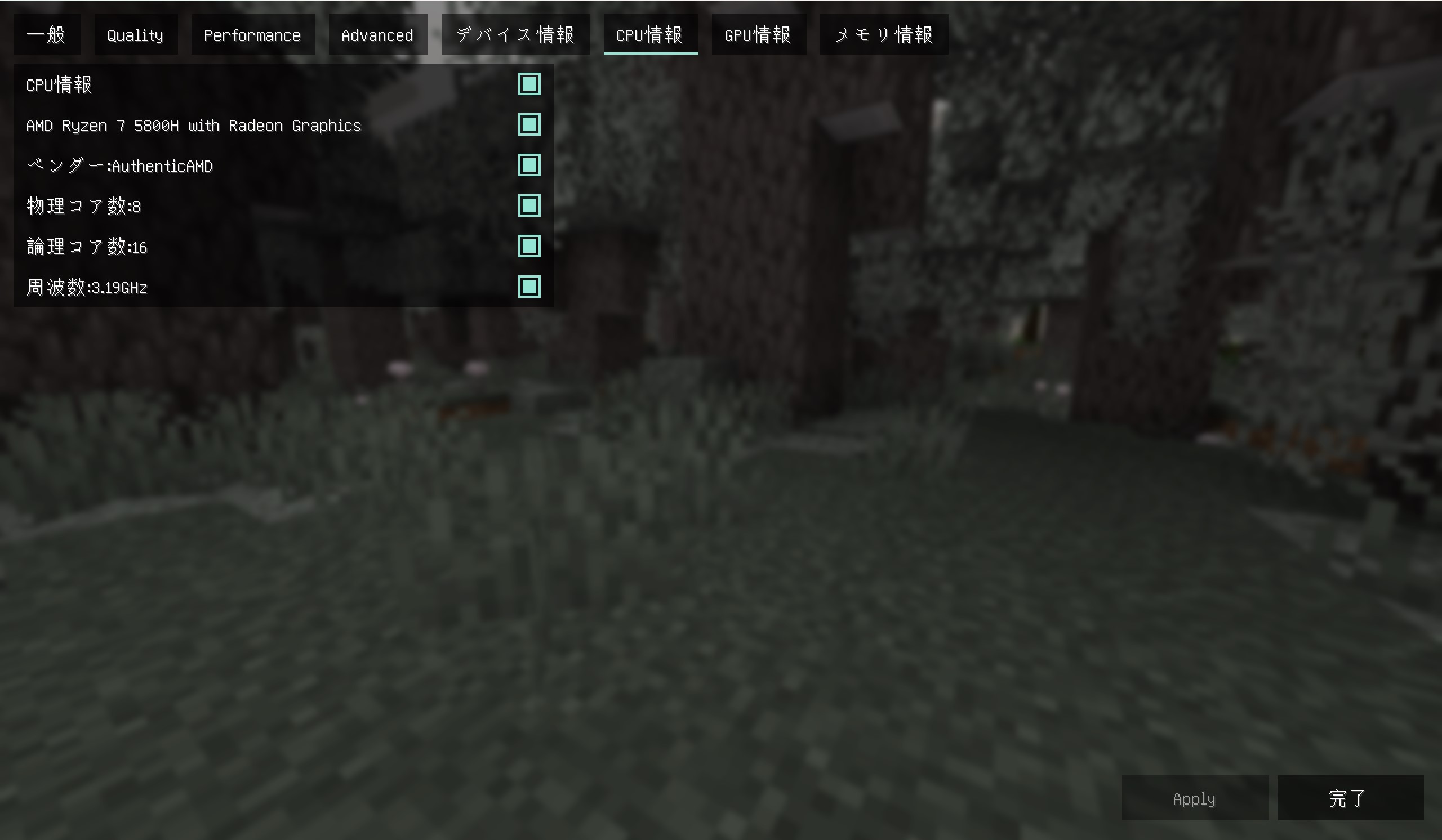
1. View CPU information, including model, supplier, number of physical cores (cores), number of logical cores (threads), frequency
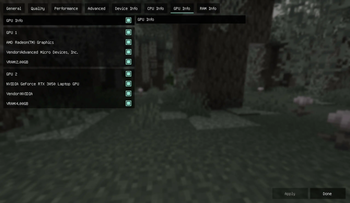
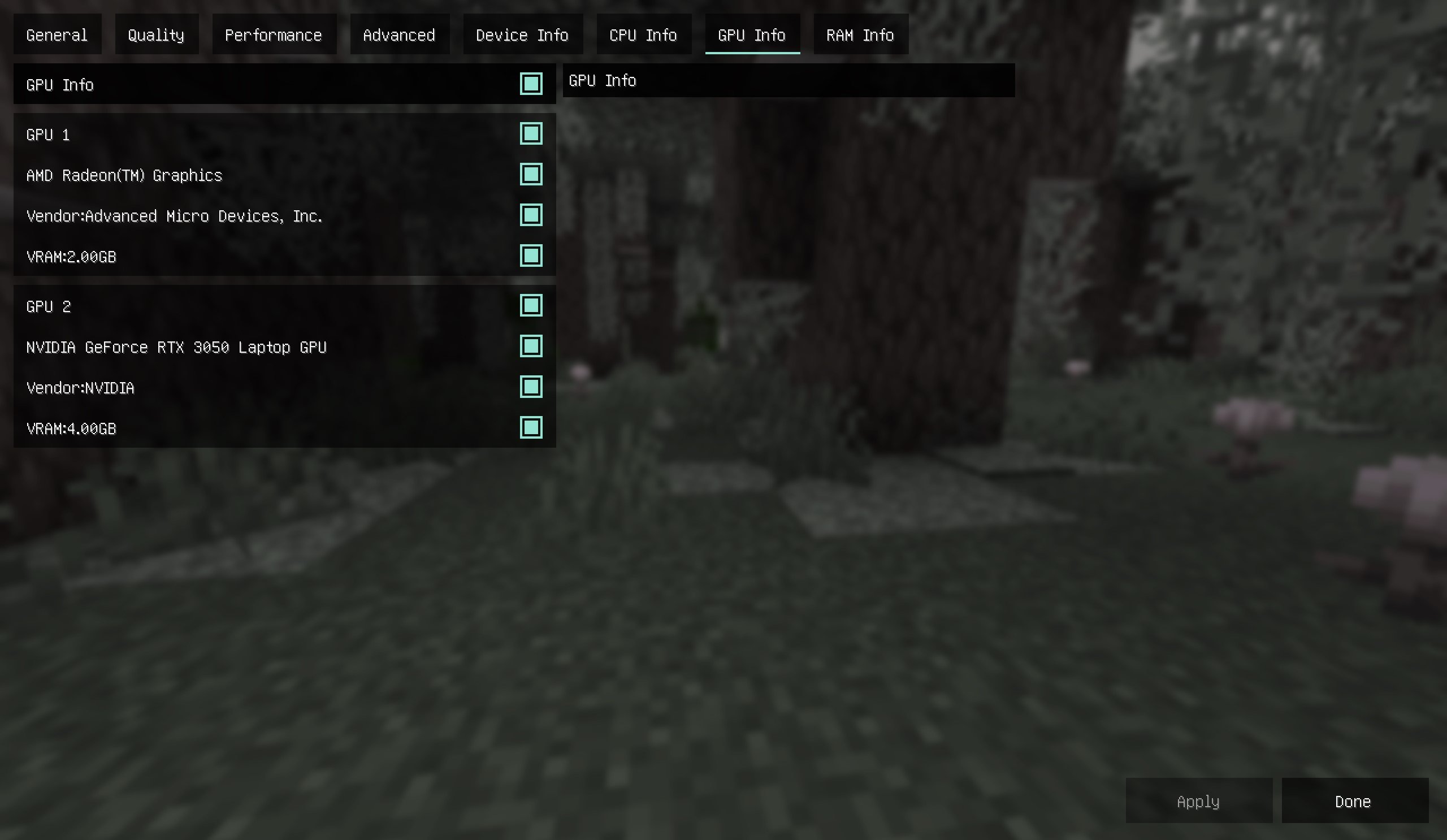
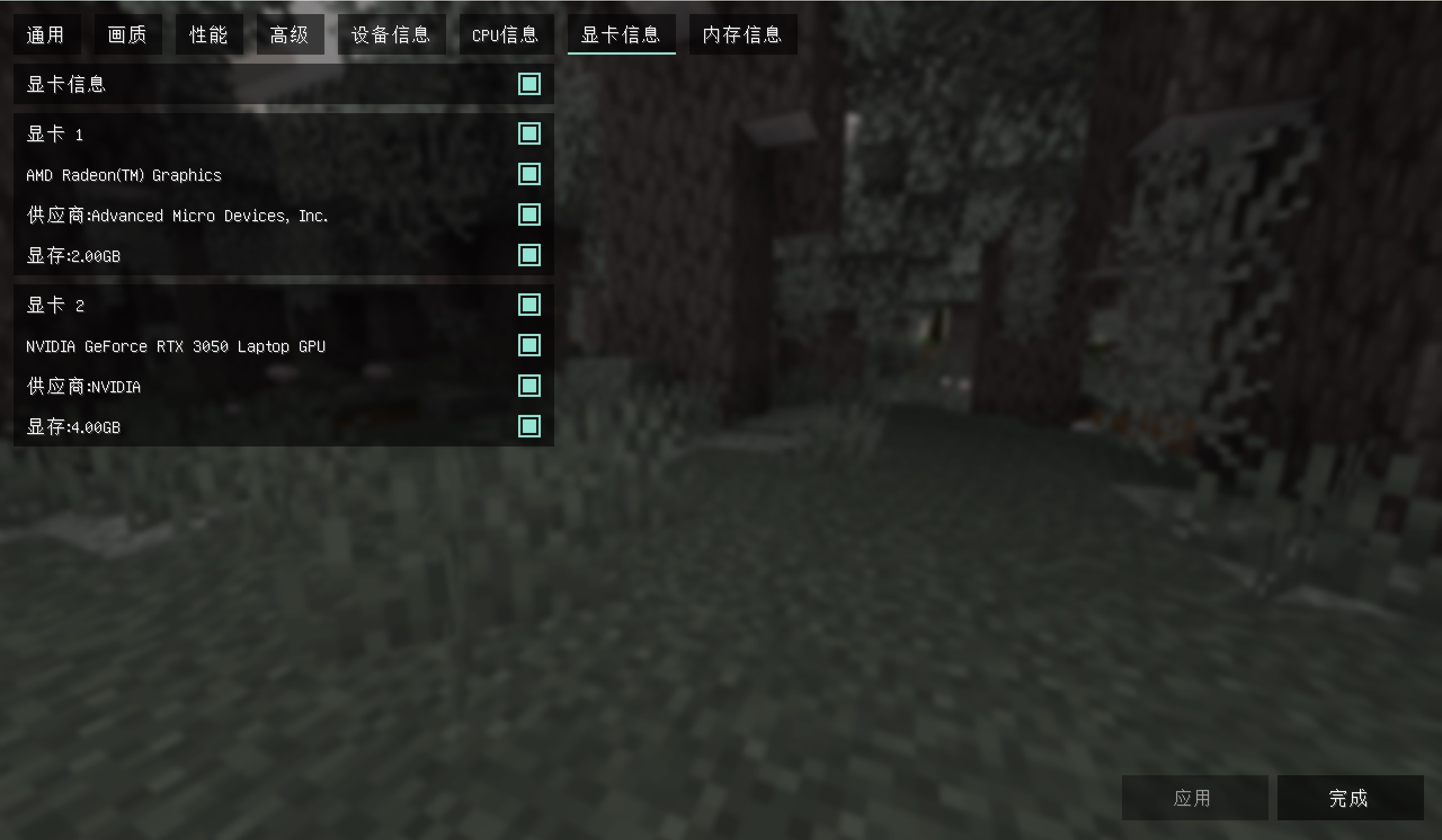
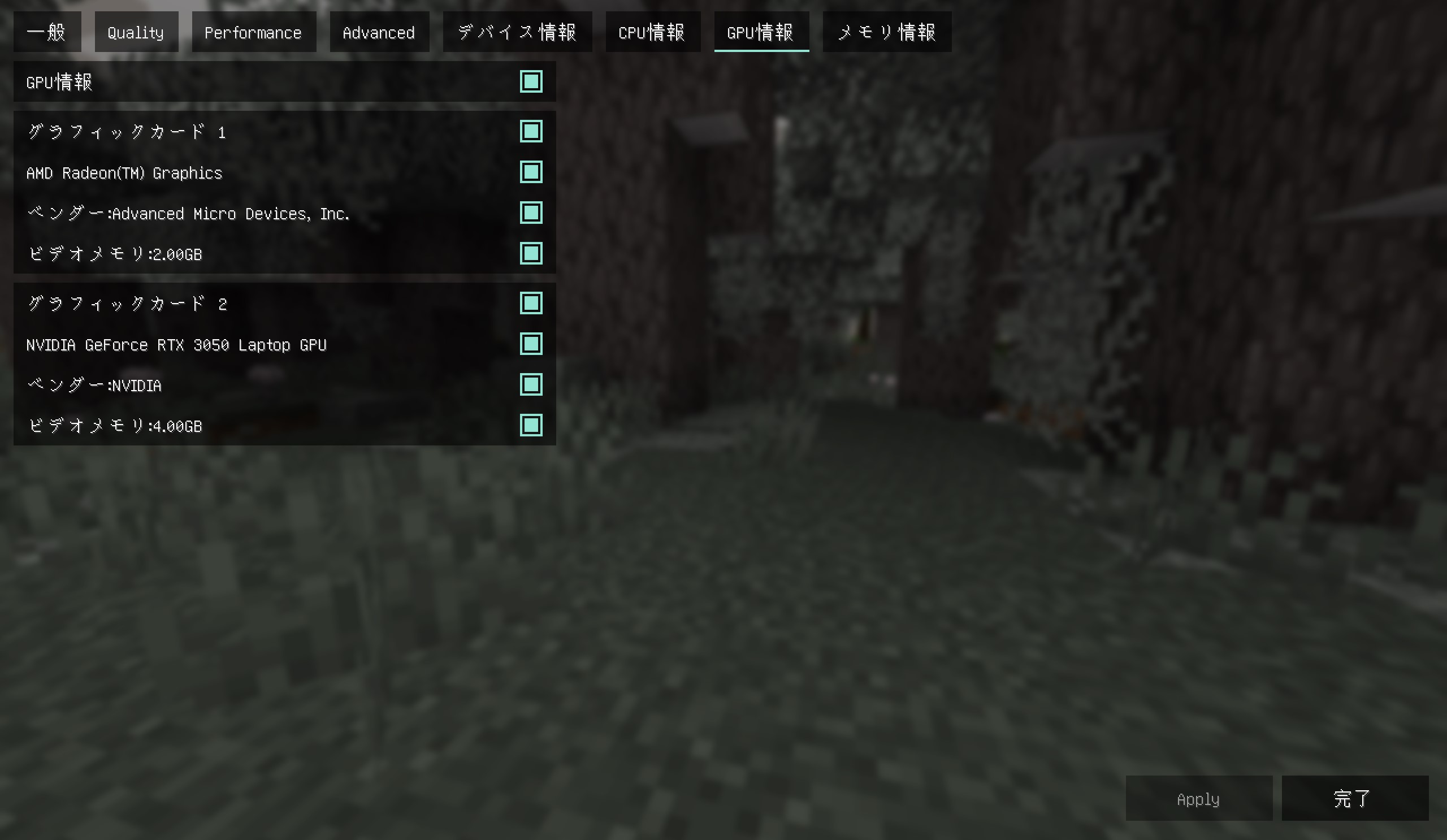
2. View graphics card information, including the model, supplier, and memory of each graphics card on the computer
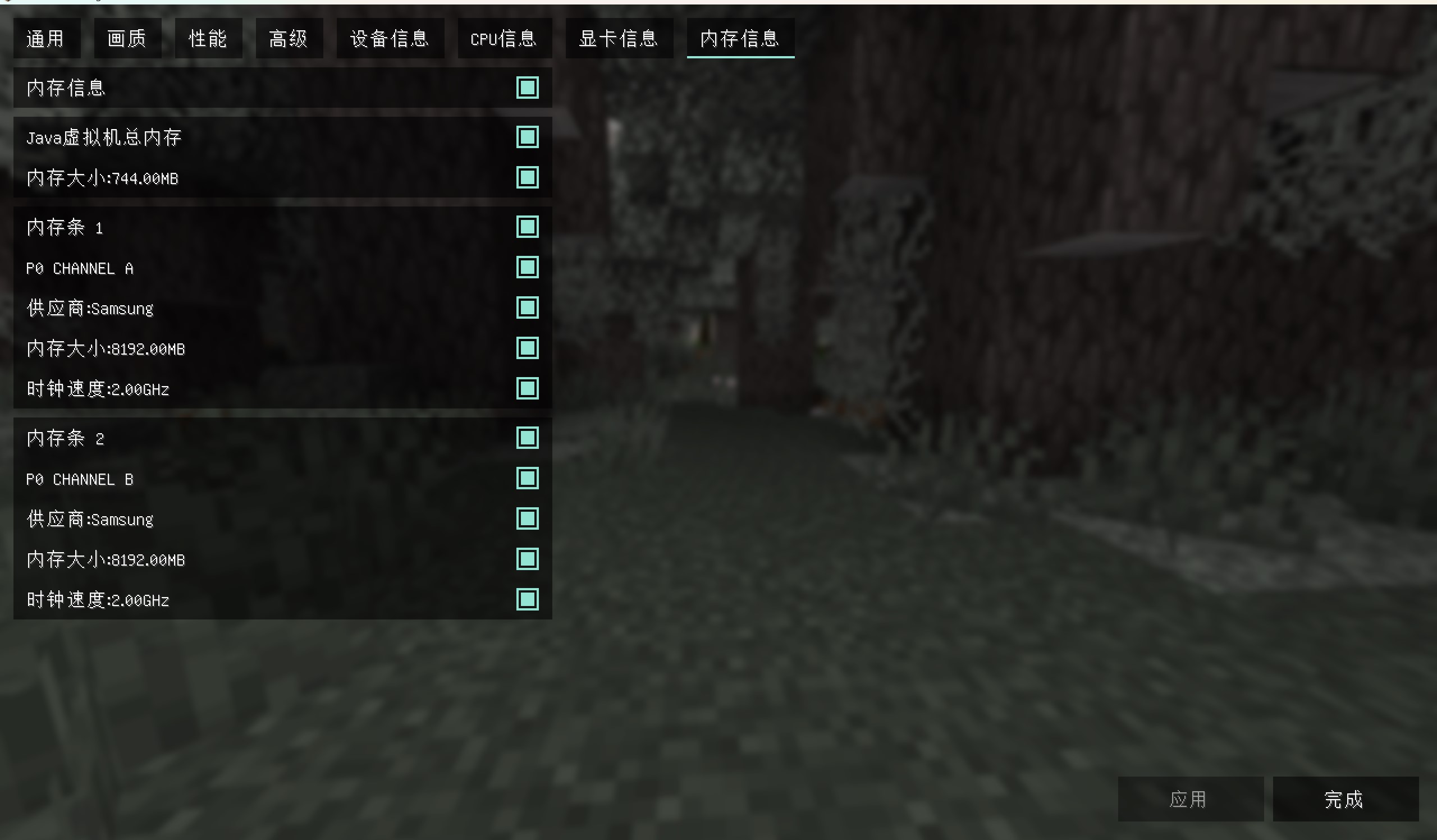
3. View memory information, including the model, supplier, and size of each memory module on the computer
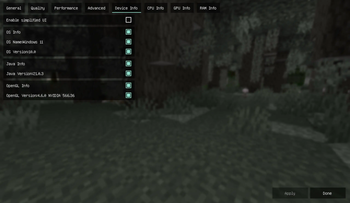
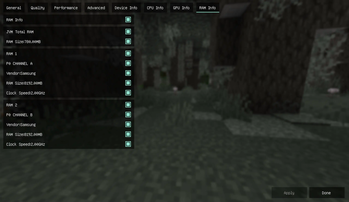
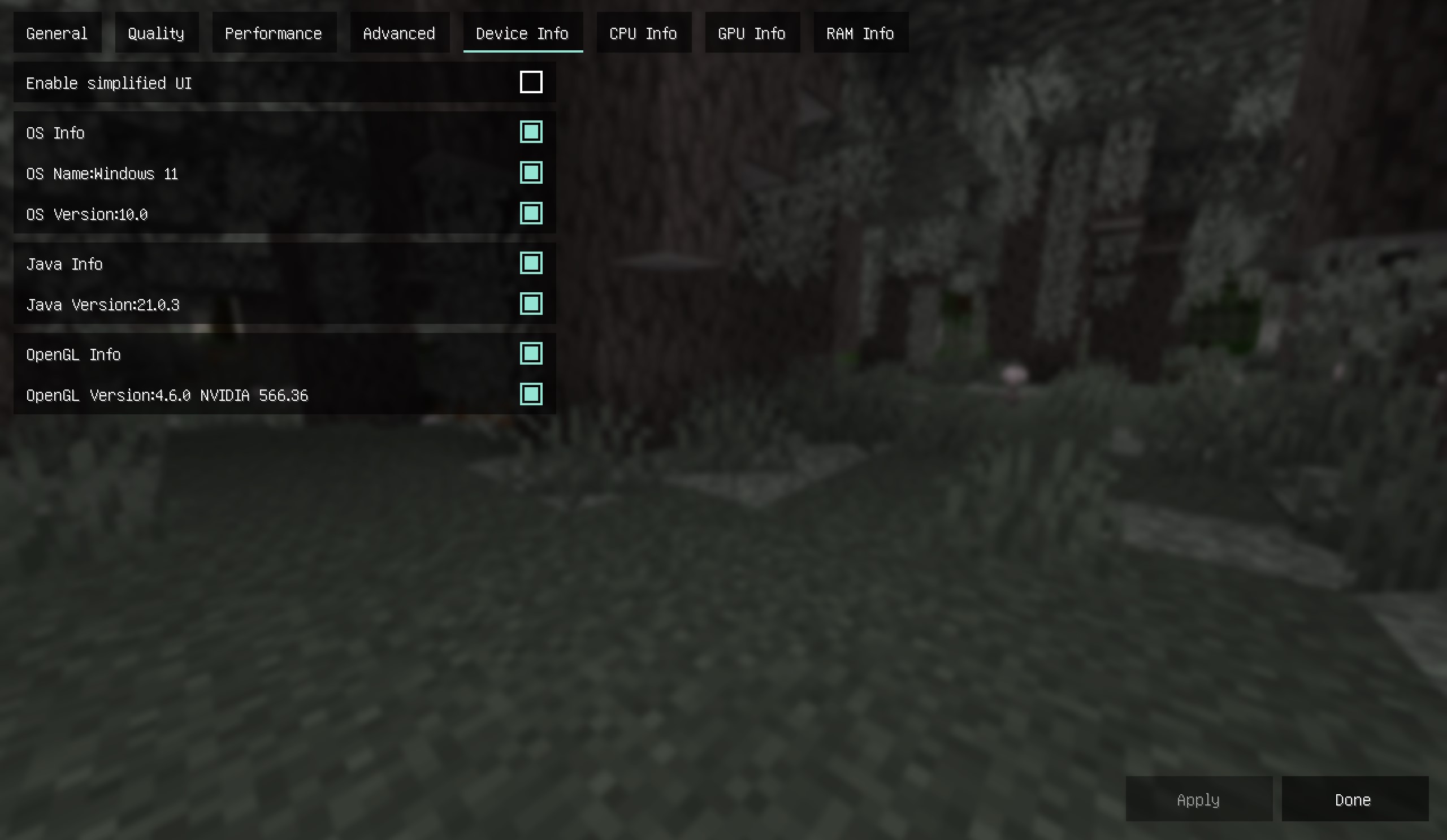
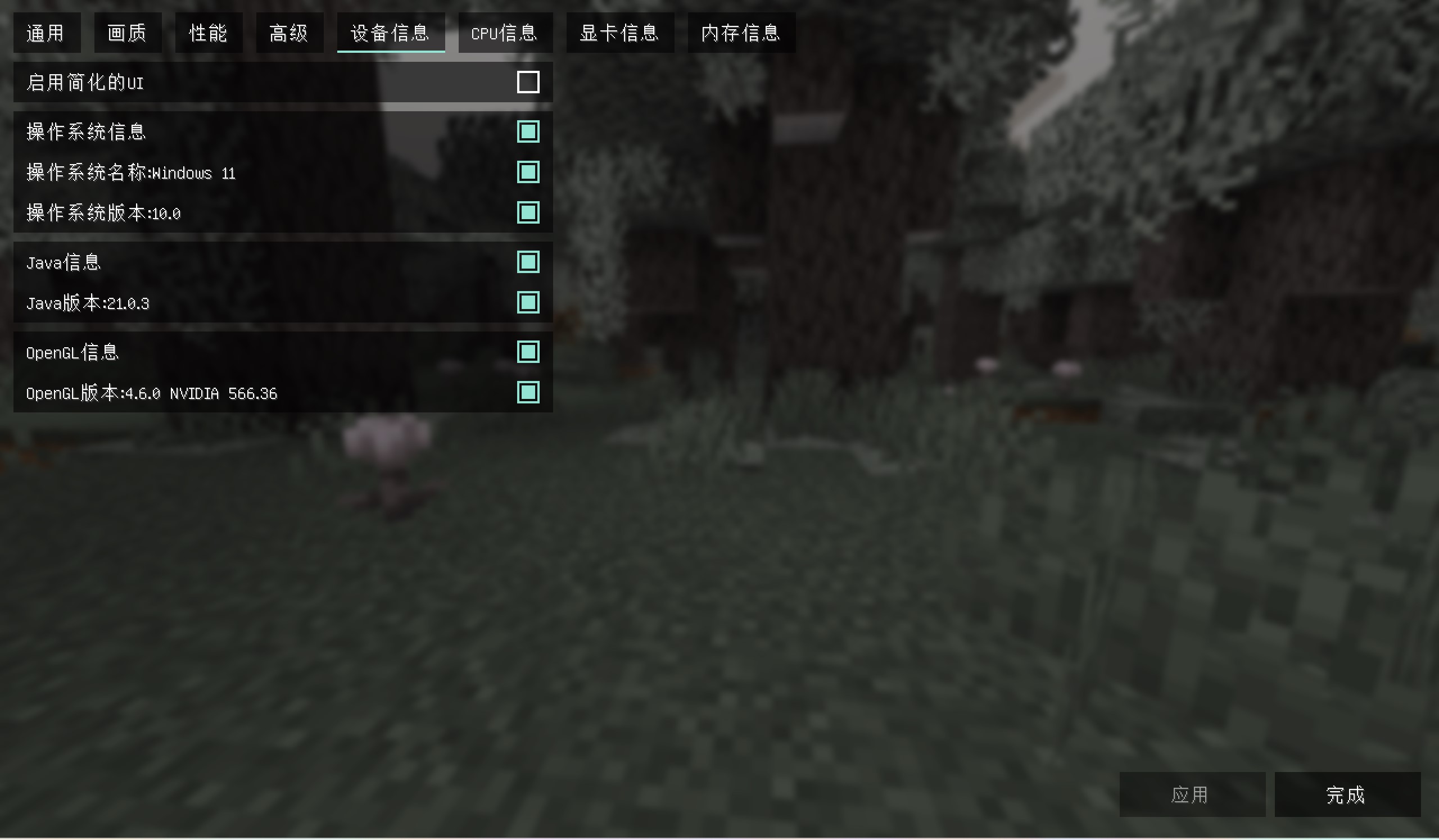
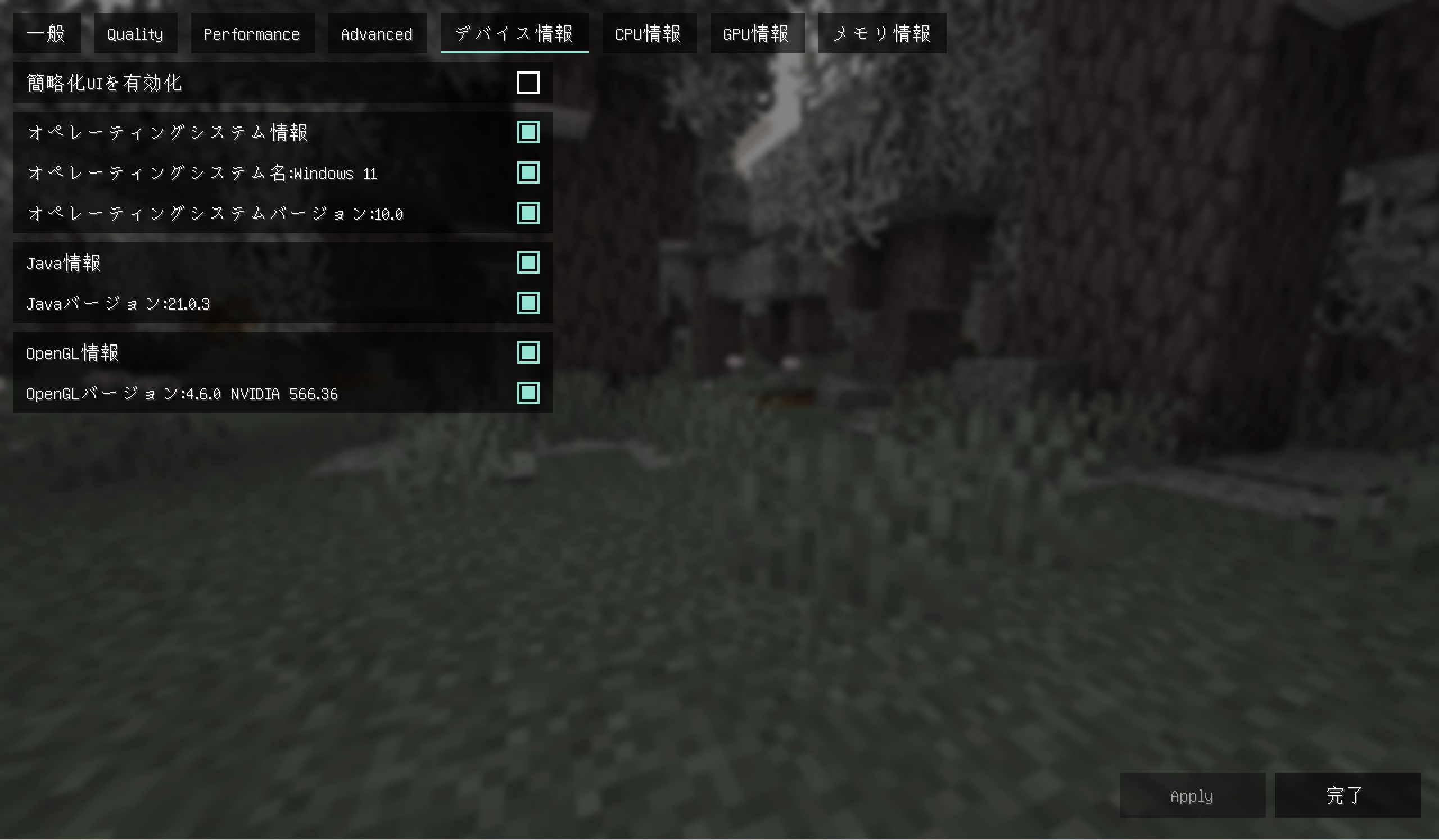
4. View software information, including Java information, operating system information, and OpenGL information
If you like this mod,please buy me a coffee,THANKS!

img
中文
钠-设备检测
钠-设备检测是钠的附属模组,安装前请先安装钠模组(Sodium)
本模组不仅兼容钠,而且还兼容铷(Embeddium)的部分版本!!
安装模组后可以查看平台信息以作为调节画质时的参考
功能如下
1.查看CPU信息,包含型号,供应商,物理核心数(核心数),逻辑核心数(线程数),频率
2.查看显卡信息,包含计算机上每一张显卡的型号,供应商,显存
3.查看内存信息,包含计算机上每一根内存条的型号,供应商,大小
4.查看软件信息,包含Java信息,操作系统信息和OpenGL信息
如果你喜欢这个模组,可以请我喝杯咖啡吗?谢谢!
图片
日本語
Sodium-デバイス検出
モッドをインストール後、プラットフォーム情報を確認し、画質調整時の参考にすることができます
機能は以下の通り
1.CPU情報を確認できます。型番、ベンダー、物理コア数(コア数)、論理コア数(スレッド数)、周波数を含みます
2.グラフィックカード情報を確認できます。コンピューター上の各グラフィックカードの型番、ベンダー、ビデオメモリを含みます
3.メモリ情報を確認できます。コンピューター上の各メモリモジュールの型番、ベンダー、容量を含みます
4.ソフトウェア情報を確認できます。Java情報、オペレーティングシステム情報、OpenGL情報を含みます
このモッドを気に入っていただけたら、コーヒーをごちそうしていただけますか?ありがとうございます!
スクリーンショット
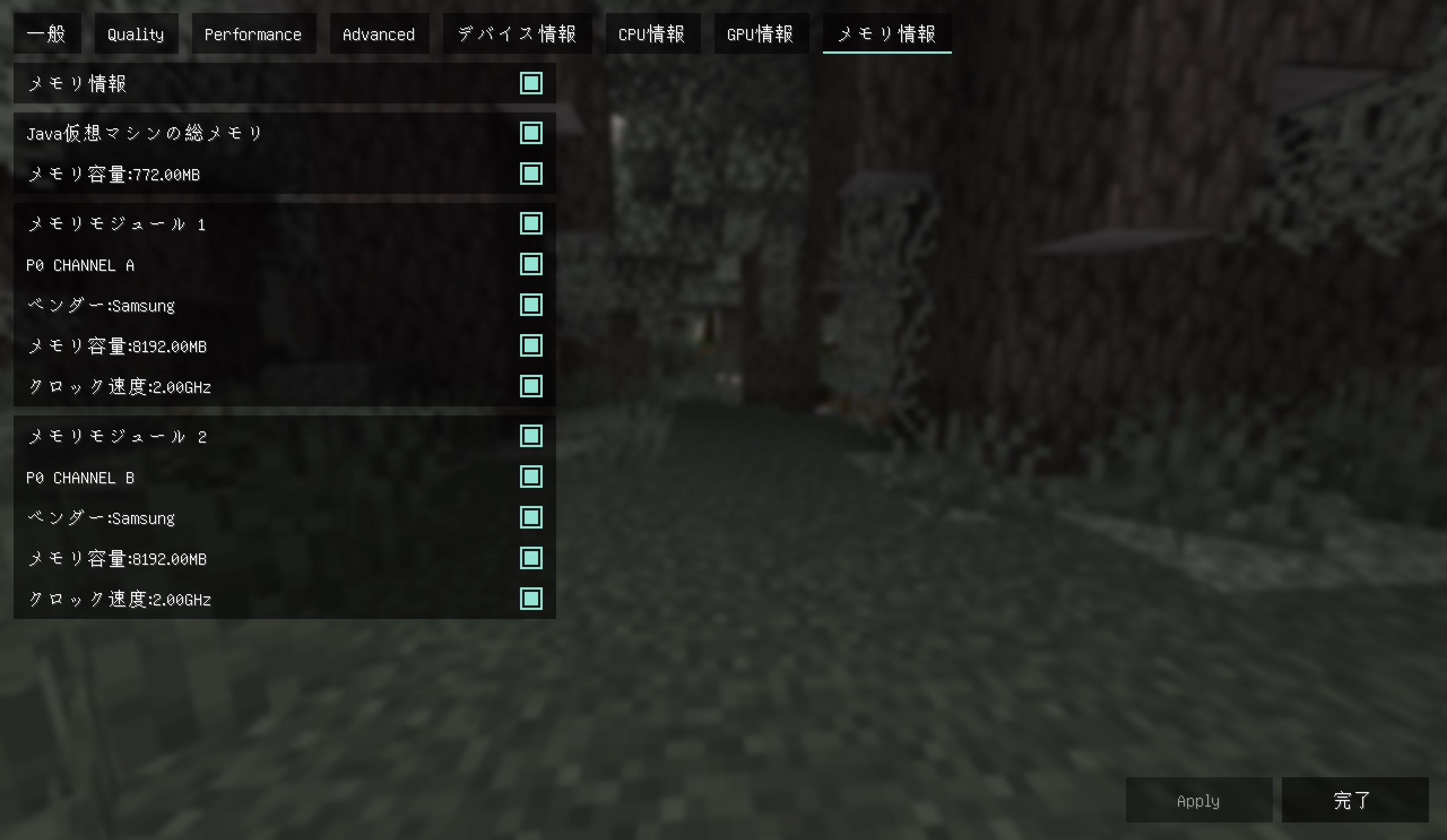

Verfügbare Versionen
Sodium/Embeddium Device Check 钠/铷-设备检测 auf deinem Client installieren
Mod-Loader lokal installieren
Installiere fabric für deine lokale Minecraft-Version.
Passende Datei herunterladen
Wähle die Sodium/Embeddium Device Check 钠/铷-设备检测-Datei für fabric und Minecraft 26.3.
Mod installieren
Lege die .jar-Datei in deinem lokalen .minecraft/mods-Ordner ab und starte Minecraft neu. Eine Installation auf dem Server ist nicht nötig.
Kompatibilität
Mod-Loader
Minecraft-Versionen
26.3, 26.2, 26.1.2 (+34 weitere)
Server-seitig
✗ Nicht unterstütztEmpfohlener RAM
4 GB(min. 3 GB)Häufige Fragen
Muss Sodium/Embeddium Device Check 钠/铷-设备检测 auf dem Minecraft Server installiert werden?
Nein. Modrinth kennzeichnet Sodium/Embeddium Device Check 钠/铷-设备检测 serverseitig als nicht unterstützt. Installiere die Mod nur im lokalen Minecraft-Mods-Ordner. Dein Server kann unverändert bleiben, sofern die Mod-Seite keine zusätzliche Abhängigkeit nennt.
Welche Version und welchen Loader braucht Sodium/Embeddium Device Check 钠/铷-设备检测?
Nutze eine Datei für fabric, forge, neoforge, quilt und exakt deine Minecraft-Version. Unterstützte Versionen sind unter anderem 26.3, 26.2, 26.1.2. Loader-Dateien sind nicht untereinander austauschbar.
Sodium/Embeddium Device Check 钠/铷-设备检测 funktioniert nicht – was kann ich prüfen?
Prüfe zuerst Minecraft-Version, Loader-Version und erforderliche Abhängigkeiten. Lege die .jar-Datei im lokalen .minecraft/mods-Ordner ab und entferne ältere Duplikate. Da die Mod clientseitig ist, löst mehr Server-RAM dieses Problem nicht.
Ähnliche Mods


Minecraft Server für deine Gruppe
Sodium/Embeddium Device Check 钠/铷-设备检测 bleibt auf deinem Client. Hoste dazu eine kompatible Welt für deine Mitspieler.