
2D Projectiles ➵
Makes projectiles (arrows, firework rockets, trident, etc.) look 2D!
Screenshots
Über diese Mod
2D Arrow model
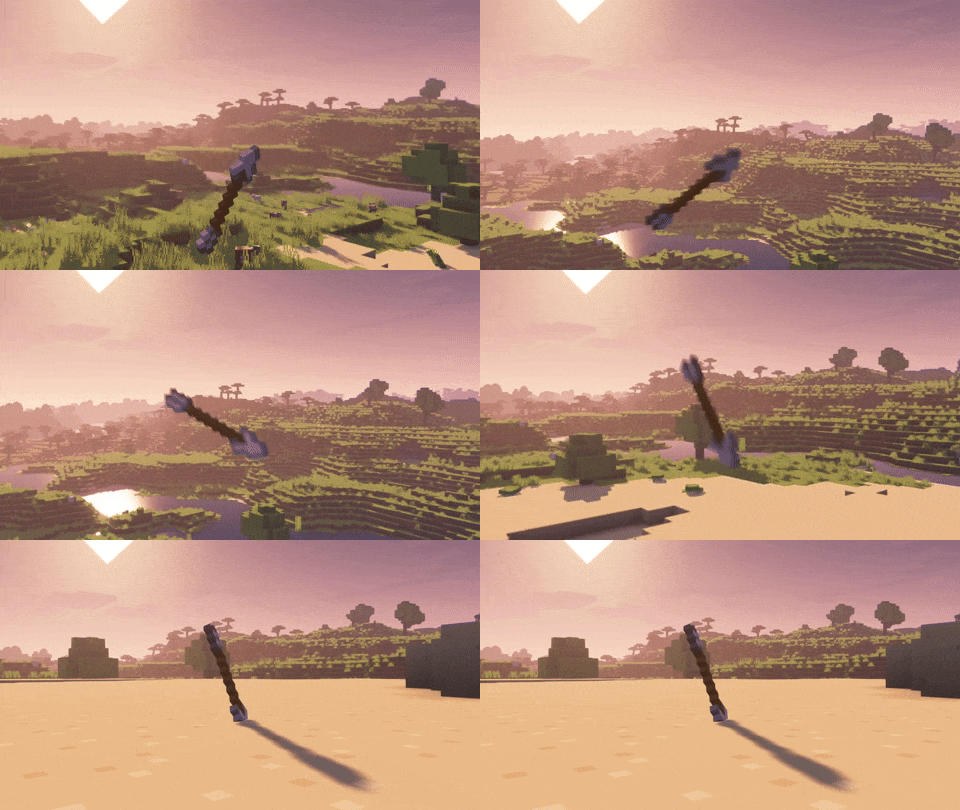
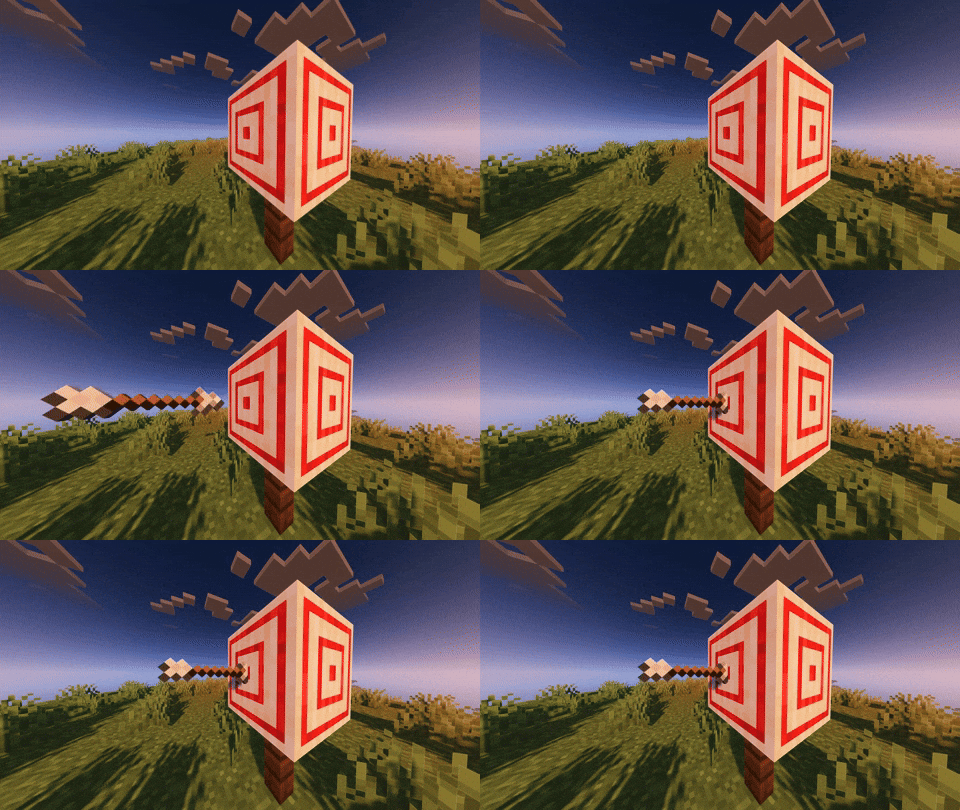
This mod will replace the 3D arrow model with its 2D item texture model.
It will also remove the Critical particles (enabled by default).
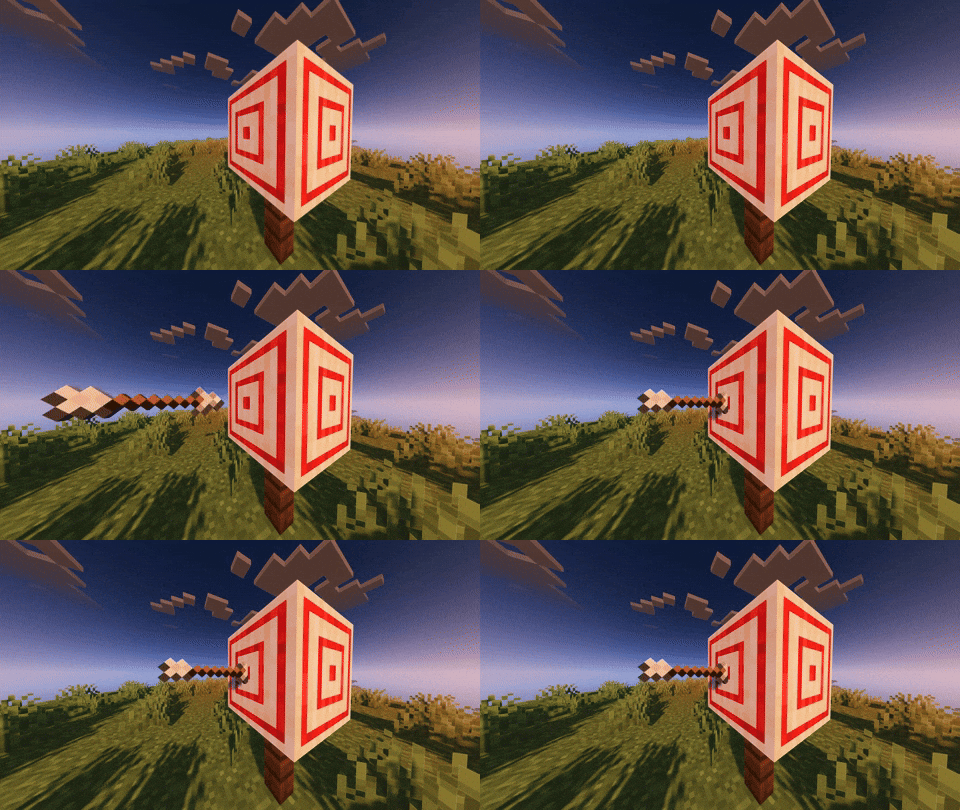
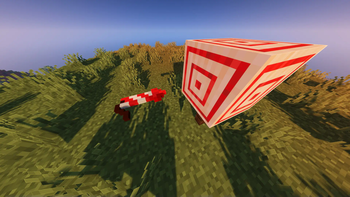
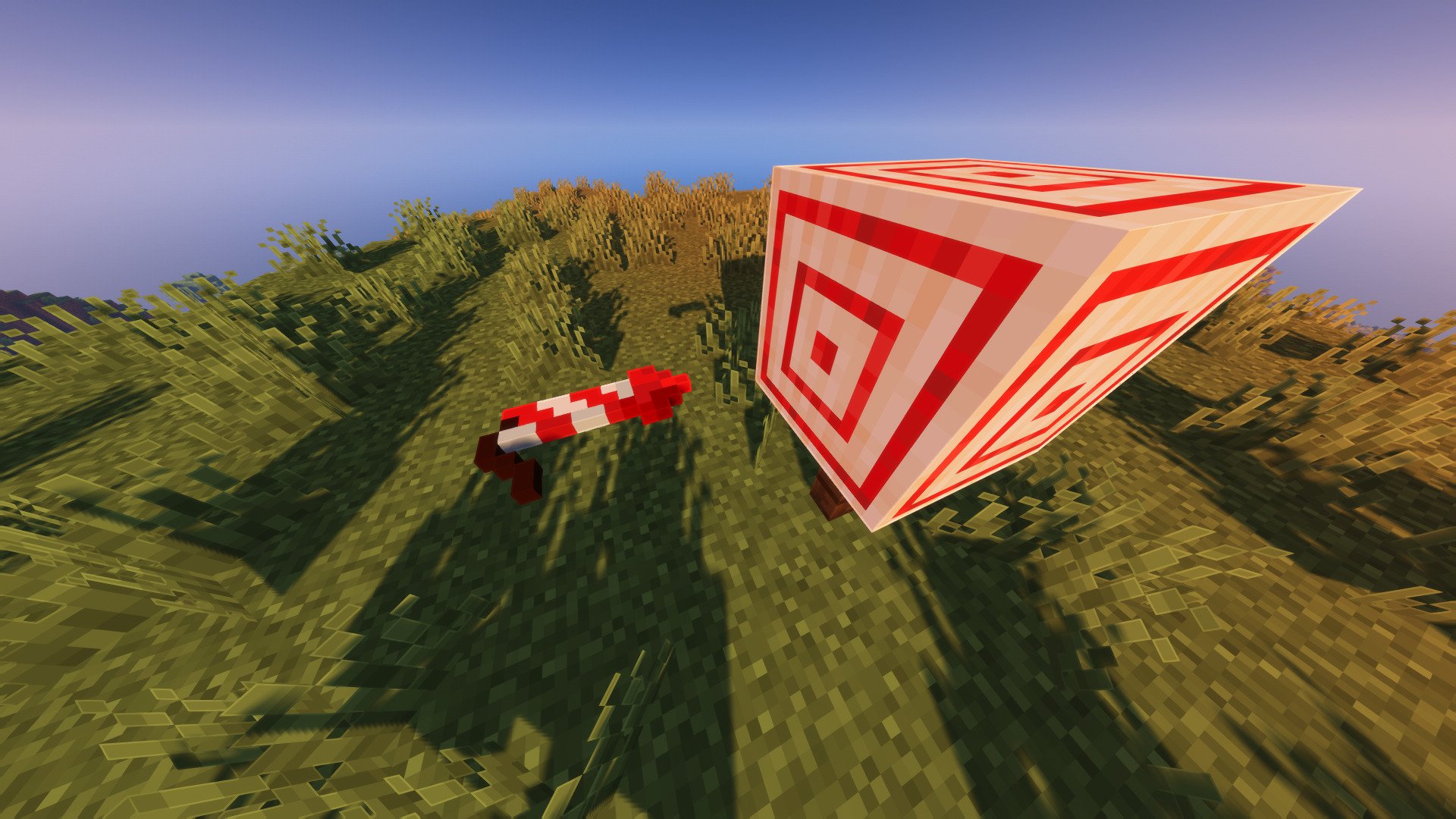
Firework Rocket
The Firework Rocket got a little rework too, the model is scaled up
and will be flat if shouted from a crossbow.
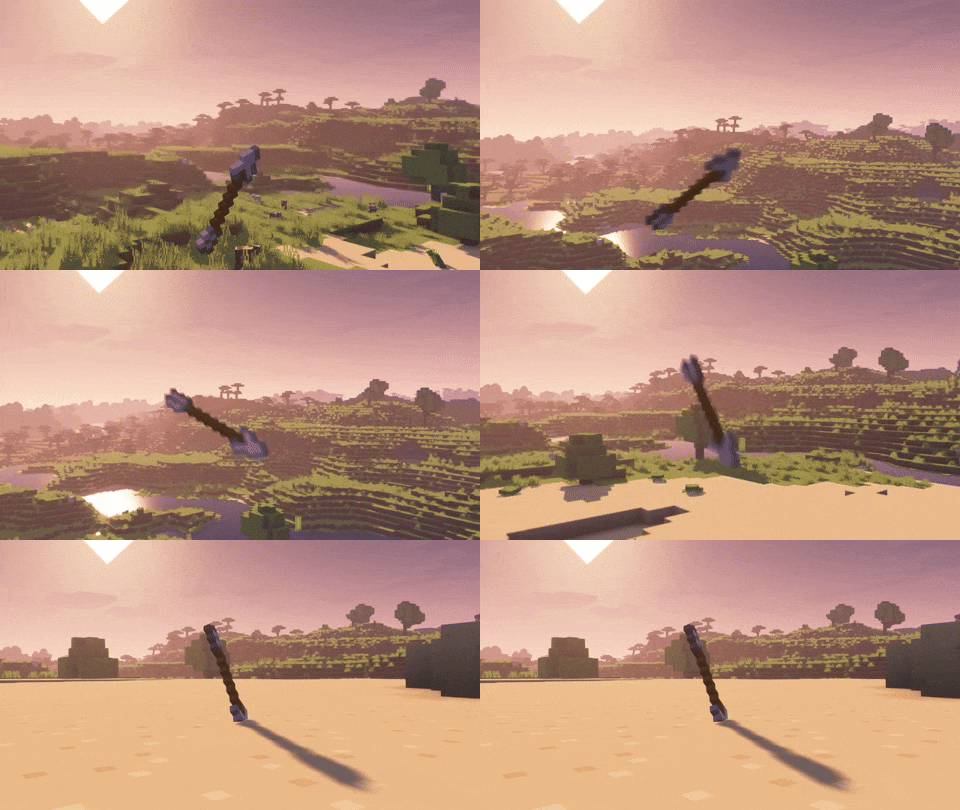
Roll Animation
Arrow and Firework Rocket have a new roll animation that depends on their velocity.
(with Bare Bones texture pack)
Works with every texture pack
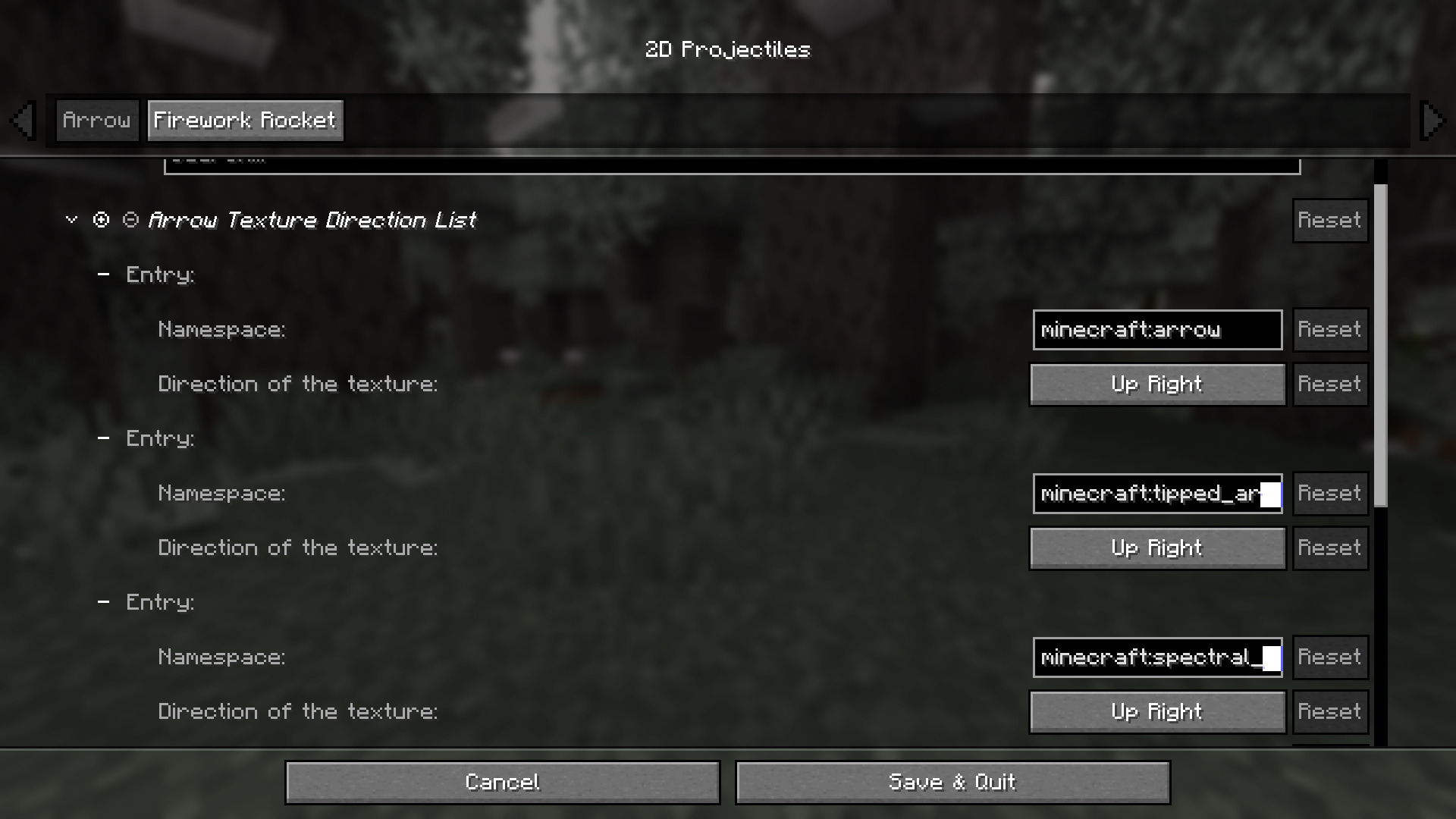
The default values are calibrated for the vanilla textures. If you're using a texture pack, you might need to adjust some elements, such as the orientation of the arrow or firework rocket tip.
Normal arrows, spectral arrows, and even modded arrows can each have different directions, just add them in the config file.
Verfügbare Versionen
2D Projectiles ➵ auf deinem Client installieren
Mod-Loader lokal installieren
Installiere fabric für deine lokale Minecraft-Version.
Passende Datei herunterladen
Wähle die 2D Projectiles ➵-Datei für fabric und Minecraft 26.2.
Mod installieren
Lege die .jar-Datei in deinem lokalen .minecraft/mods-Ordner ab und starte Minecraft neu. Eine Installation auf dem Server ist nicht nötig.
Kompatibilität
Mod-Loader
Minecraft-Versionen
26.2, 26.1.2, 26.1.1 (+16 weitere)
Server-seitig
✗ Nicht unterstütztEmpfohlener RAM
4 GB(min. 3 GB)Häufige Fragen
Muss 2D Projectiles ➵ auf dem Minecraft Server installiert werden?
Nein. Modrinth kennzeichnet 2D Projectiles ➵ serverseitig als nicht unterstützt. Installiere die Mod nur im lokalen Minecraft-Mods-Ordner. Dein Server kann unverändert bleiben, sofern die Mod-Seite keine zusätzliche Abhängigkeit nennt.
Welche Version und welchen Loader braucht 2D Projectiles ➵?
Nutze eine Datei für fabric, forge, neoforge und exakt deine Minecraft-Version. Unterstützte Versionen sind unter anderem 26.2, 26.1.2, 26.1.1. Loader-Dateien sind nicht untereinander austauschbar.
2D Projectiles ➵ funktioniert nicht – was kann ich prüfen?
Prüfe zuerst Minecraft-Version, Loader-Version und erforderliche Abhängigkeiten. Lege die .jar-Datei im lokalen .minecraft/mods-Ordner ab und entferne ältere Duplikate. Da die Mod clientseitig ist, löst mehr Server-RAM dieses Problem nicht.
Ähnliche Mods

![[ETF] Entity Texture Features](https://cdn.modrinth.com/data/BVzZfTc1/af683d206d50b05258d865b0d6e4aa2f2cee12f2_96.webp)
![[EMF] Entity Model Features](https://cdn.modrinth.com/data/4I1XuqiY/6e5bbd0d06b1741bfdab6c0cfab6de8fdaf0064c_96.webp)



Minecraft Server für deine Gruppe
2D Projectiles ➵ bleibt auf deinem Client. Hoste dazu eine kompatible Welt für deine Mitspieler.