
Wynntils
Wynntils is a Wynncraft mod that seeks to enhance the user's gameplay with a variety of customizable options and additions, allowing the user to change everything in the way they want and enhancing the overall Wynncraft gameplay!
Screenshots
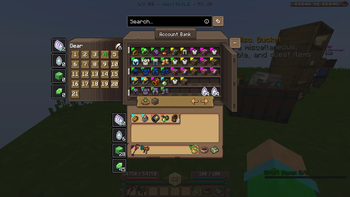
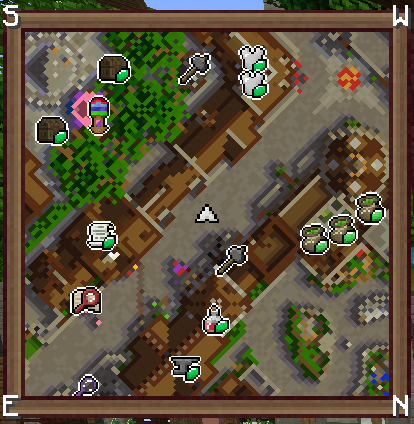
Über diese Mod


Wynntils is a Wynncraft mod that seeks to enhance the user's gameplay with a variety of customizable options and additions, allowing the user to change everything in the way they want and enhancing the overall Wynncraft gameplay!
Features

Chat
- Chat Coordinates
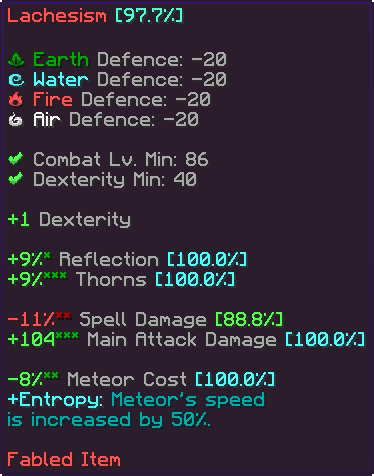
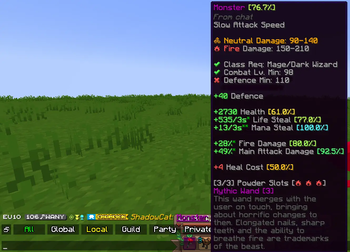
- Chat Item
- Chat Mentions
- Chat Tabs
- Chat Timestamps
- Death Coordinates
- Dialogue Button Override
- Transcribe Sent Messages
- Message Filter
- Remove Wynncraft Chat Wrap
- Reveal Nicknames
Combat
- Abbreviate Mob Health
- Auto Attack
- Chest Blocker
- Tracked Content
- Custom Lootrun Beacons
- Block Inventory Casting
- Health Potion Blocker
- Hide Labels
- Horse Mounting
- Invert Attack Keybinds
- Low Health Indicator
- Mythic Box Item Scaling
- Prevent Trades & Duels
- Quick Spell Cast
- Major ID Range Visualizer
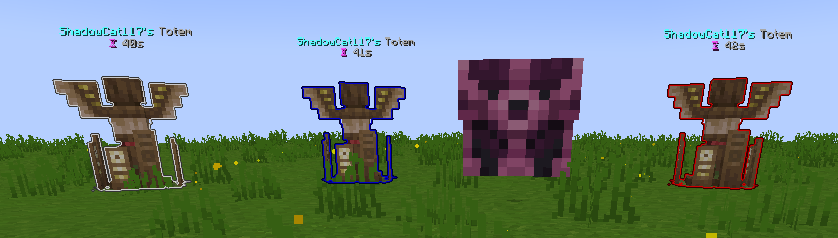
- Shaman Totem Tracking
- Spell Cast Vignette Render
- Token Tracker Bell
Commands
- Add Command Expansion
- Command Aliases
- Custom Command Keybinds
- Filter Admin Commands
Embellishments
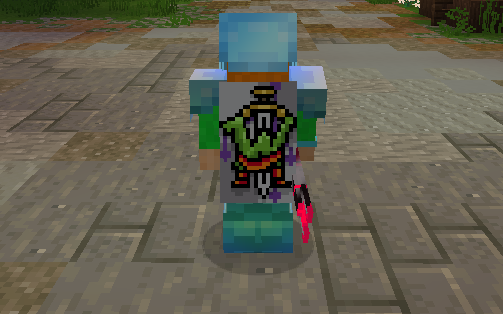
- War Horn
- Wybel Sounds
- Wynntils Cosmetics
Inventory
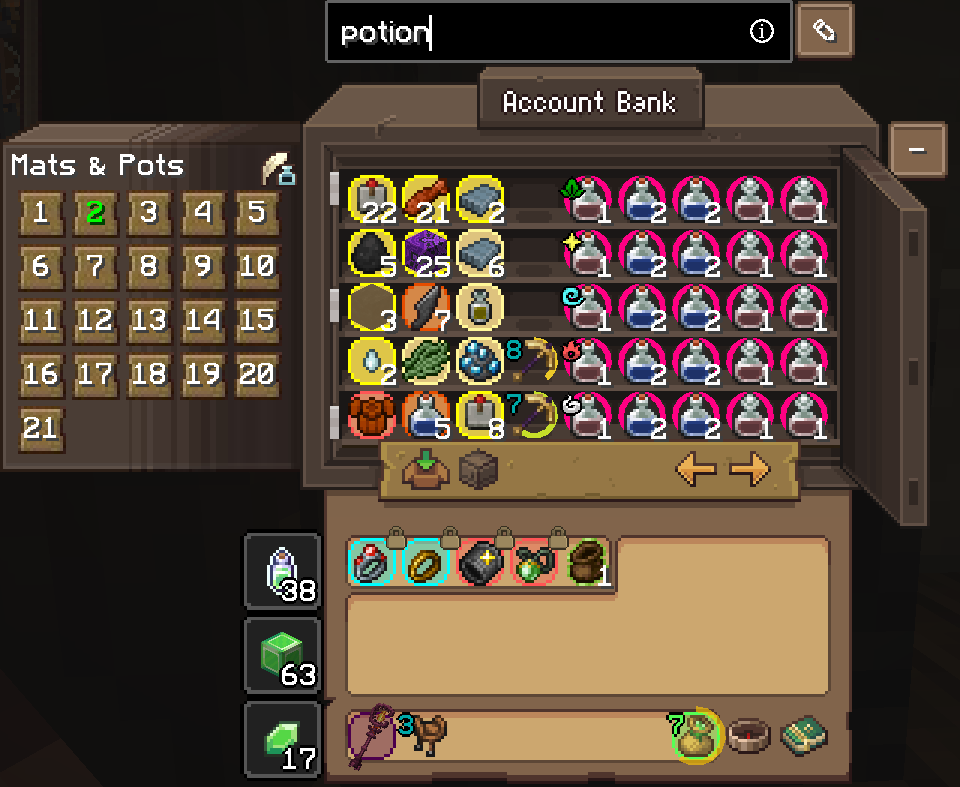
- Container Search Highlight
- Disable Recipe Book
- Durability Overlay
- Emerald Pouch Fill Arc
- Emerald Pouch Hotkey
- Extended Item Count
- Guild Bank Hotkey
- Hide Attack Cooldown
- Ingredient Pouch Keybind
- Inventory Emerald Count
- Favorite Items
- Custom Item Highlights
- Item Lock
- Item Screenshot
- Item Text Overlays
- Lootrun Chest Text
- Personal Storage Utilities
- Unidentified Item Icon
Map
- Beacon Beam
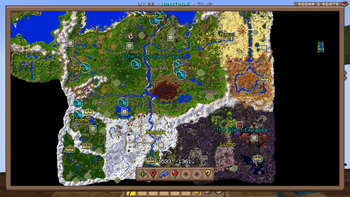
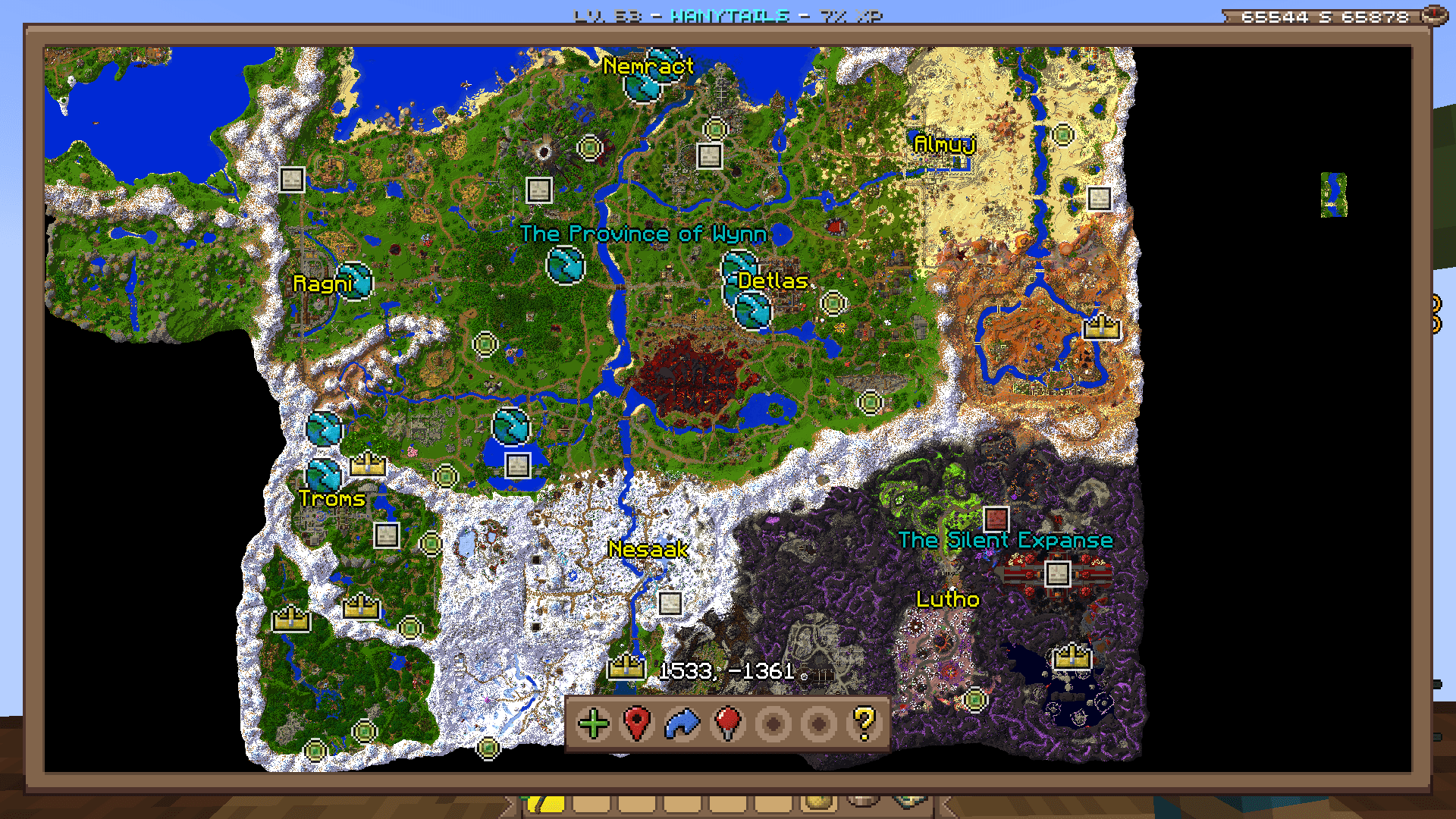
- Guild Map
- Map
- Waypoint Distance
- Coordinates
- Territory
- Minimap

Overlays
- Annihilation Sun
- Arrow Shield
- Bomb Bell Overlay
- Gathering Totem Timer
- Mob Totem Timer
- Combat Experience
- Custom Bars
- Custom Player List Overlay
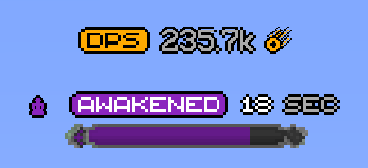
- Awakened Bar
- Blood Pool Bar
- Commander Bar
- Corrupted Bar
- Focus Bar
- Focused Mob Health Bar
- Health Bar
- Holy Power Bar
- Mana Bank Bar
- Mana Bar
- Ophanim Bar
- Game Notifications
- Guardian Angels Tracker
- Party Members
- Held Item Cooldown
- Info Boxes
- Lootrun Beacon Count
- Lootrun Missions
- Lootrun Task Name
- Lootrun Trials
- Mantle Shield Tracker
- NPC Dialogue
- Daily Objective
- Guild Objective
- Powder Special Bar
- Raid Progress
- Server Uptime Info
- Shaman Mask Overlay
- Shaman Totem Timer
- Spell Cast Overlay
- Spell Inputs Overlay
- Status Overlay
- Stopwatch Overlay
- Streamer Overlay
- Token Bars
- Aura Timer
- Volley Timer
- Tower Stats Overlay
- Content Tracker
Players
- Auto Join Parties
- Nametag Rendering
- Hades
- Party Management Screen
- Hide Player Armor
- Transparent Player Ghost
- Player Viewer
Game Notification Redirects
- Ability Refreshes
- Info Message Filter
- Pouch Messages
- Territory Messages
Item Tooltips
- Item Compare
- Item Guess
- Item Statistics Info
- Tooltip Fitting
- Hide Irrelevant Tooltip Info
Trade Market
- Trade Market Bulk Sell Buttons
- Market Price Conversion
- Trade Market Price Match Buttons
- Trade Market Quick Search
UI
- Bulk Buy
- Container Scroll
- Crafting Profession Progress Bar
- Custom Guild Log Screen
- Custom Loading Screen
- Custom Seaskipper Screen
- Custom Territory Management Screen
- Custom Trade Market Result Screen
- Lobby Uptime
- Profession Highlight
- Wynncraft Button
- Wynntils Pause Screen
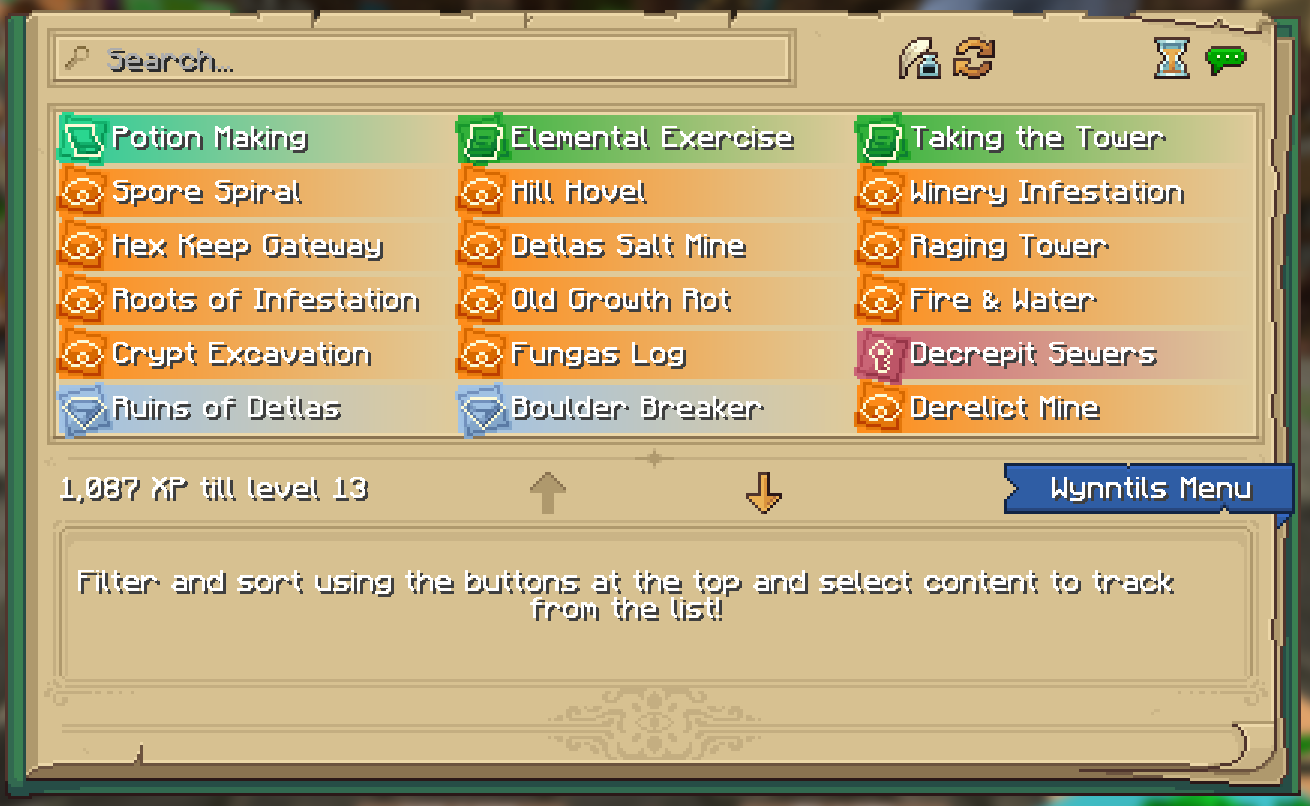
- Wynntils Content Book
Uncategorized
- Lootrun
- Bomb Bell Relay
- Discord Rich Presence
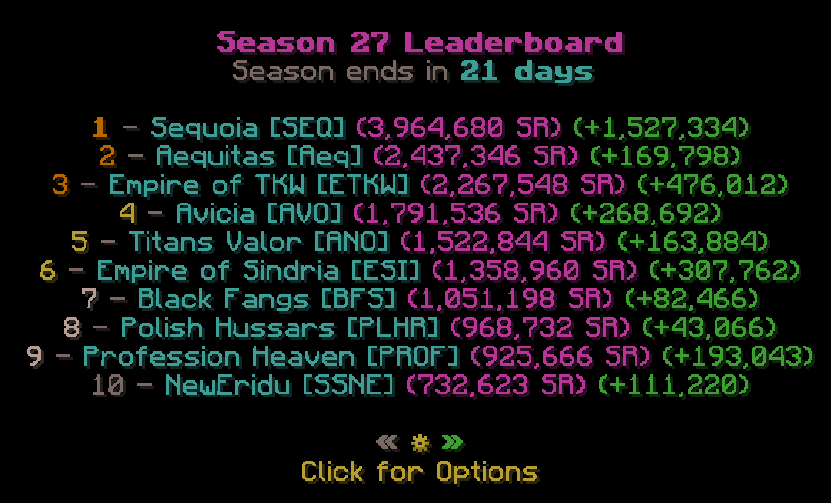
- Extended Season Leaderboard
- Send Territory Defenses
- Valuable Found

Utilities
- Auto Apply Resource Pack
- Auto Skip Cutscenes
- Character Selection Utilities
- Fix Crosshair Position
- Gammabright Keybind
- Valuables Protection
- Per Character Guild Contribution
- Silencer
- Skill Point Loadouts
- Transcribe Received Messages
- Translation
- XP Gain Messages
Wynntils
- Beta Warning
- Changelog
- Custom Wynntils Command
- Data Crowd Sourcing
- Download Progress
- Fix Packet Bugs
- Telemetry
- Updates
- Weekly Config Backup
- Wynntils Hint Messages
Verfügbare Versionen
Wynntils auf deinem Client installieren
Mod-Loader lokal installieren
Installiere fabric für deine lokale Minecraft-Version.
Passende Datei herunterladen
Wähle die Wynntils-Datei für fabric und Minecraft 1.21.11.
Mod installieren
Lege die .jar-Datei in deinem lokalen .minecraft/mods-Ordner ab und starte Minecraft neu. Eine Installation auf dem Server ist nicht nötig.
Kompatibilität
Mod-Loader
Minecraft-Versionen
1.21.11, 1.21.4, 1.21.1 (+5 weitere)
Server-seitig
✗ Nicht unterstütztEmpfohlener RAM
4 GB(min. 3 GB)Häufige Fragen
Muss Wynntils auf dem Minecraft Server installiert werden?
Nein. Modrinth kennzeichnet Wynntils serverseitig als nicht unterstützt. Installiere die Mod nur im lokalen Minecraft-Mods-Ordner. Dein Server kann unverändert bleiben, sofern die Mod-Seite keine zusätzliche Abhängigkeit nennt.
Welche Version und welchen Loader braucht Wynntils?
Nutze eine Datei für fabric, forge, neoforge, quilt und exakt deine Minecraft-Version. Unterstützte Versionen sind unter anderem 1.21.11, 1.21.4, 1.21.1. Loader-Dateien sind nicht untereinander austauschbar.
Wynntils funktioniert nicht – was kann ich prüfen?
Prüfe zuerst Minecraft-Version, Loader-Version und erforderliche Abhängigkeiten. Lege die .jar-Datei im lokalen .minecraft/mods-Ordner ab und entferne ältere Duplikate. Da die Mod clientseitig ist, löst mehr Server-RAM dieses Problem nicht.
Ähnliche Mods






Minecraft Server für deine Gruppe
Wynntils bleibt auf deinem Client. Hoste dazu eine kompatible Welt für deine Mitspieler.
Details
- Lizenz
- GNU Lesser General Public License v3.0 only
- Server-seitig
- Nicht unterstützt