
Yes Steve Model
A mod that modifies the vanilla player model
Screenshots
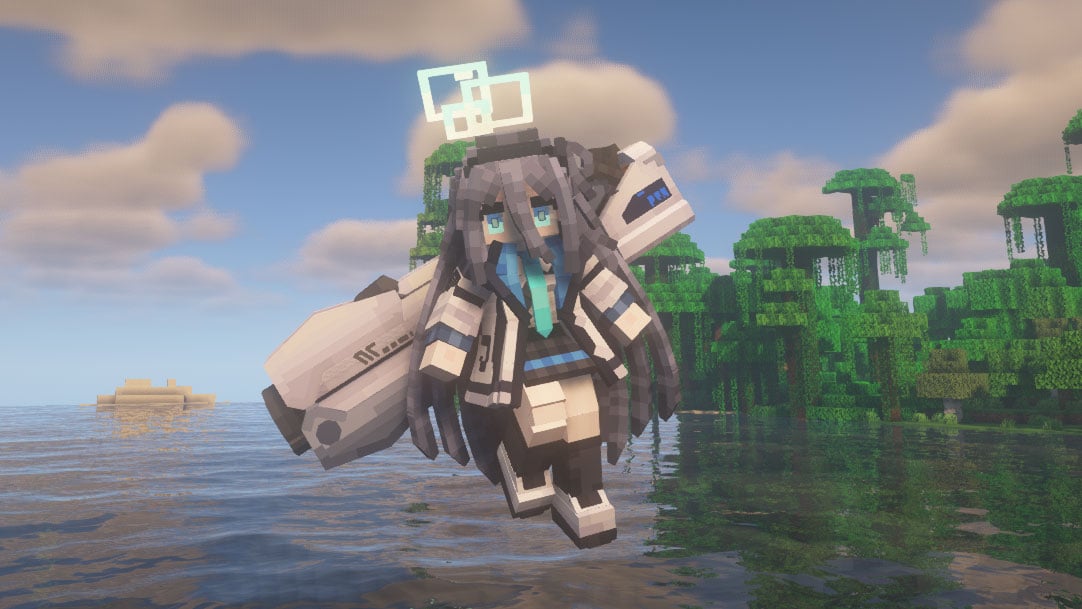
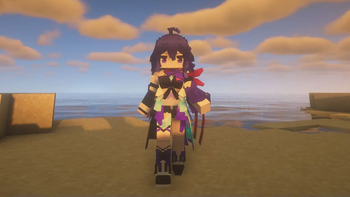
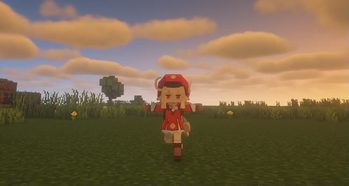
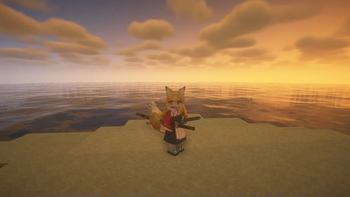

Über diese Mod
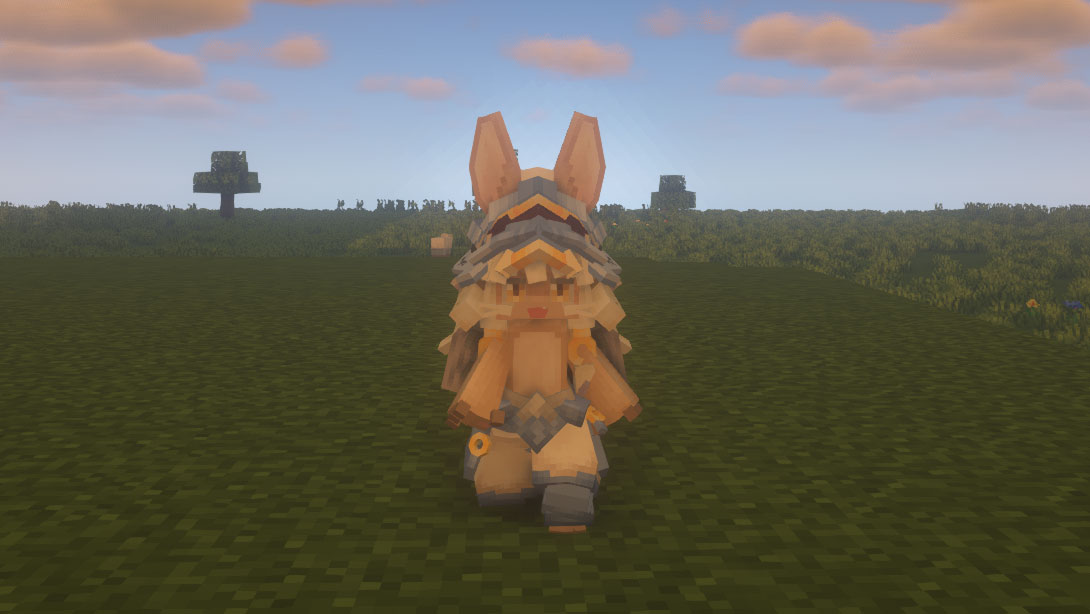
The Yes Steve Model mod is a Minecraft Forge/Fabric/NeoForge mod that modifies the vanilla player model, using geckolib at its core, using Minecraft Bedrock Edition models and animation files. This allows players to customize player models and animations as they wish.
Custom Model Wiki: http://page.cfpa.team/ysm/
Discord: https://discord.gg/ZKeRUt95Ez
This github repository is maintained by community player @Elaina and stores many YSM models shared by art authors: https://github.com/Elaina69/Yes-Steve-Model-Repo
Platform Support
Versions 1.1.5 and earlier were written in pure Java and support the three major mainstream platforms and mobile platforms.
Since the encryption algorithm of the old versions written in Java was quickly cracked, starting from version 1.2.0, the core encryption and rendering parts are all written in C++. This greatly improves the rendering performance and security, but the multi-platform support is poor.
The system support situation is as follows:
| System | Client | Server |
|---|---|---|
| Windows AMD64 | ✅ | ✅ |
| Linux AMD64 | ✅ | ✅ |
| Android AArch64 | ✅ | ❌ |
| macOS (Intel) | ❌ | ❌ |
| macOS (Apple Silicon) | ❌ | ❌ |
Introductory Videos
Text introduction
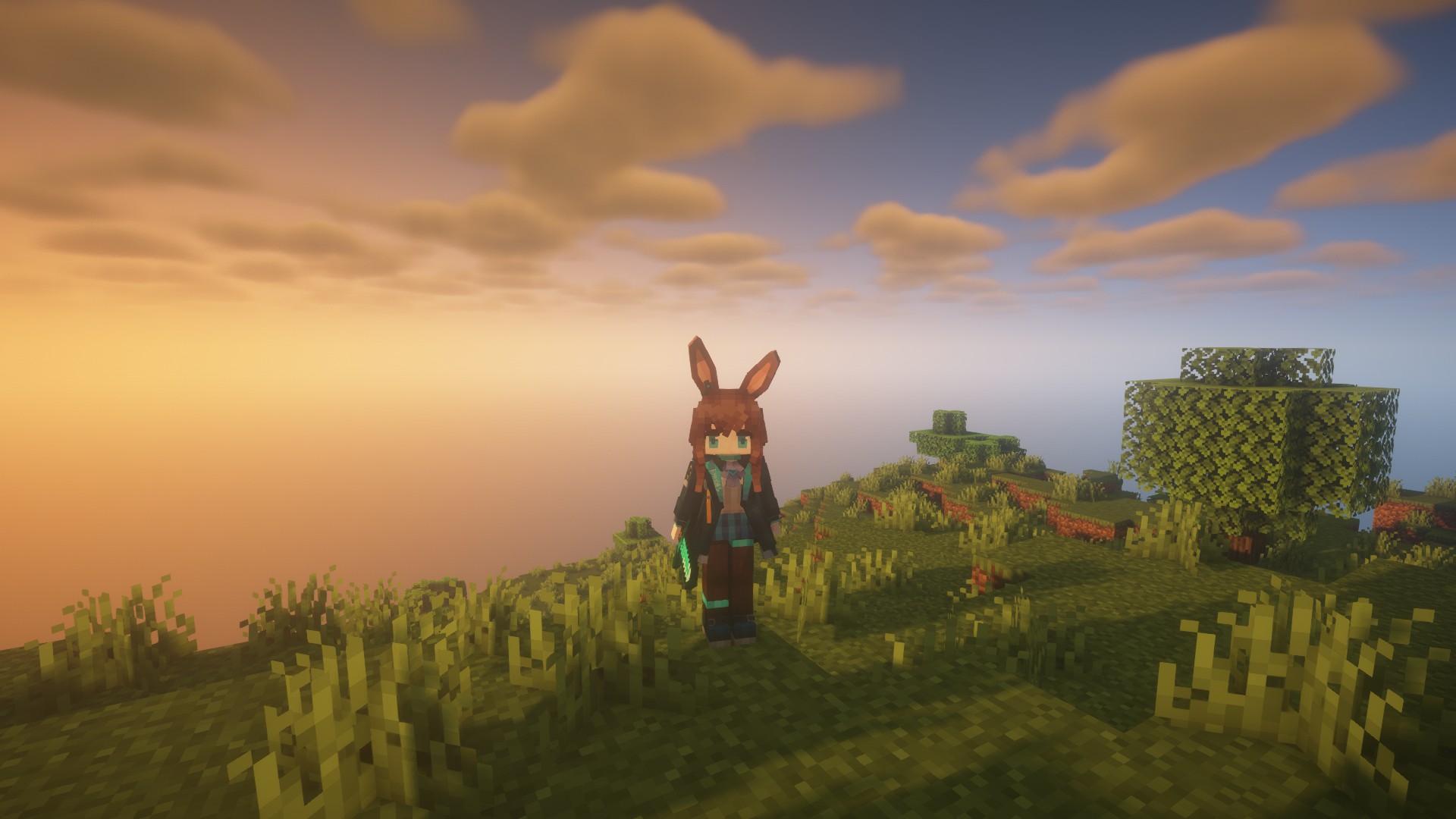
The Yes Steve Model mod takes into account the mod needs of the server community, and adopts many designs suitable for the server environment, including but not limited to:
- Automatic synchronization of client models: When players enter the server, the server will automatically synchronize the models to the player's computer.
- Encrypted model files: All the models sent to the player client are encrypted binary files, effectively avoiding the problem of model theft!
- Model auth function: Models can be authorized separately, and only after the OP input command is authorized, a specific model can be used.
- Vanilla player model modification: Added default Steve and Alex models, both of which can automatically call the player skin display.
Simple customization function: The model customization function is extremely simple. You only need to place the model, textures and animation files in a specific folder, and input the reload command in the game to automatically load and synchronize. No need to write any configuration files!
For client players, it is also extremely simple to use. After the player enters the server for the first time and waits for more than ten seconds (time-consuming for model synchronization), he can use the shortcut key Alt + Y to open the following GUI:
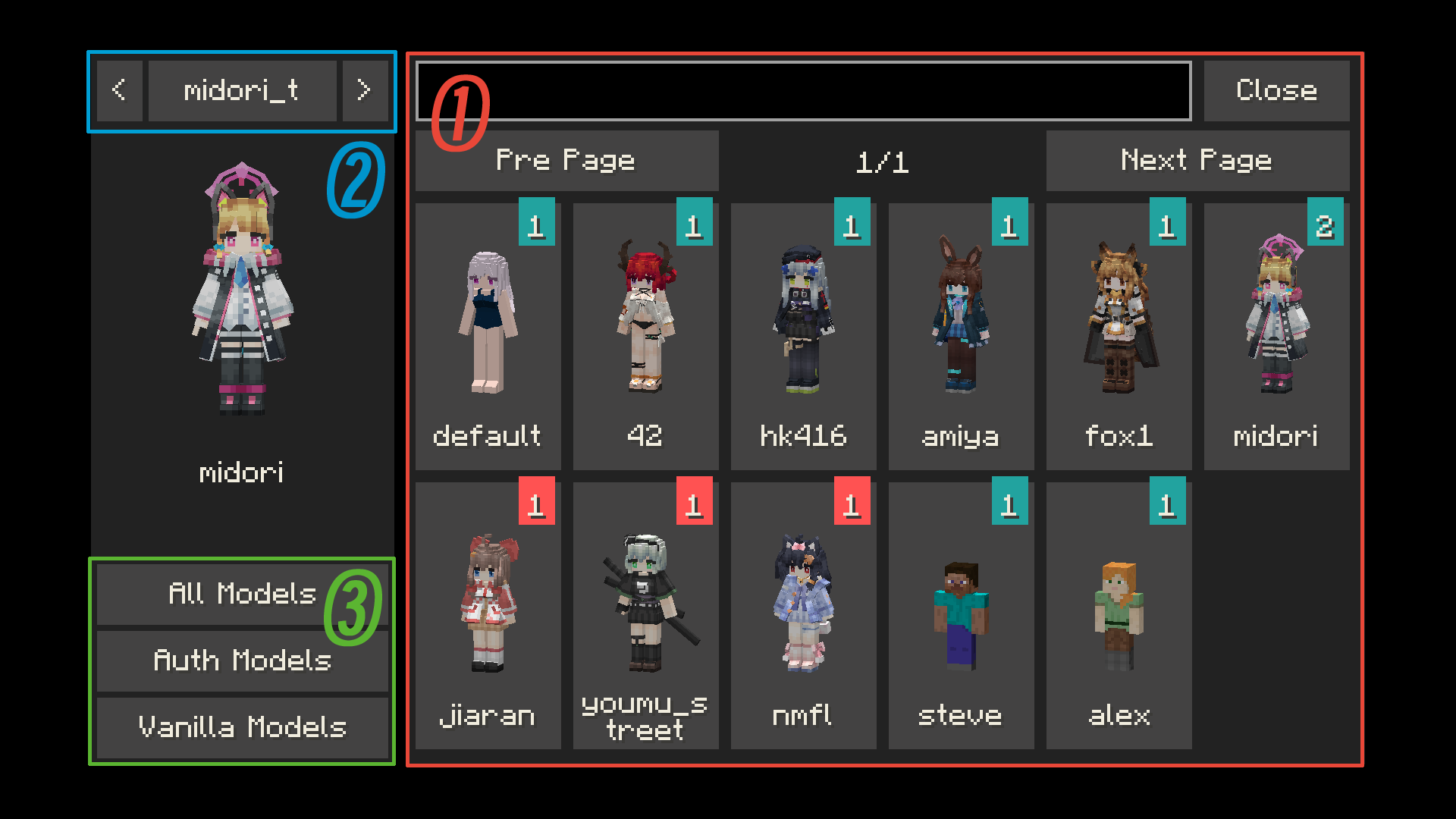
- ① Model switching button: Click to switch to the corresponding model. If the icon in the upper right corner of the button is red, it means the model is not authorized. The number in the icon represents the number of materials that the model can switch.
- ② Texture switching button: For models with multiple textures, click the left and right buttons to switch the model texture.
- ③ Model category switching button: You can switch between all models, auth models and vanilla models (currently only Steve and Alex models
There are many authors who have published works on planetminecraft. You can follow them:
- NekuroMC: https://www.planetminecraft.com/member/nekuromc/
- Omegaff0048: https://www.planetminecraft.com/member/omegaff0048/
- rWby9: https://www.planetminecraft.com/member/rwby9/
- WelfarexWaifu: https://www.planetminecraft.com/member/welfarexwaifu/
Additional Warning:
Please do not create any models that violate laws and regulations. This production team is also opposed to any form of R18/NSFW content creation! We have never participated in any related content creation!
请不要制作任何违反法律法规的模型,本制作组也反对任何形式的 R18 内容创作!也从未参与过任何相关内容创作!
Version 2.2.2+ uses C++ and VMP.
Although we have used digital signatures to avoid this as much as possible, there may still be false positives from some antivirus software.
Verfügbare Versionen
Yes Steve Model auf dem Server installieren
Server bestellen
Bestelle einen Minecraft Java Server mit mindestens 3 GB RAM (4 GB empfohlen).
fabric Loader setzen
Wähle im Panel unter "Egg" den fabric-Loader und die passende Minecraft-Version (26.1.2).
Mod installieren
Öffne den Mod-Browser im Dashboard und suche nach "Yes Steve Model". Klicke "Installieren" – fertig! Alternativ: Lade die .jar via SFTP in den /mods Ordner.
Kompatibilität
Mod-Loader
Minecraft-Versionen
26.1.2, 1.21.1, 1.21 (+6 weitere)
Server-seitig
~ OptionalEmpfohlener RAM
4 GB(min. 3 GB)Häufige Fragen
Yes Steve Model Server crasht beim Start – was tun?
Häufigste Ursache: falsche fabric-Version oder zu wenig RAM. Prüfe im Server-Log (latest.log), ob ein "OutOfMemoryError" oder "Mixin"-Fehler auftritt. Bei Mado Hosting: Stelle sicher, dass mindestens 3 GB RAM zugewiesen sind und der Loader zur Mod-Version passt (26.1.2). Über das Panel kannst du den Loader mit einem Klick wechseln.
Ist Yes Steve Model mit fabric und forge und neoforge kompatibel?
Yes Steve Model unterstützt offiziell fabric, forge, neoforge für Minecraft 26.1.2, 1.21.1, 1.21. Achtung: Forge- und Fabric-Mods sind NICHT untereinander kompatibel – wähle einen Loader und bleibe dabei. Im Mado Dashboard werden inkompatible Loader-Kombinationen automatisch erkannt.
Server laggt mit Yes Steve Model – wie optimiere ich die Performance?
Empfohlener RAM: 4 GB (+1 GB pro 8 Spieler). Prüfe mit /spark profiler, ob Yes Steve Model den meisten Tick-Time verbraucht. Häufige Fixes: Server-View-Distance auf 8-10 reduzieren, bei Forge "performant" oder "starlight" als Zusatz-Mod installieren. Bei Mado Hosting läuft dein Server auf NVMe-SSDs mit dedizierten CPU-Kernen für minimale Latenz.
Ähnliche Mods

![[ETF] Entity Texture Features](https://cdn.modrinth.com/data/BVzZfTc1/af683d206d50b05258d865b0d6e4aa2f2cee12f2_96.webp)
![[EMF] Entity Model Features](https://cdn.modrinth.com/data/4I1XuqiY/6e5bbd0d06b1741bfdab6c0cfab6de8fdaf0064c_96.webp)



Modded Server mieten
Installiere Yes Steve Model mit nur einem Klick auf deinem Server.