
Easy Optimized
An modpack allows you to play the vanilla Minecraft smoothly, light and fast. 一個模組包能讓你流暢地遊玩原版Minecraft,輕又快。
Screenshots

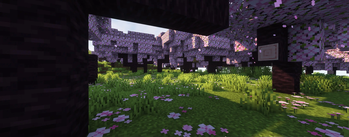

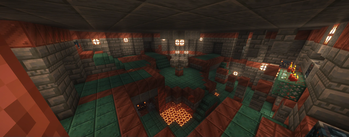
About this Modpack
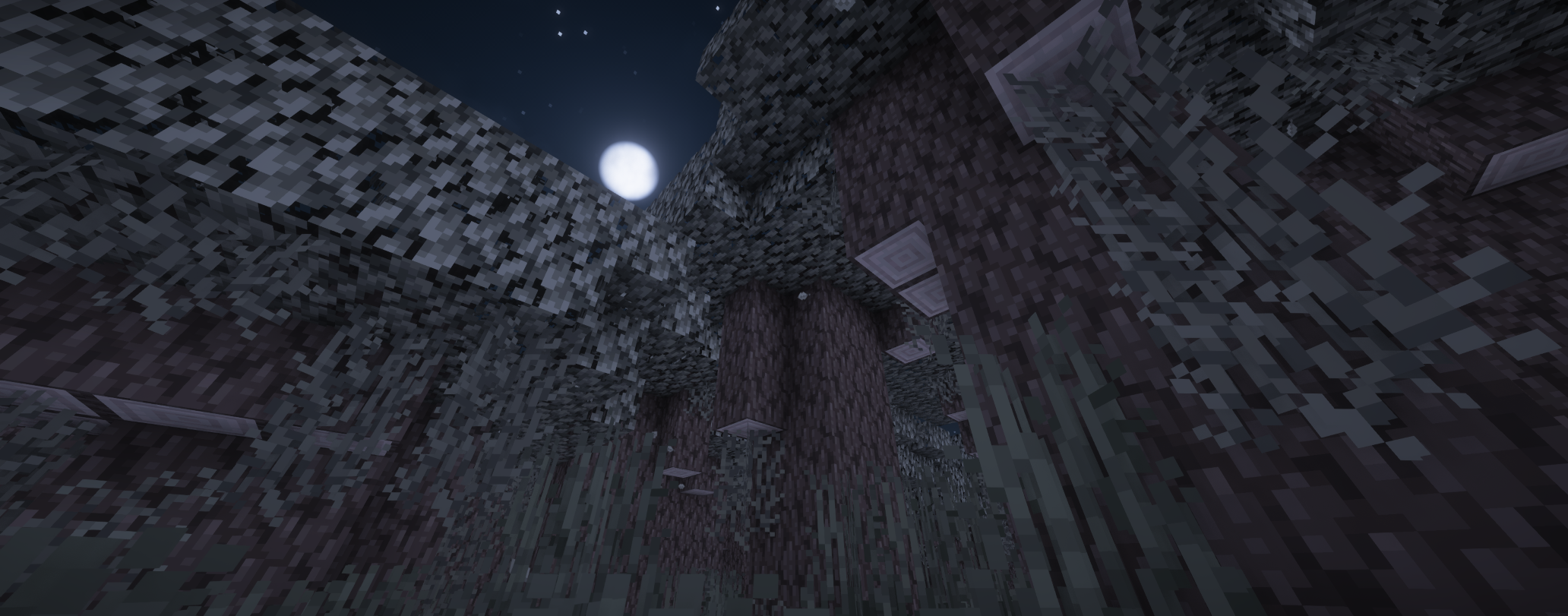
Easy Optimized 簡易優化模組包
Are you tired of the low FPS, stuttering, no shaders, trouble playing with friends in the vanilla Minecraft?
Don't want to be troubled by the above problems every time you play Minecraft?
In this Easy Optimized Modpack, you can play smoothly. The only thing you have to worry about is whether you have friends to play with you?
你厭倦了原版Minecraft的低FPS、卡頓、沒有光影、與朋友遊玩麻煩嗎?
不想再每次遊玩Minecraft時,遇到以上問題困惱嗎?
在這個簡易優化模組包中,你就能順順的遊玩,你唯一要擔心的就是有沒有朋友陪你玩嗎?
🔹This Modpack focuses on the smooth gameplay of the original Minecraft
🔹本整合包主打的就是 原版Minecraft的流暢遊玩
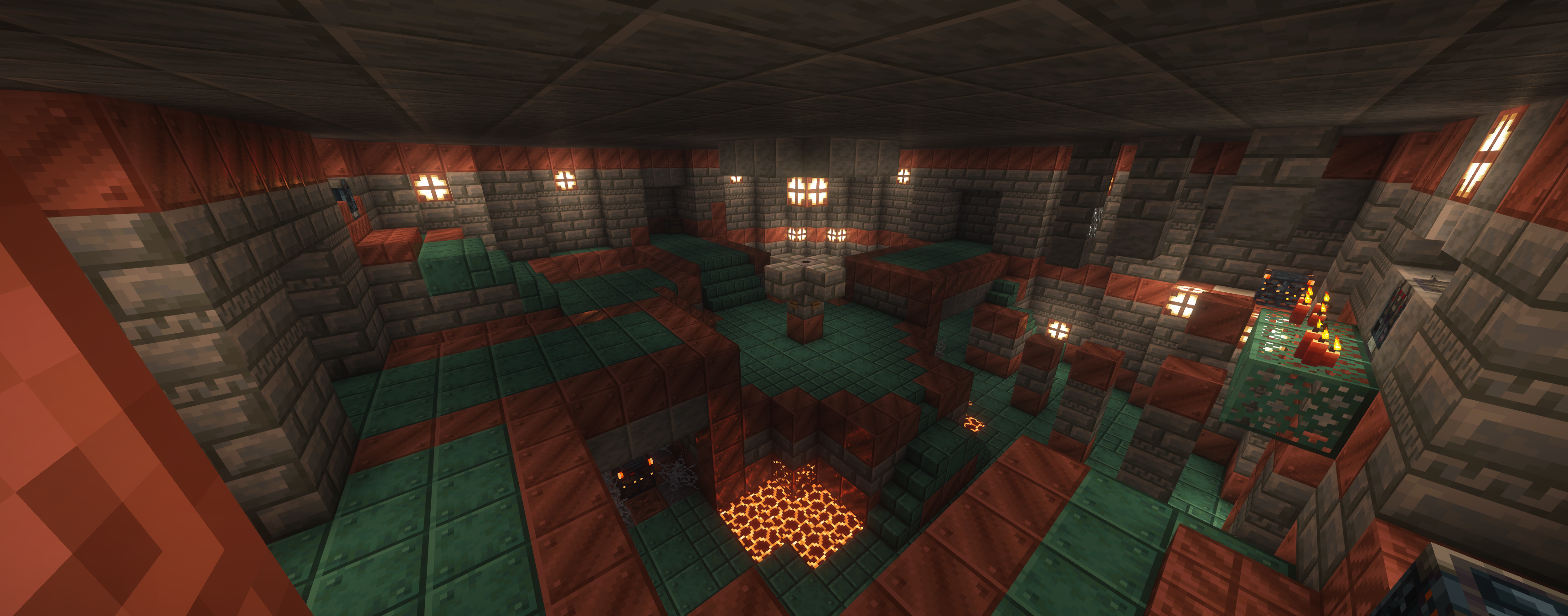
Feature 功能
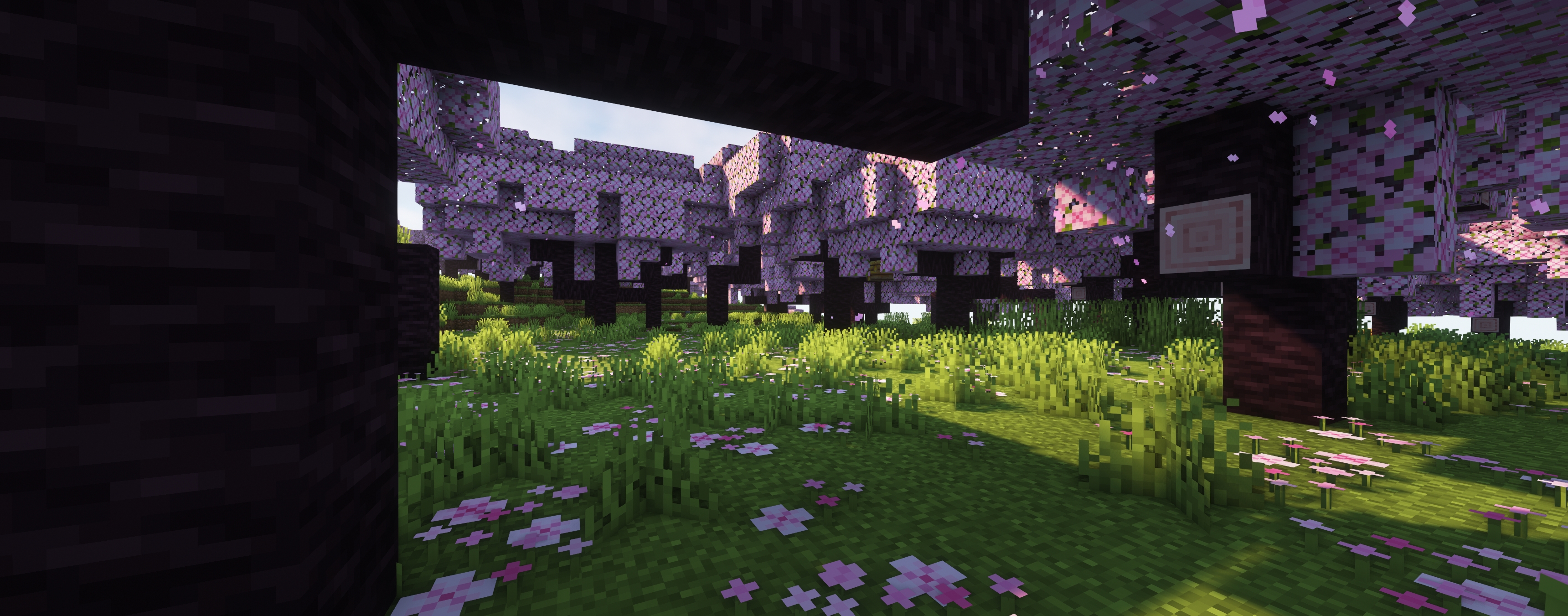
- Improve FPS 提高FPS
- Shaders 光影
- moving light source 移動光源
- Connected glass material 相連的玻璃材質
- Input method correction 輸入法修正
- Zoom(Buttom C) 放大(C鍵)
- Gamma light(Buttom G)/Night Vision(Buttom N) Gamma亮度(G鍵)/夜視(N鍵)
If you need the functions of other auxiliary mod, please refer to Redstone Optimized.
如果需要其他輔助模組的功能,請參考紅石優化模組包。

Available Versions
How to Set Up a Easy Optimized Server
Order Server
Choose at least 4 GB RAM (6 GB recommended for Easy Optimized). Based on player count: per 8 players.
Install Modpack in Dashboard
Open the modpack browser in the dashboard, search for "Easy Optimized" and click "Install". The fabric loader and Minecraft 26.3 are configured automatically.
Start Server & Play
Start the server – all mods are loaded automatically. Share the server IP with friends and play together!
Frequently Asked Questions
Easy Optimized server crashes or won't start – what to do?
Most common causes: insufficient RAM or wrong fabric loader. Check latest.log for "OutOfMemoryError" → increase RAM to at least 6 GB. For "Mixin" or "ClassNotFoundException" errors: modpack version and loader don't match. With Mado Hosting, loader and Minecraft version are auto-configured on modpack install – preventing most startup issues.
How much RAM does a Easy Optimized server really need?
Minimum 4 GB, recommended 6 GB for stable performance. per 8 players. Important: Minecraft modpacks need more RAM than vanilla – plan extra per additional player. With Mado Hosting, you can scale RAM up live at any time without data loss (from €5.2/month).
Can I add custom mods to Easy Optimized without conflicts?
Yes, but check compatibility: only use mods for the same loader (fabric) and same Minecraft version (26.3). Common issues: ID conflicts with recipe mods and incompatible coremod versions. The Mado dashboard mod browser only shows compatible mods and warns about known conflicts.
Easy Optimized server lagging – performance tips
1) Increase RAM to 6 GB+. 2) Reduce server view-distance to 8 (server.properties). 3) Pre-generate chunks with the "Chunky" plugin. 4) Use /spark profiler to check which mods consume the most tick time. With Mado Hosting, all servers run on NVMe SSDs with dedicated CPU cores – eliminating hardware as a bottleneck.
Similar Modpacks

![Cobblemon Official Modpack [Fabric]](https://cdn.modrinth.com/data/5FFgwNNP/e7f9ee2e9d361623847853fe2ddce42f519ee64f.png)
![COBBLEVERSE - Pokemon Adventure [Cobblemon]](https://cdn.modrinth.com/data/Jkb29YJU/581ecf54530972afb18a04660afd820f2f24f6c7.png)
![Better MC [FABRIC] - BMC2](https://cdn.modrinth.com/data/shFhR8Vx/a19c2bcb51d38f32f138d3607e91cb2b7b8e387f_96.webp)


Rent Easy Optimized Server
Start your own server with automatic modpack installation.
Details
- License
- GNU General Public License v3.0 only
- Server-side
- Unsupported
- Client-side
- Required
Supported Versions
Start your Easy Optimized Server now
From €5.20/month; 6 GB RAM is recommended for best performance.
Configure Server →