
Jini的太阳系整合包 【Jini's Solar System Pack】
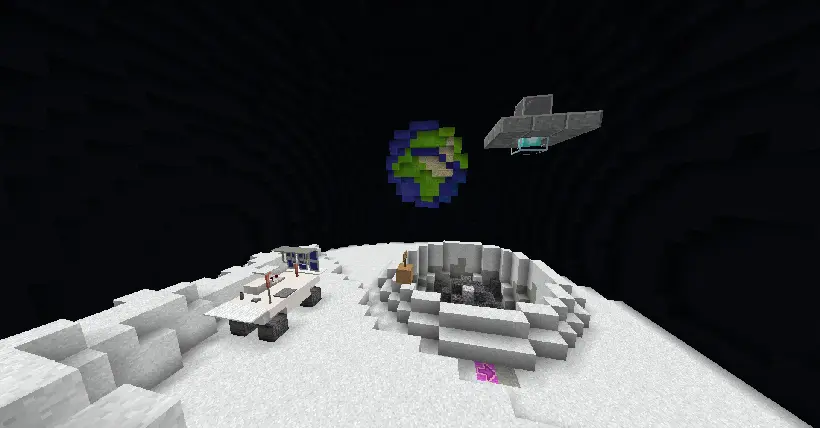
这是一个含太阳系建筑存档的整合包,里面靠近星球就可以进入内部环境里 This is a pack containing Solar System building archives, where you can enterthe internal environment when you get close to a planet.
Screenshots
About this Modpack
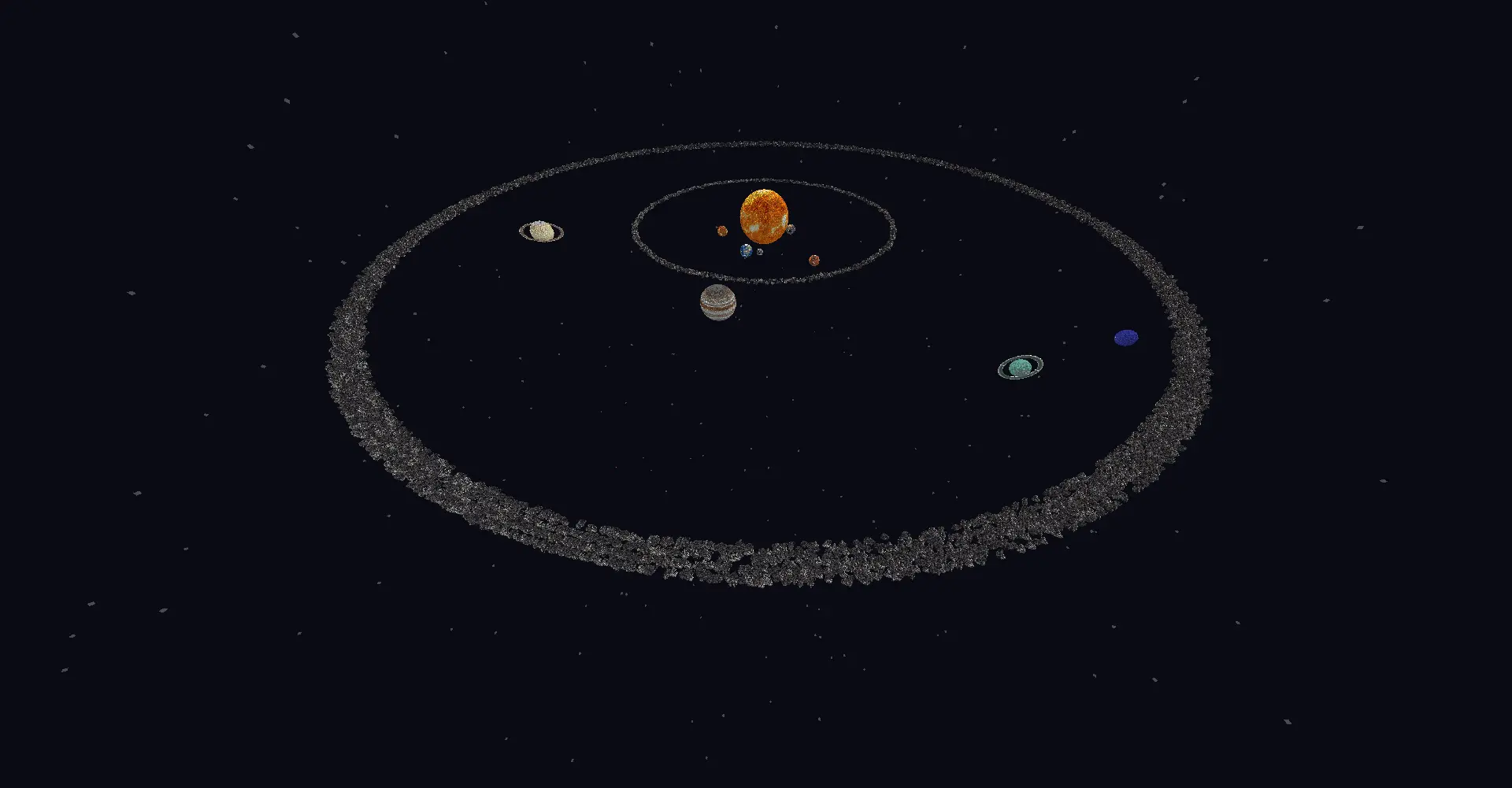
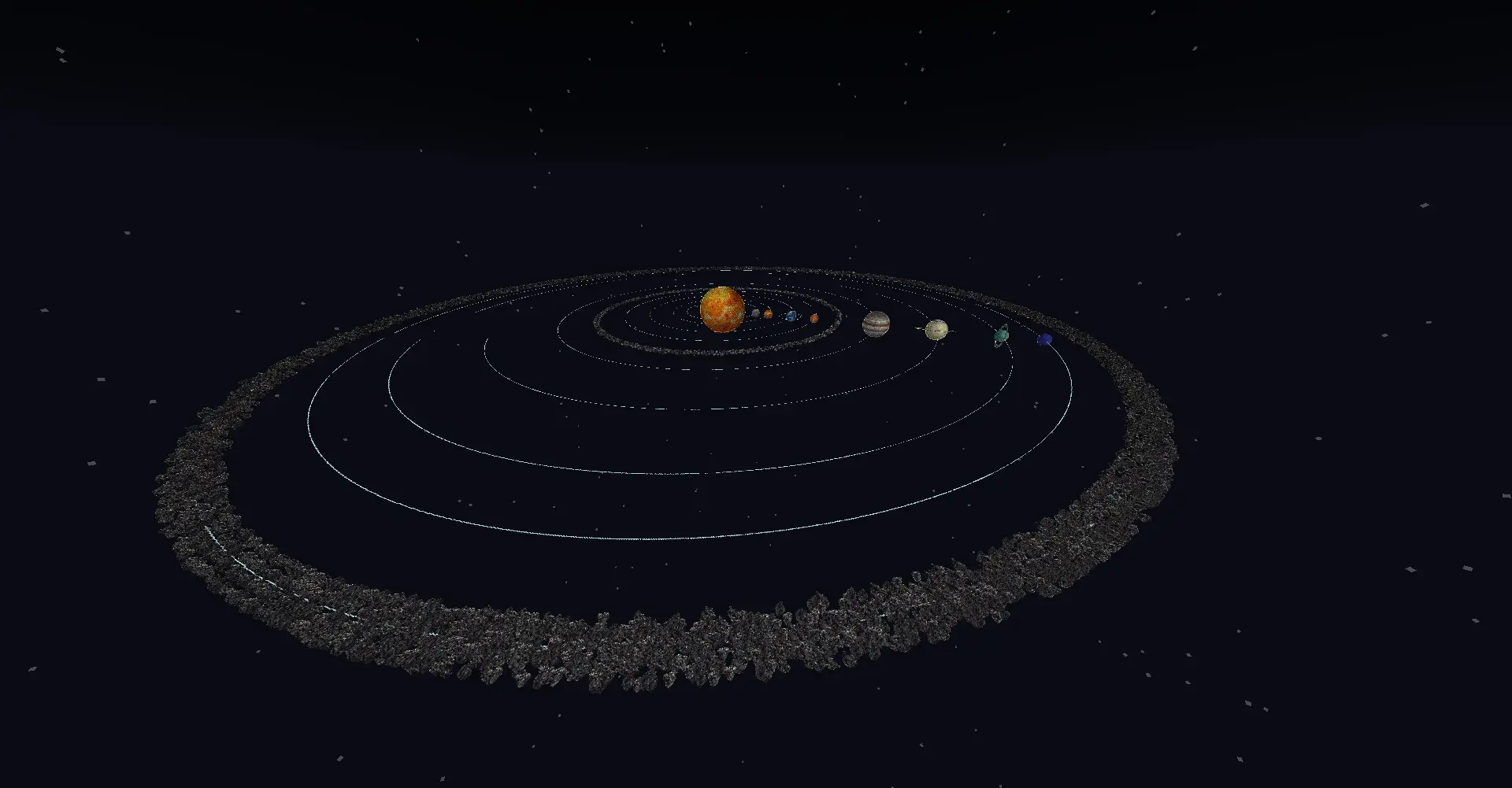
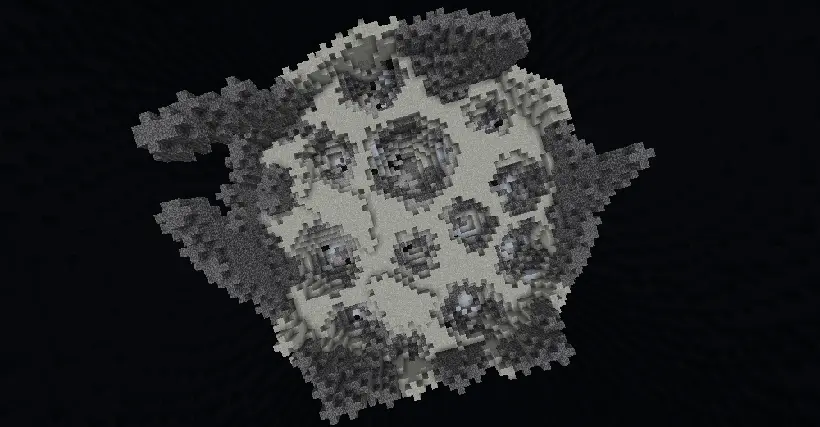
我在Minecraft里制作了一个太阳系存档,安装整合包就能游玩它!
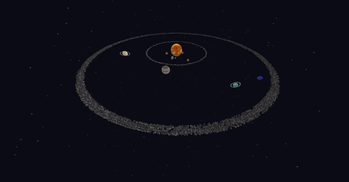
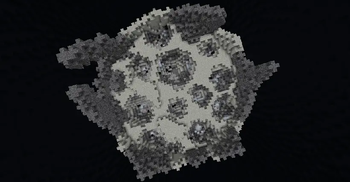
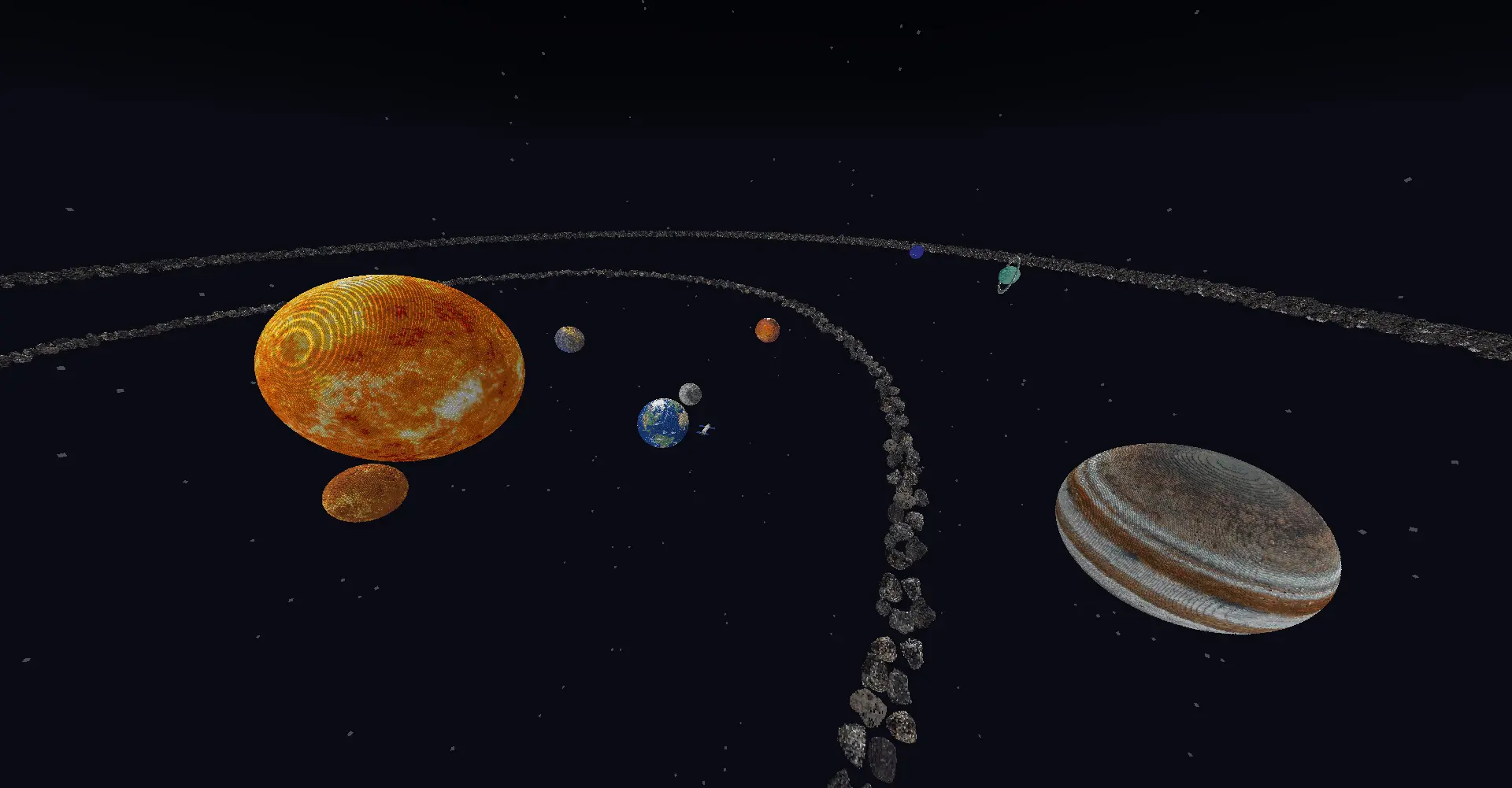
里面包含太阳系八大行星和小行星带与柯伊伯带
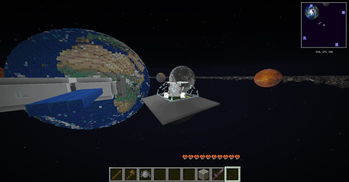
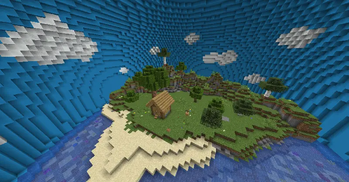
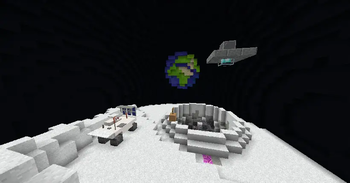
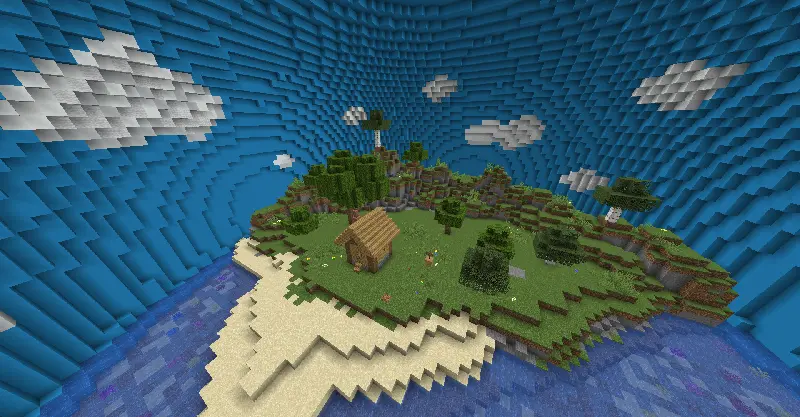
靠近星球就会来到它内部模拟的地表环境
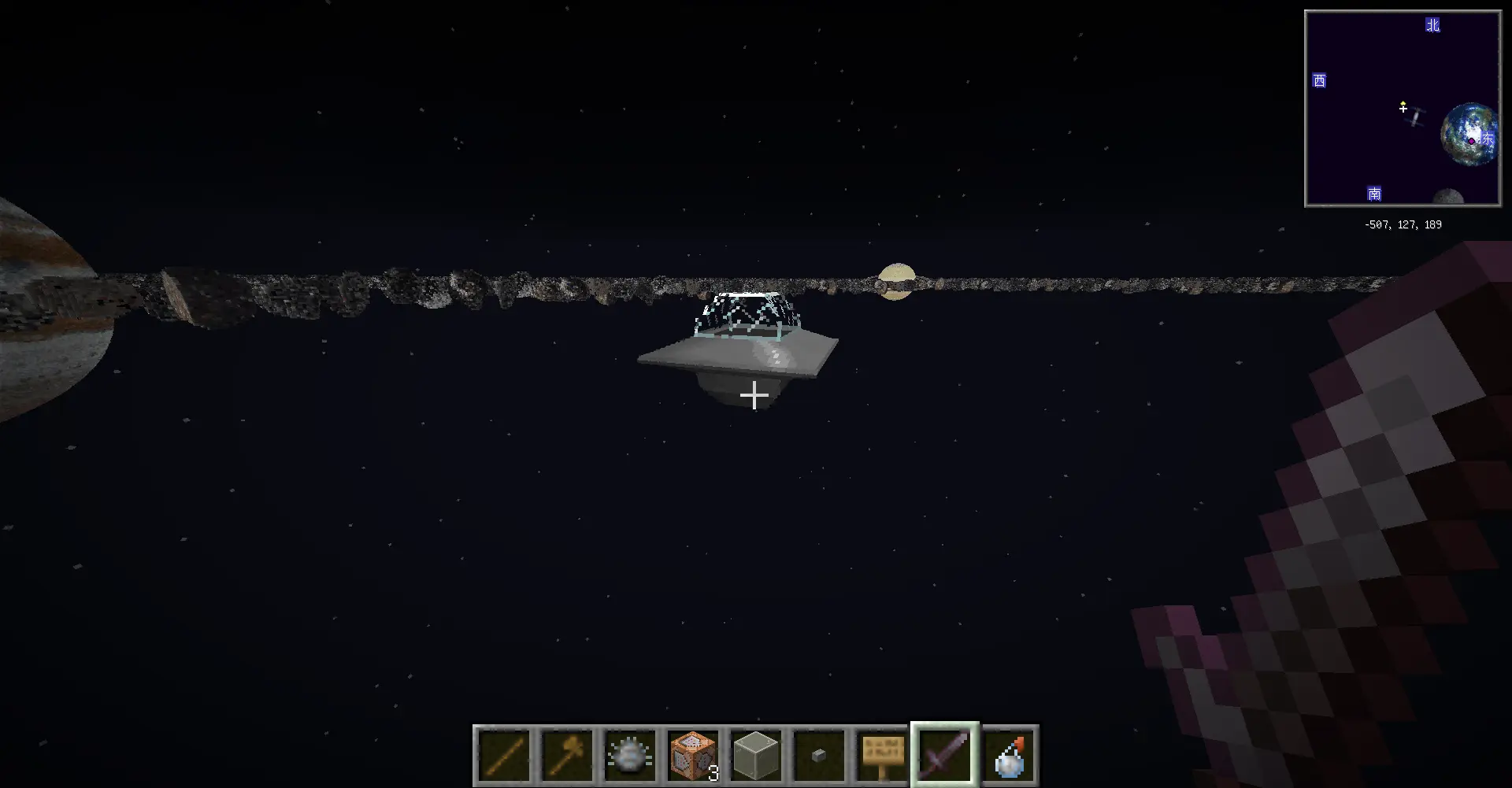
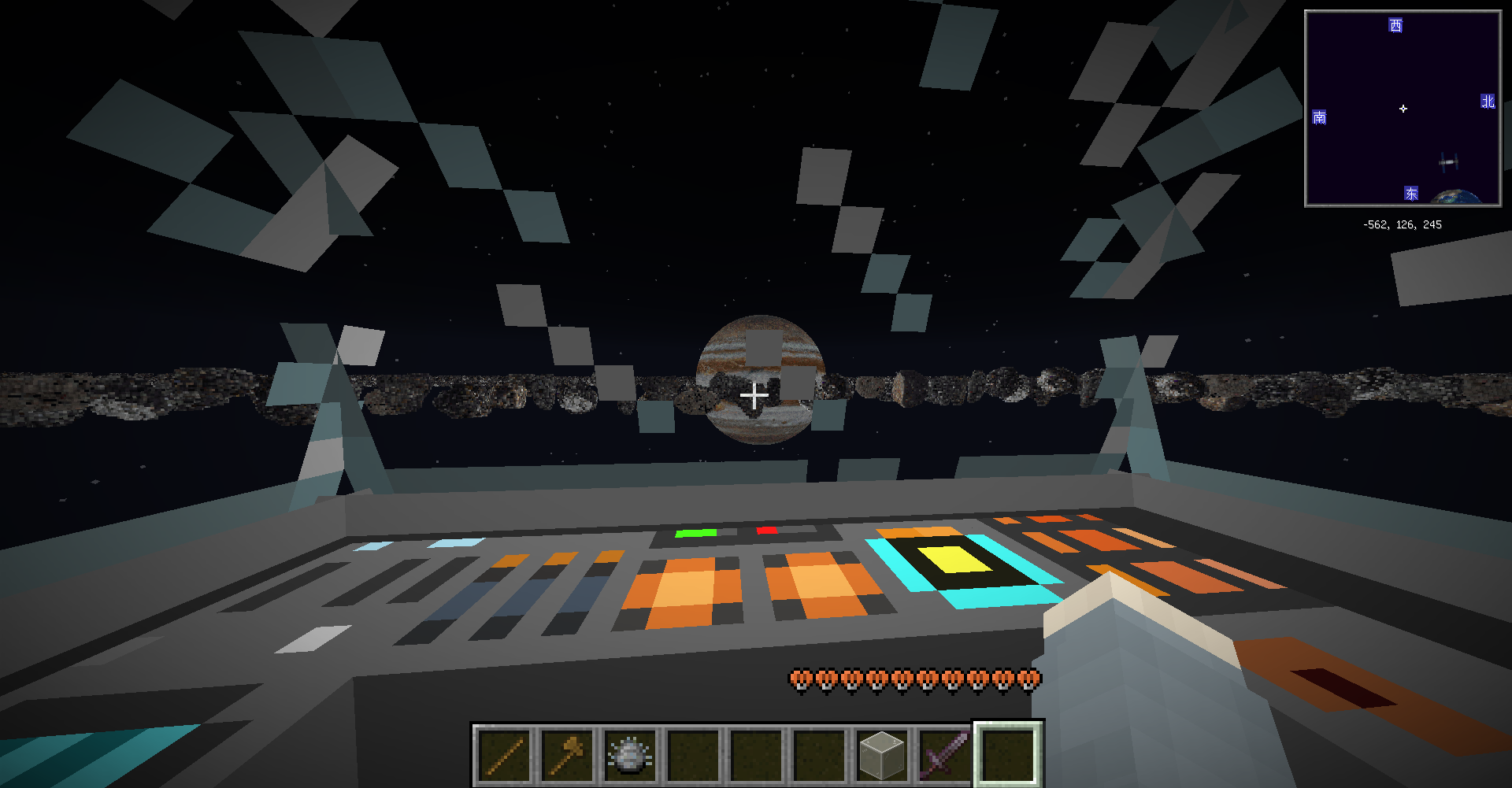
在其中某个行星中还隐藏了一个UFO,找到它就可以放置出来当坐骑带你遨游星空!
I made a solar system save in Minecraft, you can play it just by installing the mod pack!
It contains the eight major planets of the Solar System, the asteroid belt, and the Kuiper Belt.
Getting close to the planet will bring you to its internally simulated surface environment.
There's also a UFO hidden on one of the planets, and if you find it, you can place it out and ride it to soar through the stars!
Available Versions
How to Set Up a Jini的太阳系整合包 【Jini's Solar System Pack】 Server
Order Server
Choose at least 6 GB RAM (8 GB recommended for Jini的太阳系整合包 【Jini's Solar System Pack】). Based on player count: per 5 players.
Install Modpack in Dashboard
Open the modpack browser in the dashboard, search for "Jini的太阳系整合包 【Jini's Solar System Pack】" and click "Install". The fabric loader and Minecraft 1.21.8 are configured automatically.
Start Server & Play
Start the server – all mods are loaded automatically. Share the server IP with friends and play together!
Frequently Asked Questions
Jini的太阳系整合包 【Jini's Solar System Pack】 server crashes or won't start – what to do?
Most common causes: insufficient RAM or wrong fabric loader. Check latest.log for "OutOfMemoryError" → increase RAM to at least 8 GB. For "Mixin" or "ClassNotFoundException" errors: modpack version and loader don't match. With Mado Hosting, loader and Minecraft version are auto-configured on modpack install – preventing most startup issues.
How much RAM does a Jini的太阳系整合包 【Jini's Solar System Pack】 server really need?
Minimum 6 GB, recommended 8 GB for stable performance. per 5 players. Important: Minecraft modpacks need more RAM than vanilla – plan extra per additional player. With Mado Hosting, you can scale RAM up live at any time without data loss (from €7.800000000000001/month).
Can I add custom mods to Jini的太阳系整合包 【Jini's Solar System Pack】 without conflicts?
Yes, but check compatibility: only use mods for the same loader (fabric) and same Minecraft version (1.21.8). Common issues: ID conflicts with recipe mods and incompatible coremod versions. The Mado dashboard mod browser only shows compatible mods and warns about known conflicts.
Jini的太阳系整合包 【Jini's Solar System Pack】 server lagging – performance tips
1) Increase RAM to 8 GB+. 2) Reduce server view-distance to 8 (server.properties). 3) Pre-generate chunks with the "Chunky" plugin. 4) Use /spark profiler to check which mods consume the most tick time. With Mado Hosting, all servers run on NVMe SSDs with dedicated CPU cores – eliminating hardware as a bottleneck.
Similar Modpacks
![Cobblemon Official Modpack [Fabric]](https://cdn.modrinth.com/data/5FFgwNNP/e7f9ee2e9d361623847853fe2ddce42f519ee64f.png)
![COBBLEVERSE - Pokemon Adventure [Cobblemon]](https://cdn.modrinth.com/data/Jkb29YJU/581ecf54530972afb18a04660afd820f2f24f6c7.png)
![Better MC [FABRIC] - BMC2](https://cdn.modrinth.com/data/shFhR8Vx/a19c2bcb51d38f32f138d3607e91cb2b7b8e387f_96.webp)


![Better MC [FORGE] - BMC4](https://cdn.modrinth.com/data/4BV47HRn/7f5ef7cc61b2593609aabef3ed07a866a4f11b73_96.webp)
Rent Jini的太阳系整合包 【Jini's Solar System Pack】 Server
Start your own server with automatic modpack installation.
Supported Versions
Start your Jini的太阳系整合包 【Jini's Solar System Pack】 Server now
From €7.80/month; 8 GB RAM is recommended for best performance.
Configure Server →