
TNF-Vanilla
TopNotchFoxy's Vanilla Minecraft Pack
Screenshots


About this Modpack



About
TNF-Vanilla is a modpack that create based on a high performance modpack template WindBreaker(which is also created by me), and plus other mods to does many things easier and faster like building massive redstone machines or trade villager faster.
The modpack is mostly design to play vanilla style singleplayer or servers.
Features
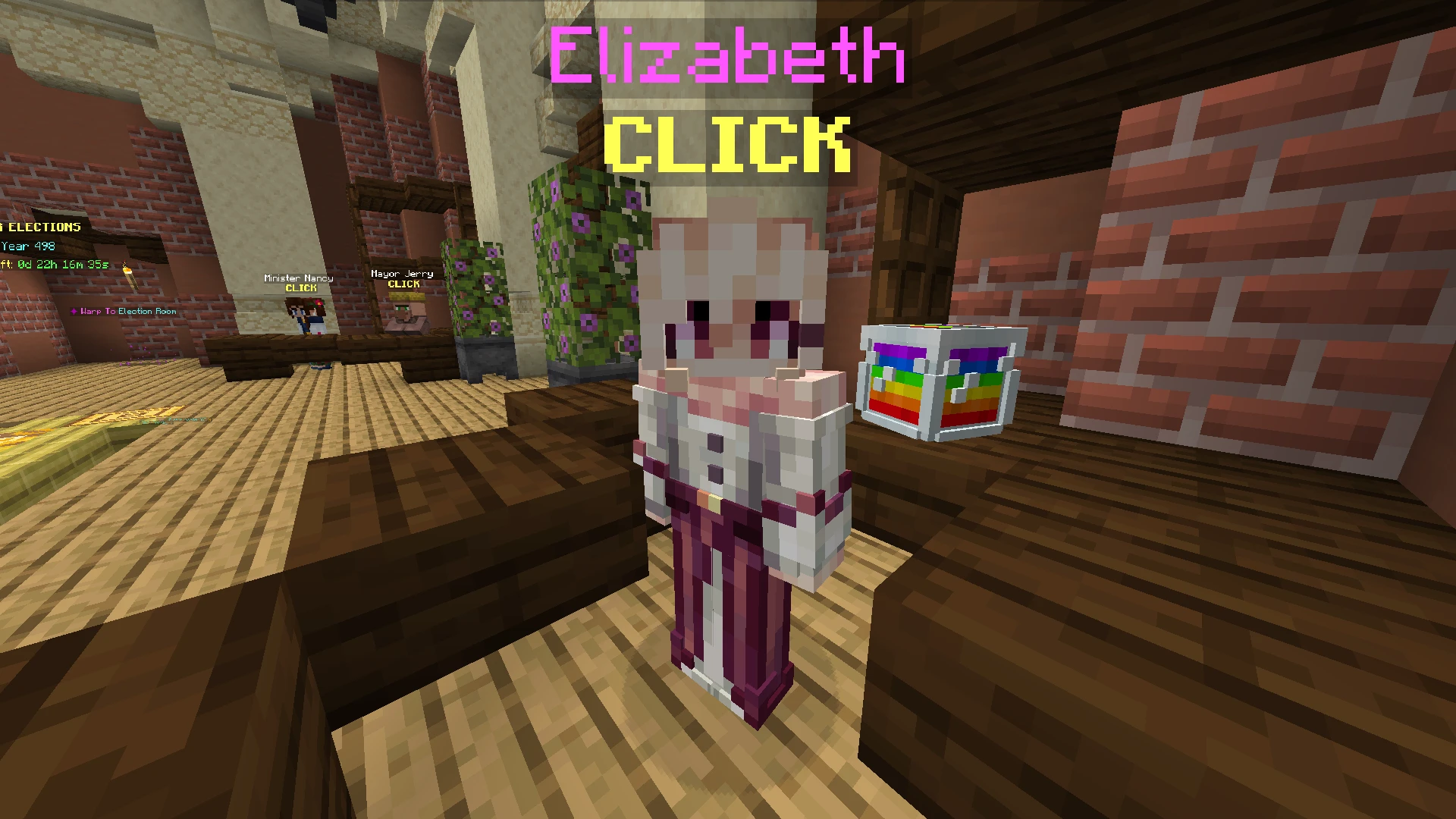
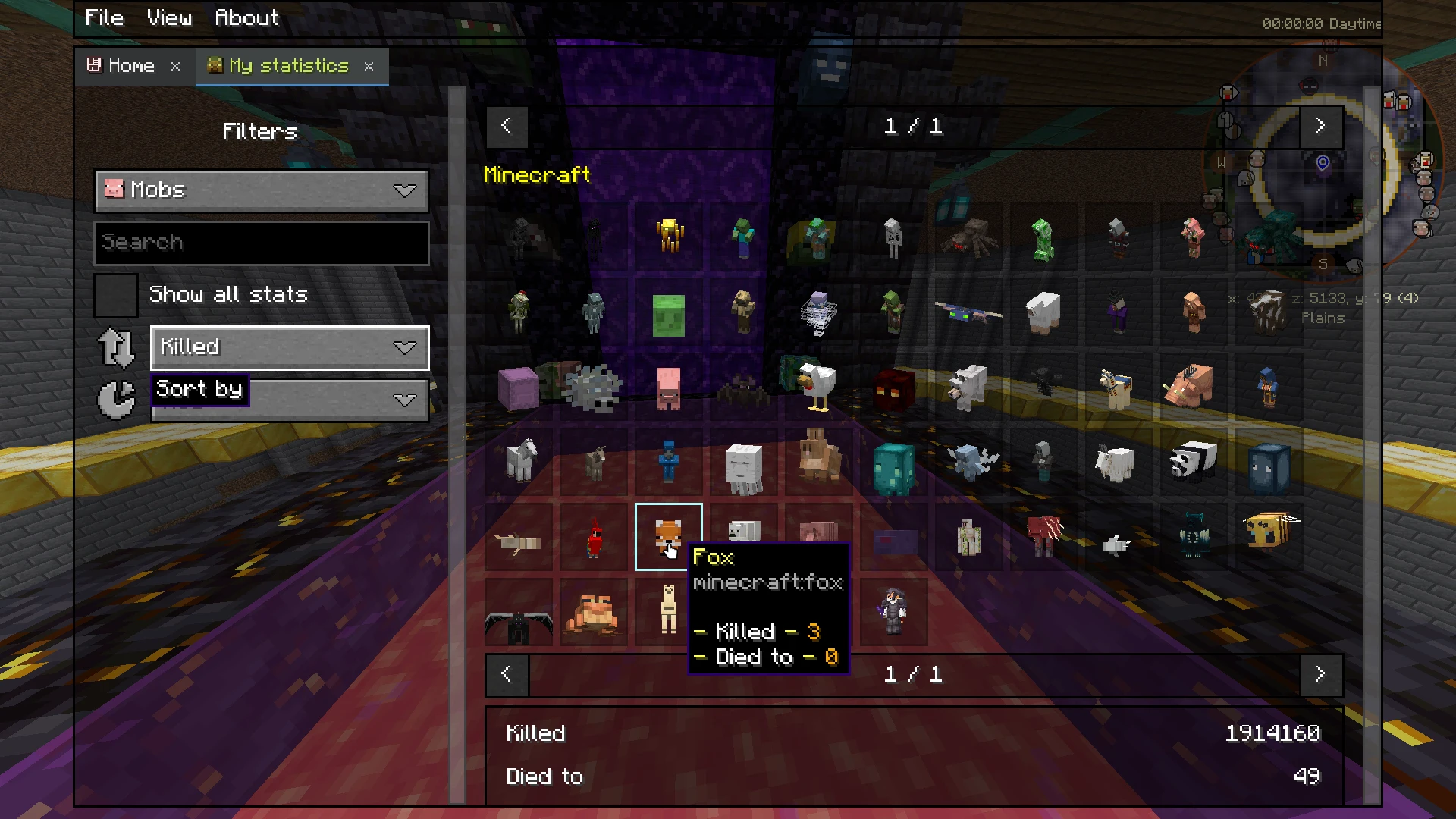
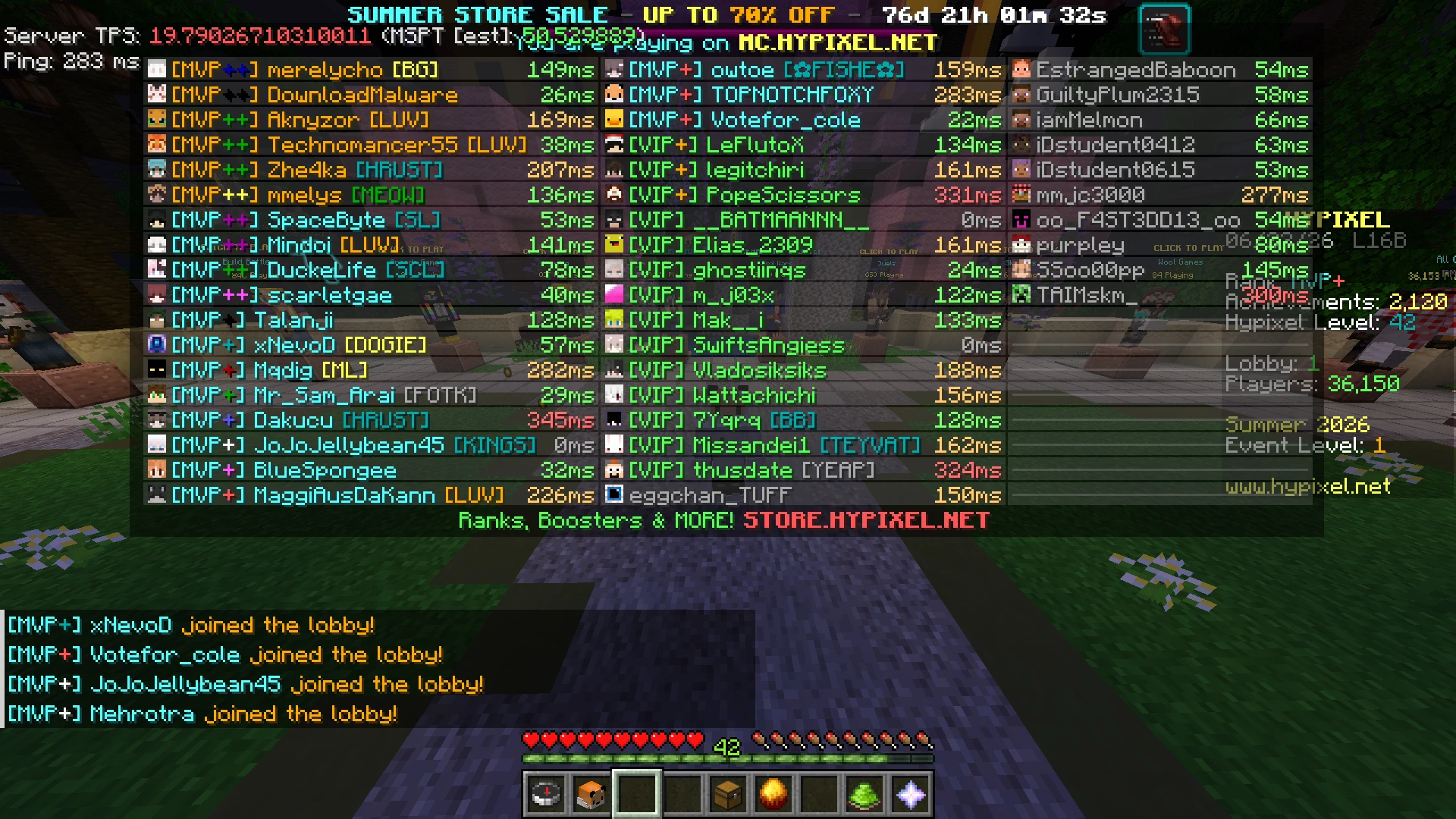
Connected Textures (Continuity)
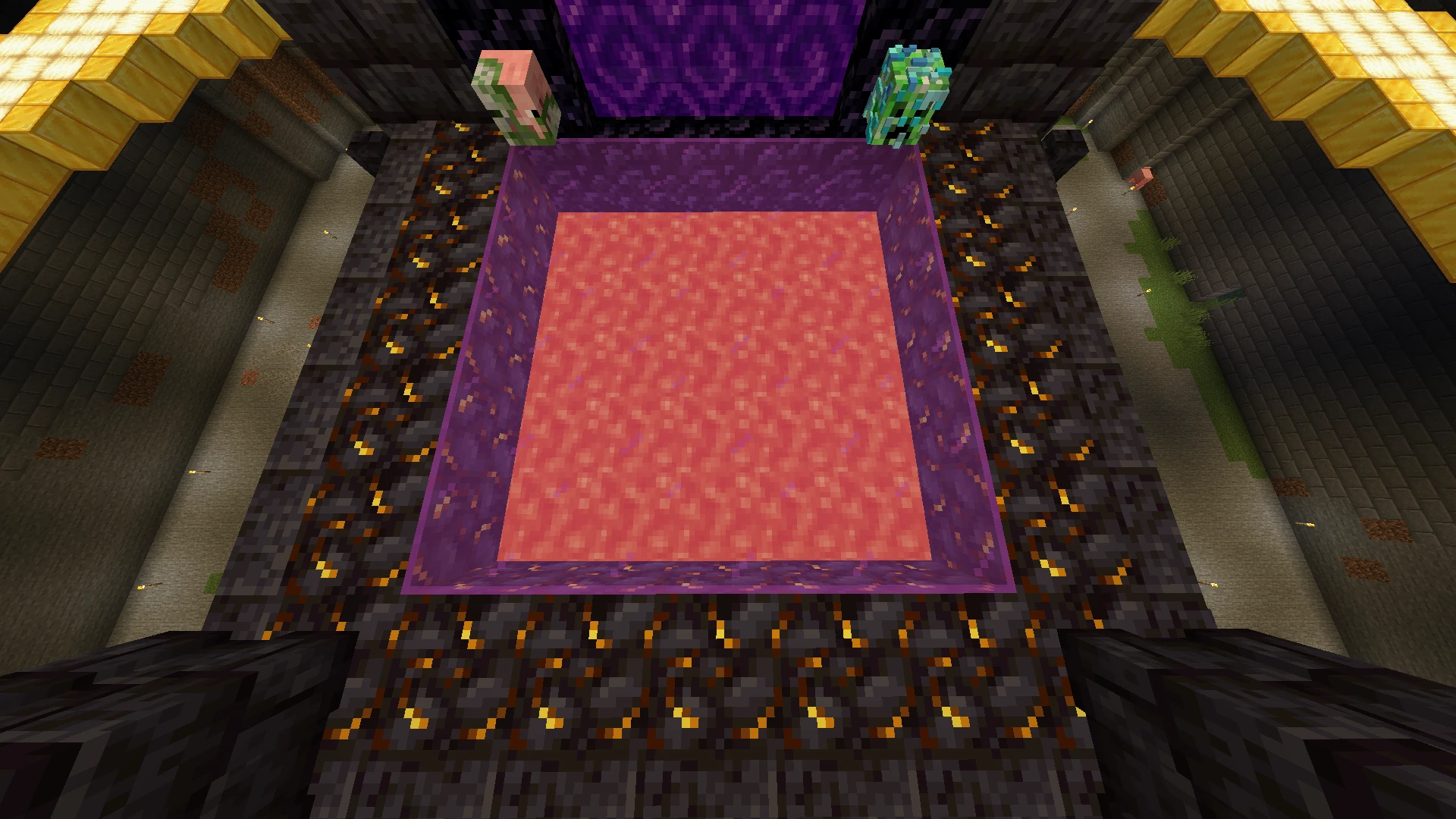
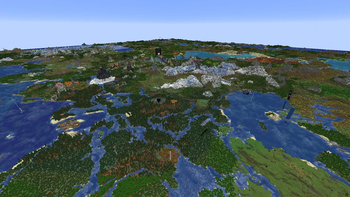
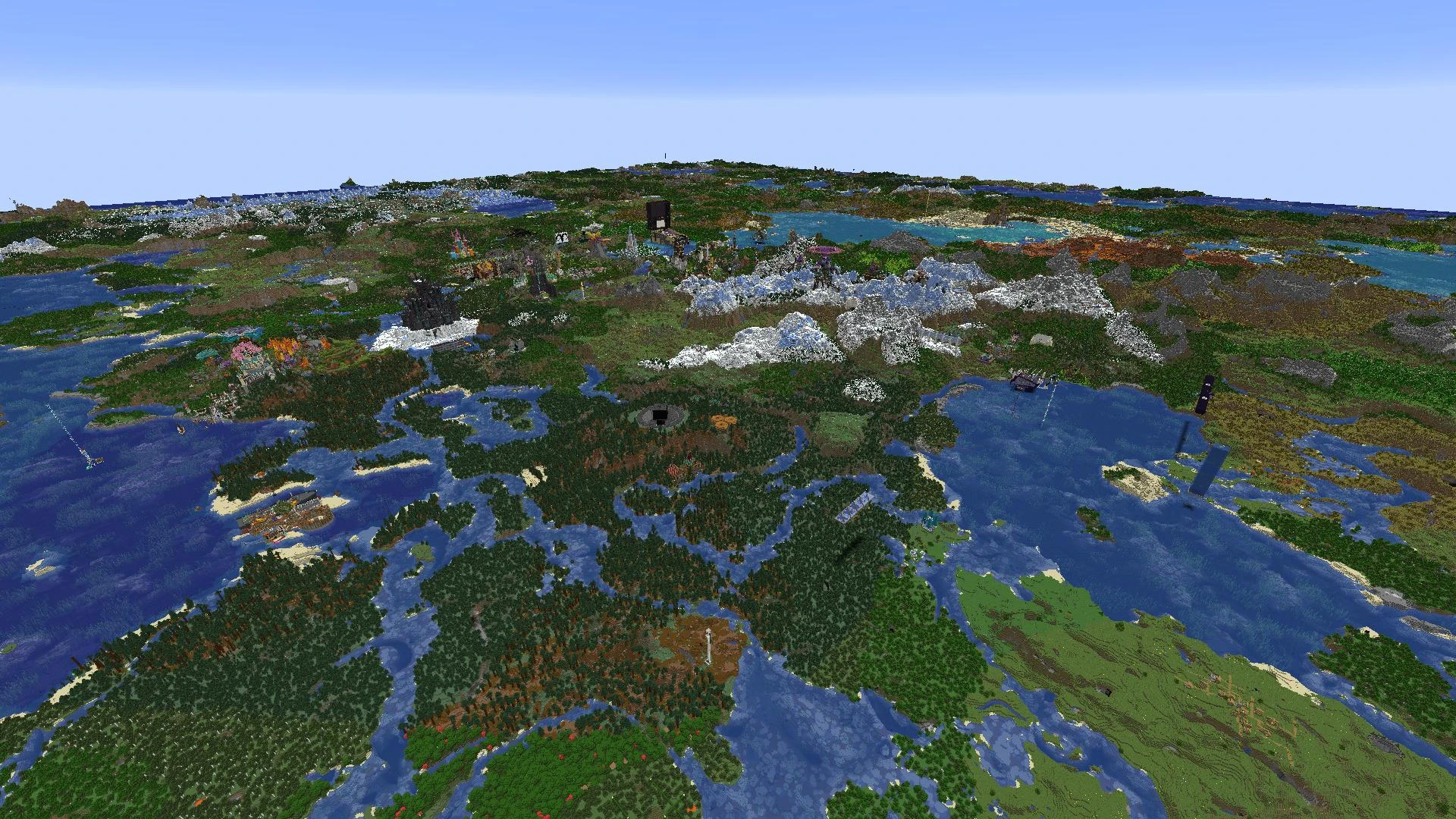
Level of Detail rendering (voxy)
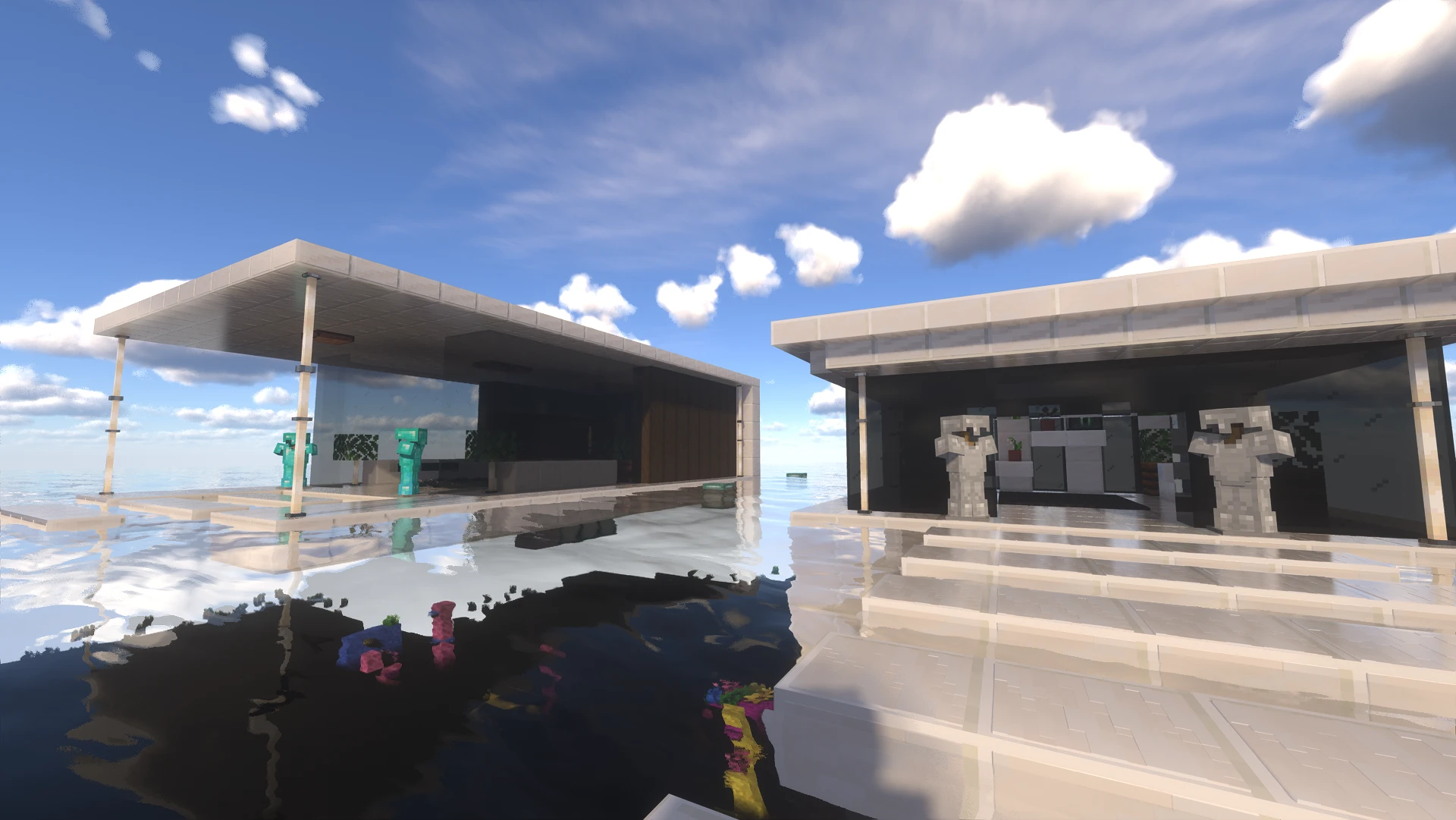
Shaders (Iris Shaders)
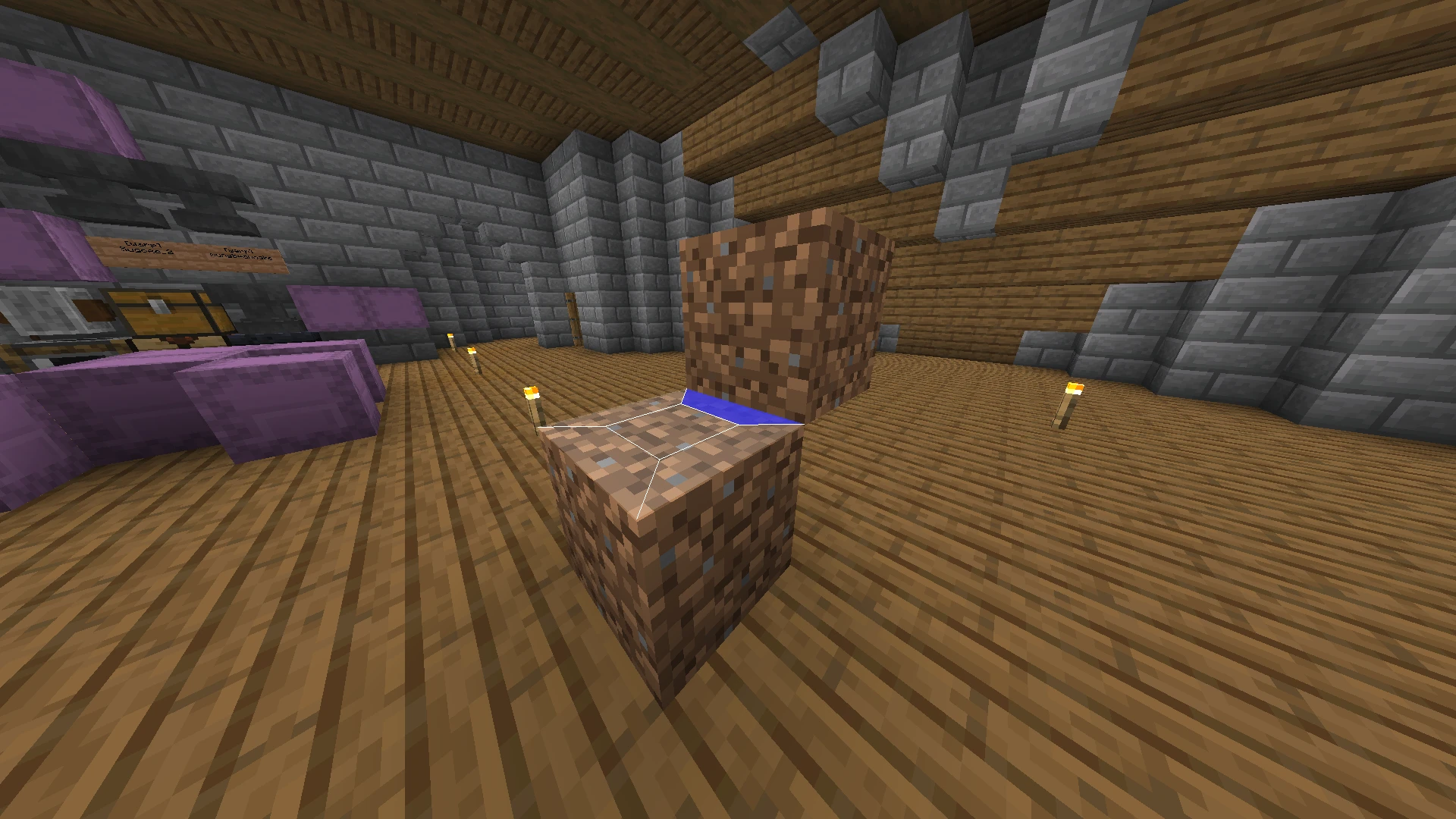
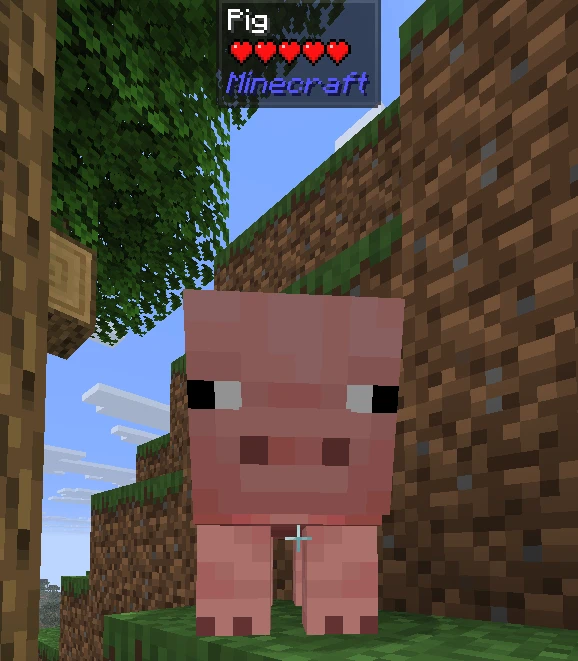
What Am I Looking At (Jade 🔍)
Keybinds
- Press
Cto zoom - Press
Rwhile in backpack or chest ui to sort items - Press
Gto toggle gamma override (Fullbright) - Hold
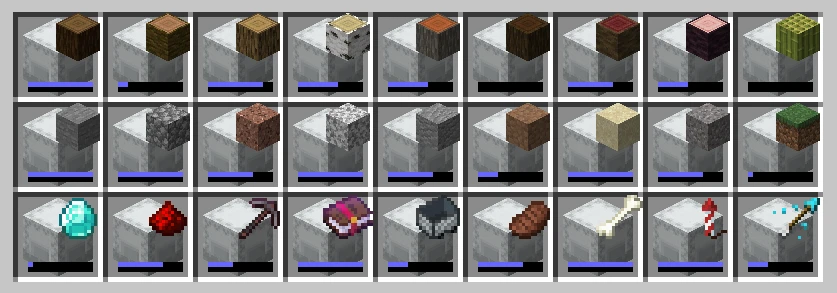
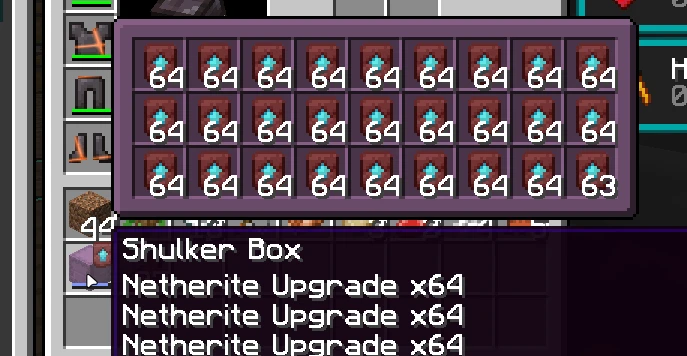
Shiftwhile hover at map or shulkerbox to preview - Hold
Ctrlto place block in different offsets - Hold
Altto place block in different rotations
Recommended JVM Arguments
Java 25 and up
-Xms4G -Xmx4G -XX:+UseZGC -XX:+UseCompactObjectHeaders
Java 23 and up
-Xms4G -Xmx4G -XX:+UseZGC
Java 21
-Xms4G -Xmx4G -XX:+UseZGC -XX:+ZGenerational
Available Versions
How to Set Up a TNF-Vanilla Server
Order Server
Choose at least 6 GB RAM (8 GB recommended for TNF-Vanilla). Based on player count: per 5 players.
Install Modpack in Dashboard
Open the modpack browser in the dashboard, search for "TNF-Vanilla" and click "Install". The fabric loader and Minecraft 26.3 are configured automatically.
Start Server & Play
Start the server – all mods are loaded automatically. Share the server IP with friends and play together!
Frequently Asked Questions
TNF-Vanilla server crashes or won't start – what to do?
Most common causes: insufficient RAM or wrong fabric loader. Check latest.log for "OutOfMemoryError" → increase RAM to at least 8 GB. For "Mixin" or "ClassNotFoundException" errors: modpack version and loader don't match. With Mado Hosting, loader and Minecraft version are auto-configured on modpack install – preventing most startup issues.
How much RAM does a TNF-Vanilla server really need?
Minimum 6 GB, recommended 8 GB for stable performance. per 5 players. Important: Minecraft modpacks need more RAM than vanilla – plan extra per additional player. With Mado Hosting, you can scale RAM up live at any time without data loss (from €7.800000000000001/month).
Can I add custom mods to TNF-Vanilla without conflicts?
Yes, but check compatibility: only use mods for the same loader (fabric) and same Minecraft version (26.3). Common issues: ID conflicts with recipe mods and incompatible coremod versions. The Mado dashboard mod browser only shows compatible mods and warns about known conflicts.
TNF-Vanilla server lagging – performance tips
1) Increase RAM to 8 GB+. 2) Reduce server view-distance to 8 (server.properties). 3) Pre-generate chunks with the "Chunky" plugin. 4) Use /spark profiler to check which mods consume the most tick time. With Mado Hosting, all servers run on NVMe SSDs with dedicated CPU cores – eliminating hardware as a bottleneck.
Similar Modpacks
![Cobblemon Official Modpack [Fabric]](https://cdn.modrinth.com/data/5FFgwNNP/e7f9ee2e9d361623847853fe2ddce42f519ee64f.png)
![COBBLEVERSE - Pokemon Adventure [Cobblemon]](https://cdn.modrinth.com/data/Jkb29YJU/581ecf54530972afb18a04660afd820f2f24f6c7.png)
![Better MC [FABRIC] - BMC2](https://cdn.modrinth.com/data/shFhR8Vx/a19c2bcb51d38f32f138d3607e91cb2b7b8e387f_96.webp)


![Better MC [FORGE] - BMC4](https://cdn.modrinth.com/data/4BV47HRn/7f5ef7cc61b2593609aabef3ed07a866a4f11b73_96.webp)
Rent TNF-Vanilla Server
Start your own server with automatic modpack installation.
Supported Versions
Start your TNF-Vanilla Server now
From €7.80/month; 8 GB RAM is recommended for best performance.
Configure Server →