
Voxyris
Seamless combination of Voxy and Iris shaders. Enjoy massive render distance with shaders and great performance!
Screenshots




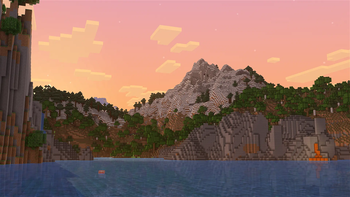
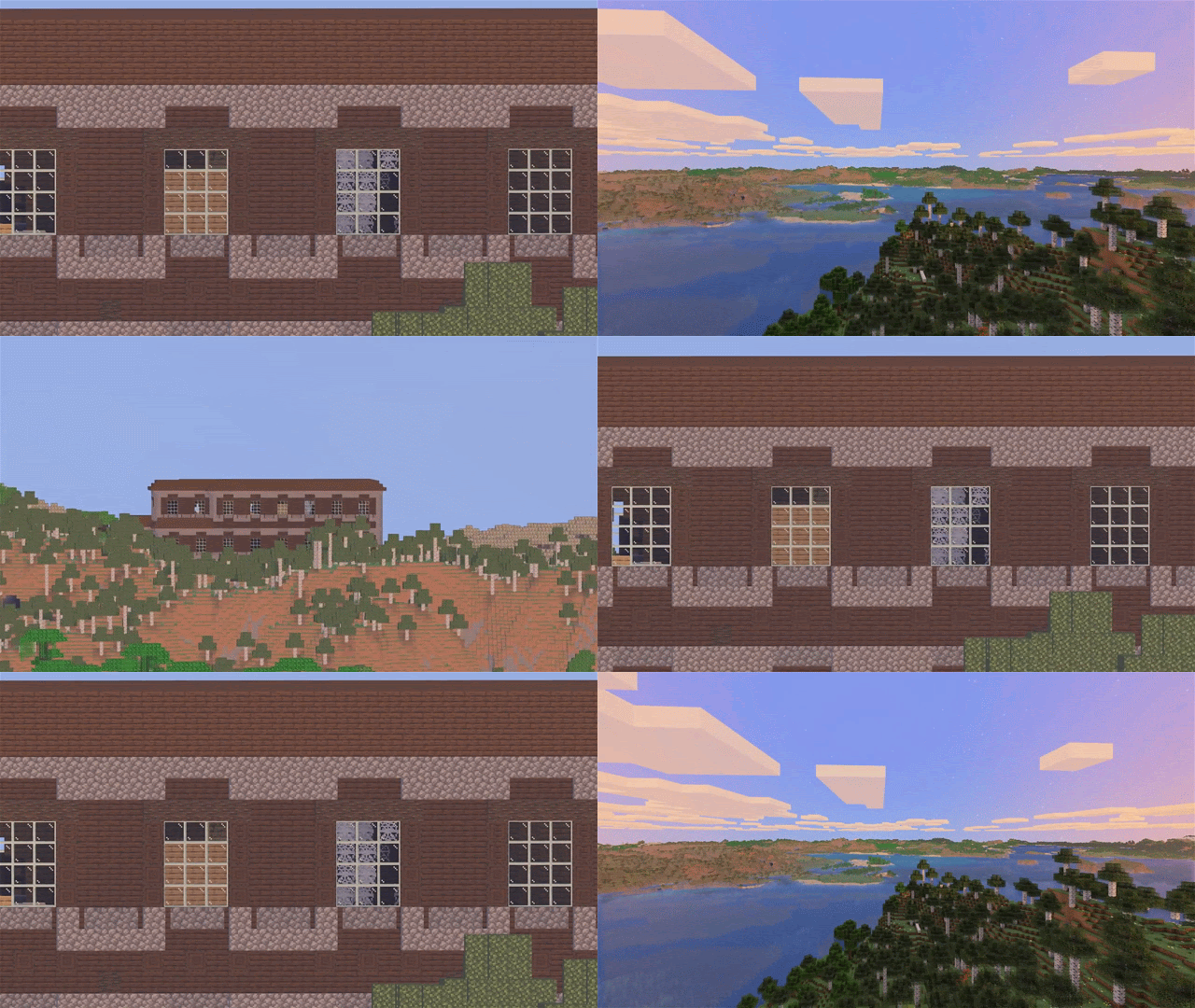
About this Modpack

About
Voxyris is a seamless combination of Voxy and Iris shaders. Enjoy massive render distance with shaders and great performance! Requires Gpu that supports OpenGl 4.6, Check it online. Macs don't work.
- 🎮 Controller Support.
- 📷 In-game screenshot manager.
- 🌍 Up to 2048 render distance.
- 💡 Pre-installed Shaders.
- ⚡ Lightweight, Optimized & Low memory usage.
- 🔍 Zooming retains chunk quality.
Shaders
Voxy only works with shader packs that explicitly add support for it. 21 compatible shader packs come preinstalled. You can find more here: https://samalando.com/voxy/shaders
- Complementary(+ Euphoria patches), Photon, BSL, I Like Vanilla Shaders and more...
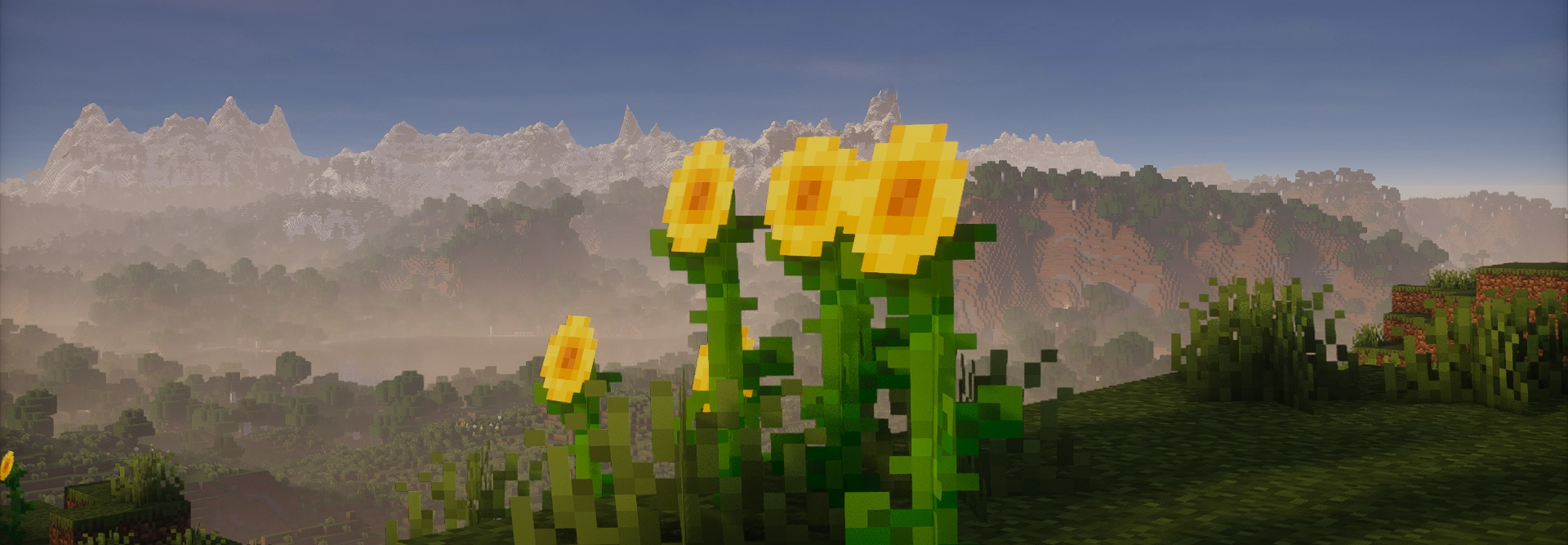
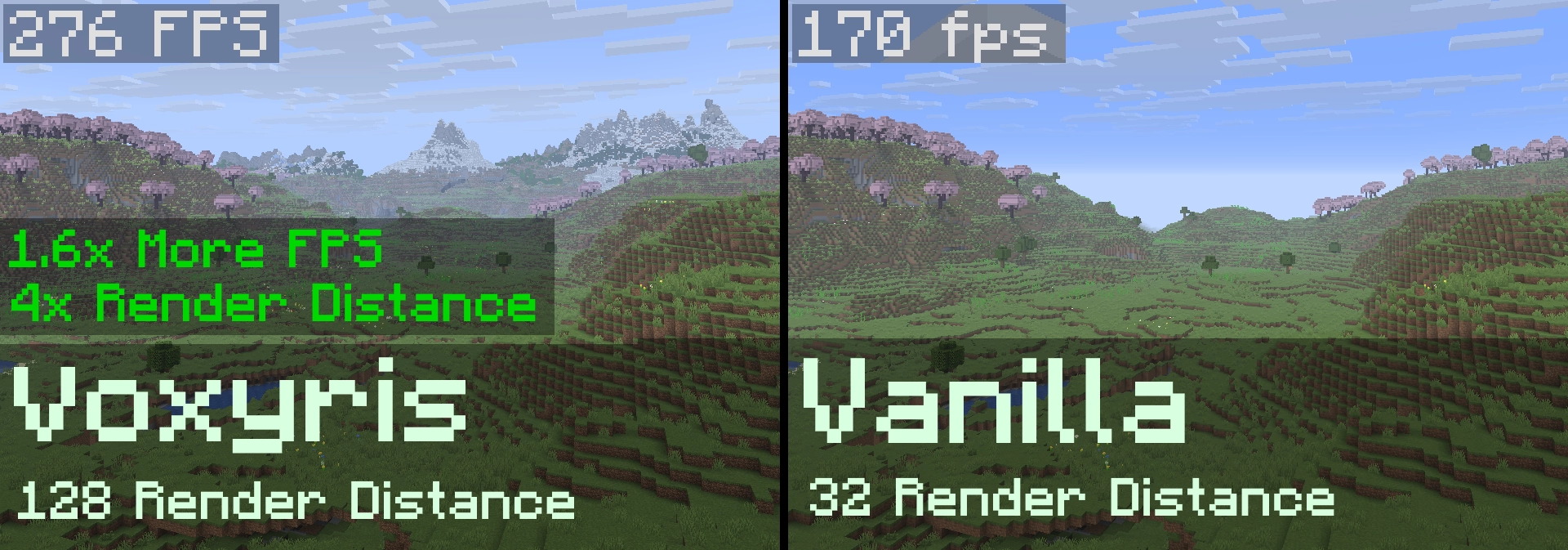
Performance Comparison
⚠️ Performance will vary depending on your hardware.
Performance tested on Intel(R) Core(TM) i7-10750H CPU @ 2.60GHz; 16GB 2933MT/s DDR4 RAM (4GB Allocated); NVIDIA GeForce GTX 1650 Ti 4GB (laptop edition) using lower lowest quality of chunks.
Zoom
Voxy adjusts the level of detail of chunks depending on how much screen space they actually take up. This means that even if you zoom in from far away, you won't end up looking at massive, single-colored blocks.
💡 FAQ
What is Voxy?
Voxy is a mod made by Cortex that uses Level of Detail to let you see beyond your normal render distance.
How to toggle shaders?
Press "K" to toggle shaders, Press "O" to open shader pack menu or go to Options -> Video Setting -> Shader Packs
How to change Voxy's render distance?
Go to options -> video settings -> Voxy -> Rendering
How to change quality of voxy's chunks?
Go to options -> video settings -> Voxy -> Rendering -> "Pixels^2 of subdivison size" The higher the setting lower the quality.
Will you release for x.x.x Minecraft version?
Only the newest version of Voxy will be supported.
List of things that are not possible or I don't what to do:
- Bedrock support.
- Vulkan support.
- Backport to older version.
- Public Server
📌 Requirements
A GPU/IGPU with OpenGl 4.6 support (this means very old GPUs like 10+ years old or Macs don’t work but to make sure your GPU has Opengl 4.6 support you can always check online)
[Optional] For GPU accelerated chunk generation look at requirements here: C2ME OpenCL Acceleration Module
🔎 Credits
Voxyris's logo is combination of Voxy's and Iris Shaders' Logo.
📣 Feedback is appreciated!
- Review Voxyris on ModDex
- Send feedback on my Discord Server
- Fill out anonymous Google form.

👀 Better played with others!
Want to run a flawless modded server? Check out Godlike Host! Setting up a server through them is the absolute best way to support us right now.
Don't just take my word for it. Read the community reviews here: Best Minecraft Server Hosting.
👉 Click the image below or use this link: Godlike Host to get 50% off your first month!



Available Versions
How to Set Up a Voxyris Server
Order Server
Choose at least 4 GB RAM (6 GB recommended for Voxyris). Based on player count: per 8 players.
Install Modpack in Dashboard
Open the modpack browser in the dashboard, search for "Voxyris" and click "Install". The fabric loader and Minecraft 26.2 are configured automatically.
Start Server & Play
Start the server – all mods are loaded automatically. Share the server IP with friends and play together!
Frequently Asked Questions
Voxyris server crashes or won't start – what to do?
Most common causes: insufficient RAM or wrong fabric loader. Check latest.log for "OutOfMemoryError" → increase RAM to at least 6 GB. For "Mixin" or "ClassNotFoundException" errors: modpack version and loader don't match. With Mado Hosting, loader and Minecraft version are auto-configured on modpack install – preventing most startup issues.
How much RAM does a Voxyris server really need?
Minimum 4 GB, recommended 6 GB for stable performance. per 8 players. Important: Minecraft modpacks need more RAM than vanilla – plan extra per additional player. With Mado Hosting, you can scale RAM up live at any time without data loss (from €5.2/month).
Can I add custom mods to Voxyris without conflicts?
Yes, but check compatibility: only use mods for the same loader (fabric) and same Minecraft version (26.2). Common issues: ID conflicts with recipe mods and incompatible coremod versions. The Mado dashboard mod browser only shows compatible mods and warns about known conflicts.
Voxyris server lagging – performance tips
1) Increase RAM to 6 GB+. 2) Reduce server view-distance to 8 (server.properties). 3) Pre-generate chunks with the "Chunky" plugin. 4) Use /spark profiler to check which mods consume the most tick time. With Mado Hosting, all servers run on NVMe SSDs with dedicated CPU cores – eliminating hardware as a bottleneck.
Similar Modpacks

![Cobblemon Official Modpack [Fabric]](https://cdn.modrinth.com/data/5FFgwNNP/e7f9ee2e9d361623847853fe2ddce42f519ee64f.png)
![COBBLEVERSE - Pokemon Adventure [Cobblemon]](https://cdn.modrinth.com/data/Jkb29YJU/581ecf54530972afb18a04660afd820f2f24f6c7.png)
![Better MC [FABRIC] - BMC2](https://cdn.modrinth.com/data/shFhR8Vx/a19c2bcb51d38f32f138d3607e91cb2b7b8e387f_96.webp)


Rent Voxyris Server
Start your own server with automatic modpack installation.
Supported Versions
Start your Voxyris Server now
From €5.20/month; 6 GB RAM is recommended for best performance.
Configure Server →