
AutomaticMemories
A simple mod that periodically takes screenshots, capturing memories of your Minecraft experience.
Screenshots

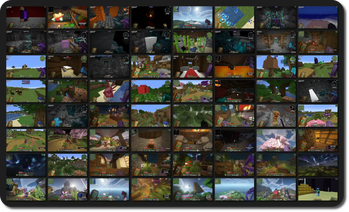

About this Mod
Automatic Memories
Automatic Memories periodically takes screenshots, capturing memories of your Minecraft experience.
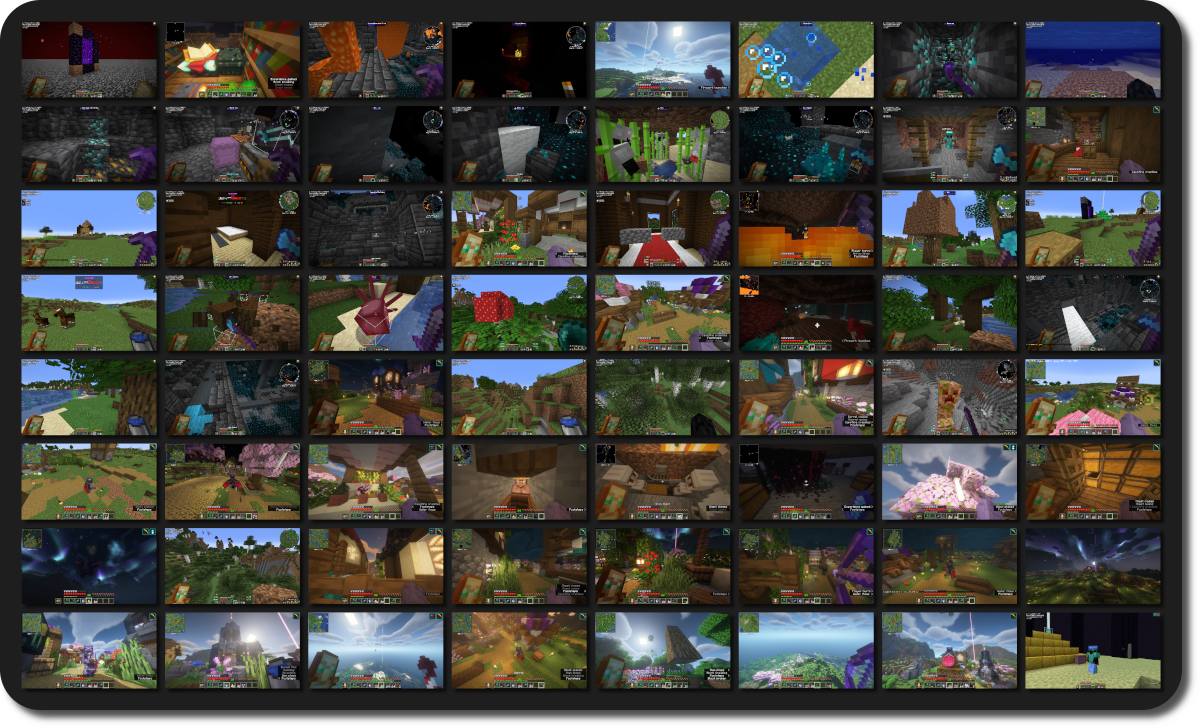
This mod takes screenshots at set intervals, so when you return, you'll find hundreds of unexpected snapshots capturing your time in the game.
Inspiration
There's a few YouTube videos that compile years' worth of accidentally taken screenhots, offering an unexpected glimpse into the players' long-term experience in Minecraft.
Unfortunately, if you rarely mispress keys or have a keyboard without dedicated function keys, you might miss out on this unique perspective of your playtime.
This mod solves this by automatically taking a screenshot every 3 hours by default, over time giving you a catalog of random screenshots!

Configuration
AutomaticMemories is a simple and lightweight mod, but it still offers plenty of configuration options, allowing you to tailor it to your exact preferences.
Cloth Config API and ModMenu are required to configure the mod.
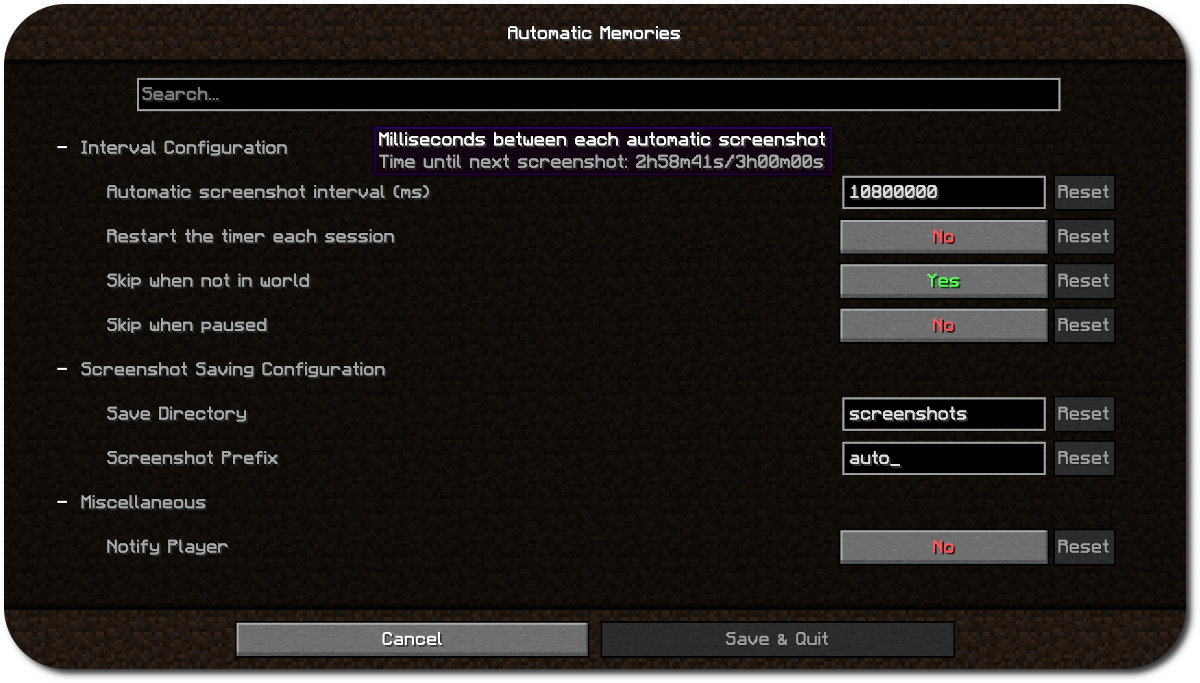
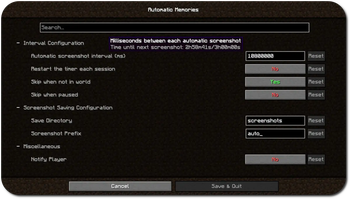
Using the configuration you can make the screenshots more or less frequent, save them in a different folder, or skip taking a screenshot when you aren't in game.
By default, this mod will carry over the timer between sessions. For exmaple, if you set the interval to every four hours and play for three hours one day, the next time you play it will take a screenshot one hour in.
This is useful since you probably won't often play for as long as your interval is, which would mean the mod wouldn't ever take a screenshot. Leaving "Restart timer each session" disabled solves this.
Support
Dependencies
- Fabric API
- ModMenu (Optional, for configuration)
- Cloth Config API (Optional, for configuration)
Available Versions
How to Install AutomaticMemories on Your Client
Install the Mod Loader Locally
Install fabric for your local Minecraft version.
Download the Matching File
Choose the AutomaticMemories file for fabric and Minecraft 1.21.11.
Install Mod
Place the .jar file in your local .minecraft/mods folder and restart Minecraft. No server-side installation is required.
Compatibility
Mod Loaders
Minecraft Versions
1.21.11, 1.21.10, 1.21.9 (+18 more)
Server-side
✗ UnsupportedRecommended RAM
4 GB(min. 3 GB)Frequently Asked Questions
Does AutomaticMemories need to be installed on the Minecraft server?
No. Modrinth marks AutomaticMemories as unsupported on the server side. Install it only in your local Minecraft mods folder. Your server can remain unchanged unless the mod page lists an additional dependency.
Which version and loader does AutomaticMemories require?
Use a file for fabric and your exact Minecraft version. Supported versions include 1.21.11, 1.21.10, 1.21.9. Files for different loaders are not interchangeable.
AutomaticMemories is not working – what should I check?
First check the Minecraft version, loader version and required dependencies. Put the .jar file in your local .minecraft/mods folder and remove older duplicates. Because this mod is client-side, adding server RAM will not fix it.
Similar Mods






Minecraft Server for Your Group
AutomaticMemories stays on your client. Host a compatible world for your group.