
Essential Mod
Enhance your Minecraft with one simple mod. Host worlds for free, chat with friends, and so much more!
Screenshots
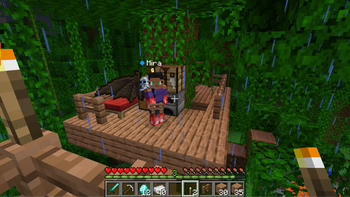
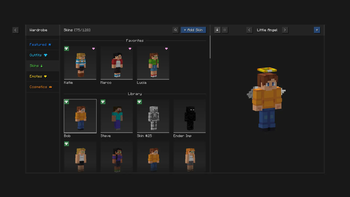
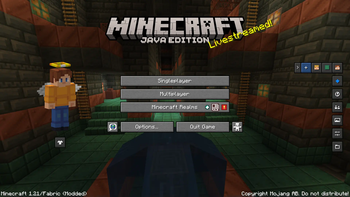
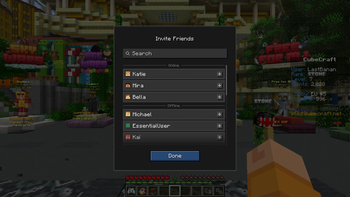
About this Mod



Enhance your Minecraft with one simple mod.
Fast, friendly, and for everyone!


Host your Minecraft world for free, invite your
friends, and play together, in just a few clicks!

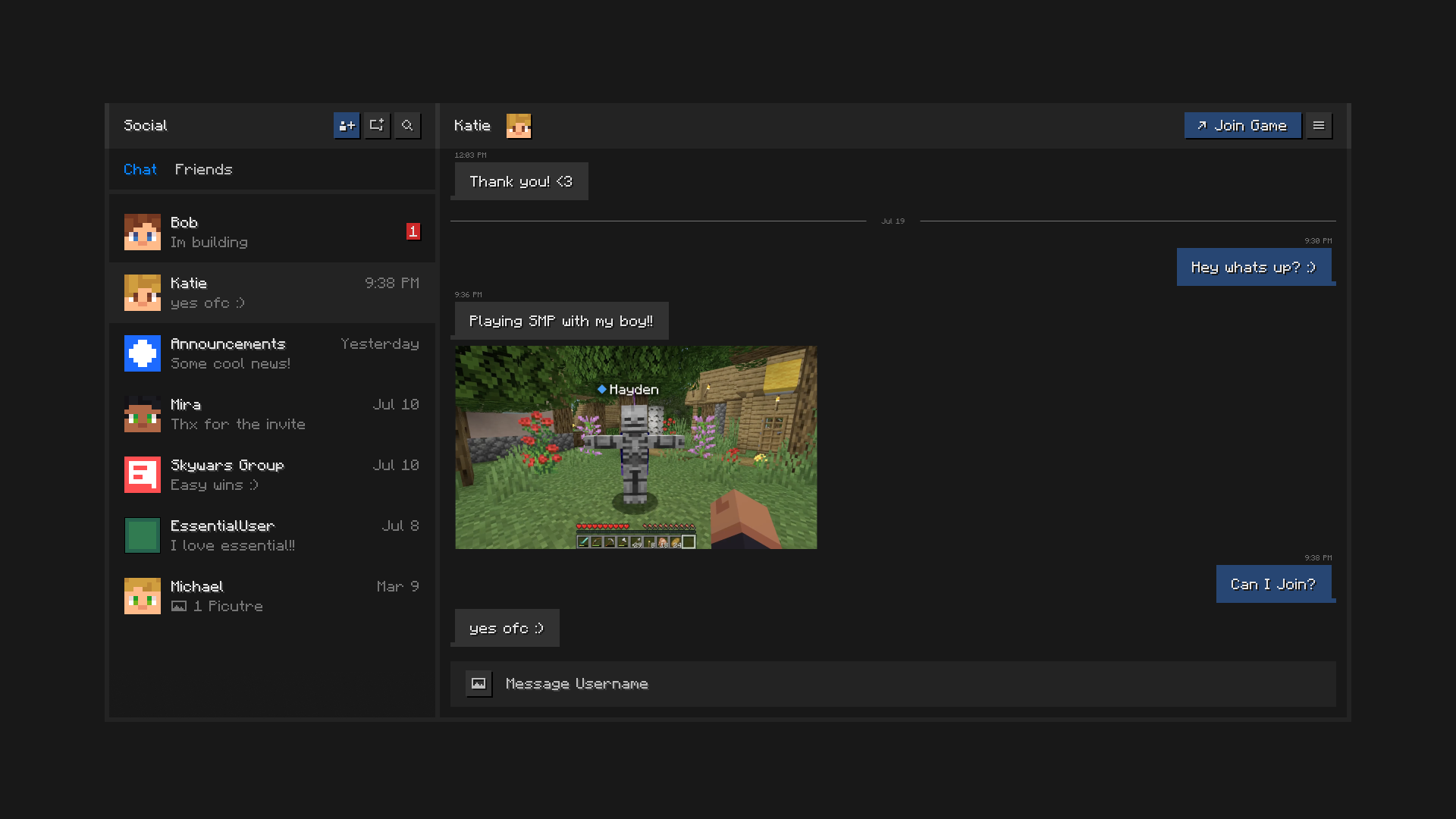
Stay connected with your friends, all inside of Minecraft.
Chat, create groups, share pictures, and send invites to worlds and servers.

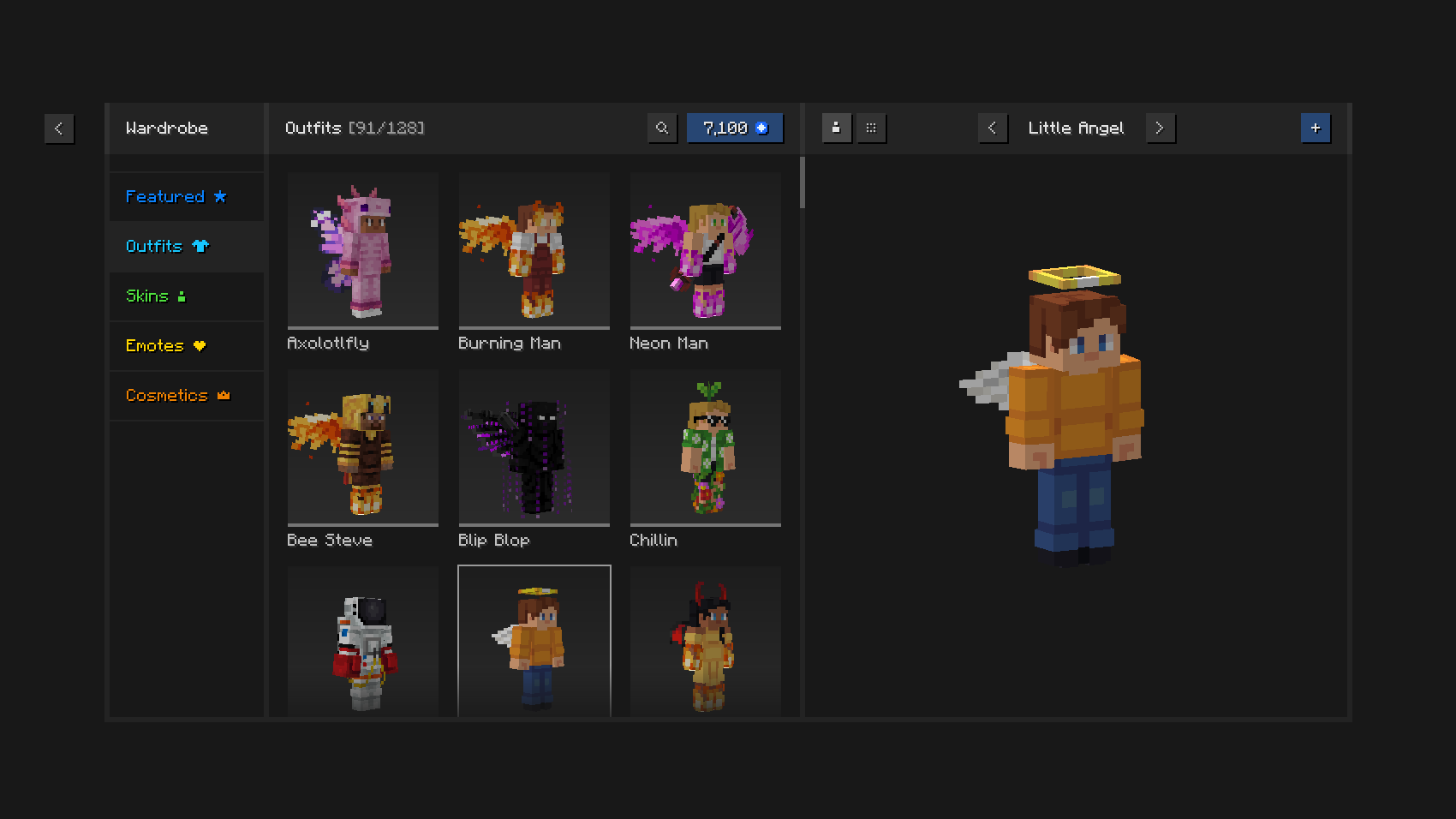
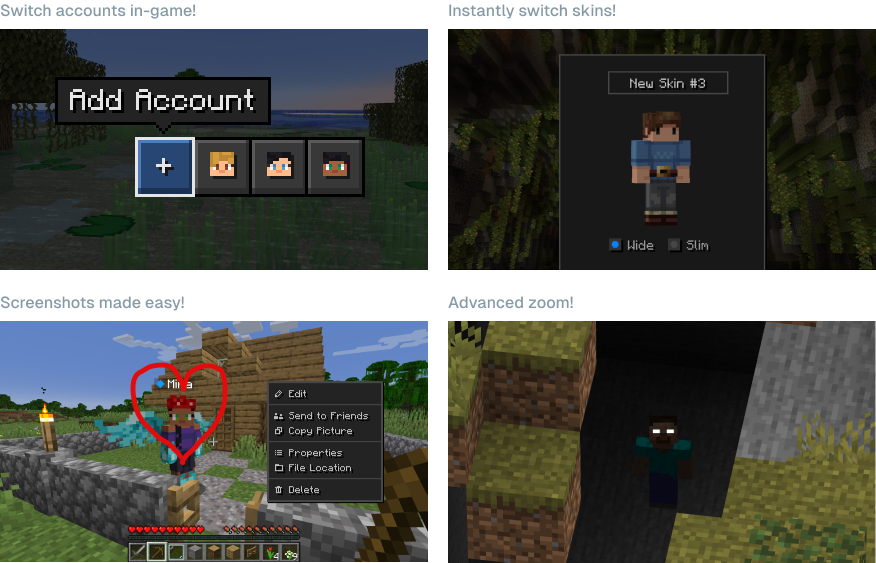
Play in style with unique outfits and cosmetics,
the in-game skin manager, and expressive emotes.

Save time and effort using
Essential’s powerful capabilities.

Can I use Essential with other mods and modpacks?
Yes, Essential is widely compatible with other mods, and makes a great addition to your
favorite modpack. You can easily host modded worlds for you and your friends, for free,
just make sure they have the same mods installed.
What Minecraft versions does Essential support?
Essential mod supports the most popular versions of Minecraft Java Edition (1.8, 1.12, 1.16 to 26.3) and both Fabric and Forge modloaders.
How does Essential’s world hosting work?
Essential uses industry leading peer-to-peer technology and the power of your PC’s hardware to empower you to host Minecraft worlds and invite your friends with ease and for free.

© ModCore Inc, Spark Universe GmbH 2026
Available Versions
How to Install Essential Mod on Your Client
Install the Mod Loader Locally
Install fabric for your local Minecraft version.
Download the Matching File
Choose the Essential Mod file for fabric and Minecraft 26.3.
Install Mod
Place the .jar file in your local .minecraft/mods folder and restart Minecraft. No server-side installation is required.
Compatibility
Mod Loaders
Minecraft Versions
26.3, 26.2, 26.1.2 (+31 more)
Server-side
✗ UnsupportedRecommended RAM
4 GB(min. 3 GB)Frequently Asked Questions
Does Essential Mod need to be installed on the Minecraft server?
No. Modrinth marks Essential Mod as unsupported on the server side. Install it only in your local Minecraft mods folder. Your server can remain unchanged unless the mod page lists an additional dependency.
Which version and loader does Essential Mod require?
Use a file for fabric, forge, neoforge and your exact Minecraft version. Supported versions include 26.3, 26.2, 26.1.2. Files for different loaders are not interchangeable.
Essential Mod is not working – what should I check?
First check the Minecraft version, loader version and required dependencies. Put the .jar file in your local .minecraft/mods folder and remove older duplicates. Because this mod is client-side, adding server RAM will not fix it.
Similar Mods






Minecraft Server for Your Group
Essential Mod stays on your client. Host a compatible world for your group.