Bedrock Skins
Allows Bedrock Edition and Legacy Console Edition skin packs to be used natively on Java Edition!
Screenshots

About this Mod
Bedrock Skins
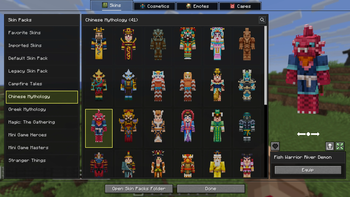
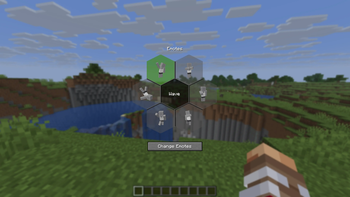
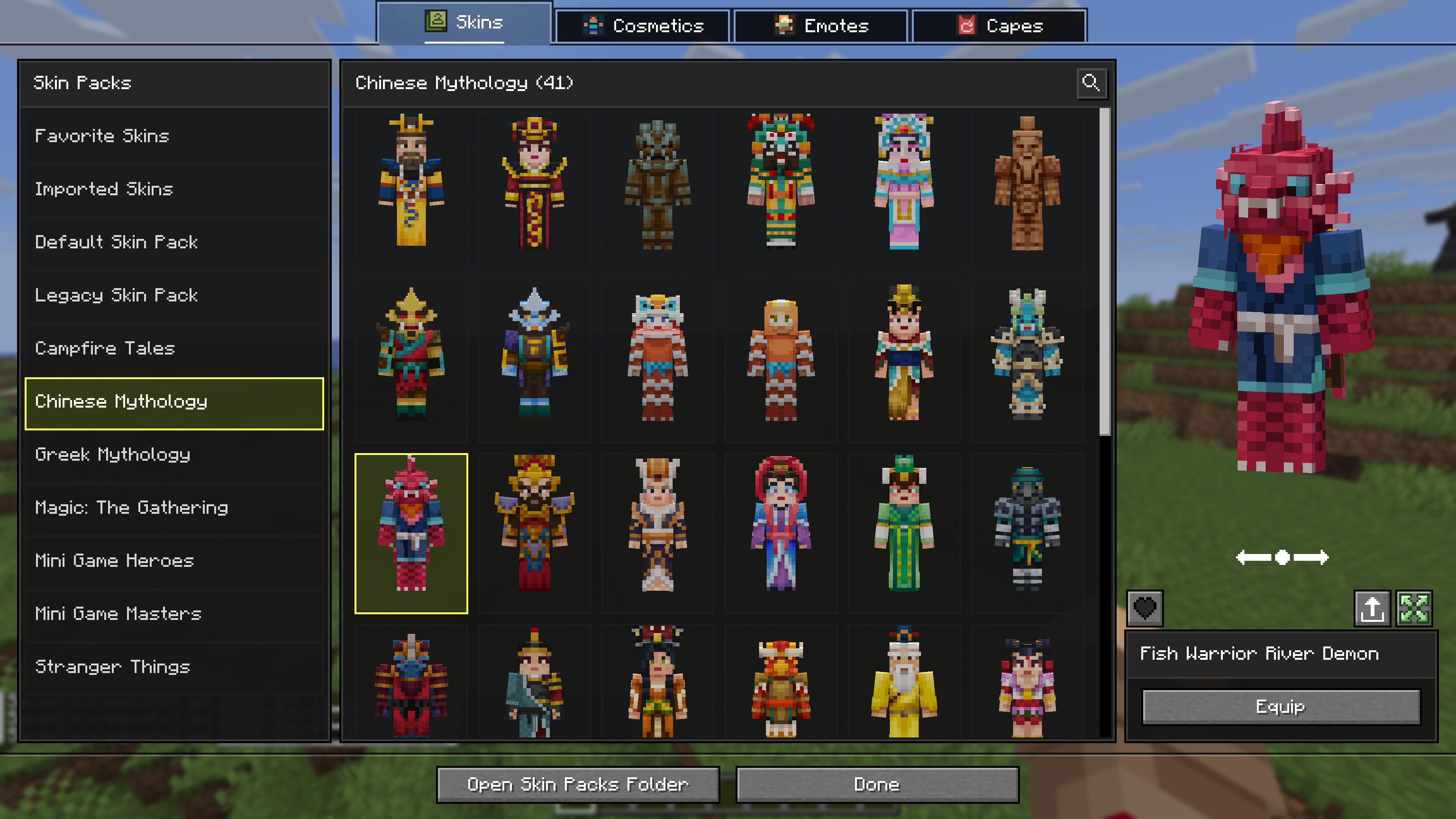
This mod allows you to load and render skins from Bedrock Edition and Legacy Console Edition Skin Packs natively. It enables fully custom 3D geometry, unique skin animations, as well as high-resolution textures.
Features
- Native Bedrock Geometry: Natively supports standard Bedrock JSON geometry files, allowing for complex, custom 3D models.
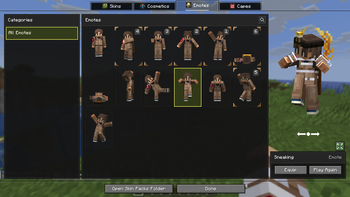
- Custom Animations & HD Textures: Fully supports unique skin animations and high-resolution textures included in skin packs.
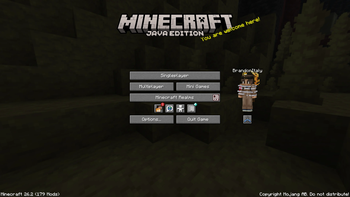
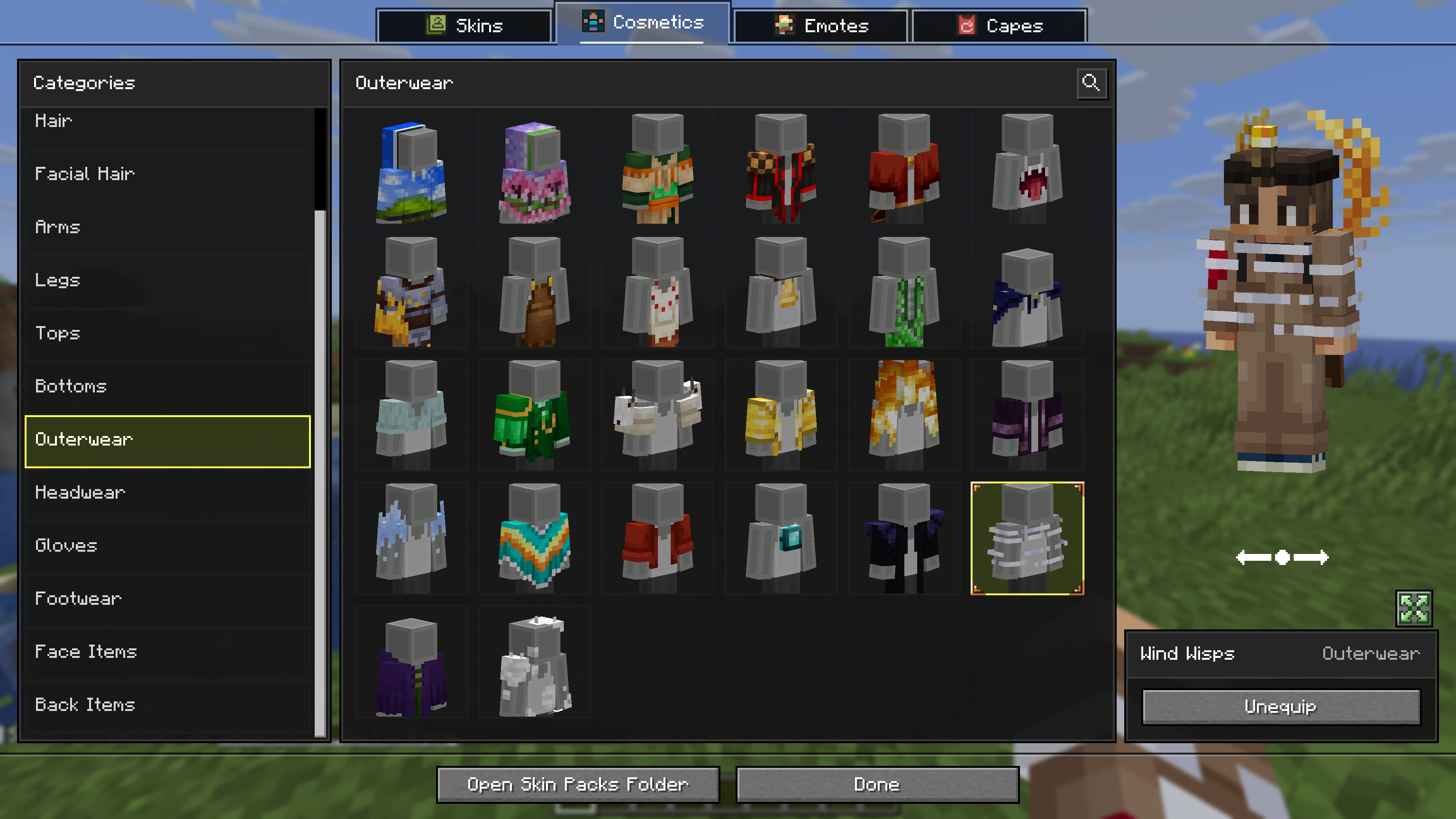
- Wardrobe Screen: Access the wardrobe screen by pressing
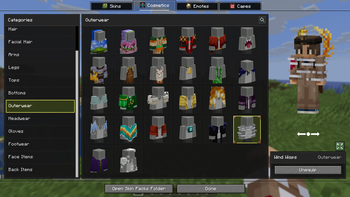
K, or via the buttons added directly to both the Main Menu and the Pause Screen. Browse your installed packs and cosmetics, preview skins, and manage your favorites. - Paper Doll Render: Features a paper doll render of your currently selected skin in the Main Menu and the Pause Screen, right above the change skin button.
- Legacy4J Compatibility: Enjoy native support for the Legacy4J mod.
Downloading Skin Packs
Additional skin packs can be downloaded with the following resource pack.
Adding Skin Packs
- Run the game once to generate the
skin_packsfolder in your main game directory (e.g.,.minecraft/skin_packs). - Place your Bedrock Edition skin pack folders directly into this directory.
- Ensure your pack folder contains a
skins.jsonfile. If your skins utilize custom models, ageometry.jsonfile is also required.Example:
.minecraft/skin_packs/MyCustomPack/skins.json
Adding Cosmetics
- Run the game once to generate the
personafolder in your main game directory (e.g.,.minecraft/persona). - Ensure your cosmetic folder contains a
.meta.jsonfile. - Place your Bedrock Edition cosmetic folders directly into this directory.
Example:
.minecraft/persona/steve_shirt/steve_shirt.meta.json

Available Versions
How to Install Bedrock Skins on Your Server
Order Server
Order a Minecraft Java server with at least 3 GB RAM (4 GB recommended).
Set fabric Loader
In the panel under "Egg", select the fabric loader and matching Minecraft version (26.3).
Install Mod
Open the mod browser in the dashboard and search for "Bedrock Skins". Click "Install" – done! Alternatively, upload the .jar via SFTP to the /mods folder.
Compatibility
Mod Loaders
Minecraft Versions
26.3, 26.2, 26.1.2 (+5 more)
Server-side
~ OptionalRecommended RAM
4 GB(min. 3 GB)Frequently Asked Questions
Bedrock Skins server crashes on startup – what to do?
Most common cause: wrong fabric version or insufficient RAM. Check the server log (latest.log) for "OutOfMemoryError" or "Mixin" errors. With Mado Hosting: ensure at least 3 GB RAM is allocated and the loader matches the mod version (26.3). You can switch loaders with one click in the panel.
Is Bedrock Skins compatible with fabric and neoforge and quilt?
Bedrock Skins officially supports fabric, neoforge, quilt for Minecraft 26.3, 26.2, 26.1.2. The Mado dashboard automatically detects incompatible loader combinations.
Server lagging with Bedrock Skins – how to optimize performance?
Recommended RAM: 4 GB (per 8 players). Use /spark profiler to check if Bedrock Skins consumes the most tick time. Common fixes: reduce server view-distance to 8-10, install "performant" or "starlight" as supplementary mods on Forge. With Mado Hosting, your server runs on NVMe SSDs with dedicated CPU cores for minimal latency.
Similar Mods






Rent Modded Server
Install Bedrock Skins with just one click on your server.