
Crafting Tweaks
Allows you to rotate, balance or clear crafting grids by the press of a button.
Screenshots
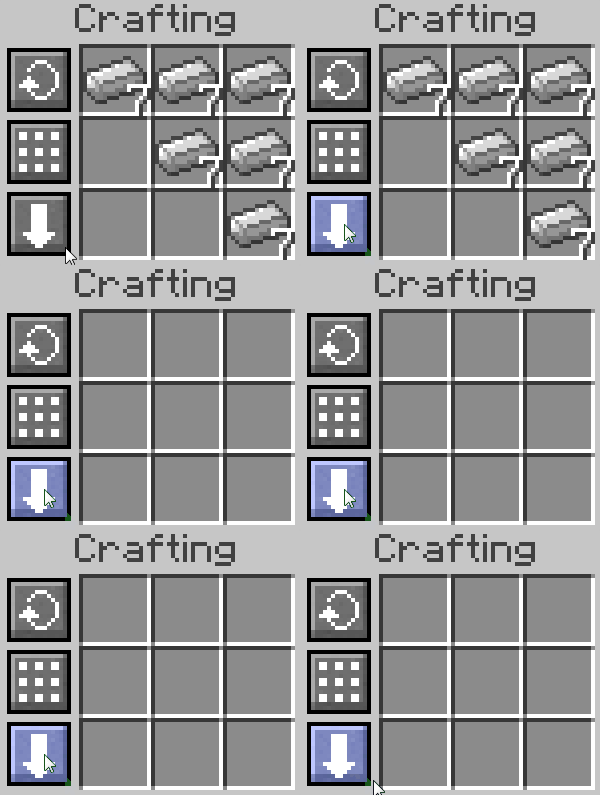
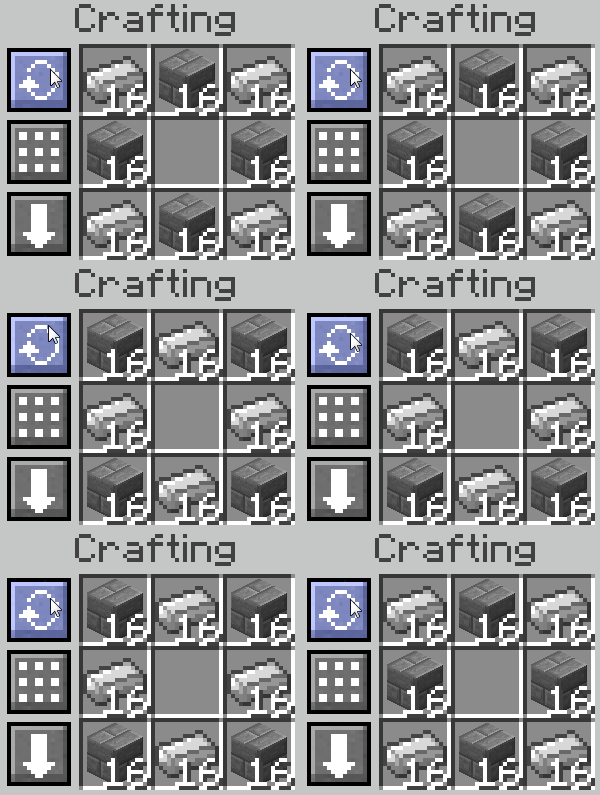
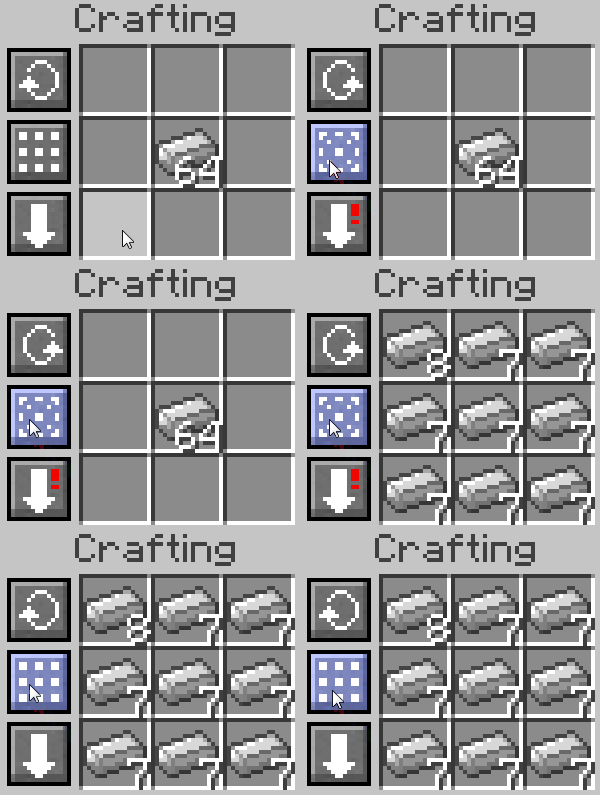
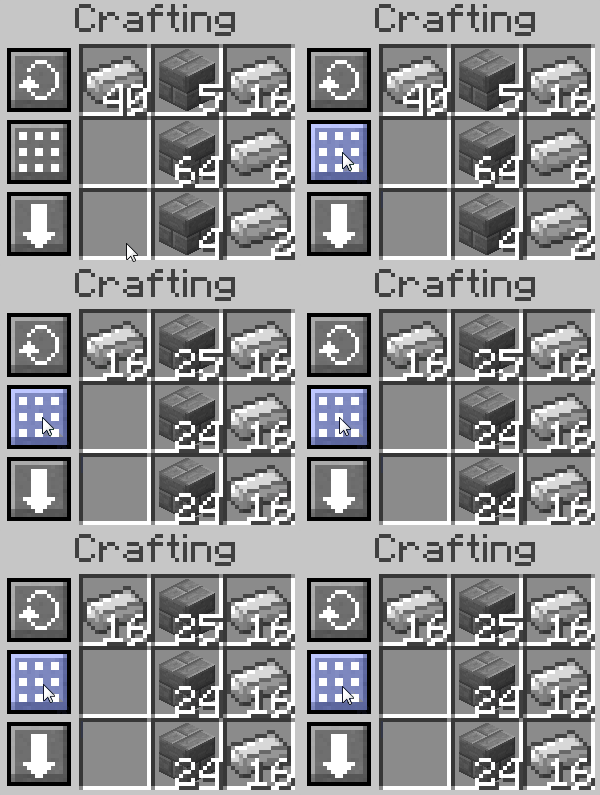
About this Mod
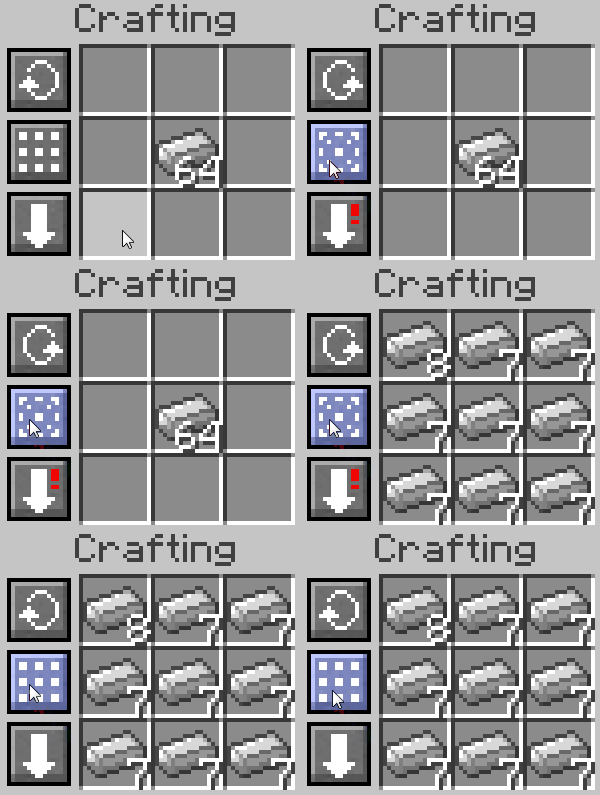
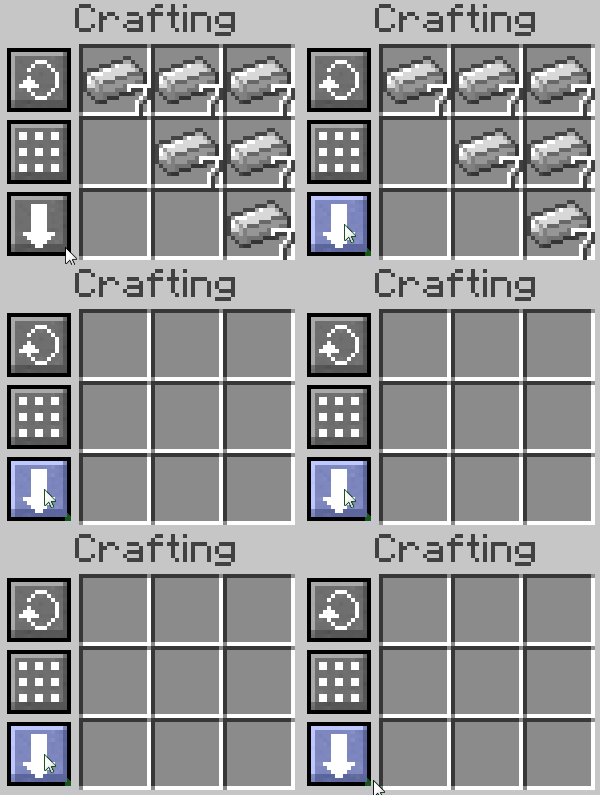
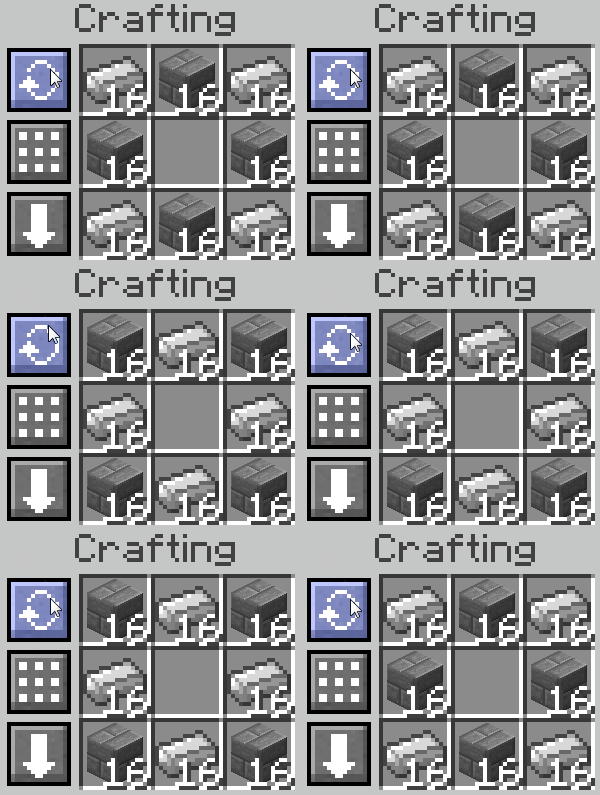
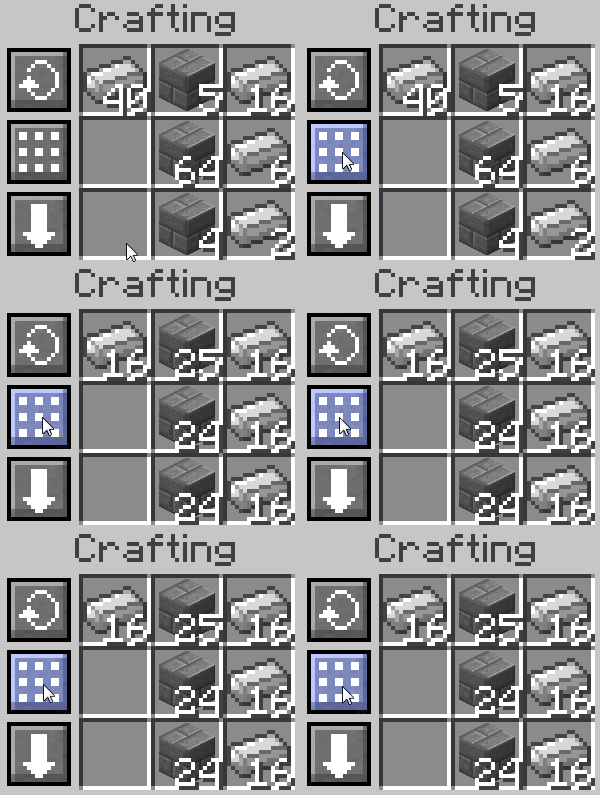
This mod adds buttons to many supported Crafting Tables allowing you to quickly rotate, balance or clear the crafting grid.
Additionally, holding shift on the balance button you can also quickly spread a single stack over the entire grid, right-clicking the result slot will craft an entire stack, and there's a keybind for compressing stacks of items to its 3x3 or 2x2 recipe through a key press.
This mod requires Balm, which must be installed alongside the mod.

- Rotate the outer circle of the crafting grid
- Balance the materials in the crafting grid to even stack sizes
- Clear the crafting grid into your inventory
- Transfer items into the grid by holding the W key while clicking them (Shift+W transfers all of type)
- Instantly compress or decompress blocks into their block/ingot forms through a keybind
- Right-click the result slot to craft a full stack
- Supports many modded Crafting Tables
- Bi-optional. Only those who want to use it need to install it, and if the server doesn't have it installed, it will still work for people who do have it installed.
Available Versions
How to Install Crafting Tweaks on Your Server
Order Server
Order a Minecraft Java server with at least 3 GB RAM (4 GB recommended).
Set fabric Loader
In the panel under "Egg", select the fabric loader and matching Minecraft version (26.3).
Install Mod
Open the mod browser in the dashboard and search for "Crafting Tweaks". Click "Install" – done! Alternatively, upload the .jar via SFTP to the /mods folder.
Compatibility
Mod Loaders
Minecraft Versions
26.3, 26.2, 26.1.2 (+28 more)
Server-side
~ OptionalRecommended RAM
4 GB(min. 3 GB)Frequently Asked Questions
Crafting Tweaks server crashes on startup – what to do?
Most common cause: wrong fabric version or insufficient RAM. Check the server log (latest.log) for "OutOfMemoryError" or "Mixin" errors. With Mado Hosting: ensure at least 3 GB RAM is allocated and the loader matches the mod version (26.3). You can switch loaders with one click in the panel.
Is Crafting Tweaks compatible with fabric and forge and neoforge?
Crafting Tweaks officially supports fabric, forge, neoforge for Minecraft 26.3, 26.2, 26.1.2. Note: Forge and Fabric mods are NOT cross-compatible – pick one loader and stick with it. The Mado dashboard automatically detects incompatible loader combinations.
Server lagging with Crafting Tweaks – how to optimize performance?
Recommended RAM: 4 GB (per 8 players). Use /spark profiler to check if Crafting Tweaks consumes the most tick time. Common fixes: reduce server view-distance to 8-10, install "performant" or "starlight" as supplementary mods on Forge. With Mado Hosting, your server runs on NVMe SSDs with dedicated CPU cores for minimal latency.
Similar Mods






Rent Modded Server
Install Crafting Tweaks with just one click on your server.