
ContainerSearcher
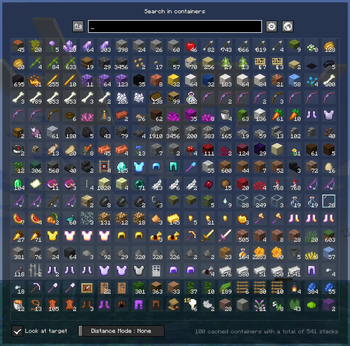
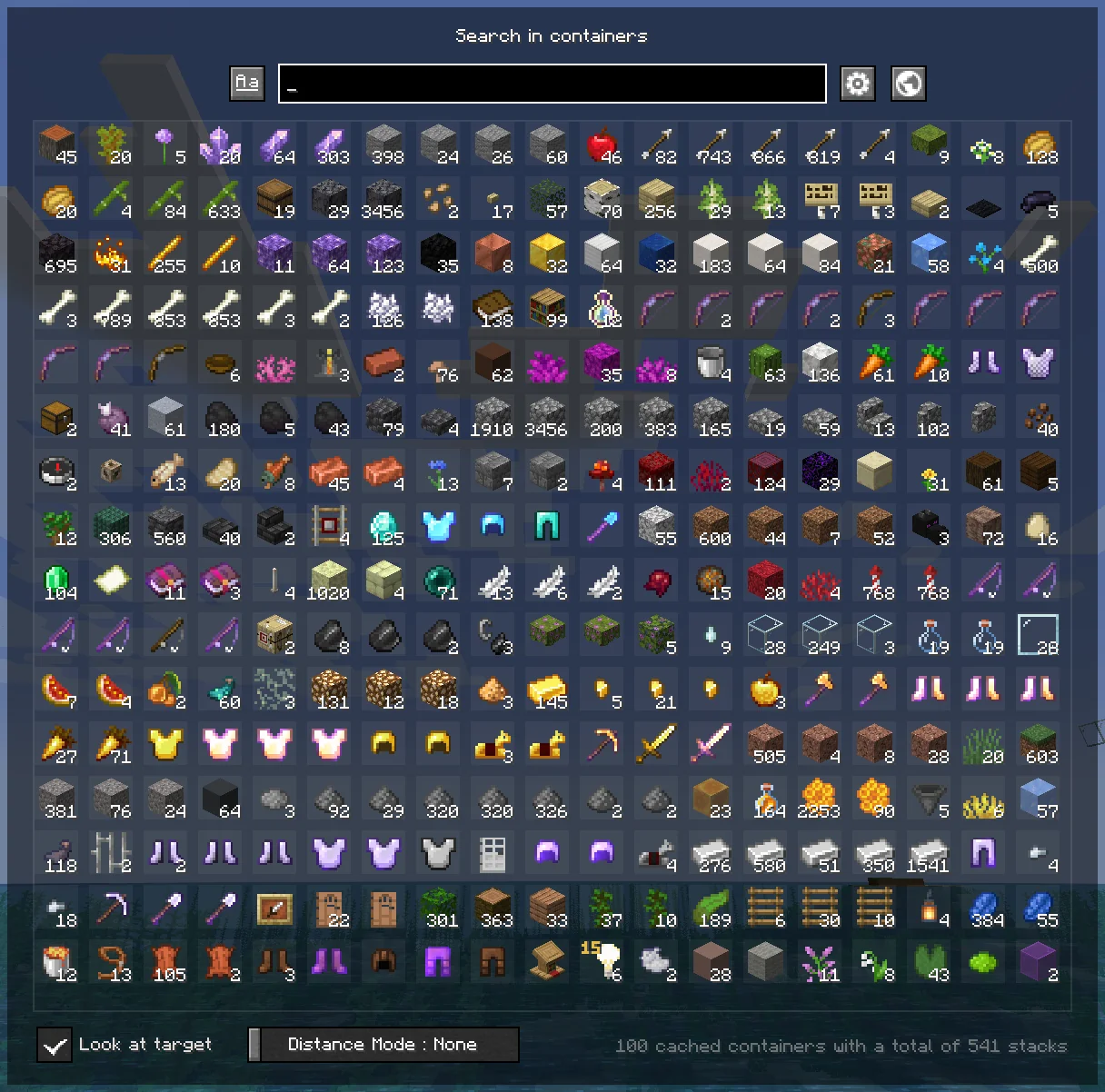
Caches opened containers and allows you to search through them via an in-game menu.
Screenshots
About this Mod
ContainerSearcher
Caches opened containers and allows you to search through them via an in-game menu.
When you open a chest, its contents are saved to a file.
Using a keybind (NUMPAD 5 by default, can be changed in your keybindings) you can open a menu that shows the contents of all chests opened while you had this mod, allowing you to search for items with different sorting modes.
Clicking on an item will highlight the container it's in, draw a particle trail, and make you look in the direction of that container; if you're close enough, the container will open directly.
Once inside the container, the items you clicked on will be highlighted.
You can also configure a keybind to search for a hovered item in your inventory in nearby containers, as the Extra Utilities mod does.
👉🏻 Requires Fabric API and Cloth Config.
Mod menu is recommended to configure the mod.
FREQUENTLY ASKED QUESTIONS
How do I change the mod's keybindings?
You can find them in your normal Minecraft keybindings, look for the Container Searcher section, usually under the Miscellaneous section.
You will find two configurable keybindings, one to open the search menu as mentioned above, and another to search for the hovered stack in nearby containers.
ISSUES
⚠ DO NOT ASK (OR CREATE ISSUES) FOR UPDATES, UPDATES WILL COME WHENEVER I HAVE TIME ⚠
You would like to report an issue about this mod? refer to the Issue Tracker and please be concise, unique, and constructive.
You like what I do? Consider supporting me on my Patreon so I can continue to make and update Minecraft mods like this!
Available Versions
How to Install ContainerSearcher on Your Client
Install the Mod Loader Locally
Install fabric for your local Minecraft version.
Download the Matching File
Choose the ContainerSearcher file for fabric and Minecraft 1.21.11.
Install Mod
Place the .jar file in your local .minecraft/mods folder and restart Minecraft. No server-side installation is required.
Compatibility
Mod Loaders
Minecraft Versions
1.21.11, 1.21.10, 1.21.8 (+15 more)
Server-side
✗ UnsupportedRecommended RAM
4 GB(min. 3 GB)Frequently Asked Questions
Does ContainerSearcher need to be installed on the Minecraft server?
No. Modrinth marks ContainerSearcher as unsupported on the server side. Install it only in your local Minecraft mods folder. Your server can remain unchanged unless the mod page lists an additional dependency.
Which version and loader does ContainerSearcher require?
Use a file for fabric and your exact Minecraft version. Supported versions include 1.21.11, 1.21.10, 1.21.8. Files for different loaders are not interchangeable.
ContainerSearcher is not working – what should I check?
First check the Minecraft version, loader version and required dependencies. Put the .jar file in your local .minecraft/mods folder and remove older duplicates. Because this mod is client-side, adding server RAM will not fix it.
Similar Mods






Minecraft Server for Your Group
ContainerSearcher stays on your client. Host a compatible world for your group.