
Iron Barrels
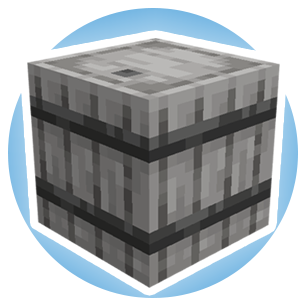
A mod that adds different tiers of barrels. (Ex:- Iron Barrel, Gold Barrel).
Screenshots
About this Mod
-Supports Forge, NeoForge, and Fabric.
-1.12.2, 1.16.5, 1.20.1, and 1.21.1 versions of the mod require the dependency: Iron Core
-Fabric versions of the mod require the dependency: Fabric API
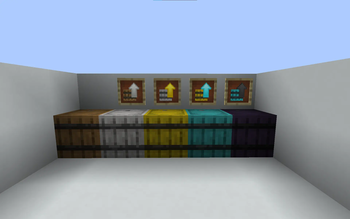
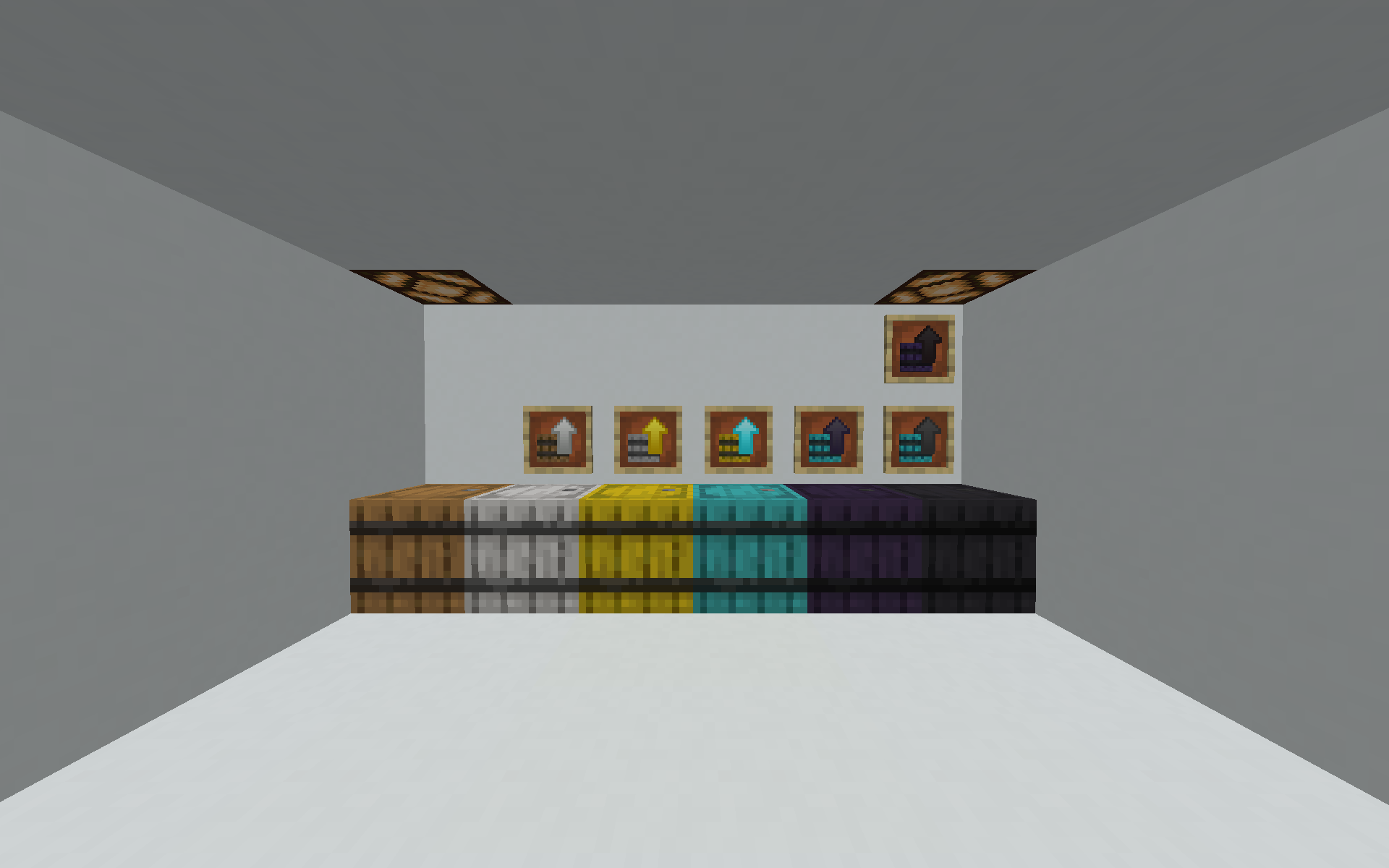
-Iron Barrels mod adds different tiers of barrels that increase in storage as the tiers go up.
-You can either upgrade the barrels by crafting the specific tier you need or using a barrel upgrade.
-How upgrades work is that for example if you have an iron to gold barrel upgrade, you can right click on your iron barrel to turn it into a gold barrel with all of the items inside
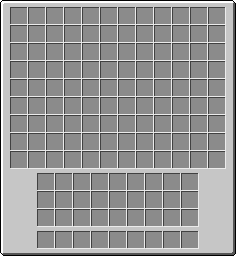
-The higher the tier the more space the barrel has to store your items inside of, diamond barrel is the max amount of slots for 1.15 and has a bit under 110 slots of storage! However in 1.16.5+ there is a Netherite Barrel with nearly 140 slots of storage! You can use this mod in 1.12.2 with FutureMC or Unseen's Nether Backport installed and it will add the Netherite Barrel.
-There is an obsidian barrel which stores the same amount as diamond barrel just harder and has the properties of an obsidian block (High blast resistance and hard to break).
-Report any bugs in the Curseforge comment section.
-Customizable recipe config file to disable/enable recipes easily added via Iron Core!
Note: Use Polymorph or YARCF if using Iron Chests mod, or recipes may interfere.
Inspired by Iron Chests
Feel free to use in any modpack!
Available Versions
How to Install Iron Barrels on Your Server
Order Server
Order a Minecraft Java server with at least 3 GB RAM (4 GB recommended).
Set fabric Loader
In the panel under "Egg", select the fabric loader and matching Minecraft version (1.21.8).
Install Mod
Open the mod browser in the dashboard and search for "Iron Barrels". Click "Install" – done! Alternatively, upload the .jar via SFTP to the /mods folder.
Compatibility
Mod Loaders
Minecraft Versions
1.21.8, 1.21.7, 1.21.6 (+14 more)
Server-side
✓ RequiredRecommended RAM
4 GB(min. 3 GB)Frequently Asked Questions
Iron Barrels server crashes on startup – what to do?
Most common cause: wrong fabric version or insufficient RAM. Check the server log (latest.log) for "OutOfMemoryError" or "Mixin" errors. With Mado Hosting: ensure at least 3 GB RAM is allocated and the loader matches the mod version (1.21.8). You can switch loaders with one click in the panel.
Is Iron Barrels compatible with fabric and forge and neoforge?
Iron Barrels officially supports fabric, forge, neoforge for Minecraft 1.21.8, 1.21.7, 1.21.6. Note: Forge and Fabric mods are NOT cross-compatible – pick one loader and stick with it. The Mado dashboard automatically detects incompatible loader combinations.
Server lagging with Iron Barrels – how to optimize performance?
Recommended RAM: 4 GB (per 8 players). Use /spark profiler to check if Iron Barrels consumes the most tick time. Common fixes: reduce server view-distance to 8-10, install "performant" or "starlight" as supplementary mods on Forge. With Mado Hosting, your server runs on NVMe SSDs with dedicated CPU cores for minimal latency.
Similar Mods






Rent Modded Server
Install Iron Barrels with just one click on your server.