
Tier Tagger
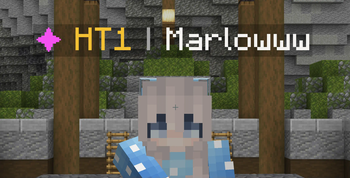
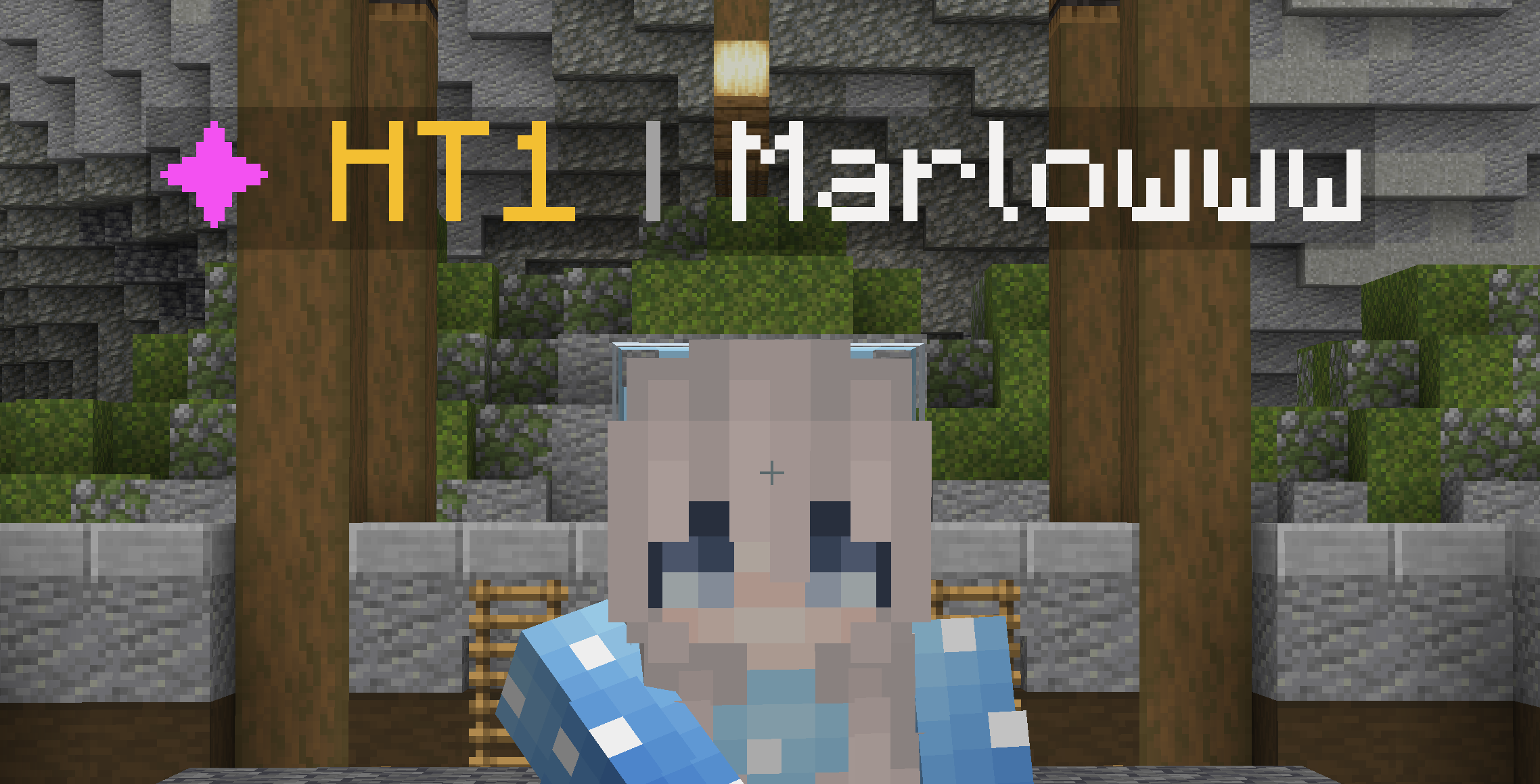
Display player's PvP Tiers in their nametag! (MCTiers and SubTiers)
Screenshots
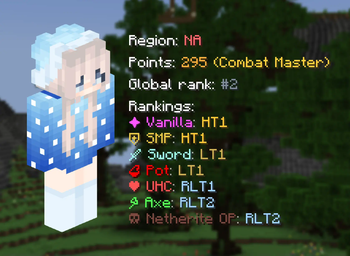
About this Mod
TierTagger
The official nametag-tiering mod!

This mod is officially supported by mctiers.com
Icon by SakuraFX
NOTE: This mod depends on ukulib to work!
TierTagger is a mod that displays a player's PvP Tier in their nametag.
TierTagger supports all 8 MCTIERS game modes. Other tierlists (such as SubTiers) are also supported since version 2.0! The default gamemode to display is configurable.
If a player is unranked in a specified game mode, TierTagger will display their highest Tier overall.
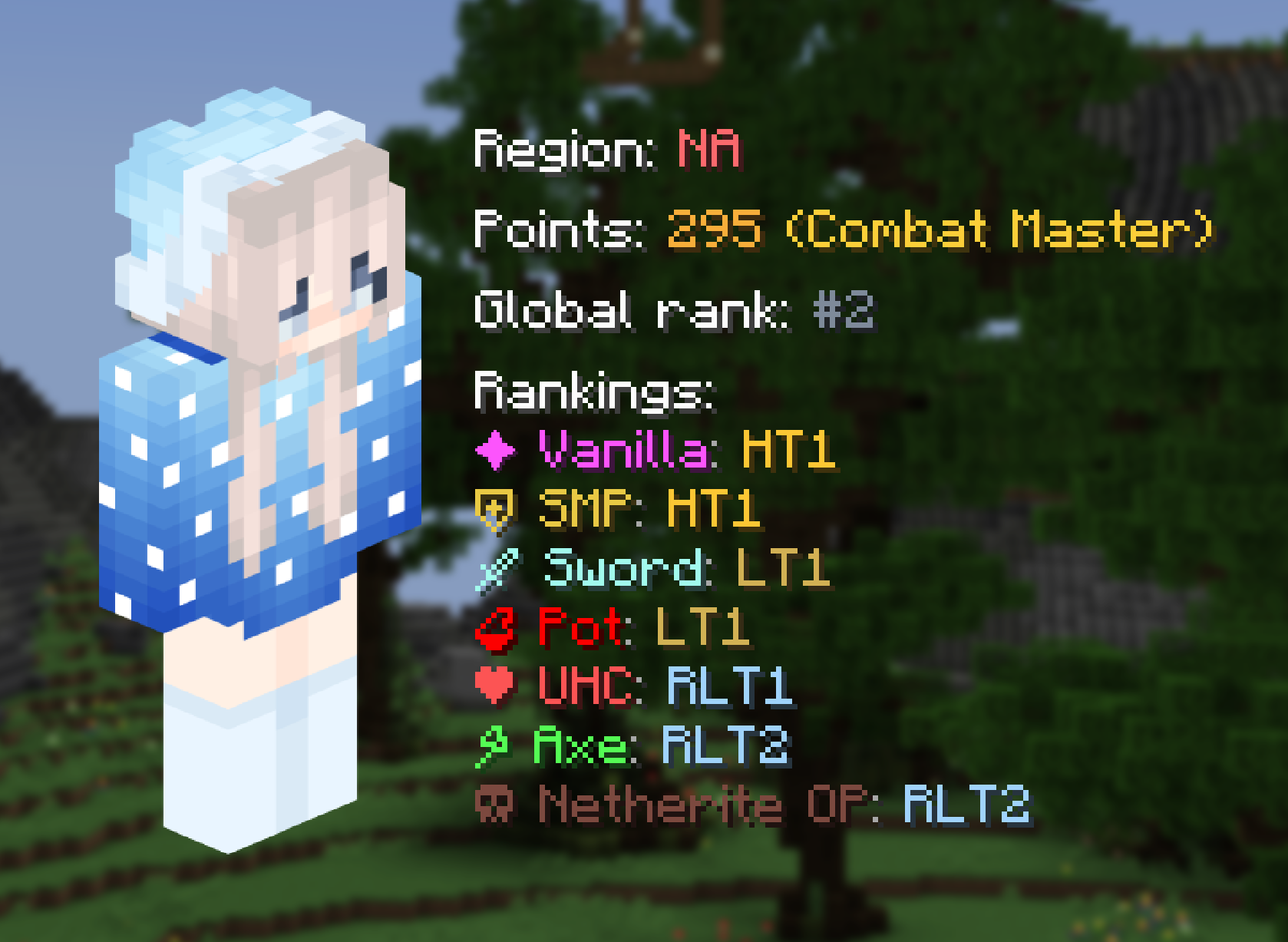
TierTagger also has a built-in system to view a player's profile!
Minecraft version support
Currently supported versions: 1.21 through 1.21.11
Future version support: once Mojang switches to the new versioning system next year, the last 4 minor releases will be supported. During the transition phase (until 26.4), 1.21.1 and 1.21.11 will remain supported.
Forking
You are allowed to fork this mod and repurpose it for your own tierlists, under a few conditions:
- The mod is licensed under the MPL-2.0, which means you need to keep your fork open source with the same license and give proper credit to the original work
- The icons currently bundled with the mod (gamemode and website icons) come from MCTiers and SubTiers and permission was explicitly granted for usage in this mod only, you cannot use them in your fork.
How to Install Tier Tagger on Your Client
Install the Mod Loader Locally
Install fabric for your local Minecraft version.
Download the Matching File
Choose the Tier Tagger file for fabric and Minecraft 26.3.
Install Mod
Place the .jar file in your local .minecraft/mods folder and restart Minecraft. No server-side installation is required.
Compatibility
Mod Loaders
Minecraft Versions
26.3, 26.2, 26.1.2 (+27 more)
Server-side
✗ UnsupportedRecommended RAM
4 GB(min. 3 GB)Frequently Asked Questions
Does Tier Tagger need to be installed on the Minecraft server?
No. Modrinth marks Tier Tagger as unsupported on the server side. Install it only in your local Minecraft mods folder. Your server can remain unchanged unless the mod page lists an additional dependency.
Which version and loader does Tier Tagger require?
Use a file for fabric, neoforge, quilt and your exact Minecraft version. Supported versions include 26.3, 26.2, 26.1.2. Files for different loaders are not interchangeable.
Tier Tagger is not working – what should I check?
First check the Minecraft version, loader version and required dependencies. Put the .jar file in your local .minecraft/mods folder and remove older duplicates. Because this mod is client-side, adding server RAM will not fix it.
Similar Mods






Minecraft Server for Your Group
Tier Tagger stays on your client. Host a compatible world for your group.