Throughput Counter and Limiter
Before installing, check that this mod release supports your dedicated server and game version. A ficsit.app listing alone does not establish compatibility.
Installation and verification
- Read the original description, check SML version and dependencies and back up your save.
- Stop the server and choose the mod in your dashboard’s Satisfactory mods section. Verify source and version.
- Install required client mods in compatible versions. Start the server and inspect logs, connection and mod-dependent content.
Removal and updates may affect saves. Keep a backup of the working combination. Memory needs cannot reliably be inferred from one mod’s name.
Published releases
- 1.8.0 · Game version >=520140 · SML check project
Published targets: LinuxServer, Windows, WindowsServer
- 1.7.1 · Game version >=502094 · SML check project
Published targets: LinuxServer, Windows, WindowsServer
- 1.7.0 · Game version >=502094 · SML check project
Published targets: LinuxServer, Windows, WindowsServer
- 1.6.0 · Game version >=491125 · SML check project
Published targets: LinuxServer, Windows, WindowsServer
- 1.5.0 · Game version >=416835 · SML check project
Published targets: LinuxServer, Windows, WindowsServer
Original mod author description
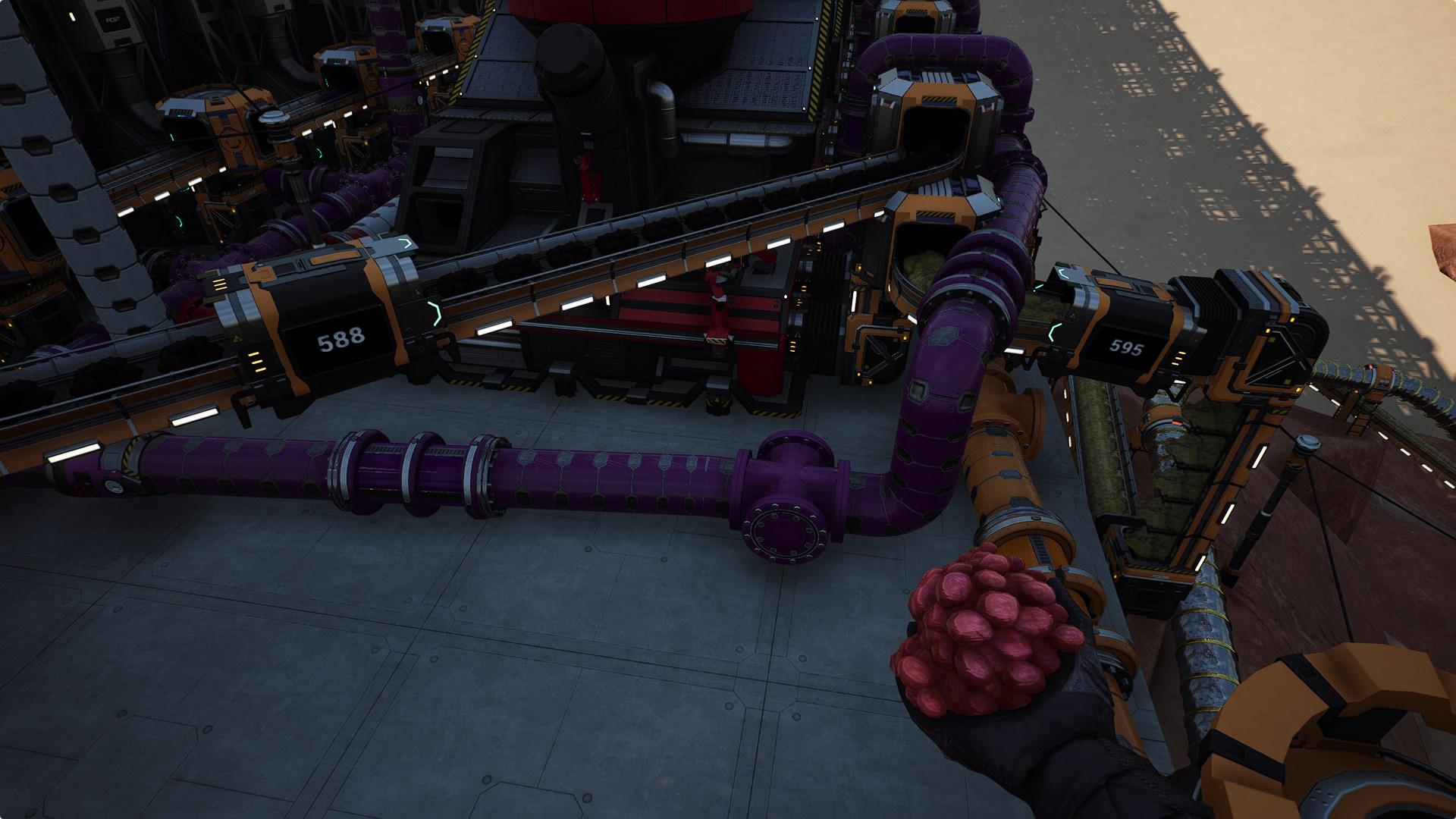
Adds a conveyor belt attachment that counts and displays the actual item throughput per minute and can optionally limit the number of items allowed per minute. Unlocked via a Tier 2 Milestone in the HUB.
Also adds a version of the pipe valve which displays the average per-minute throughput of fluids going through the valve.
NOTE
Because this calculates the actual "Items Per Minute", it takes up to twice as long as you have the Sample Rate set to see an accurate readout. If the number doesn't appear correct at first, wait a few minutes and check again.
Works with all vanilla belt speeds, but not guaranteed to work with faster belts.
When first placing the Counter Limiter, there will be no limit set (shown as -1) and the Sample Rate will be 60 seconds. If you want to set a limit or change the Sample Rate, simply interact with it and adjust the Throughput Limit and/or Sample Rate.




Please report any issues on my Discord server
SirDigby's completely optional tip jar
Mod Logo by Deantendo#4265

Indifferent Broccoli provides the server I use to test Dedicated Server mod support, and I highly recommend them. If you're looking to host your own Satisfactory server , try indifferent broccoli's 2-day free trial.