Utility Signs
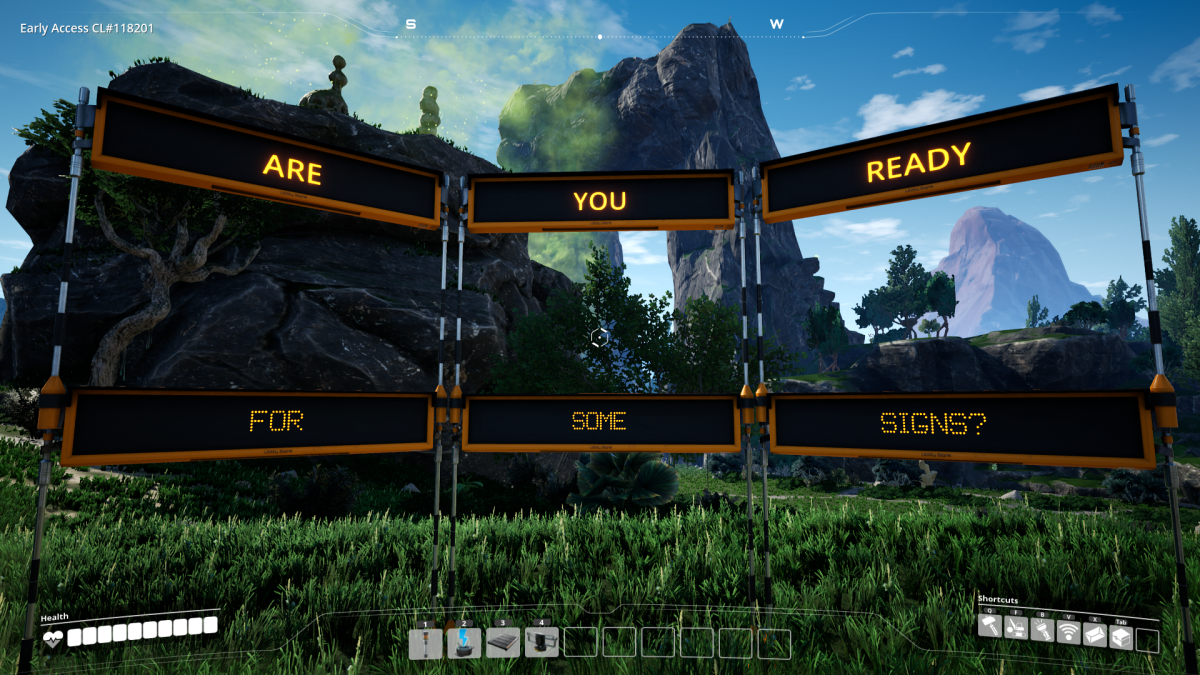
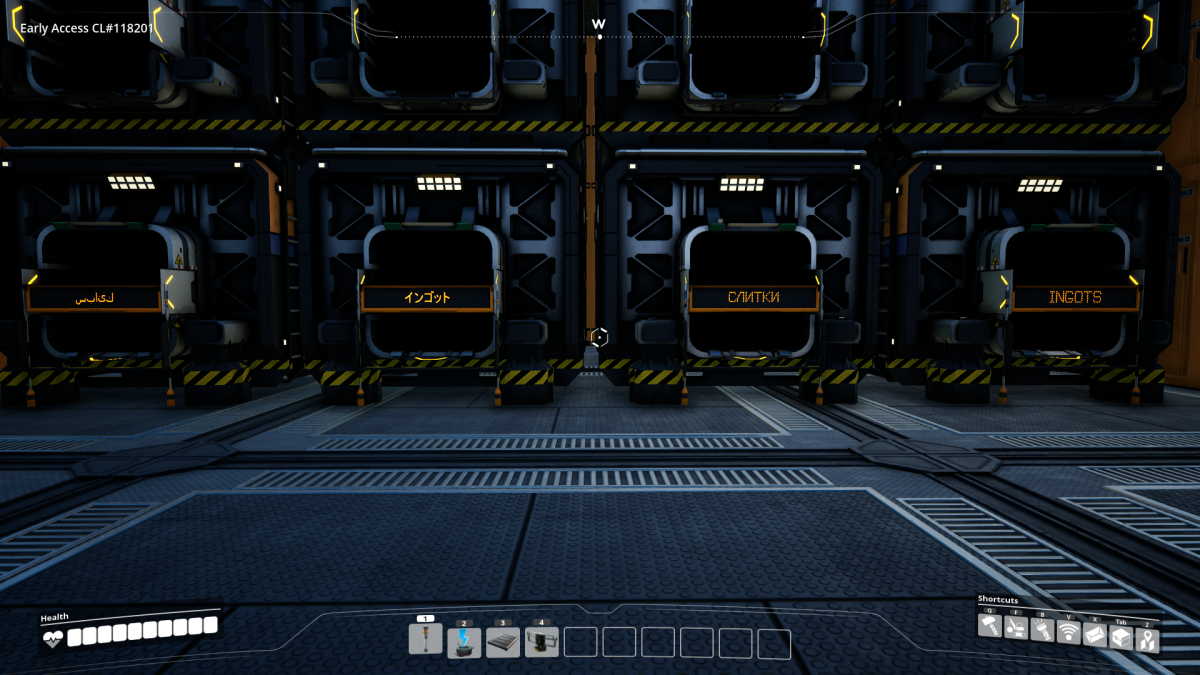
Utility Signs offers you two signs variations that you can place and edit text on them. Keep all those boxes organized!
Description
Utility Signs is a mod that will allow you to keep your factory organized.
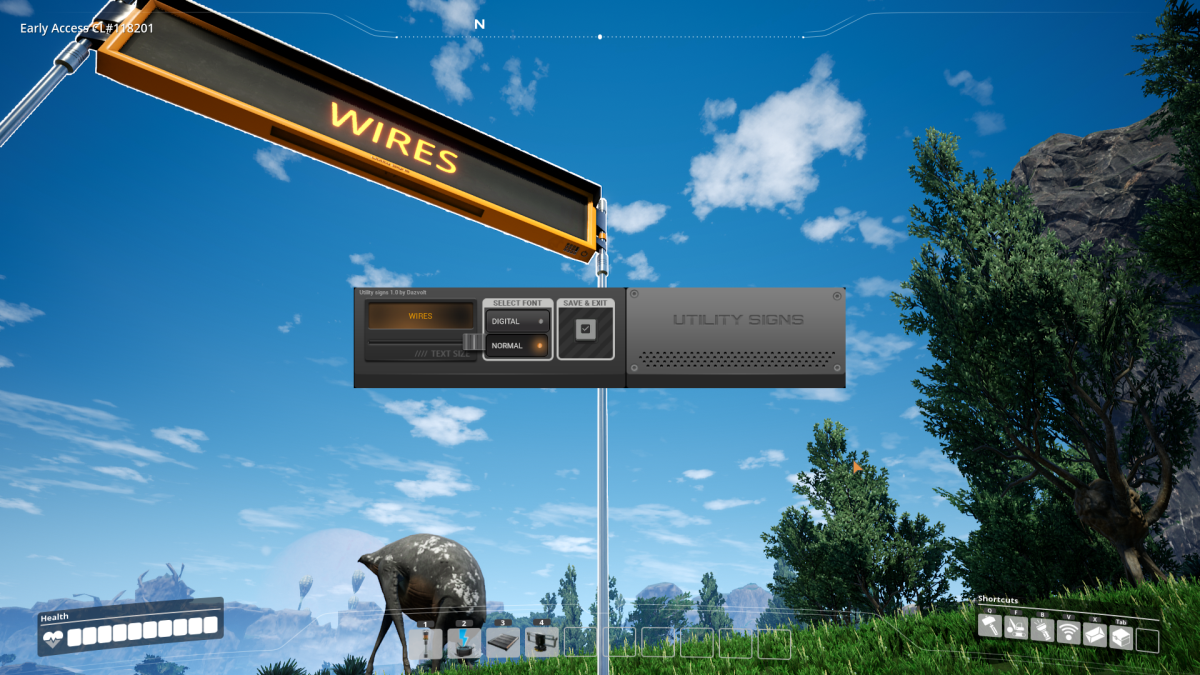
It adds two signs varitions, shorter and taller version.
You can directly edit text on the signs, which allows you to keep everything compact and informative.
Signs text glow in the dark.
Currently mod supports multiplayer partially, allowing only host to edit signs, but not the clients (though clients can clearly see changes done by host).
Why this mod? Eventually you can find yourself uncomfortable between hoards of boxes you have for storing things, or in your warehouse. I wasn't happy that there was no functionality in vanilla game to keep all of this categorized, and so I decided to create this mod. Maybe you will find more useful and interesting way to use it? Anyway, enjoy!
Also check out mod great spotlight by Random Gamer here https://www.youtube.com/watch?v=VesJJYMrr1E
You can always find me and ask questions on the Satisfactory Modding Discord under the name "Dazvolt (Dazvolt#9179)"
Logo & UI by Deantendo#4265
Font select buttons by nini#0100
How to Install Utility Signs on Your Server
Order Satisfactory Server
Order a Satisfactory server with at least 4 GB RAM (6 GB recommended). For multiplayer: per 4 players.
Install Mod
Open the mod manager in the dashboard and search for "Utility Signs". Installation dependencies are installed automatically.
Restart Server
Restart the server so the mod is loaded. Players need to have the mod installed locally as well.
Frequently Asked Questions
Utility Signs not working after update – what to do?
After a Satisfactory update, mods need to be updated. Check ficsit.app whether Utility Signs has been updated for the new game version. With Mado Hosting: open the mod manager and click "Update All". If the mod hasn't been updated yet, temporarily remove it so the server starts.
Utility Signs causing crashes in multiplayer – solution
Most common cause: all players must have exactly the same mod version installed. Check server logs for "ModMismatch" or "Version Conflict". Ensure all players use Utility Signs v1.0.0 and the same SML. With Mado Hosting, Satisfactory servers run with 6 GB RAM for stable multiplayer performance.
Is Utility Signs compatible with other Satisfactory mods?
Utility Signs uses the Satisfactory Mod Loader (SML). Generally, SML-based mods are cross-compatible, but mods modifying the same game systems can cause conflicts. Test new mod combinations on a backup save. The Mado dashboard automatically detects known conflicts and warns you.
Rent Utility Signs Server
Play Utility Signs on your own Satisfactory server with mod support.
Mod Information
- Author
- Dazvolt Lin
- Latest Version
- v1.0.0
- Created
- April 9, 2020
- Last Updated
- October 7, 2026