FicsIt-Cam
Before installing, check that this mod release supports your dedicated server and game version. A ficsit.app listing alone does not establish compatibility.
Installation and verification
- Read the original description, check SML version and dependencies and back up your save.
- Stop the server and choose the mod in your dashboard’s Satisfactory mods section. Verify source and version.
- Install required client mods in compatible versions. Start the server and inspect logs, connection and mod-dependent content.
Removal and updates may affect saves. Keep a backup of the working combination. Memory needs cannot reliably be inferred from one mod’s name.
Published releases
- 1.4.0 · Game version >=491125 · SML check project
Published targets: Windows
- 1.2.0 · Game version >=416835 · SML check project
Published targets: Windows
- 1.1.2 · Game version >=416835 · SML check project
Published targets: Windows
- 1.1.1 · Game version >=415558 · SML check project
Published targets: Windows
- 1.1.0 · Game version >=415558 · SML check project
Published targets: Windows
Original mod author description
Need a tool to create in-game camera animations?
Want to create timelapse recordings of builds?
Looking to create live camera animations for streams?
Need multiple views on a scene at the same time?
FicsIt-Cam has you covered!
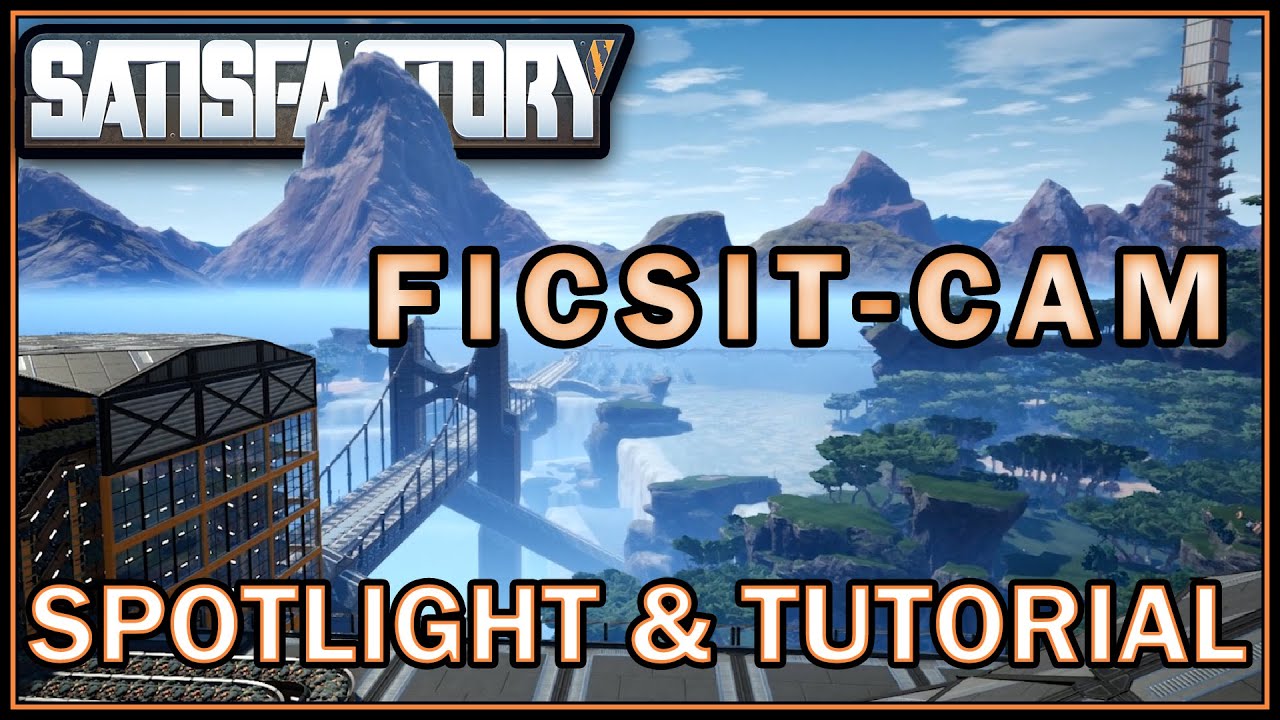
FicsIt-Cam is the all-round solution for everything regarding Satisfactory cinematography.


Guide/Tutorial
Currently the best way to get to know all the features of FicsIt-Cam is this in-depth Guide.
Or checkout the slightly outdated text-based documentation.
Features
Camera Animations!
With FicsIt-Cam you can create beautiful camera animations for videos & live-streams.Timelapse Cameras!
You can create stationary timelapse cameras that capture images on regular time intervals. Use external editing software to combine these into a video. FicsIt-Cam does not relocate the player to capture screenshots - your work remains uninterrupted!Depth-Of-Field!
All capture modes support multiple "cinematic camera" features. Consider Depth-Of-Field, which makes far/near objects appear blurry. You can even animate the strength of these effects!Bullet-Time!
Freeze Time with the Bullet-Time feature. With this feature you can freeze the game time when you start to edit or play a camera animation, allowing you to create beautiful Matrix-like shots!Rendering!
You can now use FicsIt-Cam to "render" your camera animations as an image sequence, removing any lag in the video! It will take full control and and sync up game time for you. This feature can't be used in multiplayer or for real-time captures, but the resulting animations will be even more astonishing!Additional Camera Feeds!
Open multiple windows that show different camera angles. You can even animate them!Advanced In-Game Editor!
With FicsIt-Cams's extensive animation editor you have full control and freedom of animation-relevant values by manipulating keyframes, timings and interpolation.Helpful Management UI!
Manage your scenes, timelapses, and feeds from one convenient UI featuring multi-select and preview images.Multiplayer!
FicsIt-Cam offers partial multiplayer support - the editor and/fic play command work as the host in a Multiplayer session. Very useful for fancy commentary of a Multiplayer Event Live-Stream!

It would be nice if you could give attribution to this mod!
Please credit the mod by mentioning that you used FicsIt-Cam in your video description and/or credits.

This mod uses a third party library called FFmpeg for converting images taken with FicsIt-Cam to MP4 files.
Quick Help
Animation Rendering:
Animations can be rendered into a mp4 (without audio).
These mp4 files are located at
%localappdata%\FactoryGame\.
The name of the file will include the video's resolution (as set in the scene) and the timestamp of the start of the recording.
Timelapse Cameras:
Timelapse cameras can be used to take images of you factory at periodic intervals and store these images in your filesystem.
Your gameplay won't be disrupted, though depending on your hardware you may experience some lag when the image is taken.
Image files are named with the timestamp of start of the timelapse (per game save session) and an incrementing number.
They can be found in
%localappdata%\FactoryGame\.
Most video editing software will automatically recognize image sequences on import.
You may wish to use additional tools like FFmpeg to convert them into a video with your preferred settings, such as framerate.
Gallery