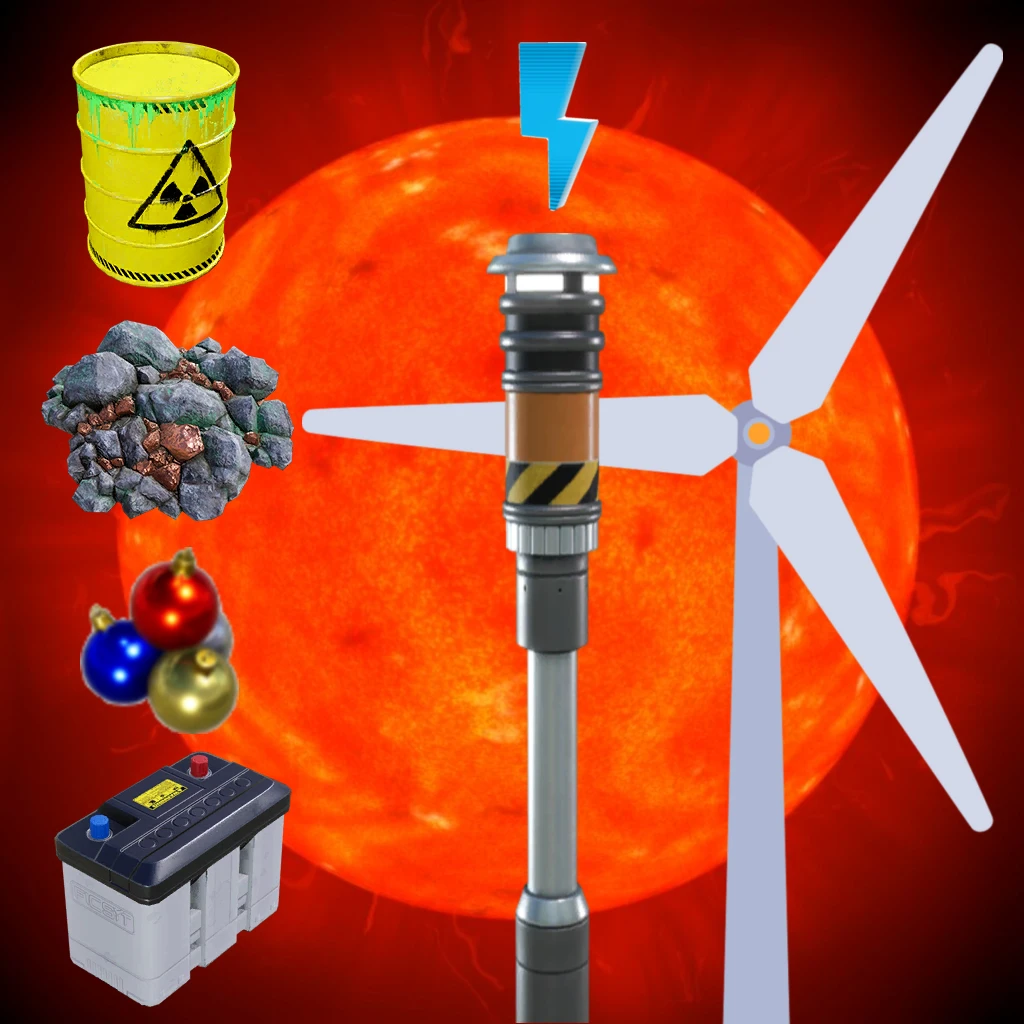
Multipurpose Generator
Generate Power from: All Resources + Sun + Wind
Description
<div style="background:#5682BBFF; padding:5px; margin-top:10px; border-radius:10px; box-shadow: 5px 5px 3px #37567DFF;" >
<h1 id="Title" align="center" style="text-shadow: black 5px 2px 10px;">Multipurpose Generator</h1>
</div>
Generate electricity from:
- all resources in the game and mods (30 - 2.500 MW)- the sun (0 - 250 MW)
- the wind (0 - 250 MW)
Features a conveyor belt input port that allows for automated item replenishment
How does it work?
1/ Feed items through the conveyor<br>
All resources, even radioactive waste, are accepted (30 MW - 2500 MW)<br>Mods resources are accepted (30 MW)<br>
2/ Use the slider to change the length of the planet's day/night cycle.<br>
(Common value for all multipurpose generators placed on the planet)<br>0 = Frozen - time does not pass<br>
1 = Normal speed (Default)<br>
2-600 = Increases the speed of the day/night cycle
Solar energy is provided by solar panels located on the generator

3/ Adjust the wind speed<br>
From 0 to 10 Beaufort, based on the displayed curveMin = Max -> Constant speed
Wind energy is provided by the wind turbine (deployed according to the power of the wind)<br>

4/ Main switch
-----------
The power delivered by the resources is determined according to the [Wiki AWESOME Sink](https://satisfactory.wiki.gg/wiki/AWESOME_Sink "Satisfactory Wiki AWESOME Sink") table, clampsed from 30 MW (=Biomass Burner) to 2.500 MW (=Nuclear Power Plant)<br>
<br>
Unlock at Tier 3
<br>Example of standalone use:
1 Miner + 1 Drone port + 1 Power Pole + 2 Power Storage

-----------
You can contact me on the 2 Satisfactory discords (Jean Michel (jeanmichel4d ))<br>
Thanks to Robb (Busy) for suggesting the name of this mod<br>
Some images to create the logo come from the [Wiki](https://satisfactory.wiki.gg/wiki/ "Satisfactory Wiki")
Translation:
FR (100%)ES (100%)
IT (100%)
-----------
Note: <br>
This mod may not be playable in MP on G-portal Server<br>
Versions
How to Install Multipurpose Generator on Your Server
Order Satisfactory Server
Order a Satisfactory server with at least 4 GB RAM (6 GB recommended). For multiplayer: per 4 players.
Install Mod
Open the mod manager in the dashboard and search for "Multipurpose Generator". Installation dependencies are installed automatically.
Restart Server
Restart the server so the mod is loaded. Players need to have the mod installed locally as well.
Frequently Asked Questions
Multipurpose Generator not working after update – what to do?
After a Satisfactory update, mods need to be updated. Check ficsit.app whether Multipurpose Generator has been updated for the new game version. With Mado Hosting: open the mod manager and click "Update All". If the mod hasn't been updated yet, temporarily remove it so the server starts.
Multipurpose Generator causing crashes in multiplayer – solution
Most common cause: all players must have exactly the same mod version installed. Check server logs for "ModMismatch" or "Version Conflict". Ensure all players use Multipurpose Generator v4.0.0 and the same SML. With Mado Hosting, Satisfactory servers run with 6 GB RAM for stable multiplayer performance.
Is Multipurpose Generator compatible with other Satisfactory mods?
Multipurpose Generator uses the Satisfactory Mod Loader (SML). Generally, SML-based mods are cross-compatible, but mods modifying the same game systems can cause conflicts. Test new mod combinations on a backup save. The Mado dashboard automatically detects known conflicts and warns you.
Rent Multipurpose Generator Server
Play Multipurpose Generator on your own Satisfactory server with mod support.
Mod Information
- Author
- Jean Michel
- Latest Version
- v4.0.0
- Created
- January 6, 2025
- Last Updated
- October 8, 2026
- Source Code
- GitHub →